the author has already posted a detailed enough guide…
@Java_Coder @DevilDuck @Diane_Mask @Hanna_P_B_Hayar @Amit_Kumar_Ghosh
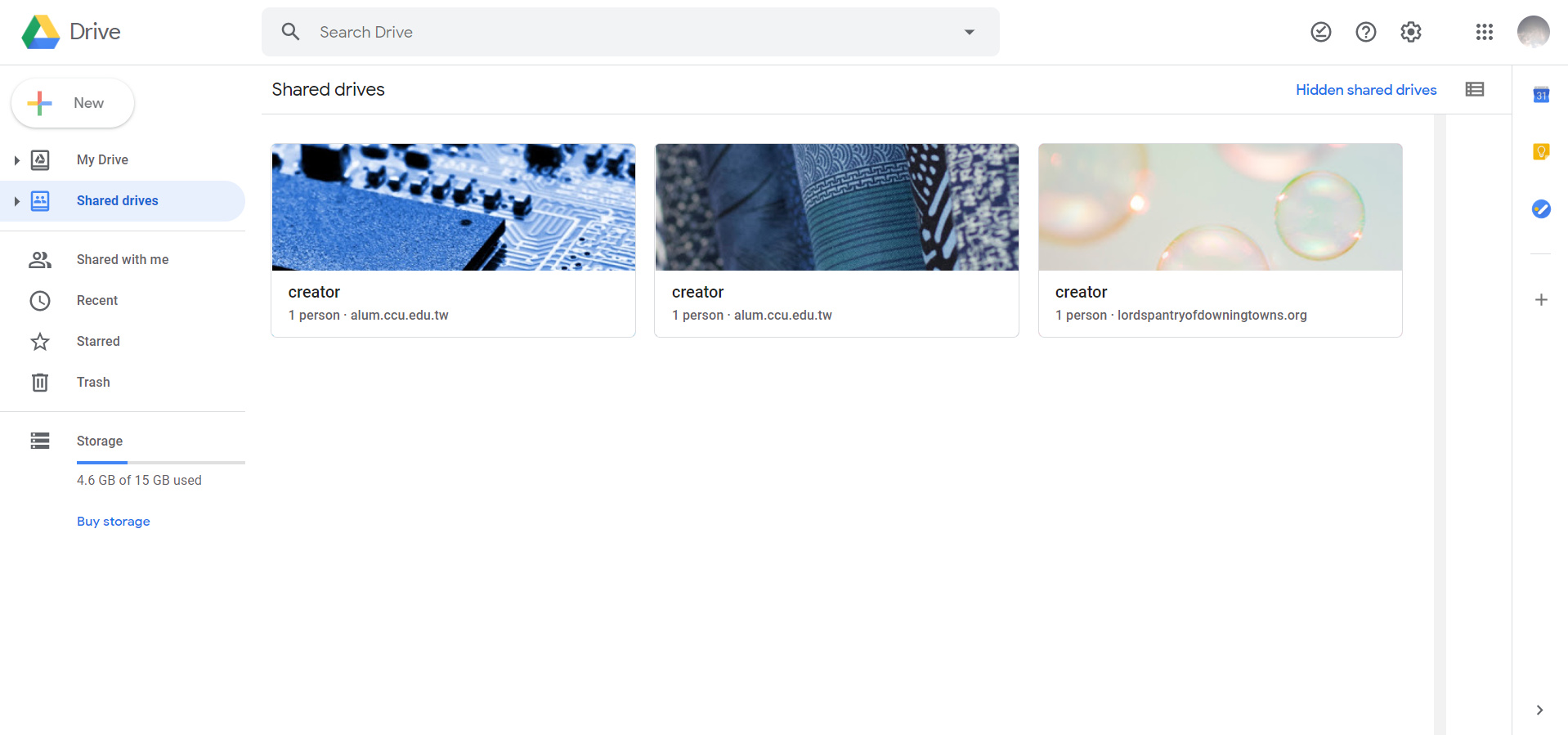
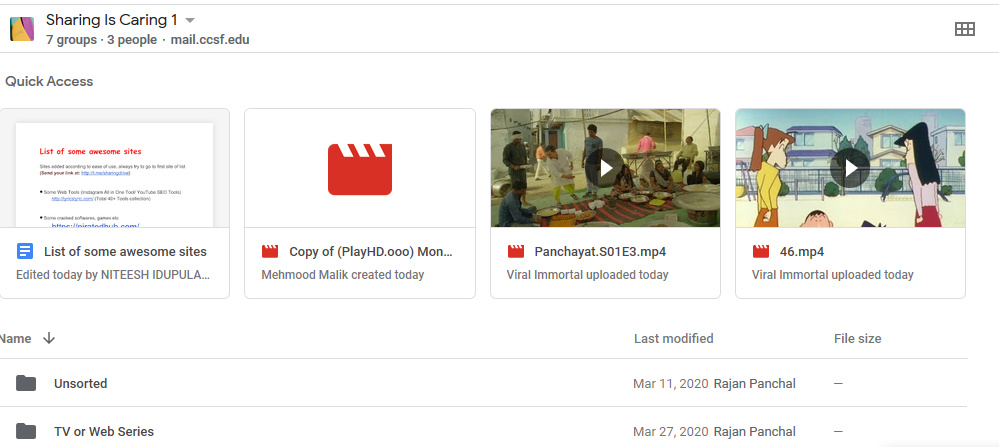
After u follow the link theres shd be “sharing is caring 1” and “courses(sic)” drive in shared drives section of ur google drive i.e.section below ur main drive
If its still not visible click hidden shared drives ..it shd be there
How can we contribute as well? We have tons of content to share as well.
dexxx
27
Is it me alone? the link seems not to be working.
please anyone who get the link pm me
The icon doesn’t show up. It’s just blank white space where it was supposed to be 
Still, thank u.
ya u can coz it gives u contributor access
And noting inside these drives …also clicked the hidden drive no result
1 Like
I am also facing the same issue Amit
did u follow the video properly?and join the group?
then maybe grp is full or somethg
This link is not working you can check the link it does not contain special links
i joined the grp earlier it was working
It shd show like this
got it to work…thanks alot!
can we make a copy of files to our personal drives?
1 Like
I now have access. Thank you so much for this great share.
Everyone just follow the video and check the hidden sharedrives to have access.
This is such a great share.
1 Like

 !
!