 Free AI that keeps working — one key, many models, your own machine
Free AI that keeps working — one key, many models, your own machine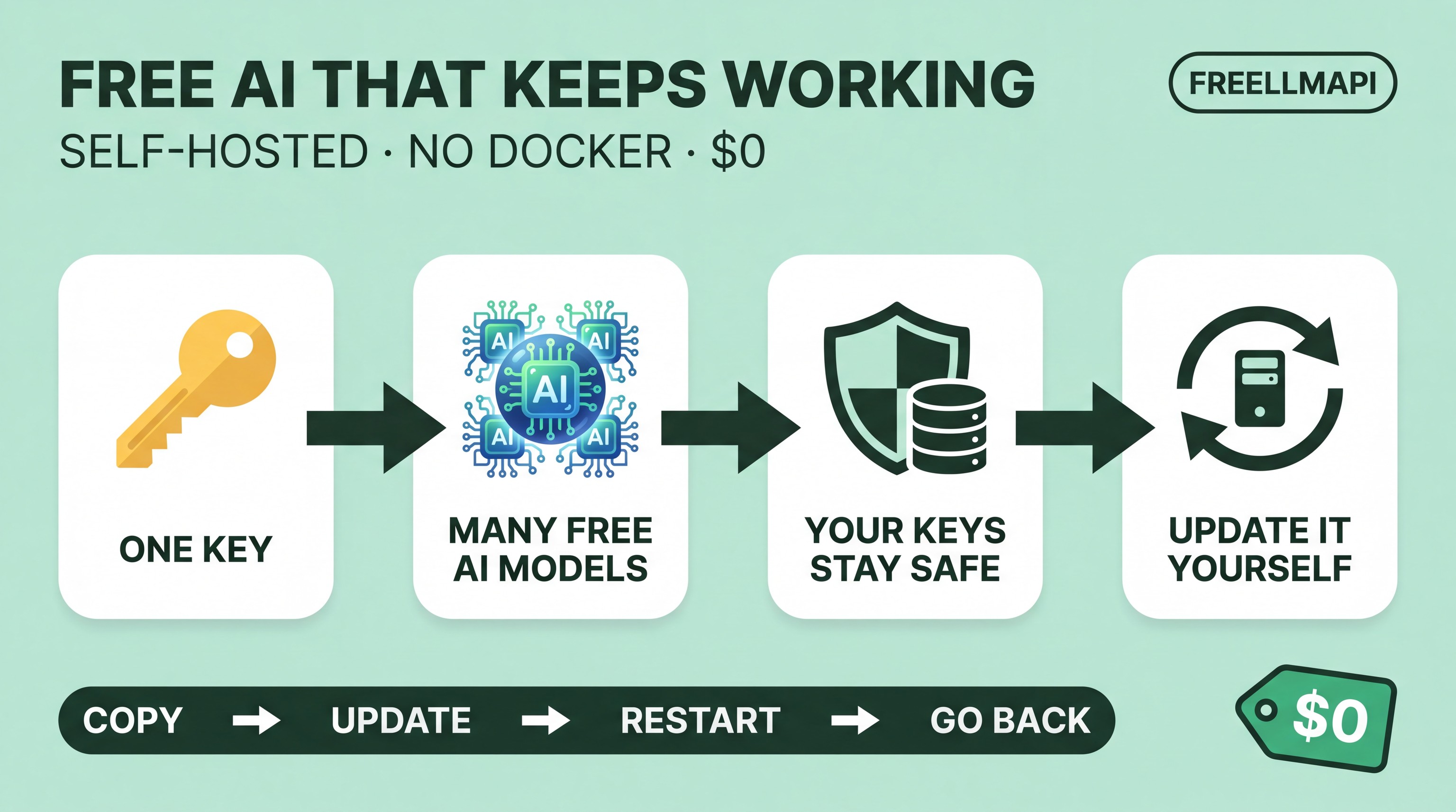
FreeLLMAPI puts 34 free AI providers and 635 free model endpoints — 7.4 billion tokens a month — behind one key. Every model answers at one address, /v1. It picks a model for the job, moves to the next provider when one drops out, and keeps your keys encrypted.
It runs on your own machine. Nothing to rent, no trial to expire, no bill at the end of the month. The project’s own note: built for personal experimentation.
I run mine the lean way — a Proxmox LXC container, which is a lightweight Linux box, with plain Node.js and systemd instead of Docker. This is the move from v0.9.9 to v0.13.10, and one question drove the whole write-up:
Will the upgrade keep my database, my keys, my config and my history?
Yes. The answer took some digging, and it surprised me. Here is the short version, plus the safety net worth copying.
 Your keys stay safe — the key file travels with the database
The database file on its own is not enough. FreeLLMAPI keeps your provider keys encrypted, and the key that unlocks them lives in a small file called .encryption-key. Copy the database without that file and the keys inside it stay locked away.
Everything I preserved before I touched the version:
- The whole container — a full Proxmox backup, because the entire install lives inside it
- The database — a copy made the safe way, while the app was still running
PRAGMA integrity_check;— SQLite’s own health check of that copy →ok.encryption-key— kept beside the database, always as one pair- My environment config and credentials
- Any files I had edited myself
package-lock.json— the list of exact package versions. Mine had local edits and a plaingit pullfights them, so I checked withgit status --shortfirst and let nothing overwrite them- A SHA-256 hash of the backup — a fingerprint, so the copy in my hand is provably the copy I made
 What I found in the code
The database does not have to be upgraded by hand. In v0.13.10, server/src/db/index.ts carries this:
if (process.env.NODE_ENV !== 'development') {
  runMigrationsSync(db, 'up');
}
And the entry point server/src/index.ts calls initDb() on startup. In plain words: when the service starts, the app reshapes its own database tables to fit the new version. There is a command line for it as well — server/src/db/migrate/cli.ts — so between supported versions the tables are not something you touch by hand.
Credit where it is due: the developer already built this in. Two honest limits sit beside it:
- Migrations look after the database. They do not look after the deployment. The rest of the steps are still yours to do.
- A migration running on its own is not the same as a tested upgrade path. A migration can still fail, so the backup stays the real safety net.
 The eleven steps, in my order
- Check which version you are on.
- Meet the app’s engine requirements — it asks for Node 20.18.0 or newer, under 25, and npm 10 or newer. Node is the JavaScript runner, npm its package installer. Check the numbers for the exact release you install, not for the project in general. (My box: Node 20.19.2, npm 10.9.9 — already inside the range.)
- Back up the database and the encryption key.
- Keep your local config and any files you edited.
- Fetch the release tag you picked — a fixed release number, not the moving main branch.
- Install the dependencies.
- Build the app.
- Stop and start the service the careful way.
- Let the migrations run.
- Check the app is alive and working.
- Keep a tested way back.
Step 11 is the one that bites. A rollback means restoring the database, not just putting older code back. Older code sitting on top of a newer database is not a way home.
 My scoreboard, unedited
| Check | Result |
|---|---|
| Full Proxmox LXC backup | PASS |
| SQLite online backup | PASS |
| SQLite integrity check | PASS |
| Encryption key preserved | PASS |
| Node.js compatibility | PASS |
| npm compatibility | PASS |
| Migration framework | FOUND |
| Automatic production migration | CONFIRMED IN SOURCE |
package-lock.json backup |
PASS |
| SHA-256 verification | PASS |
The upgrade itself is not finished. I say it plainly: this post is the preparation and the source-code findings, not a completed production upgrade. I will update the thread once the running app is on v0.13.10 and verified. That is the honest half of the story, and the half nobody publishes.
 What I want next
A native Linux upgrade script that wraps the whole thing, end to end, covering the system administration around it — checks that run before anything changes, verified backups, my config kept, release choice, dependency install, build, a migration check, a health check, and rollback.
That would make upgrades safer and more approachable with no Docker at all — and a documented upgrade path benefits everyone using the project. Say so in the replies and I will build it and publish it here.
My stack: Proxmox VE · Debian LXC · Node.js · npm · SQLite · systemd · Git — no Docker, no Docker Compose. systemd runs it as a plain background service: it starts on boot, stays watched, and restarts when it should. That suits anyone who likes small Linux containers and wants direct control over their own services.
FreeLLMAPI · the project site · releases · SQLite’s online backup
 !
!