share error with us… so final code looks error free
driver folder only contain .exe file which is not supported on mac
so i download chromedriver for mac(compatible with my chrome version) and successfully applied for email, and also replace code in accountDetails.py from “driver/chromedriver.exe” to “driver/chromedriver”
i got an error:
Traceback (most recent call last):
File “test.py”, line 1, in
from pages.accountDetails import AccountDetail
ImportError: No module named pages.accountDetails
1 Like
I think you are running from command prompt. Run it from git she’ll
still doesnt work?!
JAMy@JAMy MINGW64 ~/Downloads/mjsc
$ python test.py
Traceback (most recent call last):
File “test.py”, line 1, in
from pages.accountDetails import AccountDetail
ImportError: No module named pages.accountDetails


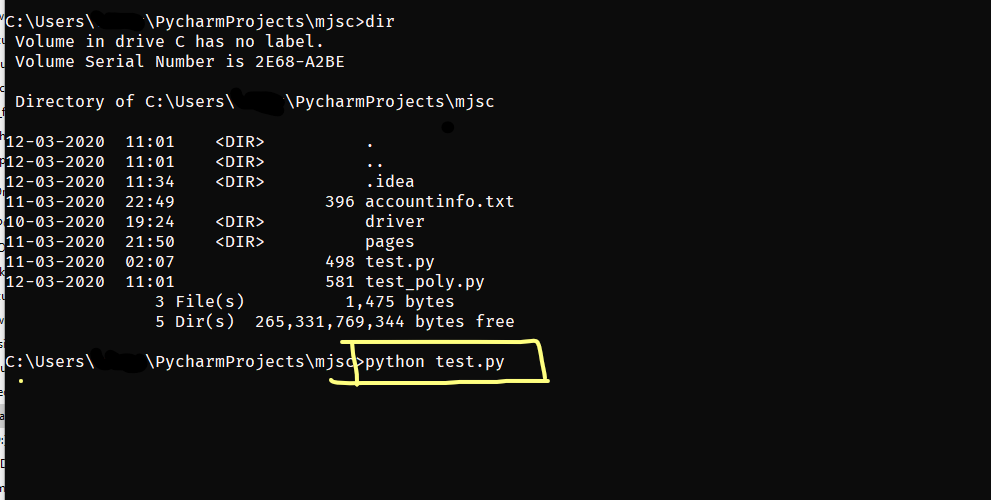
i did:
JAMy@JAMy MINGW64 ~/Downloads/mjsc
$ python test.py
Traceback (most recent call last):
File “test.py”, line 1, in
from pages.accountDetails import AccountDetail
ImportError: No module named pages.accountDetails
but it dosnt work 
sir you are running from shell … i don’t know if it will run or not …
i did not cover so mnay cases and platform …
created this script with one thought in mind is “User will only run on windows command promp”
i did both. first i ran from the command prompt and when the user i nhere suggested to run it from the git shell i did this s well. both dosnt work for me. i even fired up my win7 vmware image to see if it works there. same problem. that is why i am wondering other people dont have any problems with this script…
:-/
i really want to try ;))
try tinkering with these

error happening there…
make sure you have not renamed any folders inside MJSC
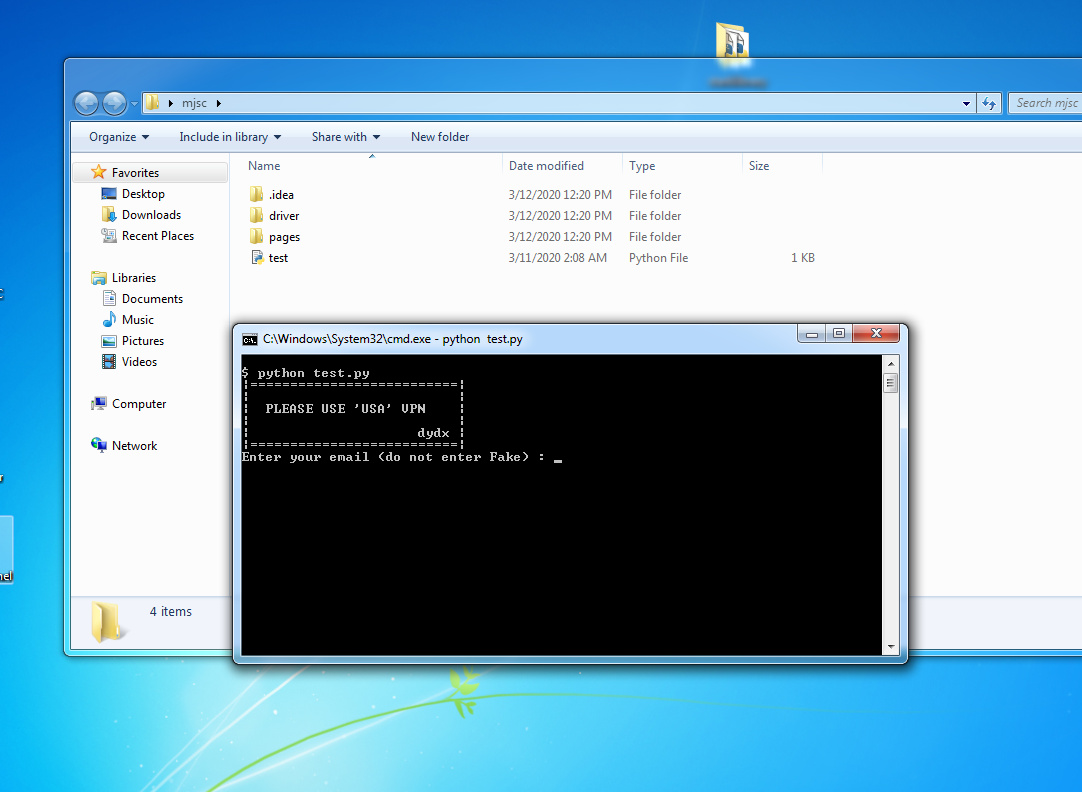
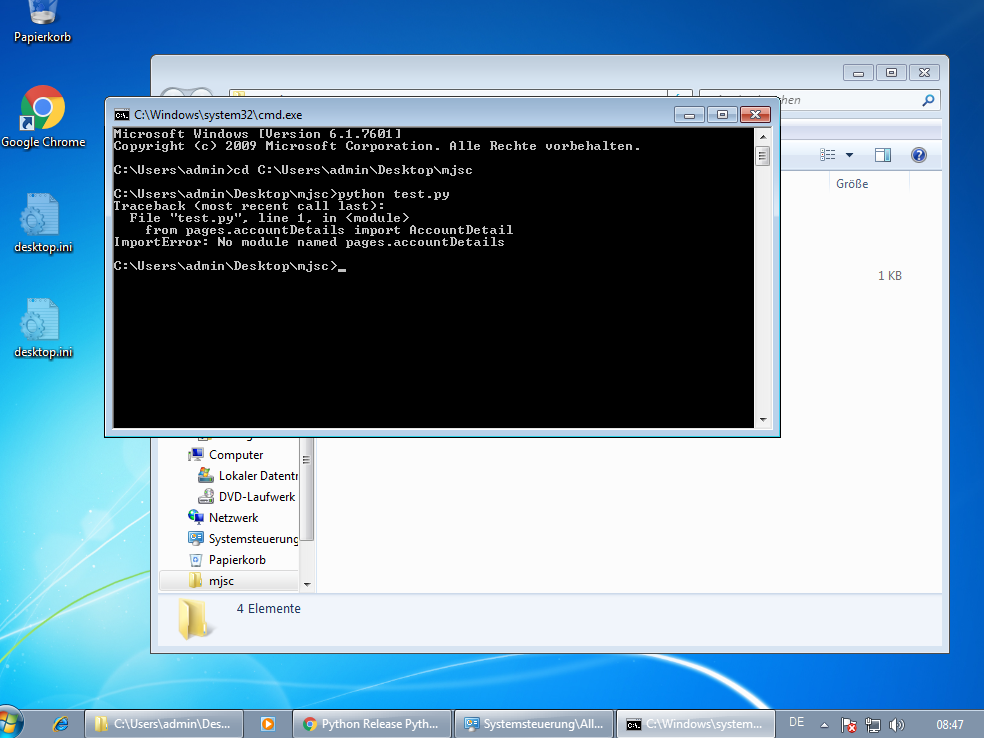
i did not. just downloaded and unzipped it
sorry bro…then i guess you will have to go through manual process 

it wont be able to run unless those module found..
chances of getting that error is 0.0001%
n im not that PRO to cover that level of error 
me neither unfortunately. cant code hahah…
but still: thank you anyway! :DD
google it …“ImportError” maybe you’ll find something
enjoy
well, thank you 
1 Like
I don’t have VPN. any solution guys?
I’m new to all this, how to install selenium, requirements, where to install, can anyone explain whole process
 !
!