Did the above image means…that python is not installed???
@Be_A_Researcher Did u read the guide I posted on the other thread you opened asking for help?
Anyways, type python or python -V into the console.
Cheers!!!
… And Over Every Possessor of Knowledge, There is (Some) One (Else) More Knowledgeable.
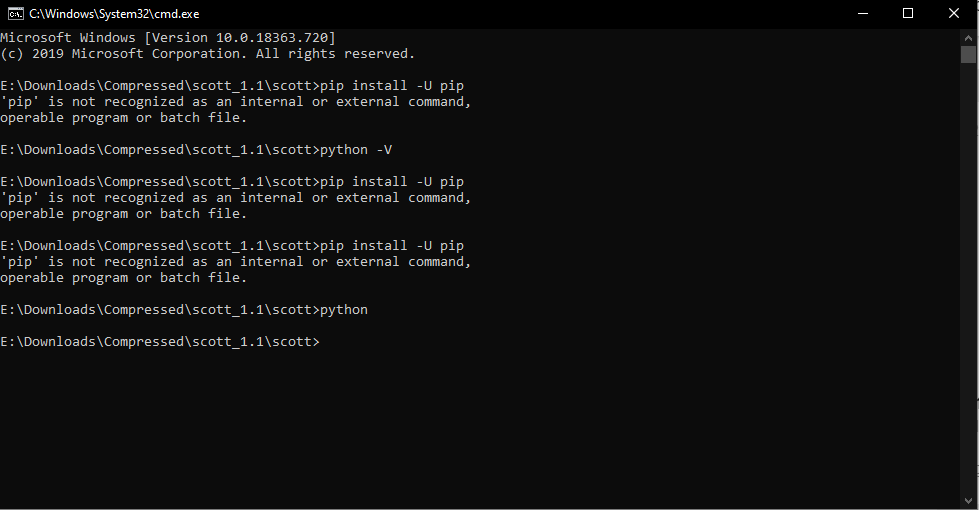
@Be_A_Researcher pip is not in PATH environment
check if pip.exe in C:\Python35\Scripts if YES then add that PATH first
if you unable to find pip location then…simply download this small tool Search Everything and search for pip.exe or pip3.exe
1 Like


???
What am I doing wrong?
@dydx how can I run this bot without problems?
@archduke what is wrong with that?
@Be_A_Researcher issue resolved via PM. Kindly acknowledge this and state which method worked for you so others can learn and be informed, Thanks.
Cheers!!!
… And Over Every Possessor of Knowledge, There is (Some) One (Else) More Knowledgeable.
I had actually installed python thru Anaconda which was creating an issue…but after installing python as a standalone…
It worked like charm …
Thank you very much @Waga @dydx
1 Like
Try opening the run_me.py file in an editor and insert this  at the first line of the code.
# -*- coding: utf-8 -*-
(Don’t miss the ‘#’ symbol)
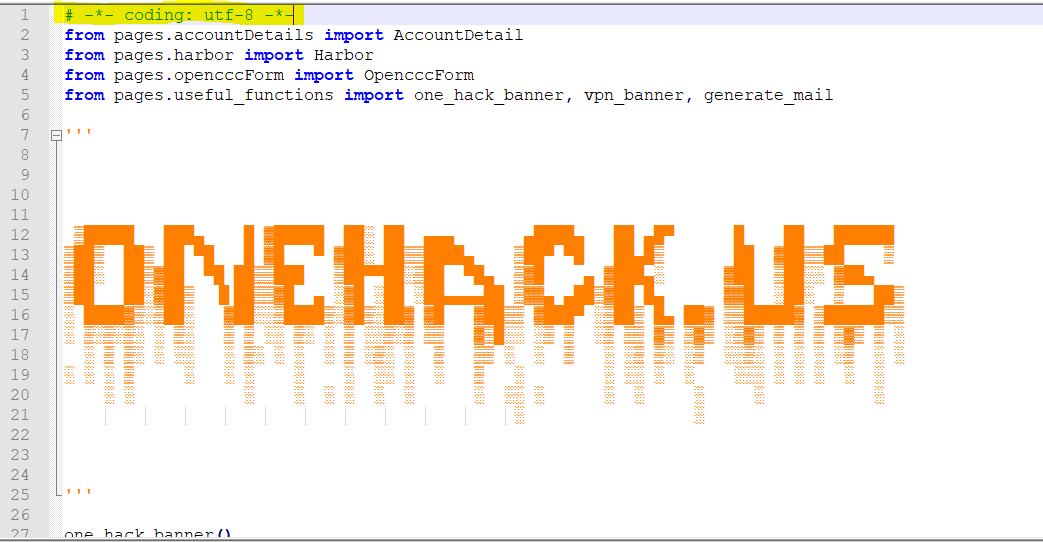
If that doesn’t work remove the ONEHACK art, that most probably will solve your problem.

If you remove the onehack art then the first line stand for no reason. If the first line didn’t work then remove the onehack art.
Wait wait wait…
There’s some kind of chrome drivers .exe file or something.
And I’m running this on linux, shouldn’t exe files only run in windows?
Yep you should have said that first. For linux and Mac support ask @archduke or @dydx for support.
There is a chrome driver for linux available. But I don’t know if you will be able to configure that!
I’m using dual boot, so just hop into windows and try it there.
I saw pip and selenium and etc and saw it’s only on linux  my bad, apologies all !
1 Like
i just downloaded Ubuntu and running perfectly fine there
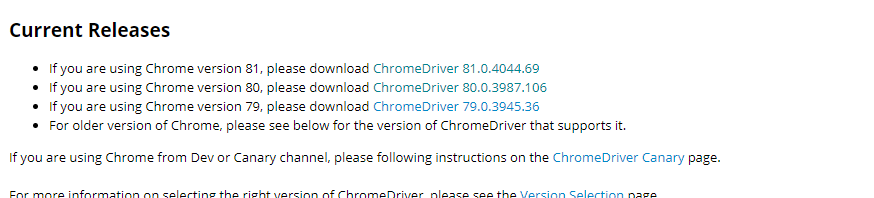
just check ./chromedriver --version the one we given is 81
and make sure that version match with your chrome
1 Like
I ended up trying in windows.
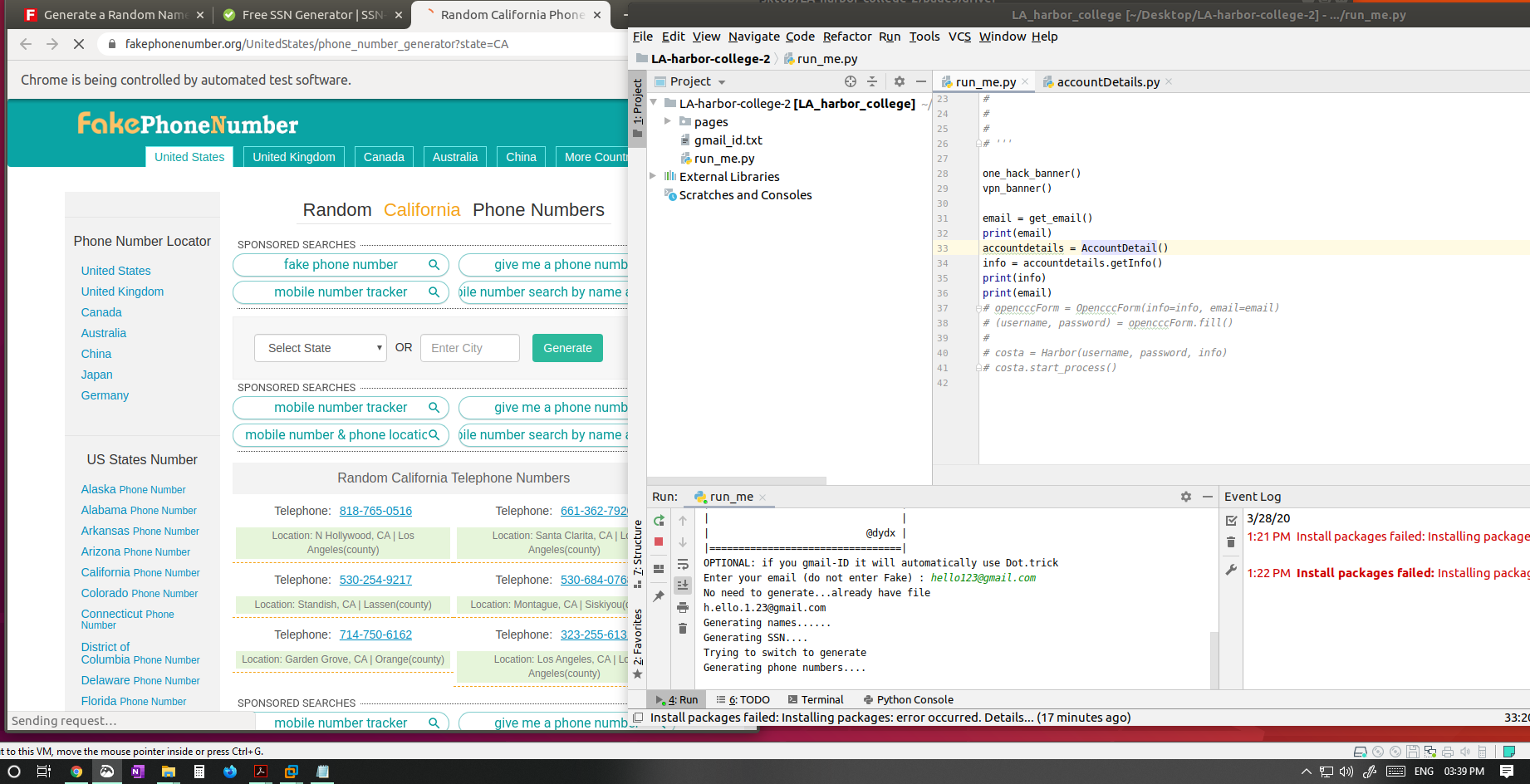
This is the far I got to.
my chrome is 80, you mentioned the driver is 81, do I need to downgrade the driver or this error is some kind of other reason?
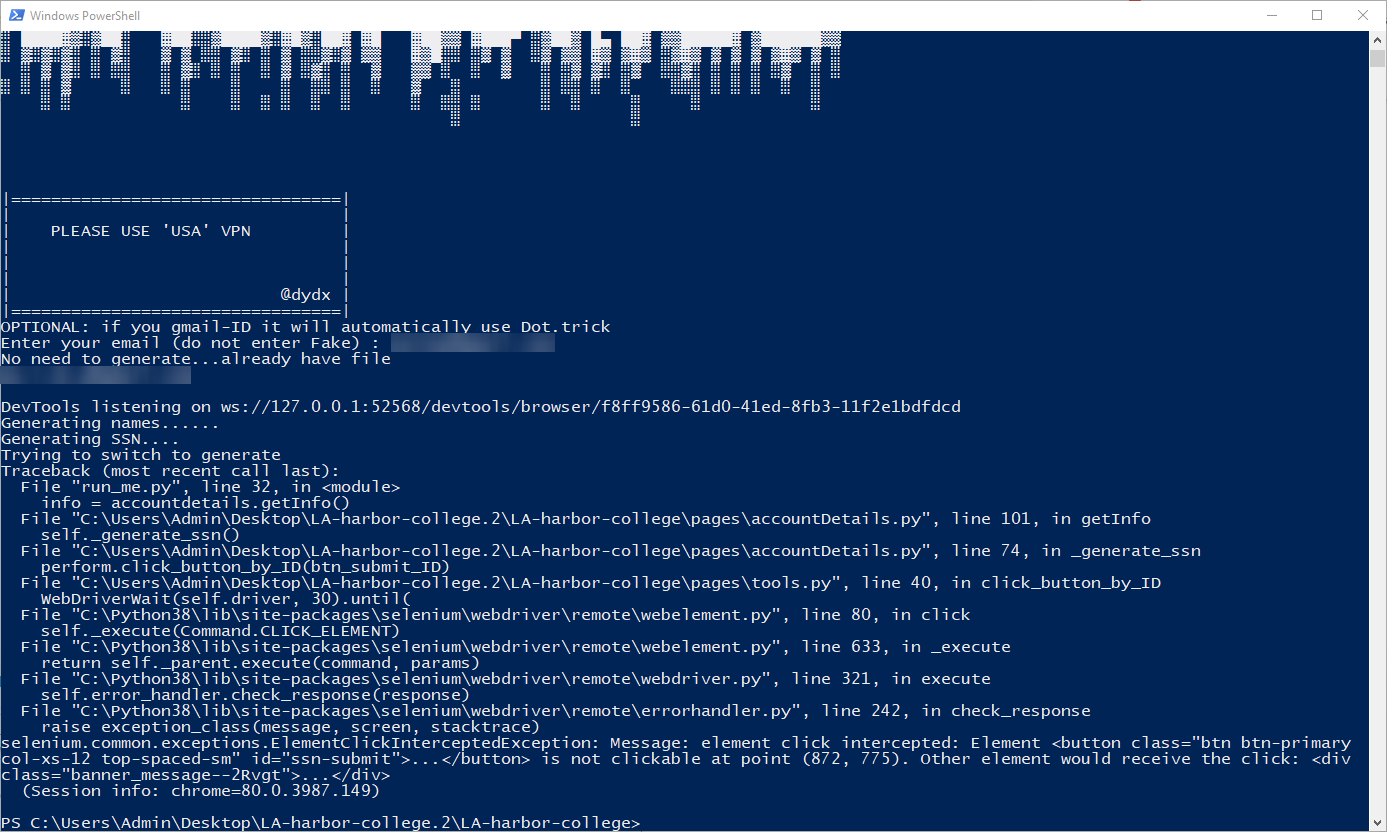
Update
By those coordinates, what it should click? Also, tried your version 3rd from original post.
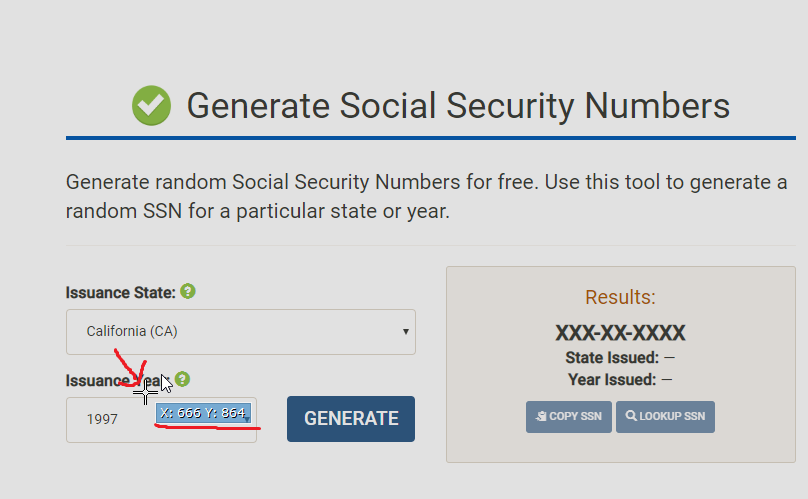
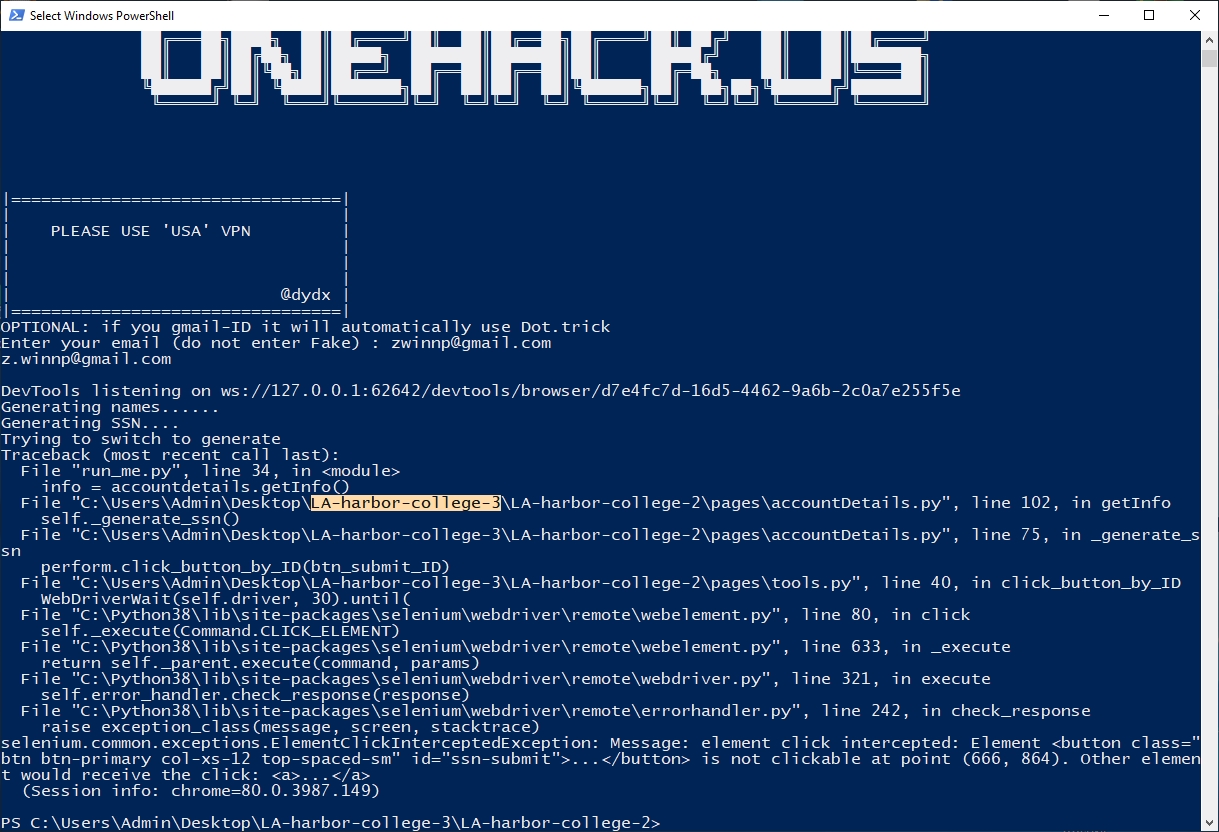
First of all, you need to read this: https://support.google.com/mail/answer/7436150?hl=en
Bot will use dot trick if you have already registered your primary address to do the job for you.
Quick question - When you sign up for an edu account like this, do they ever disable/deactivate them in an unspecified amount of time? Does that happen?
 !
!