what state did you use on VPN ?
USA, NewYork.
lets see if newyork accepted or not
Oka and thanks
1st : Los Angeles
2nd : Las Vegas
GUYS IF IT’S WORKING FOR YOU THEN PLEASE MENTION THE ‘STATE’ AS WELL THAT YOU USED ON VPN.
so later it’ll be easier to know what state’s form they’ve accepted quickly.
Sure, waiting for the confirmation, i will let you know everything soon, thanks again 
This error means the python environment varriables are not set correctly. Set the Environment varriables and use them.
Google how to set environment varriables.
Or use Git Bash Shell. It worked for like a charm
Thanks @HackedHack..yes that’s the problem. I already saw it by googling. still thanks!
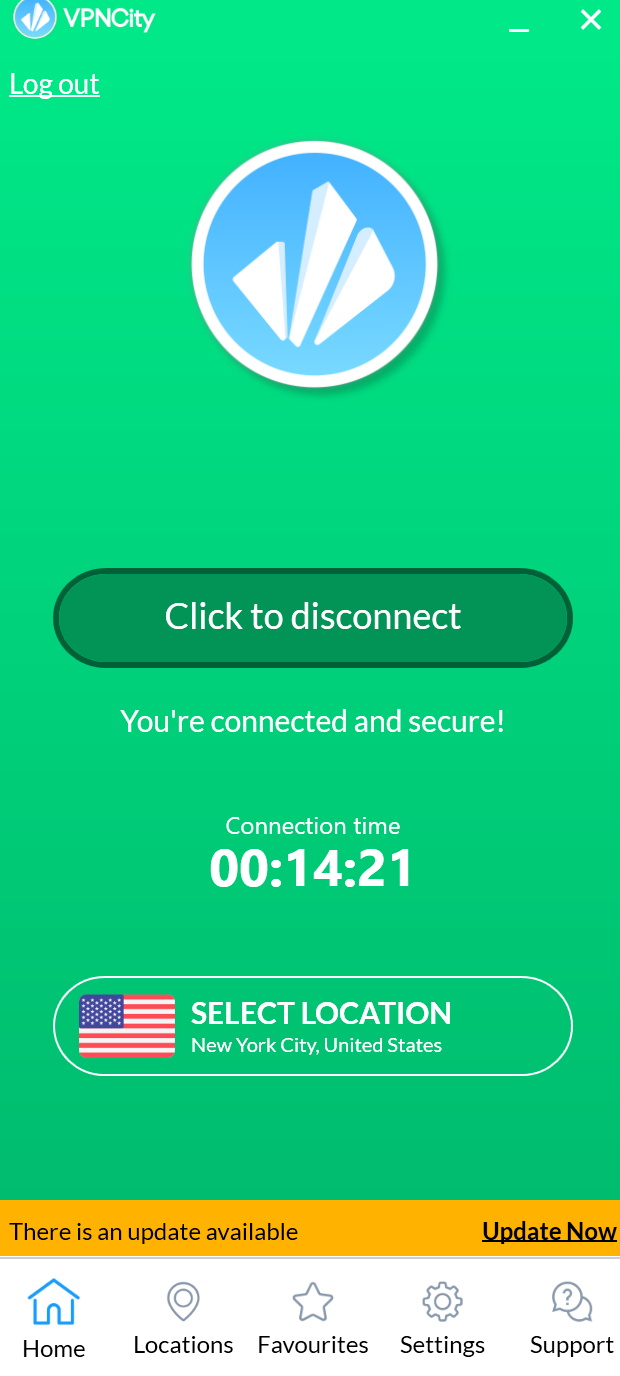
I also faced it.
I was using python 2.7. When I switched to 3.8, it worked fine.
You don’t have to do anything for these emails. Just wait for the one having your login credentials.
Is there any way I can run it on macOS ?
I mean, does using a chrome driver for Mac makes it possible to run the script on a Mac ?!
Edit:- I tried it myself and it just worked perfectly… 
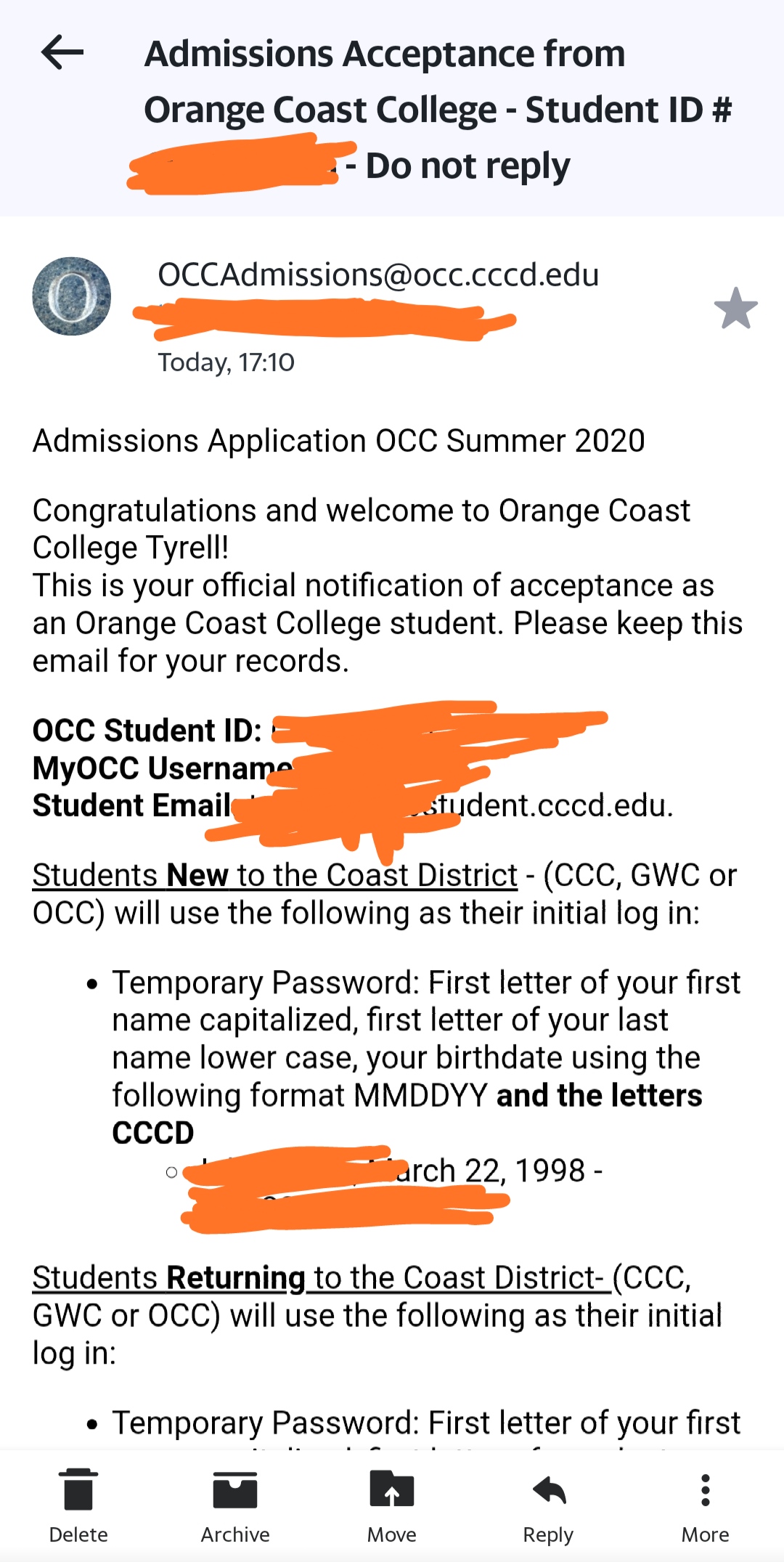

I got the acceptance mail but for temporary password it is asking for date of birth which I don’t know. Can anyone please help.
Hi @dydx
First of all, thank you very much for sharing your work with us.
I see that you are changging the schools, nice.
I did not try this because I do not have what to do with it once I aready have one, since now it is working (9 month now)
Regards
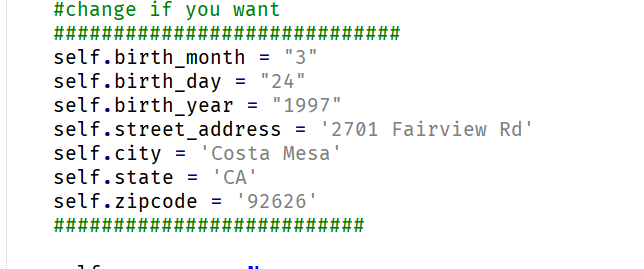
bro after captcha we have to do something or it will do it automatically
Bro you are great
Appreciate your work
Thanks in advance
yayyy!! you came back  i thought u lost in google
if captcha is solved …just pressed ‘y’ ..it will automatically do further process!
ok bro
I lost in google while searching but after so much of searching i find that onehack is there 
 !
!