Has anyone received their confirmation mail yet?
@dydx the script don’t Work!! Got some errors!
Please need Help!


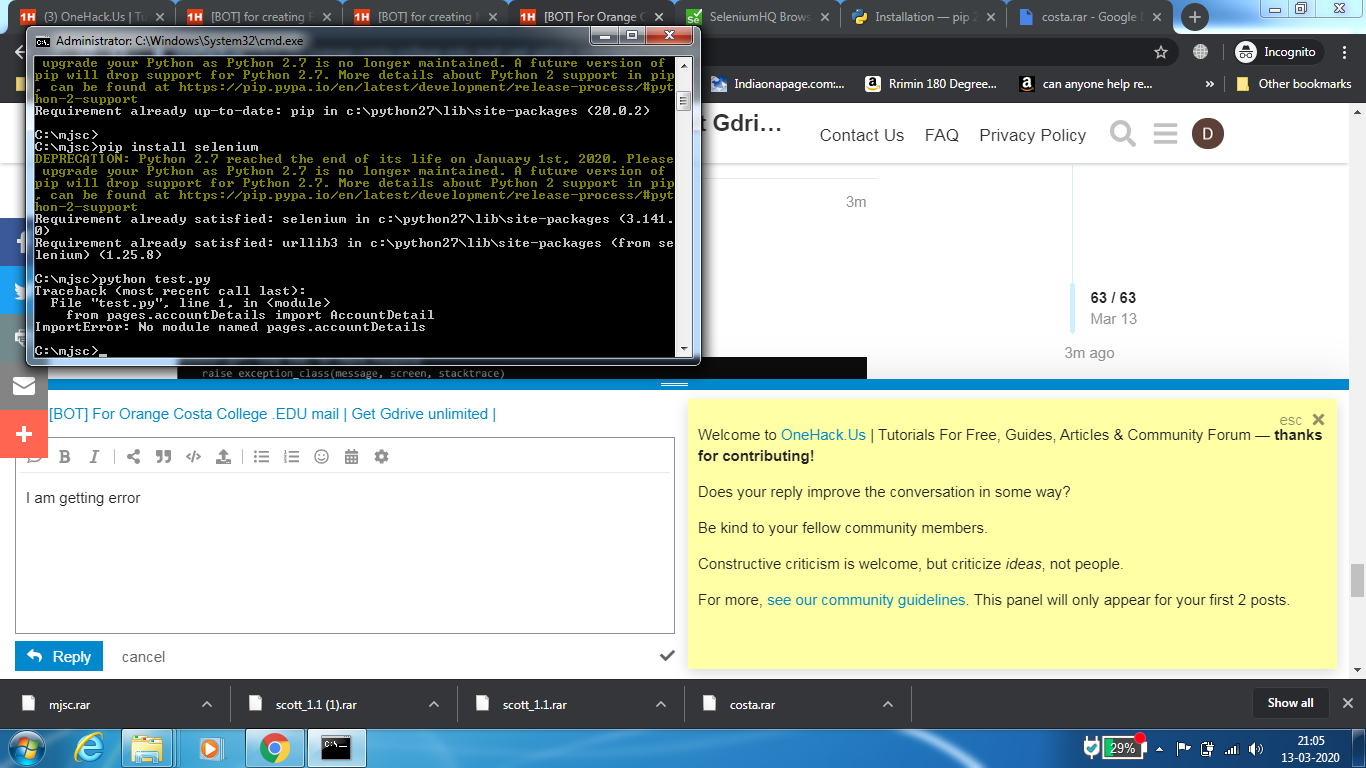
dont be shy…show whole error traceback
check the thread for the answer
Yes I have got it, and this method works with no errors if the procedure is followed correctly.
@dydx this is whole error
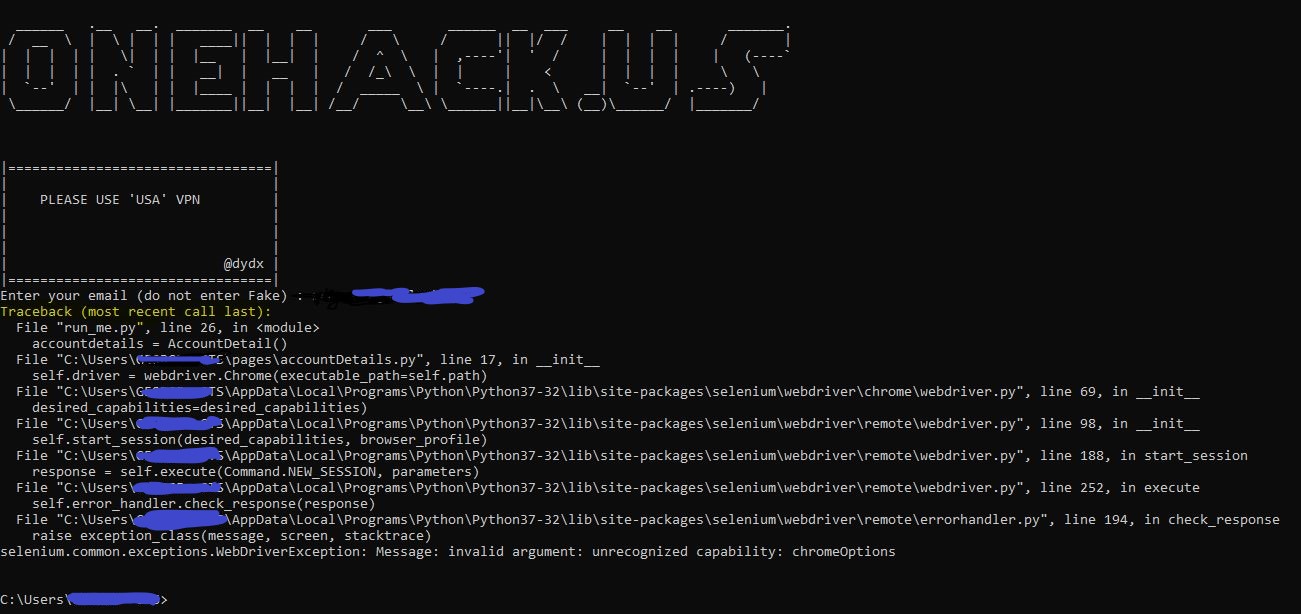
double check your file …accountDetails.py … make sure you have not changed anything on line 17..
When did you apply? I applied a day ago, haven’t recieved any mail back
It depends on whether the college accepts your application or not. It mainly depends on which location you are in. Hence a VPN with lots of servers (I used NordVPN). But it is definitely worth giving a try once.
I was using Proton VPN. Location was California, USA. How many hours it took for you?
Guys, please help me too in getting that one too.. cause I’m also facing the same error, as mentioned above! Please help me out too, it would be great!!
guys when installing selenium u need to run cmd as administrator
guys please comment if you successfully got workable edu mail
some people are getting error while login
can you please confirm if it is true…
tried many times then managed to login successfully, miracles happen sometimes.lol
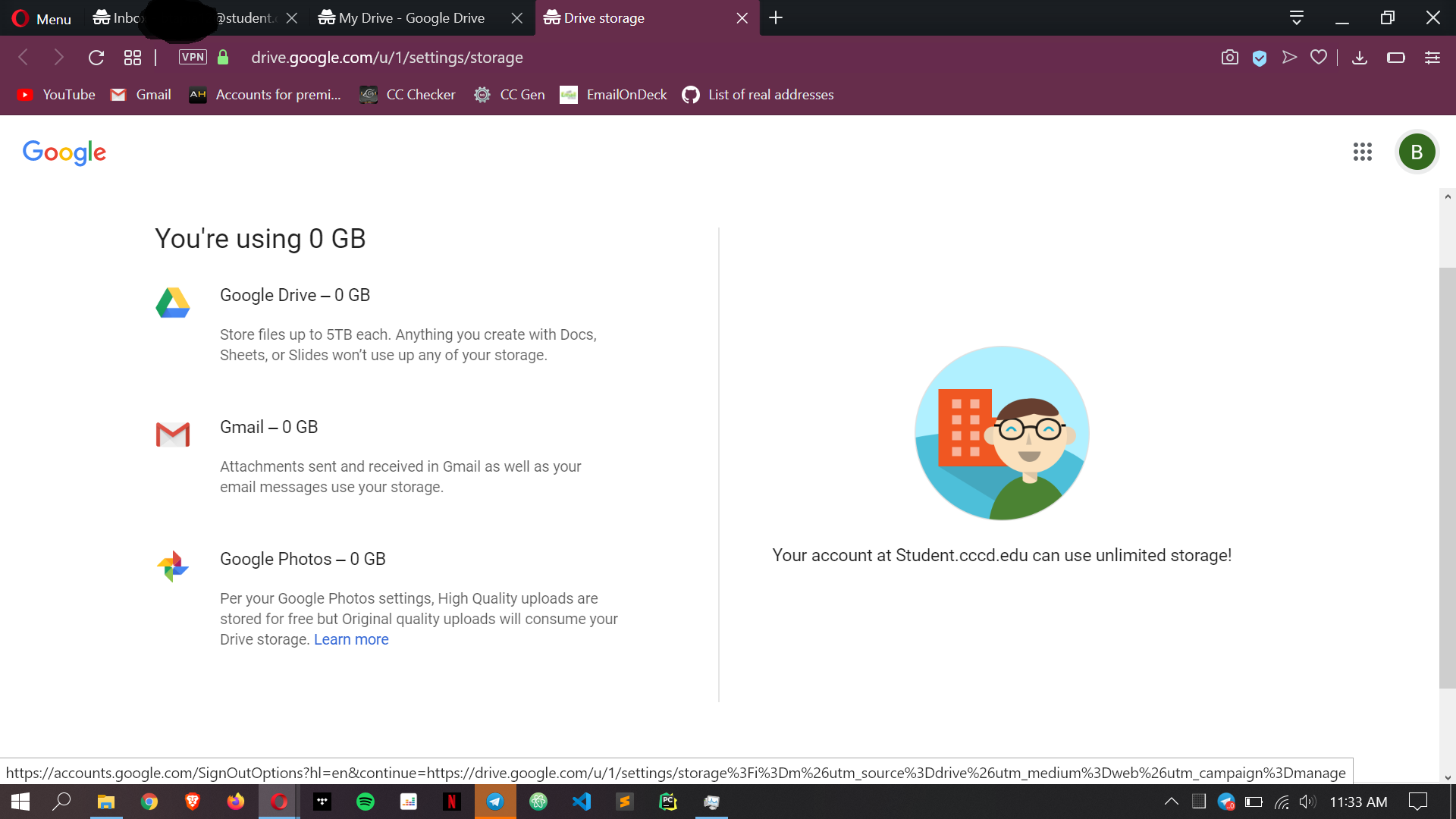

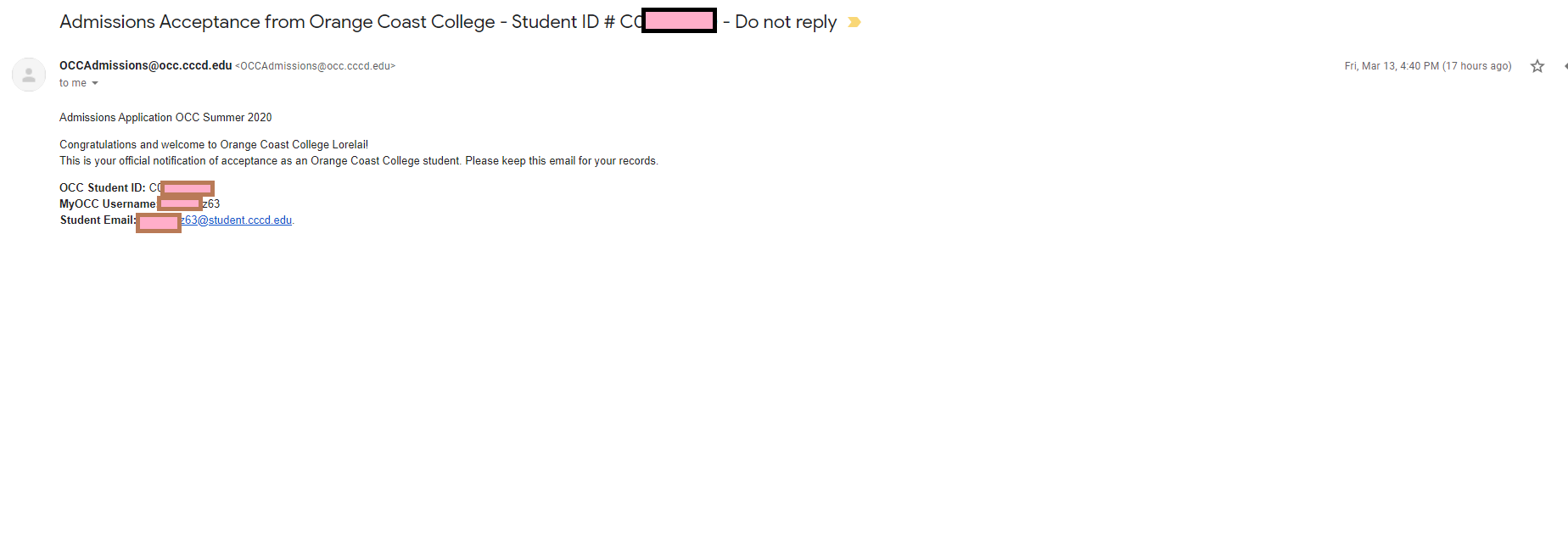
Install python
Install Selenium
connect vpn
and open source folder > python run_me.py
give ur mail id
and finally u will get register details.
[check ur mail frequently] 
after getting this mail how i have to login means what is my password can u explain if my password is my dob then where should i get my dob
 !
!