What time did you try this?
And which documents were in your possession for attempting to verify?
What time did you try this?
And which documents were in your possession for attempting to verify?
I’ve verified that ChatGPT isn’t working. I’ve tried at various times.
Could you help me? I’ve tried verifying at various times, but it still isn’t working; I even tried using a VPN or proxy, but to no avail. Thank you very much.
It is still up and running brother just tried after reading your comment but was not approved because am still waiting registration confirmation letter from umgc but my intention was testing only so the offer is running smoothly.
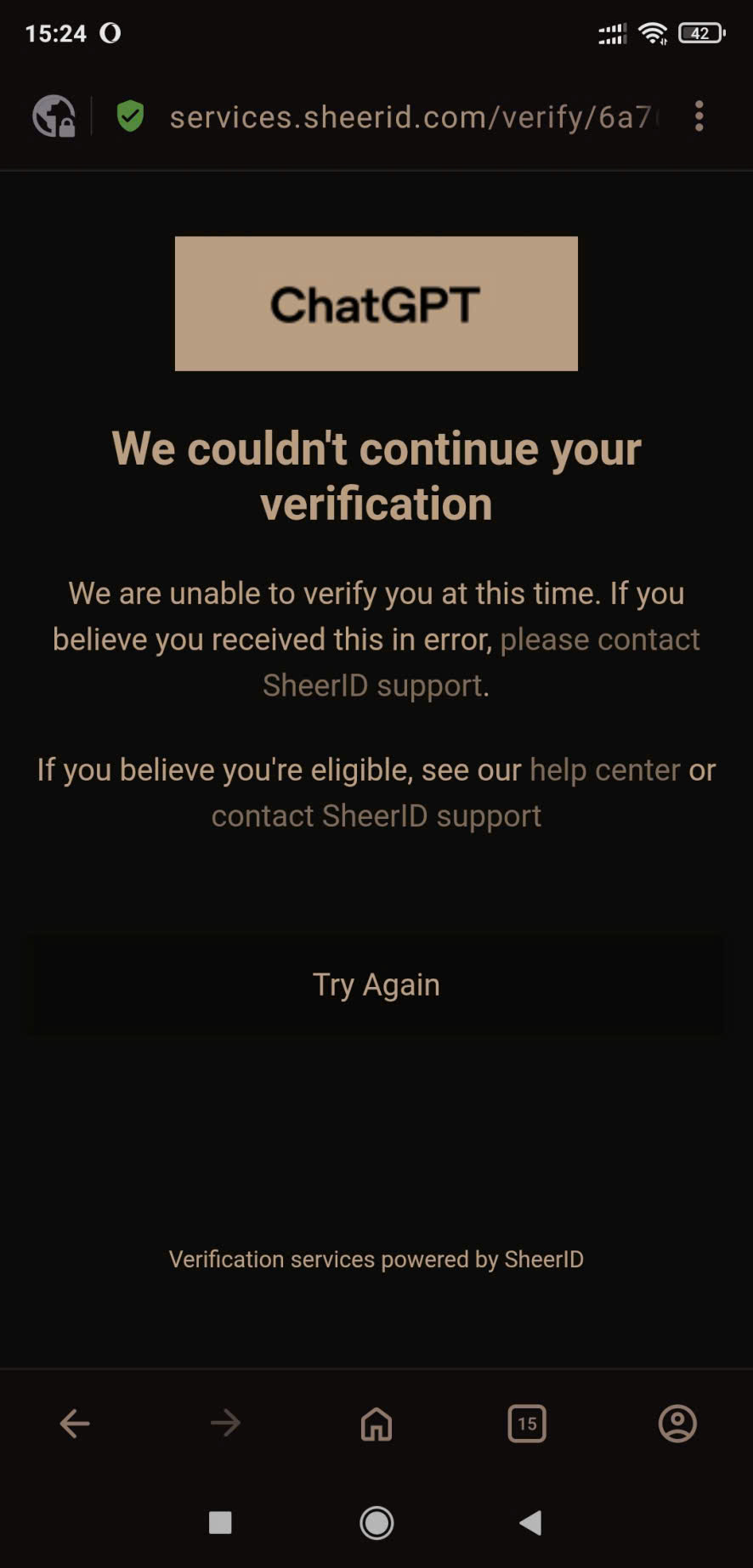
Thanks for the reply. An error occurred when I clicked to verify. I don’t understand what is happening.
Try the below using VPN if it is not working then use without VPN if it still not working ( showing error like(we cannot verify you at this time) then try 4am to 6 am.
VPN on( limit exceeded) try VPN off(limit exceeded again) use different edu email if you have or create new now or try in the those times I suggested(4am to 6am) because it worked for me
Start from the beginning
2)click claim offer you will be directed to login page login choose email login
Put your umgc.edu email address
check your outlook inbox of this edu email copy the otp, go back to duck duck go browser and input it there.
write your full name as it is on your Edu account, your age(#)
submit
fill the following school: university of Maryland global campus, first and last name: exact as in edu account, birthday: let match the age(#) you fill previous, email: your initial edu email address you use from step one or beginning.
submit
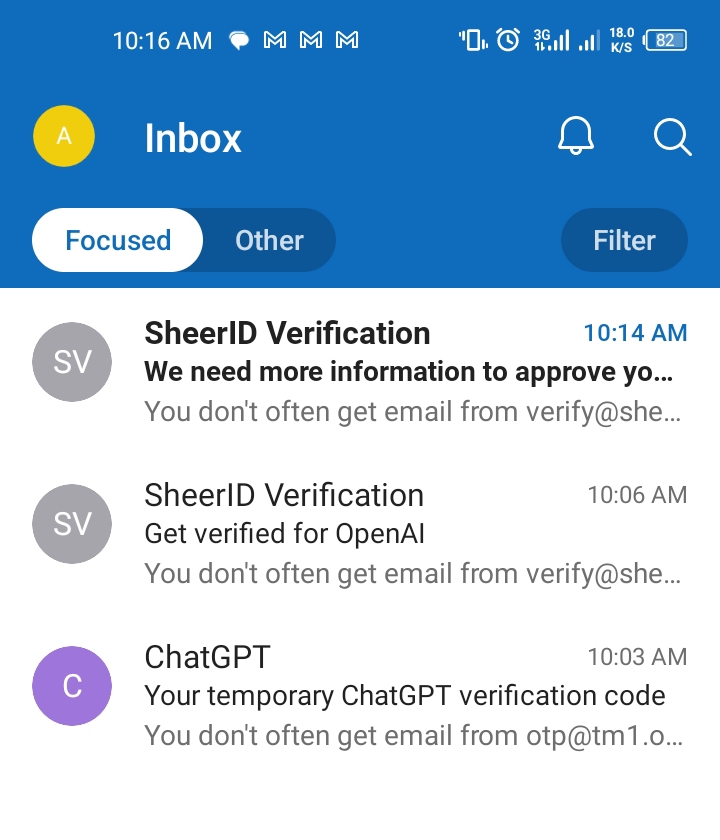
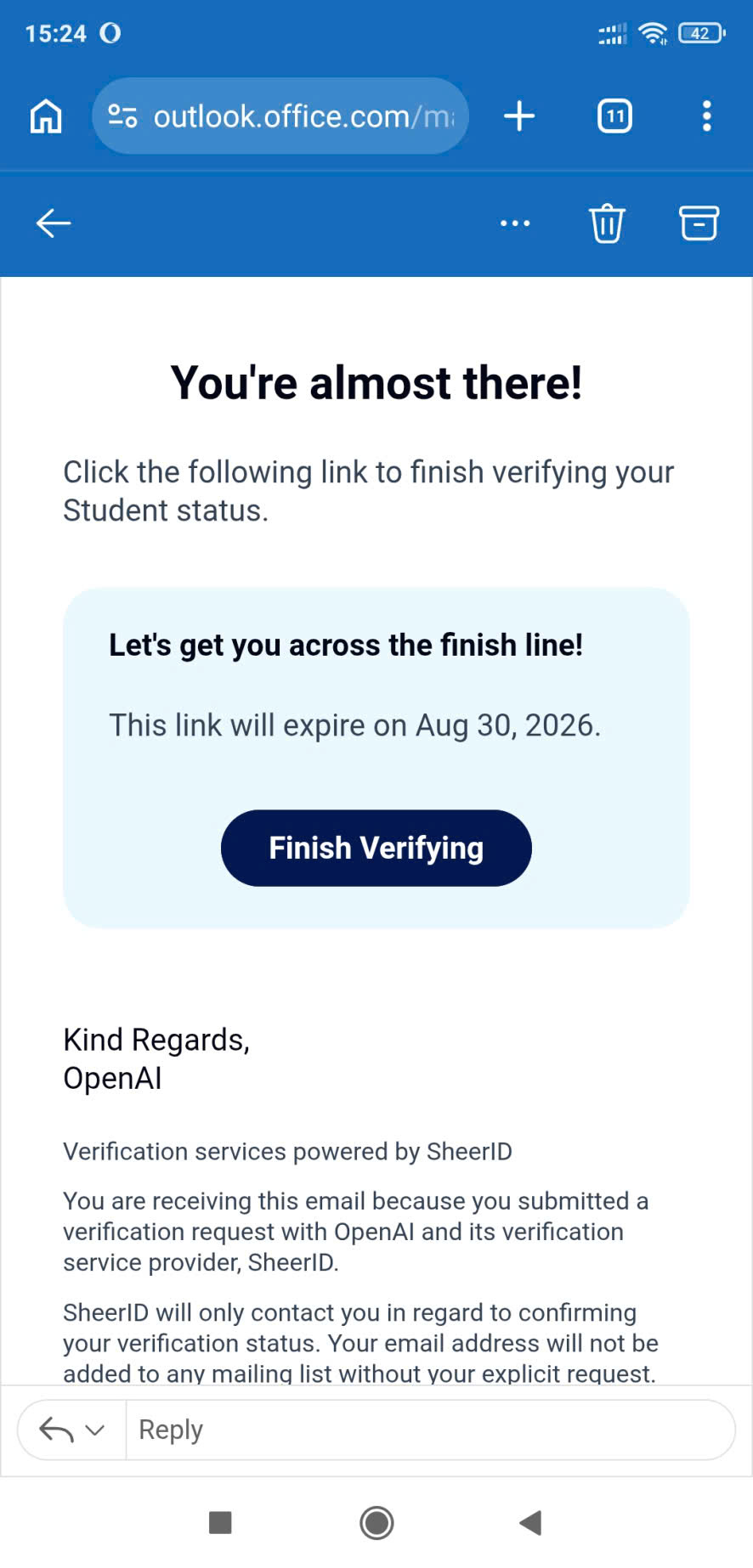
SHEERID will send link of continuation of verification to outlook inbox of your edu email
copy the link and past back to duck duck go on the same tab or browser window your were using all along and load it.
you will be prompted to upload documents maximum doc limit is 3 upload only
For  successfully confirmation
You need screenshot of the class schedule(captured from umgc student portal from class search and registration option)
Admission letter pdf(save email as pdf)
Registration confirmation letter pdf(save email as pdf)
All must belong to the edu account you trying to claim the offer with from the beginning or initially.
You can wait for feedback from SHEERID team from the inbox of the edu mailbox on outlook app.
Hey Emanuel, i’ve been reading the whole convo and appreciate your help that you are giving to everyone!
I also need to know a thing, I know how to make the UMGC email but how do we enroll in a class and get the schedule for that?
Or if you can create a full video from creating the mail to verifying the sheerid, that would be so good!
Thank Emanuel
very much. I just tried, but it didn’t work. I’ll wait a while before trying again.
For class enrollment here FOLLOW EVERYTHING EXACTLY
For 4 months Chatgpt here Chatgpt Student Offer Guide and TROUBLESHOOTING CONCERNING CLAIMING THE OFFER
Thanks Mate! Really appreciate your help
One last thing, does Wise VCC works for it?
I heard that applepay works but for cc I tried several times but to no avail so try your luck if it works don’t forget to show the trick for the community.
Actually one of my friends are asking but he says if wise work then he will work on it otherwise he dont wanna look into it xD
So thats why i asked, he has his own wise business account
or maybe if you have a checkout, i can try asking him if he shares the vcc details with me to share you and check because i also didnt created the email yet (i will but after some time)
Okay
Thank you for your time brother
cant login into outlook giving error online in browser and in app.
If you have registered for class then wait for 6 hours after enrollment then login using the app brother. Otherwise drop your comment below 
All these doesn’t matter if no payment method works
What is the essence of?
Those with iOS devices can try apple pay it works with Chatgpt subscription.
Guys. Has anyone managed to find a payment method?
hi bro can you help me out am unable to make one tried 2 times but to no avail.
 !
!