can i get GOOGLE working Bins for Gemini AI
USA bins
Use this
5205245061976398|01|2029|671
Country: USA, State: New York, City: New York, Street Address: Fifth Street Zipcode: 10080
Proof
1 Likes
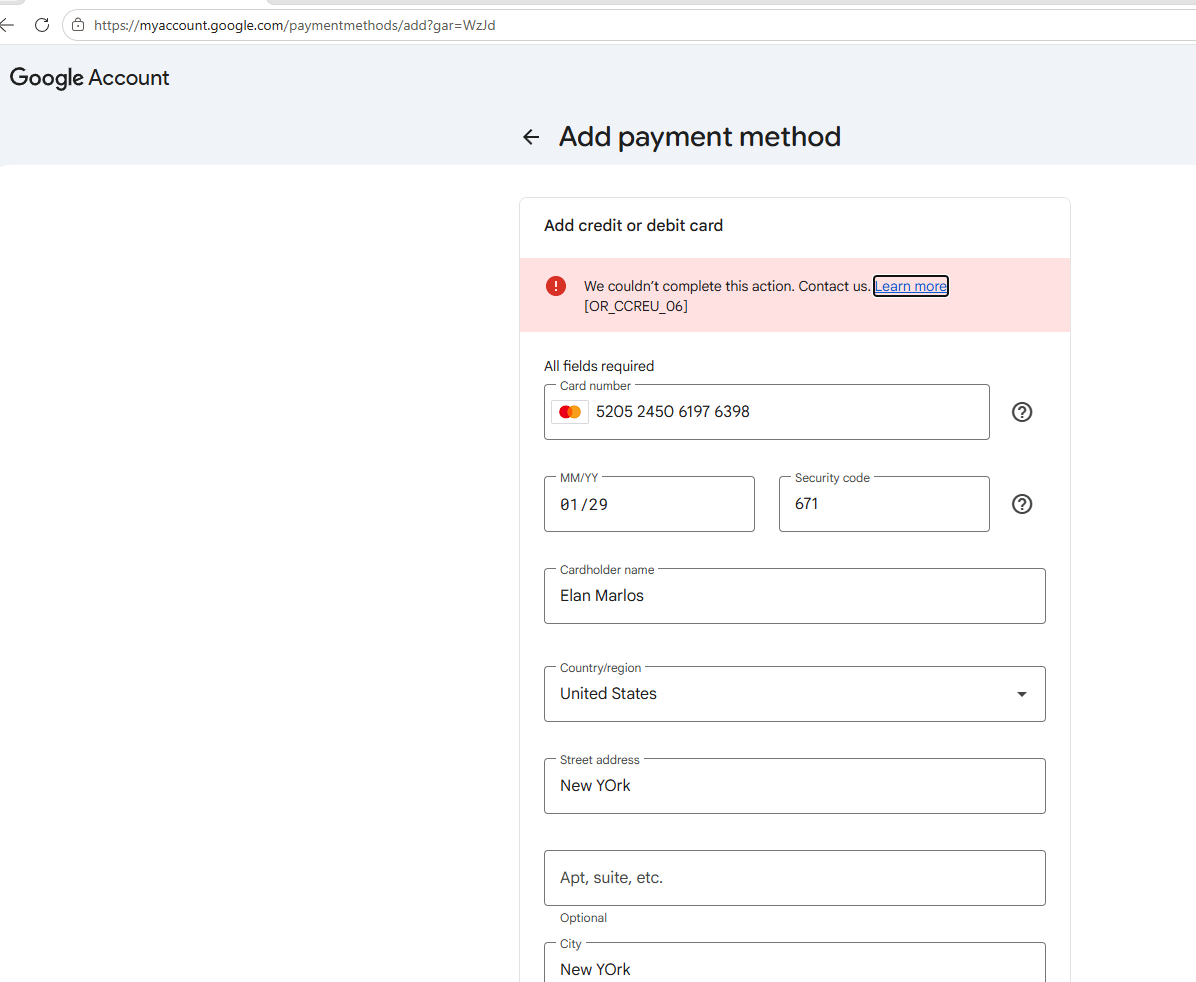
not woking for me i try to get student account i get Student verify i need card and google not allowed cards i try so
Ok then add the card to your payment method of this eligible account on payments.google.com and don’t forget about payment profile you should change the country, city, state and zip according to the information to information concerning the card I suggested.
Use VPN on USA IP and chrome incognito when adding card and changing profile or adding profile
After adding successfully then claim the offer. The added card will appear and you will subscribe.
sure i will try again today i try so many times so i hope i will try tomorrow or 2days later i will update if it is work,
1 Likes
bro is that a monthly trial you activated with BIN?
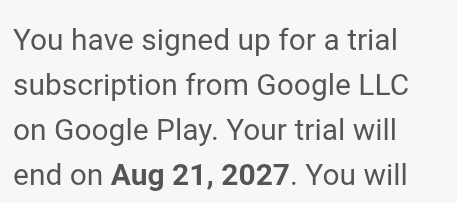
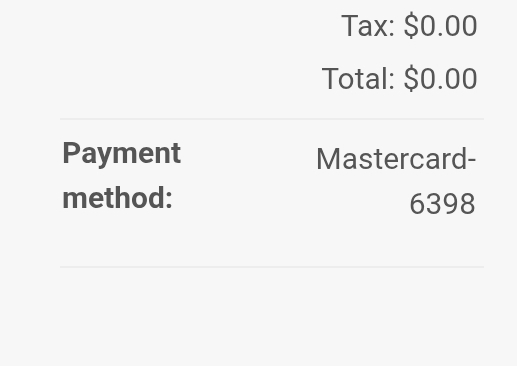
ahh i see but did you use sheerid to verify first likely edu mail?
Please help us with the link or steps to get Gemini pro 12 months
I have already given this
ELIGIBILITY CHECK AND ADDING PAYMENT METHOD and SHEERID VERIFICATION

Same problem
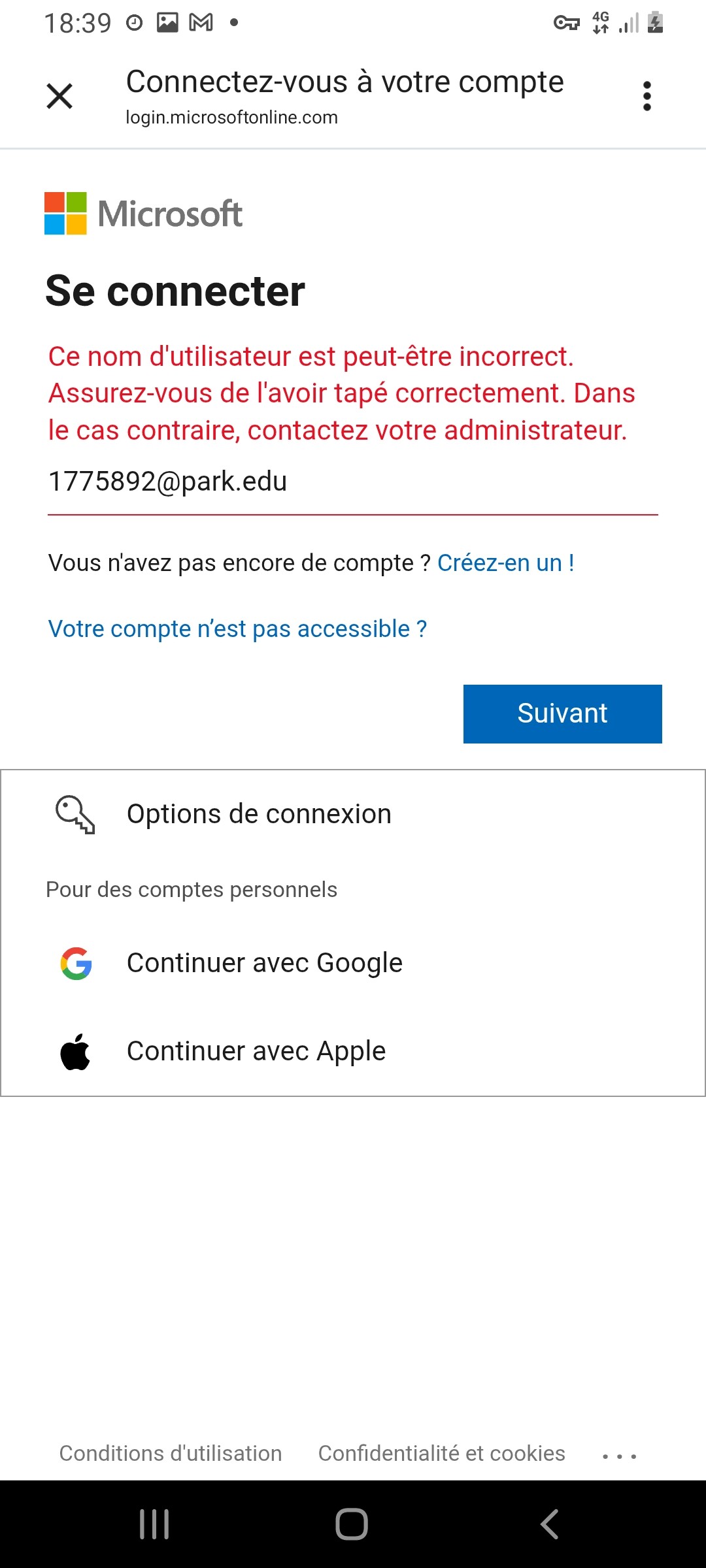
It is not a locked account. It is a mailbox that does not exist yet. 
1775892 is an applicant number. The @park.edu login is minted by Admissions once they process the application — until then the Microsoft tenant has no such username, so the page answers exactly what it means: username may be incorrect. That is “user does not exist”, wearing a polite suit.
digraph G {
graph [rankdir=TB, bgcolor="transparent", fontname="Helvetica", nodesep=0.24, ranksep=0.30];
node [shape=box, style="rounded,filled", fontname="Helvetica", fontsize=12, width=3.5, margin="0.14,0.10", fillcolor="#eef3fa", color="#8aa4c8", penwidth=1.1];
edge [color="#7d8fa8", arrowsize=0.6, penwidth=1.1];
a [label="📝 application submitted\n→ applicant ID 1775892", fillcolor="#f4f4f4", color="#9a9a9a"];
b [label="📍 you are here\nlogin says “username incorrect”", fillcolor="#fde8e8", color="#c0504d"];
c [label="📬 Admissions activates\nthe @park.edu mailbox"];
d [label="🔑 password reset works\nmyaccount.microsoft.com"];
e [label="✅ MyPark + student packs", fillcolor="#e6f4ea", color="#7fb08b"];
a -> b [style="dashed", label=" no mailbox yet"];
b -> c [label=" the real unlock"];
c -> d -> e;
}
Why “wait 30 minutes” misses. Park’s own IT page says a lockout clears itself in 30 minutes — but a lockout is four bad passwords on an account that exists. This one does not exist yet. Two different walls.
The two doors that are real:
 The application login — park.edu → Apply Now → Forgot your User Name or Password? recovers the applicant account, not the student mailbox
 The help desk — (816) 584-6768, or (800) 927-3024 · [email protected] · they fix a mailbox that exists, and say plainly when it does not
The second wall nobody mentions. GitHub Education verifies through a mailbox that can receive mail, or through dated proof — student ID, transcript, enrolment letter. An account that cannot log in cannot receive that mail, so the pack stays shut even after the first wall falls.
 The “unlock” in that welcome email is one line long because it is not a trick — it is the application finishing.
 !
!