isn’t there any video tutorial out there of this whole tough steps?
There are tons of tutorials in my udemy que, but couldn’t download any of those.
please guys give us a nice tutorial and sort all this problem.
Thanks in advance.
isn’t there any video tutorial out there of this whole tough steps?
There are tons of tutorials in my udemy que, but couldn’t download any of those.
please guys give us a nice tutorial and sort all this problem.
Thanks in advance.
I use Allavsoft to download my purchased udemy videos to my computer.
It has both Mac and Windows version.
Step 1: Copy and paste the udemy video url to Allavsoft
Step 2: Click Download button to start and finish download udmey video courses offline.
You may get it and a more detailed guide at
https://www.allavsoft.com/how-to/download-udemy-videos.html
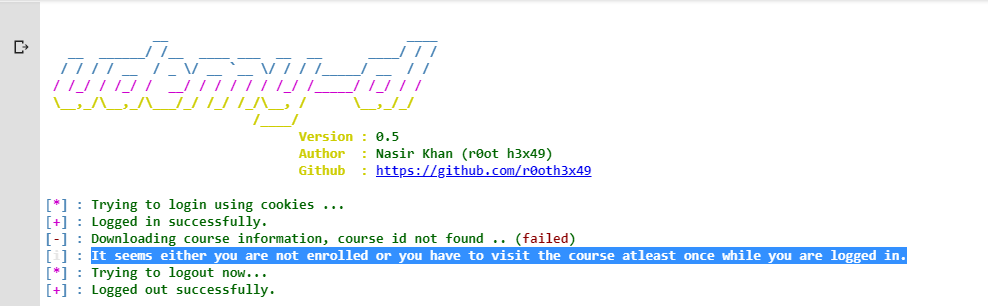
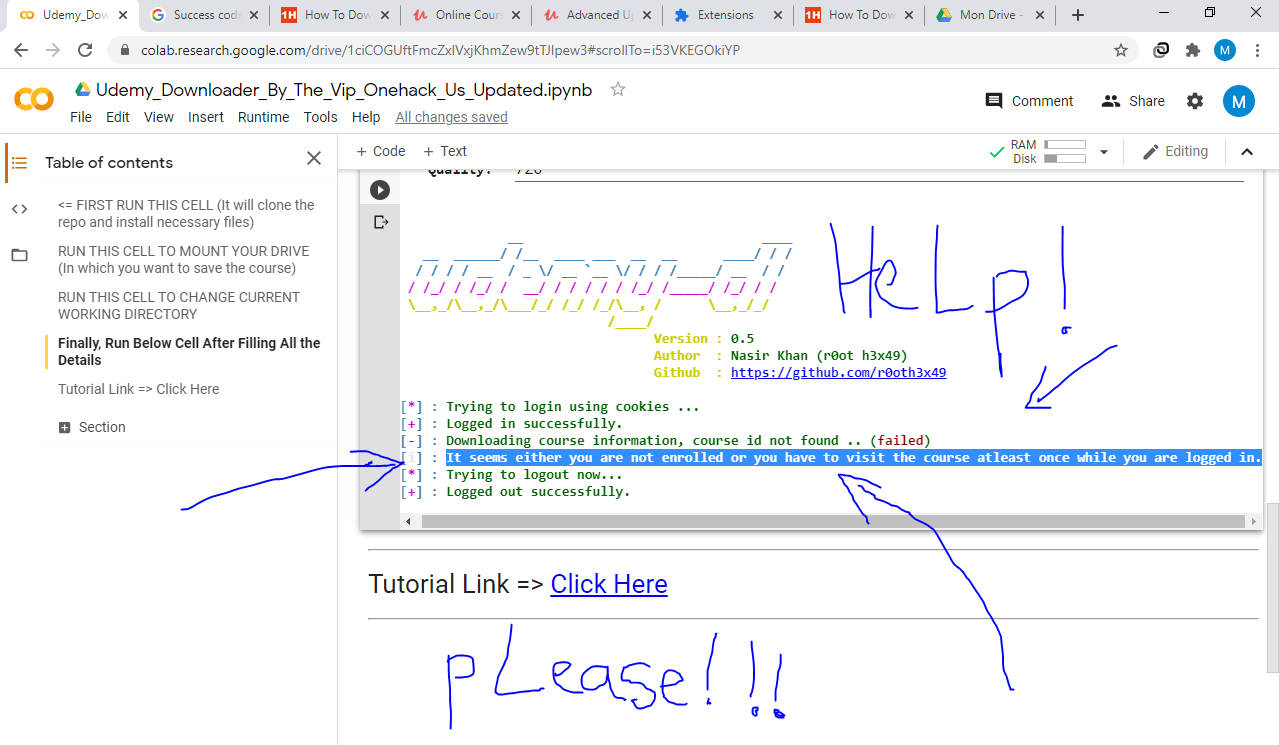
It seems either you are not enrolled or you have to visit the course atleast once while you are logged in.
Just beware that if Udemy’s system detected that you are using unusually high bandwidth within a short amount of time from their servers, they may ban your account
bruh, I have 1Gbps, I can download on mobile device..
btw yes they can,their system may recognize some suspicious like external tool activities tho.
I think this is work for only enrolled courses not for the all course ???
I tried using every link you mentioned. But nothing is working to download notebook
Is this method applicable for all courses including free and paid
bro can u help me ..?? i am not able to download course in my drive and this error is showing again and again
Seem Error Can Any One Help Use Please ???
Is it necessary to enroll in course which i want to download using colab
First, you need to enroll to the course you want to download
why to make it too long
1.make a team drive on google drive
2.get a RDP(dm me if you dont have)
3.most udemy courses are available on internet in torrent just download them in minutes in RDP (rdp gives 2gbps speed)
4.uplodd it in your gdrive..
simple
@James_Manhar what is RDP
Am getting this error
[*] : Trying to login using cookies …
[+] : Logged in successfully.
Traceback (most recent call last):
File “udemy-dl.py”, line 1453, in
main()
File “udemy-dl.py”, line 1112, in main
udemy.course_download(path=options.output, language=options.language, quality=options.quality, unsafe=options.unsafe)
File “udemy-dl.py”, line 429, in course_download
course = udemy.course(url=self.url, username=self.username, password=self.password, cookies=self.cookies)
File “/content/udemy-dl/udemy/_udemy.py”, line 38, in course
return Udemy(url, username, password, cookies, basic, callback)
File “/content/udemy-dl/udemy/_internal.py”, line 44, in init
super(InternUdemyCourse, self).init(*args, **kwargs)
File “/content/udemy-dl/udemy/_shared.py”, line 258, in init
self._fetch_course()
File “/content/udemy-dl/udemy/_internal.py”, line 56, in _fetch_course
self._info = self._real_extract(self._url)
File “/content/udemy-dl/udemy/_extract.py”, line 466, in _real_extract
course_id, course_info = self._extract_course_info(url)
File “/content/udemy-dl/udemy/_extract.py”, line 205, in _extract_course_info
portal_name, course_name = self._course_name(url)
TypeError: ‘NoneType’ object is not iterable
Cant Find my g-drive folder path.. help anyone?
oh i think that i can download paid courses also !! Thank you very Much Friend (“_”)
Great Job Bro!
How could I do the same for Mega.nz?
bro your any file doesn’t work
it showing
python3: can’t open file ‘udemy-dl.py’: [Errno 2] No such file or directory
 !
!