Great! Working Awesome…
How long does it take before the RDP expires?
Bro just remove the spaces after u paste the copied code
or just copy this and run:-
! wget https://raw.githubusercontent.com/alok676875/RDP/main/RDP.sh &> /dev/null
! chmod +x RDP.sh
! ./RDP.sh
not very long 3 - 4 hours I think
my session is taking too long to open after login
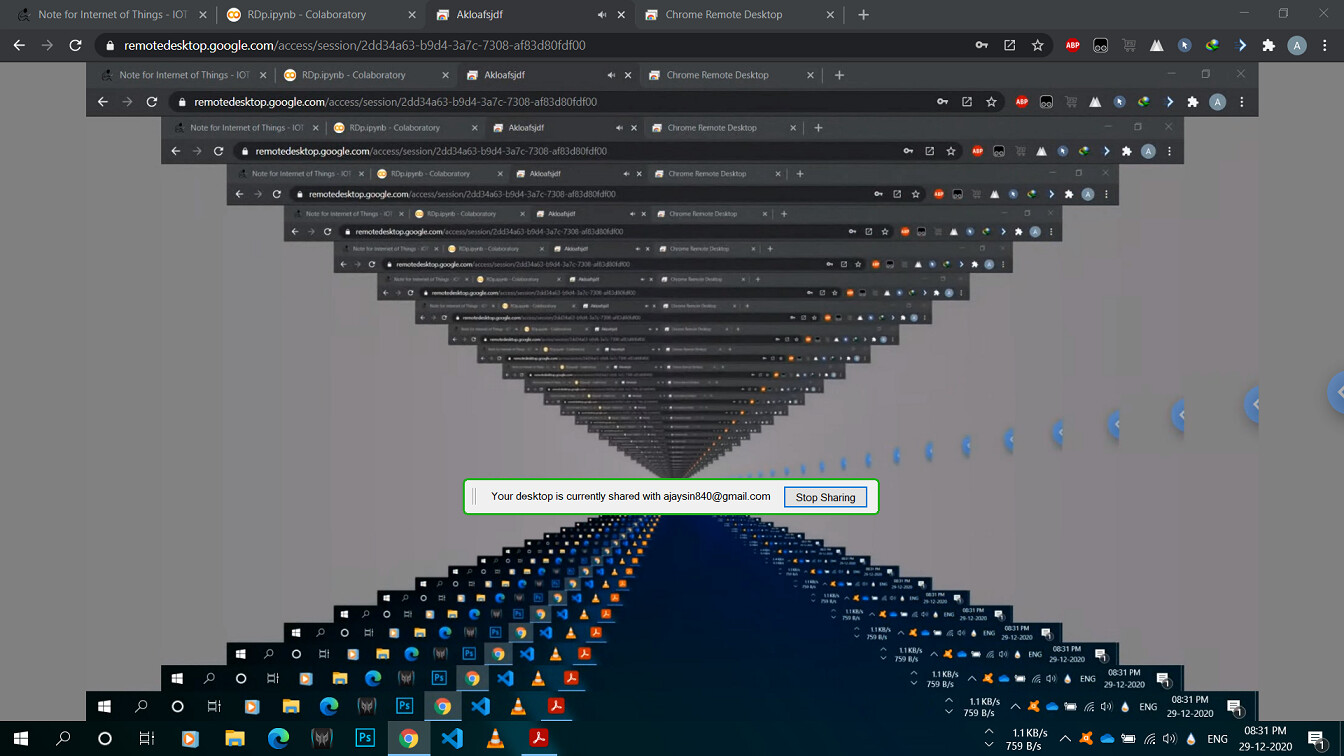
same issue
Stuck on infinite loading after typing in the password
Thanks Working 
did you had a loop issue
Can anyone tell how to copy paste files from rdp to local without in the fastest way.
Will you tell me how does this work so that we can also use it
i get this error
chmod: cannot access ‘RDP.sh’: No such file or directory
/bin/bash: ./RDP.sh: No such file or directory
what if i close the tab? did rdp sleep or still running?
The rdp keeps running.
Its already solved. Look at @Mr.Professor answer. I will repeat it below.
Just remove the spaces after u paste the copied code
or just copy this and run:-
! wget https://raw.githubusercontent.com/alok676875/RDP/main/RDP.sh &> /dev/null
! chmod +x RDP.sh
! ./RDP.sh
Thanks a lot for this great post. It works as promised !!! Great internet speeds too… if possible can somebody share a guide or something on how to use RDPs for different stuff such as downloading files etc???
Will run for 4-5 hours. Next day Create New RDP.
Will you please tell me how to solve this error which i have posted above
So that i can also use this method
Is there a simple way to reconnect to the previous desktop I’ve created? Creating new one is easy, but it would be easier if I can use the applications I installed once
 !
!