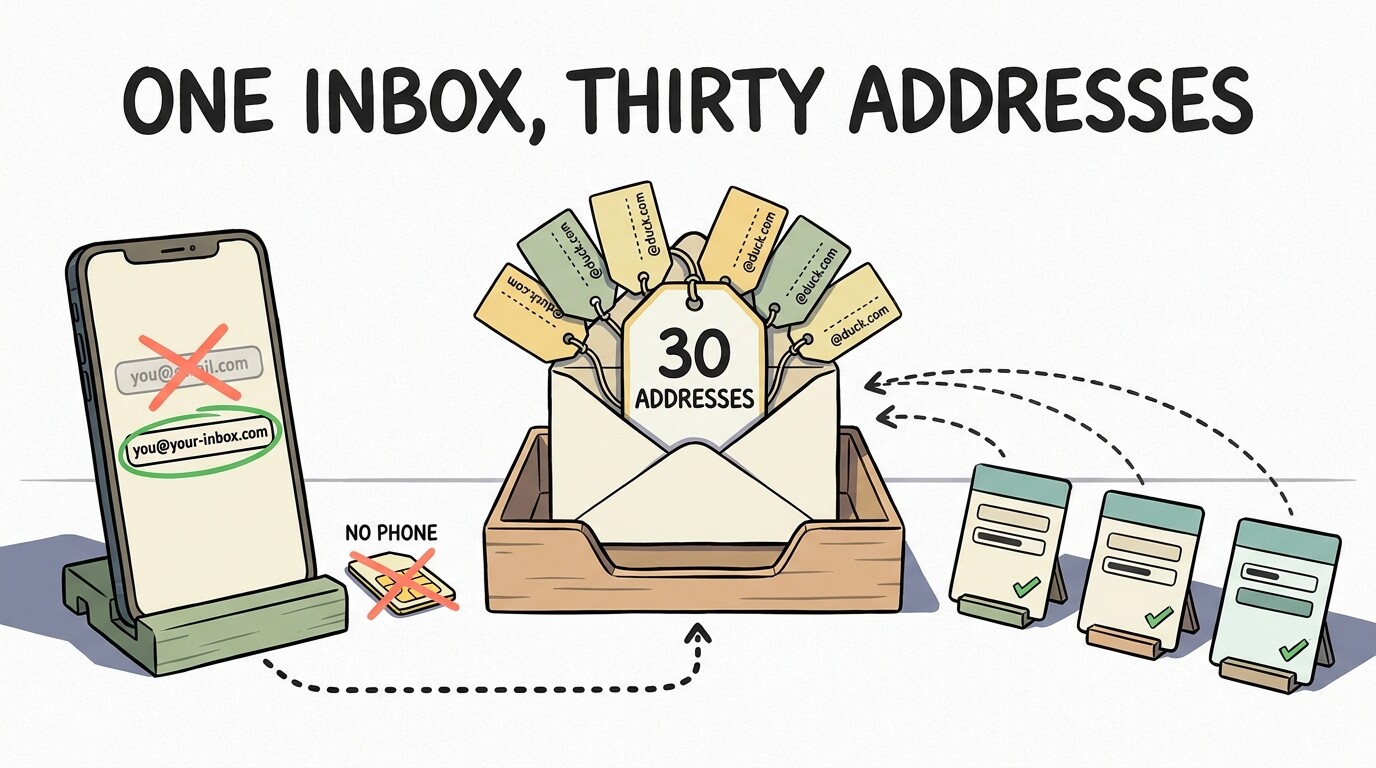
You do not need a Gmail address to own a Google account. Google’s signup has one link — “Use your existing email address instead” — and it builds the account on an inbox you already have. No mailbox, no new number. 
▬▬▬▬▬▬▬▬▬▬▬▬▬▬▬
The part that ends the account hunt — you don’t need more accounts, you need more addresses.
1 Google account →  30 aliases →
  signups everywhere →
  1 inbox
One inbox, thirty addresses, twenty signups that never learn your real one. 
▬▬▬▬▬▬▬▬▬▬▬▬▬▬▬
 door door |
what it asks | what you get |
|---|---|---|
| DuckDuckGo Email | nothing | unlimited @duck.com |
| Firefox Relay | an account | 50 masks |
| SimpleLogin · addy.io | an account | 10 each, both open source |
▬▬▬▬▬▬▬▬▬▬▬▬▬▬▬
 The only truly separate accounts you’ll ever need: five, via Family Link, with no phone number — Google’s own page.
🔧 If you do want a second account — the device window
Since Feb 2025 Google swaps SMS for a QR scan when the request looks like a farm: a VPN or proxy IP, a public IP that already made accounts, a profile that made three yesterday.
 Android: Settings → Accounts → Add account → Create new
Gmail app, or a fresh ChromeOS Flex install — the web form’s phone field never appears
Roughly 4–6 per device and IP, then the wall
The honest reset is Furru_Furru’s 7–10 day cooldown above — the risk score decays with time, not with a trick
What GrapheneOS users report: public Wi‑Fi, create from inside the Play Store, skip what it offers
▬▬▬▬▬▬▬▬▬▬▬▬▬▬▬
- Grab a
@duck.comalias - Sign up somewhere new with it
- Realise you never needed the second Gmail
 !
!