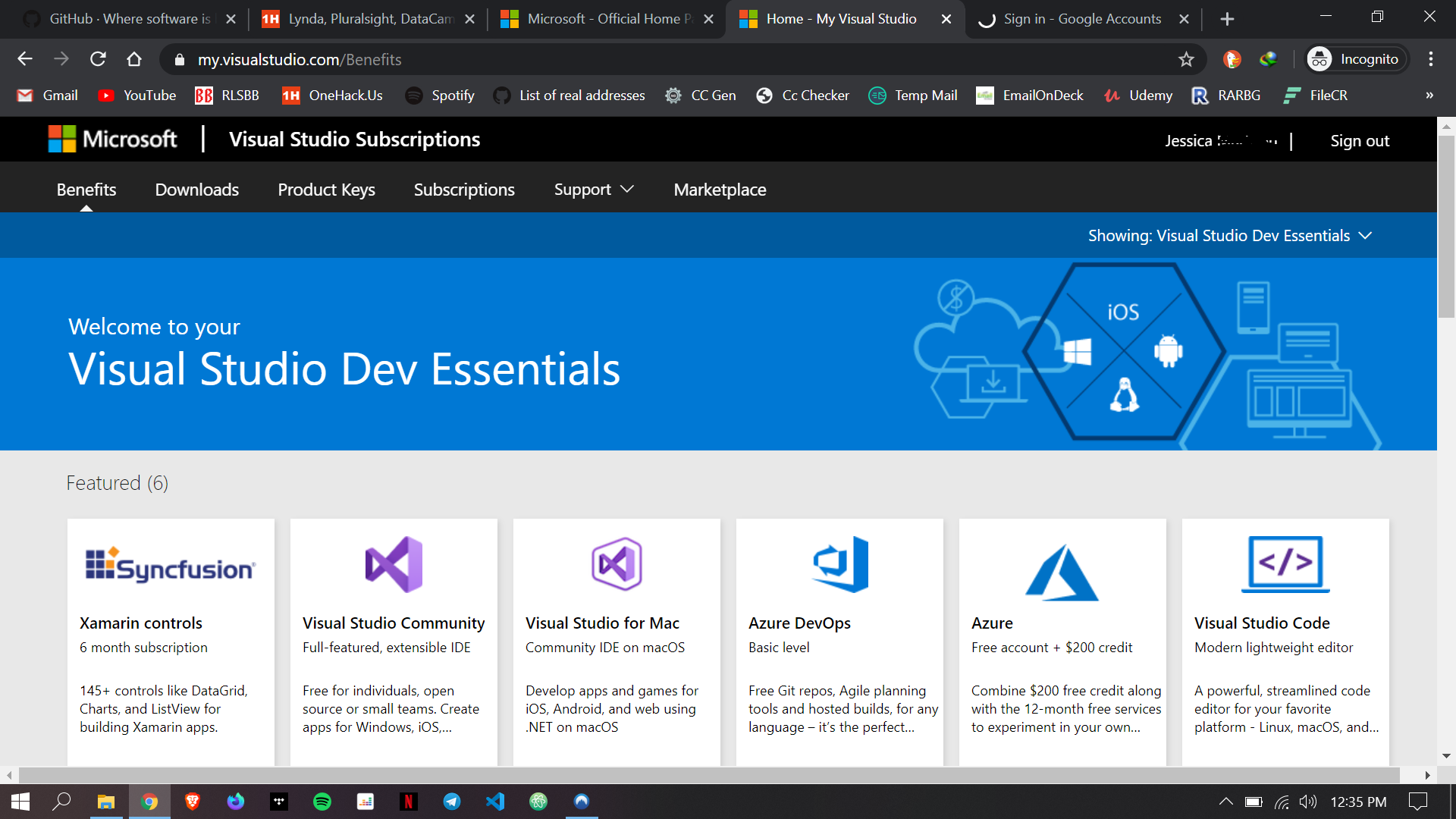
Just click on “Join Visual Studio Dev Essentials Program” on top right corner
2 Me gusta
to get azure you need credit card how can i skip it
Try generating a credit card of the area that you used during sign-in and make sure it’s a live one … you can use namso-gen.com to generate cards and zoners-gen.ml to validate it.
Thanks 
1 me gusta
@Waga Awesome benefit got from your post
Thanks
2 Me gusta
thanks man. It is working just fine.
Tip: just go to “my.visualstudio.com” after logging in with your existing microsoft account.
4 Me gusta
working perfectly. thanks a lot for sharing..
1 me gusta
Works smoothly! Thanks!
1 me gusta
Just click on the (Join Visual Studio Dev Essentials Program  )
)
you will get them free!
i just access benefit ,but after click activate lynda it redirect me to a lynda hompepage that want to start 1 month trial ,like regualar
Thank you so much ! Great sharing !
1 me gusta
Thank you so so much for sharing. It’s still working…!! 
1 me gusta
Join LinkedIn learning channel on telegram. . They’ve got your needs covered… every courses are there
1 me gusta
Azure requires credit card
yes its working..
Thank you for your valuable information. Appreciated
1 me gusta
It’s working fine but I want azure , for azure I need a valid credit card which I don’t have so not useful for me
Lynda LinkedIn is not working because it asks to create an account and there needs valid credit card detail.
Lynda LinkedIn Post Coming soon…
Stay tuned to OneHack
Cheers!!!
… And Over Every Possessor of Knowledge, There is (Some) One (Else) More Knowledgeable.
Hi! This worked for me.
1 me gusta
 !
!