Wow… Thanks man!!! I was already looking for a free way to make use of Azure. This is really good timing!
4 إعجابات
100% working method. Thank you @Aina
إعجابَين (2)
Thanks for sharing
إعجابَين (2)
Worked perfectly for me.
إعجابَين (2)
Thank you, and this works well.
إعجابَين (2)
Arrocha brazucas, tá funcionando o esquema! Top!
إعجابَين (2)
Take love chief 
إعجابَين (2)
thank you Mr Sam, I am now able to practice azure, hoping to get certification for this!!
thank you
3 إعجابات
Hey chief, i have a question - you said “you can ask the support to upgrade to 25TB for free” how can we do that ?? Can you elaborate ?? Thanks
3 إعجابات
It is optional, mate, this is just opportunity if it can be get done easily, you can try and see it yourself, and no worries it won’t affect your current storage or any cancellations. Good luck 
5 إعجابات
brother i have a questin after creating my account for 5tb in active user option there are more than 20people already present if i remove or delete them is there wull any problem?
3 إعجابات
now i got the account and worked fine… thank you @Aina 
You are the best…
إعجابَين (2)
what would happen after the 90 days are over ? @Aina (sorry for the tag)
إعجاب واحد (1)
Amazing post @Aina !! Thank you for sharing with us. 

3 إعجابات
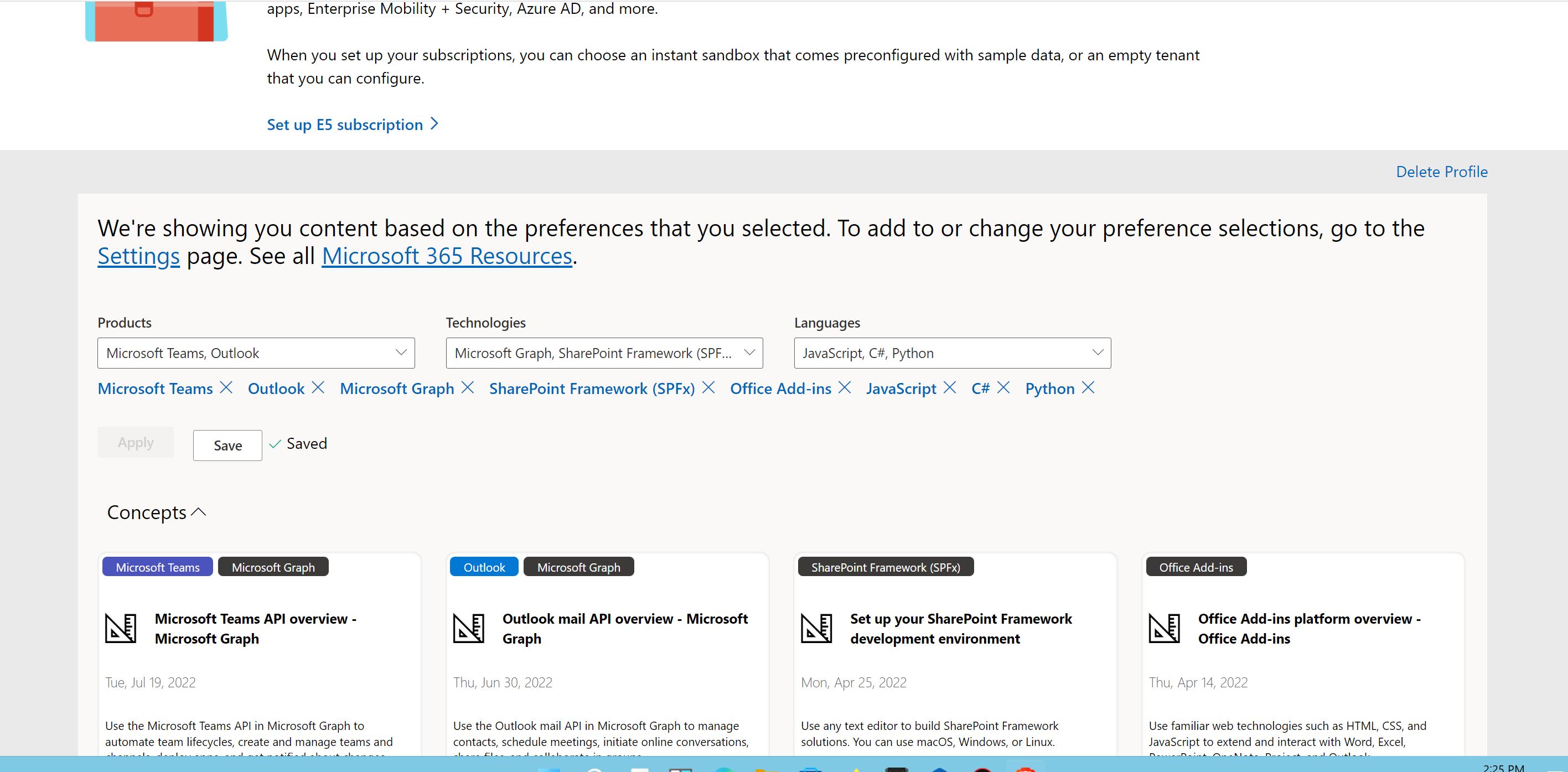
Click on “Setup E5 Subscription >” button!
إعجابَين (2)
Click on “Go to subscription” and login with your Administrative email ID and password you were given. (Check Step 11: screenshot)
3 إعجابات
Thank you so much!!! Up and working!
إعجابَين (2)
Thank you, you are the best.
إعجابَين (2)
How to up 25TB ?
إعجاب واحد (1)
 !
!