Thank you so much @Nikhil_Dagar . I carefully followed your instructions, and now every premium function works for me.
tks bro, it works
Hey @Nikhil_Dagar - followed your instructions in chrome incognito and brave but no luck
After signing up - I refresh and nothing
I then go as far as the credit card info part for the premium signup and refresh but nothing happens
Hey @Schwartz @KemmXoi-116 - do you mind laying out the steps you followed, please? 

followed as per your instructions - still no luck -
I have tampermonkey and violentmonkey installed - could the issue be that I have both installed.
I then also tried the script suggested by @rahul_rahul and not even sure if I did it correct - not a nube with computers but a nube at editing these things -
I really appreciate any guidance to get this to work - seems everyone else is so its most likely me not getting it right
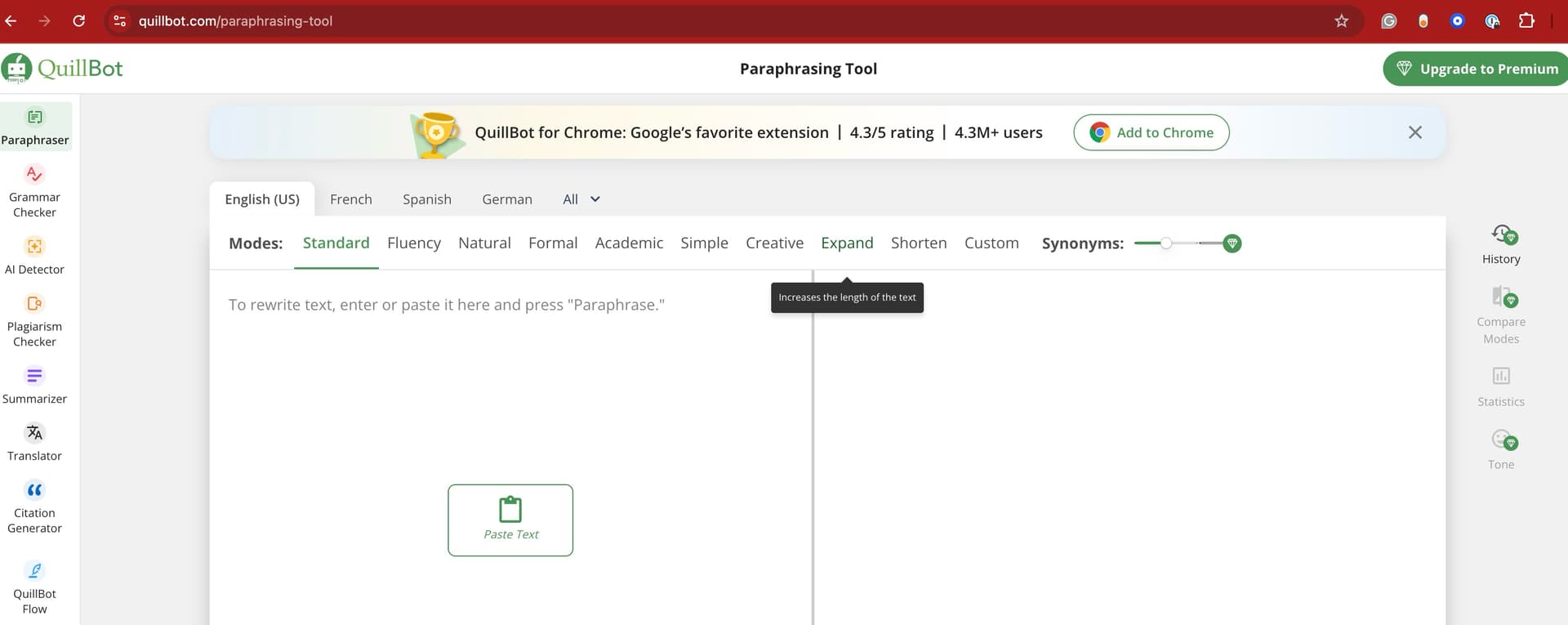
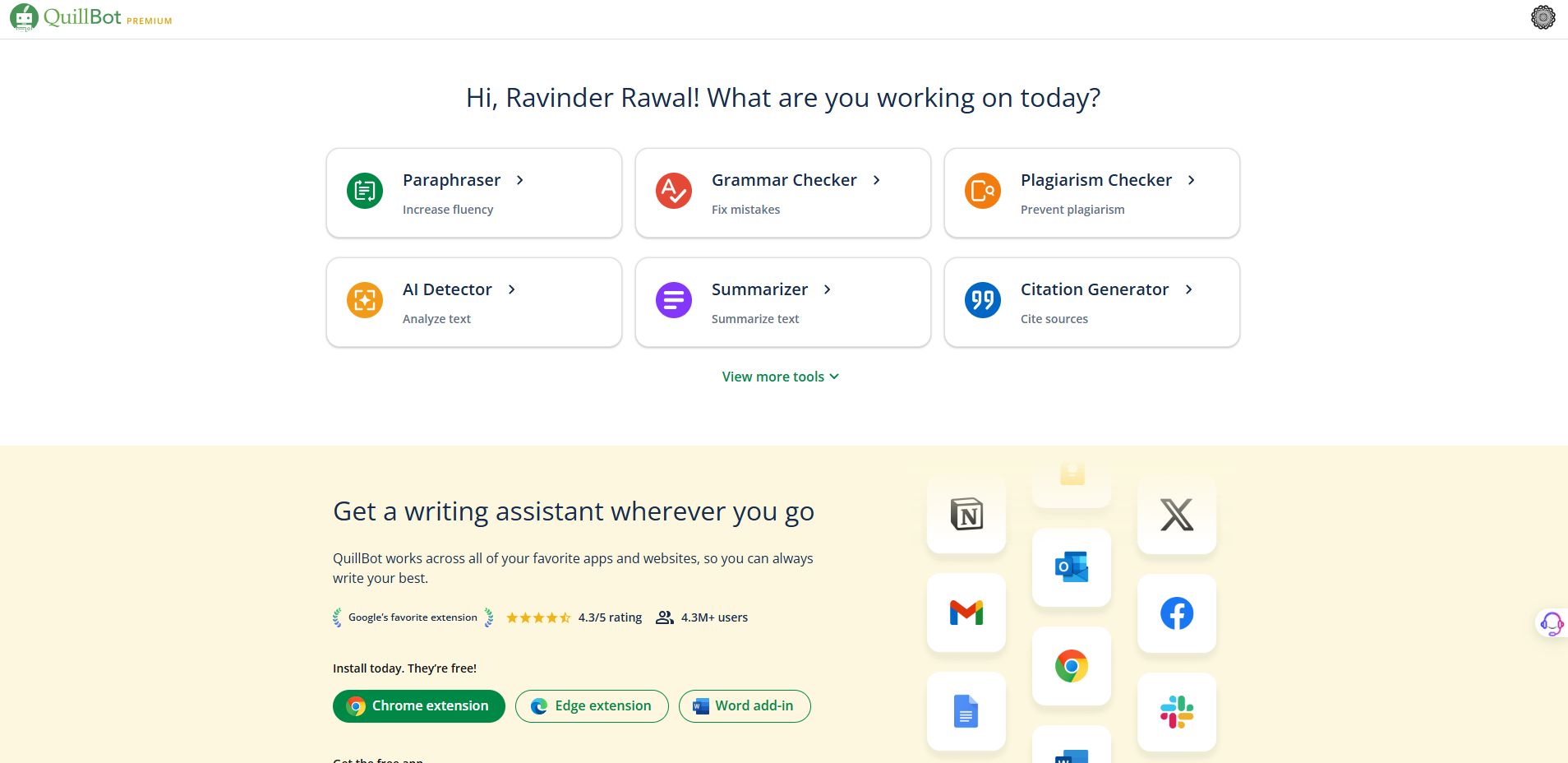
@MikeLowry
Quit the chrome and open again. Do end task from task manager.
(basically restart the chrome and try login)
it works for me ! thanks !!
followed those exact steps after quitting and reopening Chrome but still not a premium account.
works like a charm! thank you🙏
Try a different Beowser maybe ?
Check if your developer mode is enabled or not. (In extension section)
Hi @Aina
Thank you for sharing
Working like a charm!!!
Voila!!!
Hi @Aina
Thank you for sharing
Wow Awesome Share Thank you
Works in 2025!! THANKSS!!
I vouch for this method , it works great when creating a new account in incognito mode, remember to have the script installed before you do!
Another method here: 1. install Cookie-editor and sign in https://quillbot.com/ after add to block url quillbot.com/api/auth/get-account-details on adblock or etc. then open cookie editor and add Name: premium and value: true . Refresf page. It is premium. Tested worked
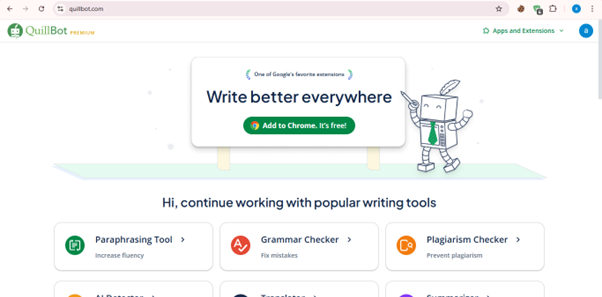

 !
!