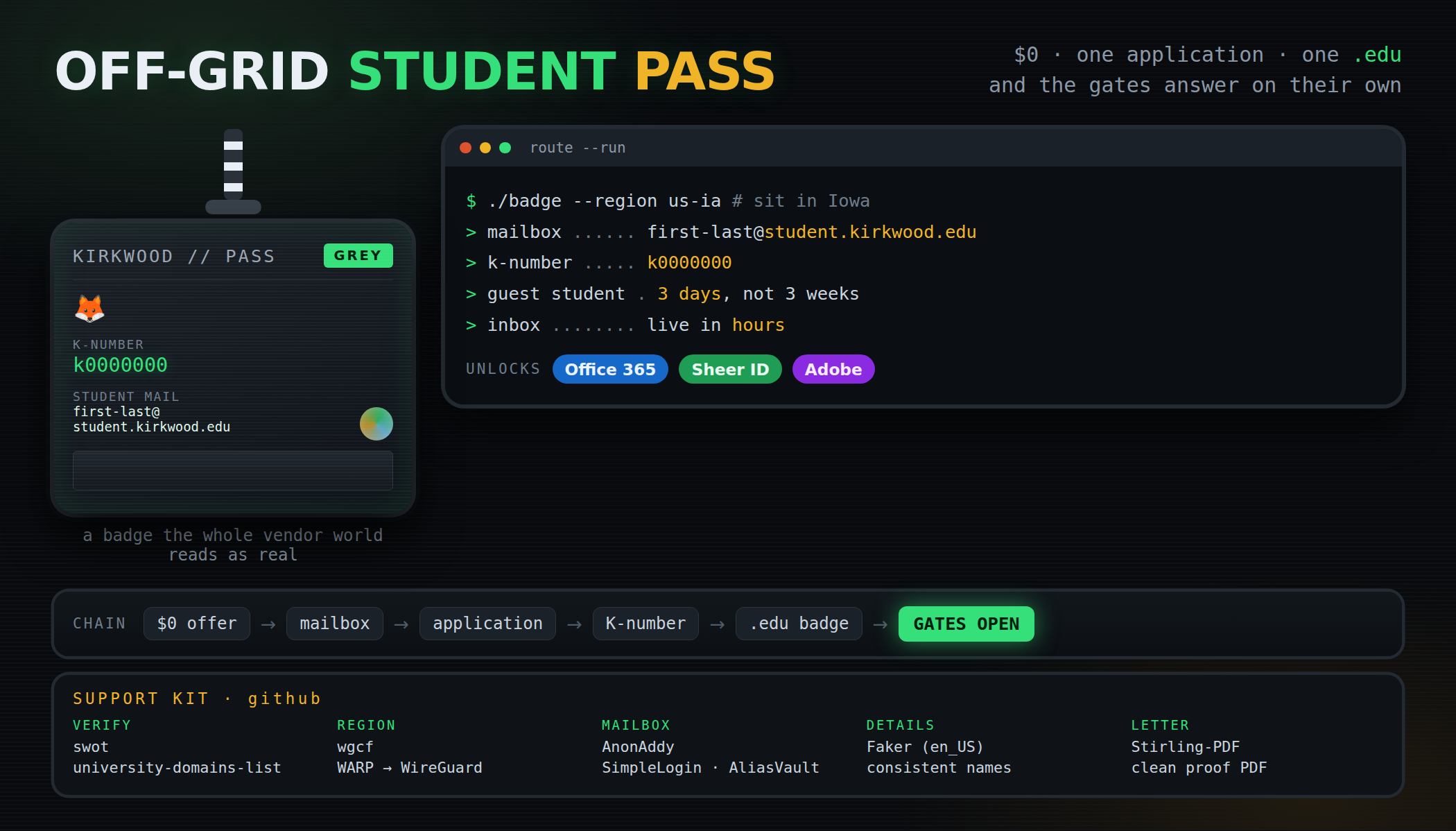
 one free application → a student badge → an inbox the whole vendor world reads as real
GET IT IN ONE SCREEN · .edu inbox · Office 365 · Sheer ID proof · Adobe as school · $0
The shape
+----------------------------------------------+
| THE PASS  -  what one K-number opens         |
+----------------------------------------------+
| K-number     k0000000                        |
| mailbox      first-last@student.             |
|              kirkwood.edu                    |
| hands back   Office 365  -  Sheer ID         |
|              -  Adobe, all on one inbox      |
+----------------------------------------------+
What you bring
- Details that look like a person — name, address and the rest. Iowa is the sweet spot: 90+ chances.
- A mailbox with a real name — a temp inbox or a random-name gmail is the shortcut that costs you the door.
The kit — out of the box
 JetBrains/swot — the domain list vendors approve from. Land your institution inside it and the badge verifies everywhere.
 university-domains-list — every university’s domain, name and country, as JSON and an API.
 edumail — one call: is this a real academic domain, and which school is it.
- swot-js · AcademicEmailVerifier · educhk — the same check in JS, PHP and edge workers.
 wgcf — Cloudflare WARP into a WireGuard profile: the US/Iowa exit for move 1, scripted.
 AnonAddy · SimpleLogin · AliasVault — mailbox aliases plus an encrypted vault for the details record.
 Faker · faker-js/faker — consistent US name and address details for the form.
 Stirling-PDF — the welcome letter into the clean PDF the Sheer ID step asks for.
 awesome-privacy — the wider index, when a lurker wants the next door after this one.
The route — eight moves
| move | hands you | |
|---|---|---|
 |
Sit in the USA first — a VPN pinned to Iowa, and plain USA lands too | the right door |
 |
Make the mailbox — mail.com, the name matching what you enrol with; taken already? add 369 | the identity |
 |
Open the application — kirkwood.edu: register, start it, submit it | the application |
 |
Guest student — every extra-documents box: no | 3 days, not 3 weeks |
 |
Details byte-exact — first, last, SSN; copy it, don’t retype; keep the record saved | the pass |
 |
The K-number lands | in 2–3 days |
 |
Set it up — the password, then the security question | the login |
 |
Log in → Links tab → mail | inbox live in hours |
What lands in your hands
- $0. The whole route is free end to end.
- A .edu inbox, Office 365, and a lot of services besides — all on the one login.
- The welcome letter — keep it. Save it as a PDF — your Sheer ID proof, and the GoDaddy email route with it.
- Adobe as school — a commercial licence with AI credits and the full premium set.
one real name · one free application · one K-number · one inbox, and the gates open
 The post above is now a refreshed version, AI-improved by the Core-Community.


 !
!