 The “I Can’t Afford Robots” Starter Pack
The “I Can’t Afford Robots” Starter Pack Free Robot Simulators + MIT Courses — Full List
Every free website that turns your browser into a robotics lab. No hardware. No money. No excuses.
What You’re Walking Away With
A complete cheat sheet of 40+ places to learn robotics without spending a single dollar on kits, parts, or courses.
 Why This Is Actually Insane
The robot kit you’re eyeing on Amazon? $200+. Breaks when you sneeze on it.
These websites simulate the exact same thing — sensors, motors, physics, code — for free.
You could mass-fail 10,000 times and never lose a cent. That’s how pros actually learn.
 What You Get
 Build circuits that actually work (or explode harmlessly)
 Code robot arms to grab things like a factory worker
 Make wheels follow lines, dodge walls, navigate mazes
 Train AI that controls robot movement
 Get skills that actual job postings ask for
 Play with physics engines used in AAA games
 Earn certificates that don’t look like participation trophies
 Skip These (Money Traps & Time Wasters)
Before we start — know what to avoid
| Trap | Why It’s Bad |
|---|---|
| $50+ “beginner” kits | Break easily, can’t reset, limited projects |
| Paid courses under $100 | Free alternatives exist and are often better |
| Outdated ROS tutorials | ROS 1 is dying — learn ROS 2 |
| “Learn robotics in 1 hour” YouTubers | Clickbait. Real learning takes practice. |
| Anything requiring Windows XP | Yes, these still exist. Run. |
 TIER 1: ABSOLUTE BEGINNER
Zero experience needed. Open tab. Start clicking.
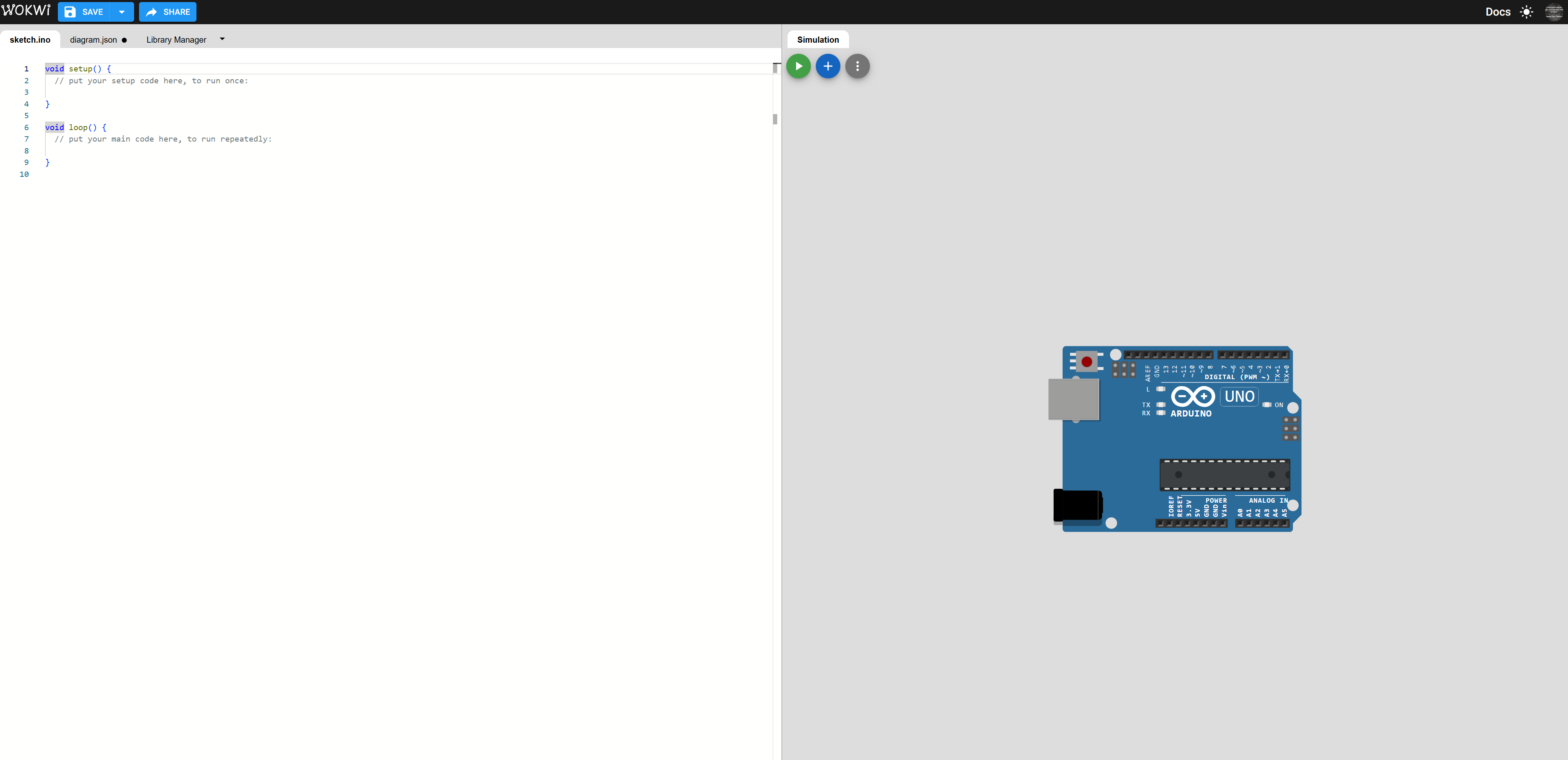
🔧 Wokwi — The 'Drag & Drop' Circuit Playground
What it is
A massive online simulator for Arduino, ESP32, Raspberry Pi Pico, and more.
Why it slaps
- Huge component library (sensors, motors, LEDs, displays, WiFi modules)
- Write code → hit play → watch it run instantly
- Share projects with a link
- Community examples you can remix
- Zero install. Zero signup required to start.
Who it’s for
Someone who’s never touched electronics but wants to see what the fuss is about.

🎨 Tinkercad — 3D Design + Circuits in One Place
What it is
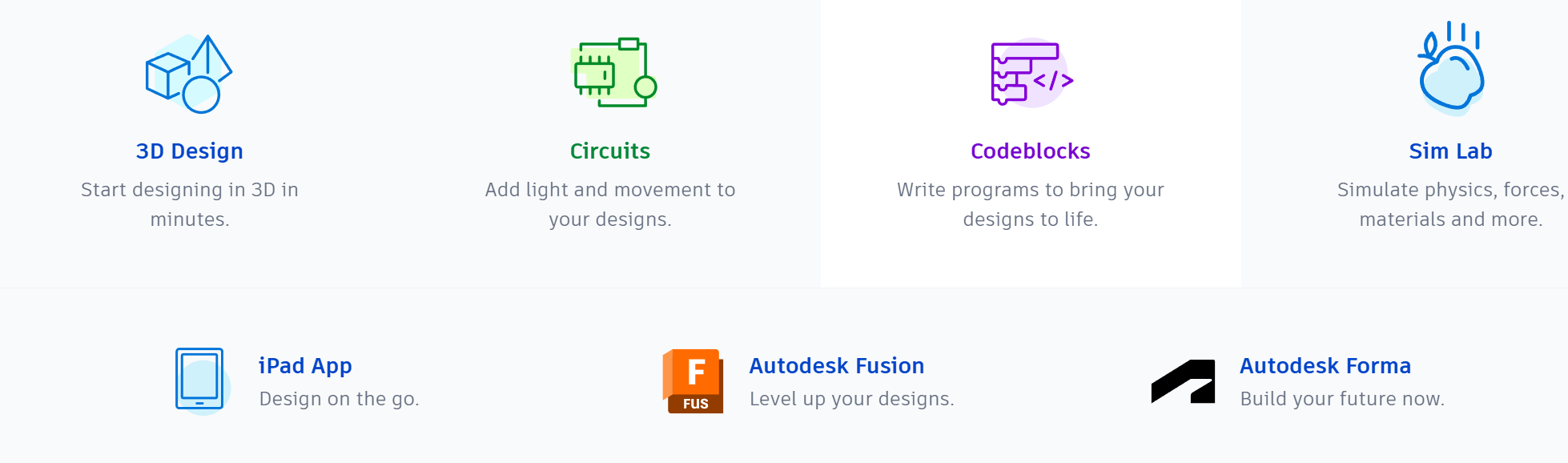
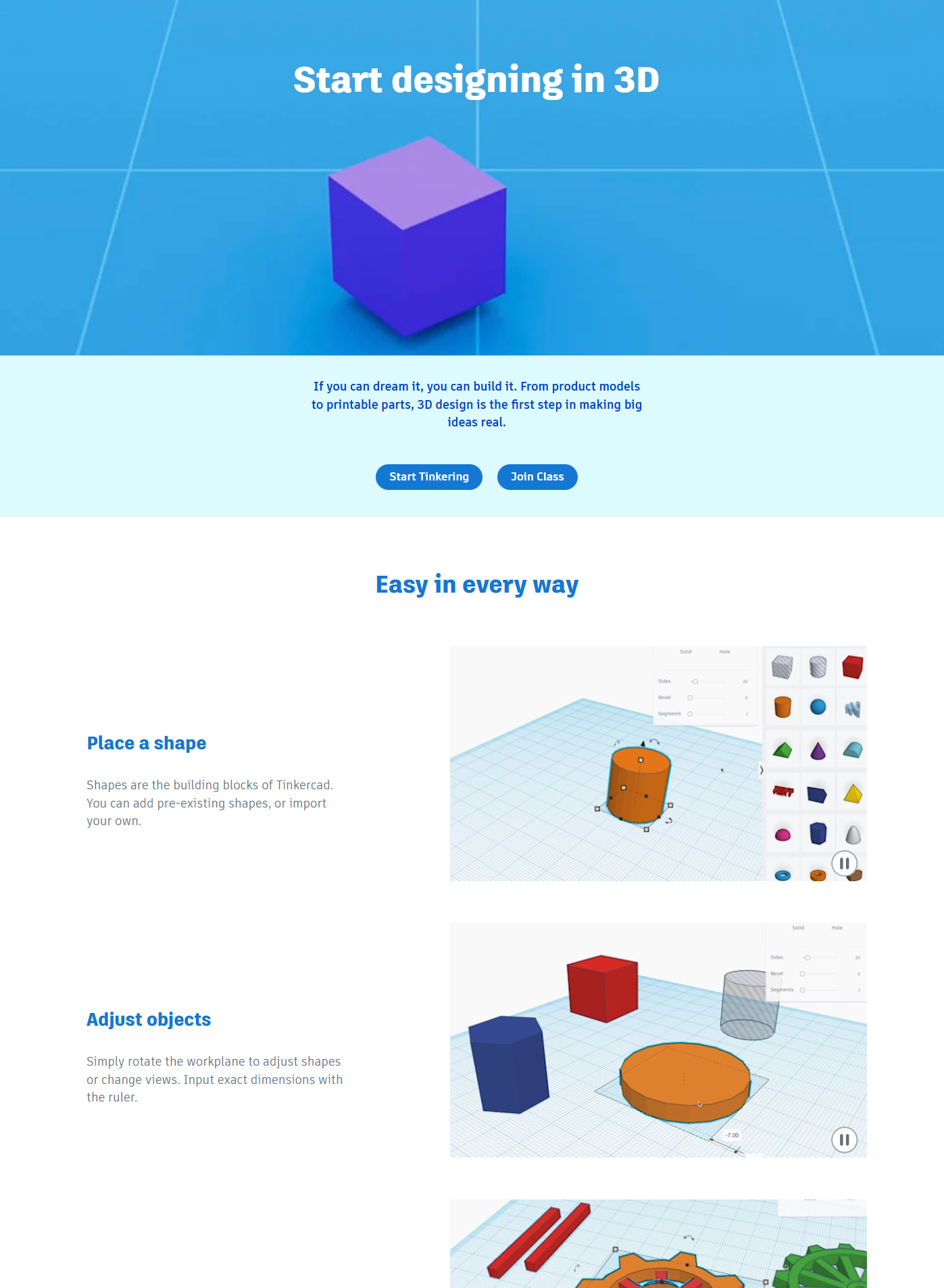
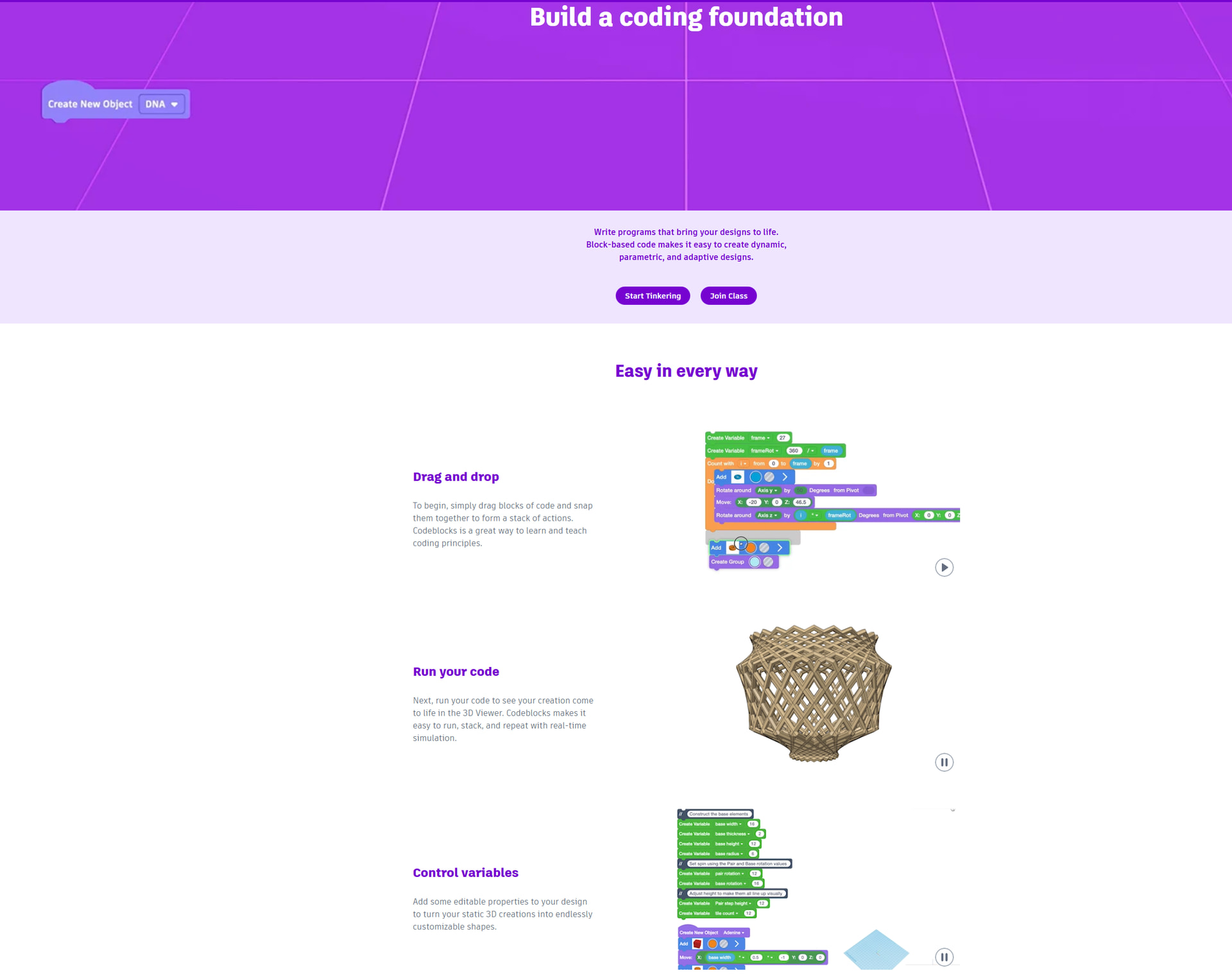
Autodesk’s free tool for 3D modeling AND Arduino simulation. Yes, both.
Why it slaps
- Design robot parts in 3D → export for 3D printing
- Simulate circuits with real physics
- Beginner-friendly drag-and-drop interface
- Used in actual schools worldwide
- Teaches you CAD skills that transfer to professional tools
Who it’s for
Someone who wants to design AND program without switching apps.

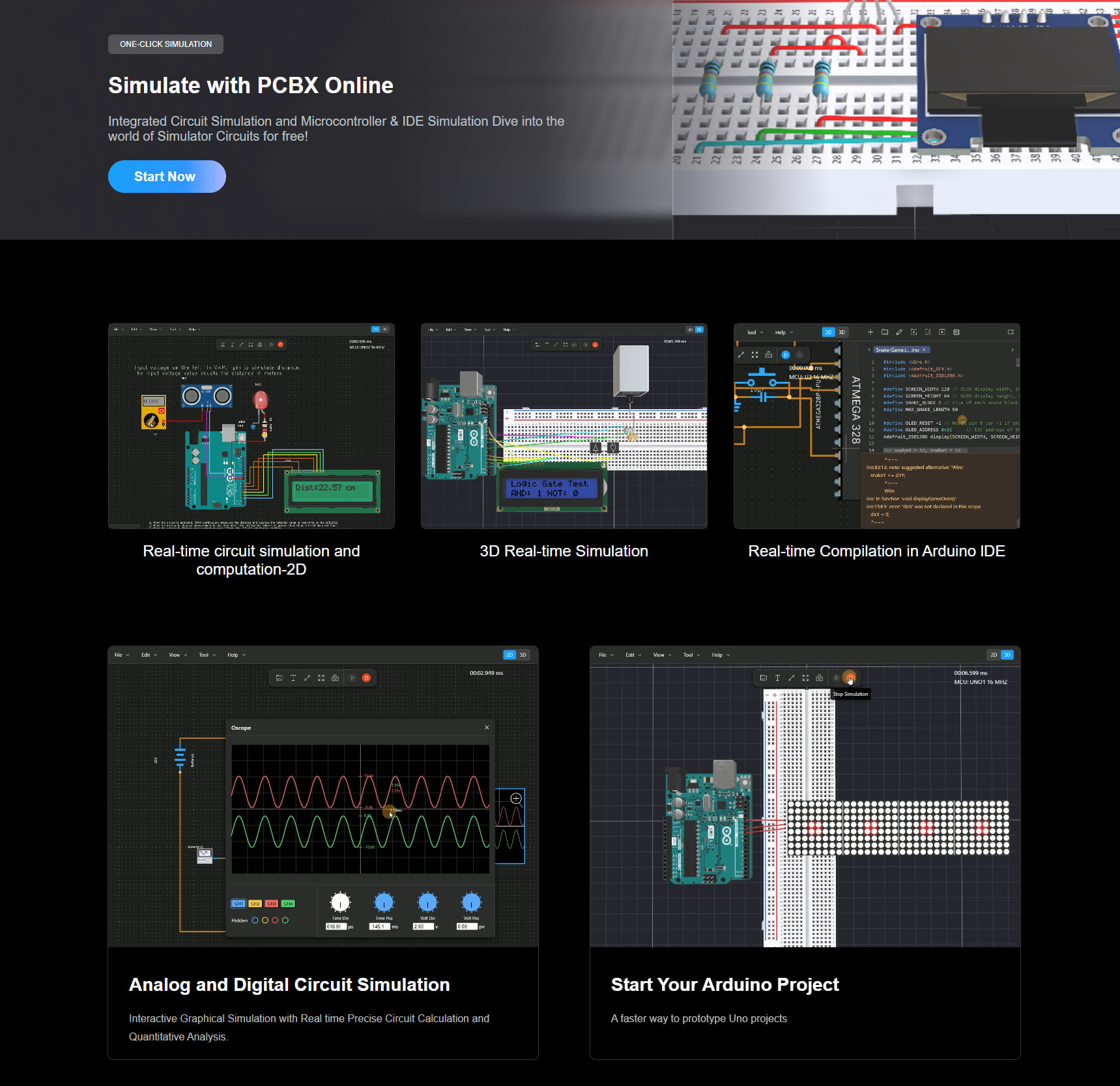
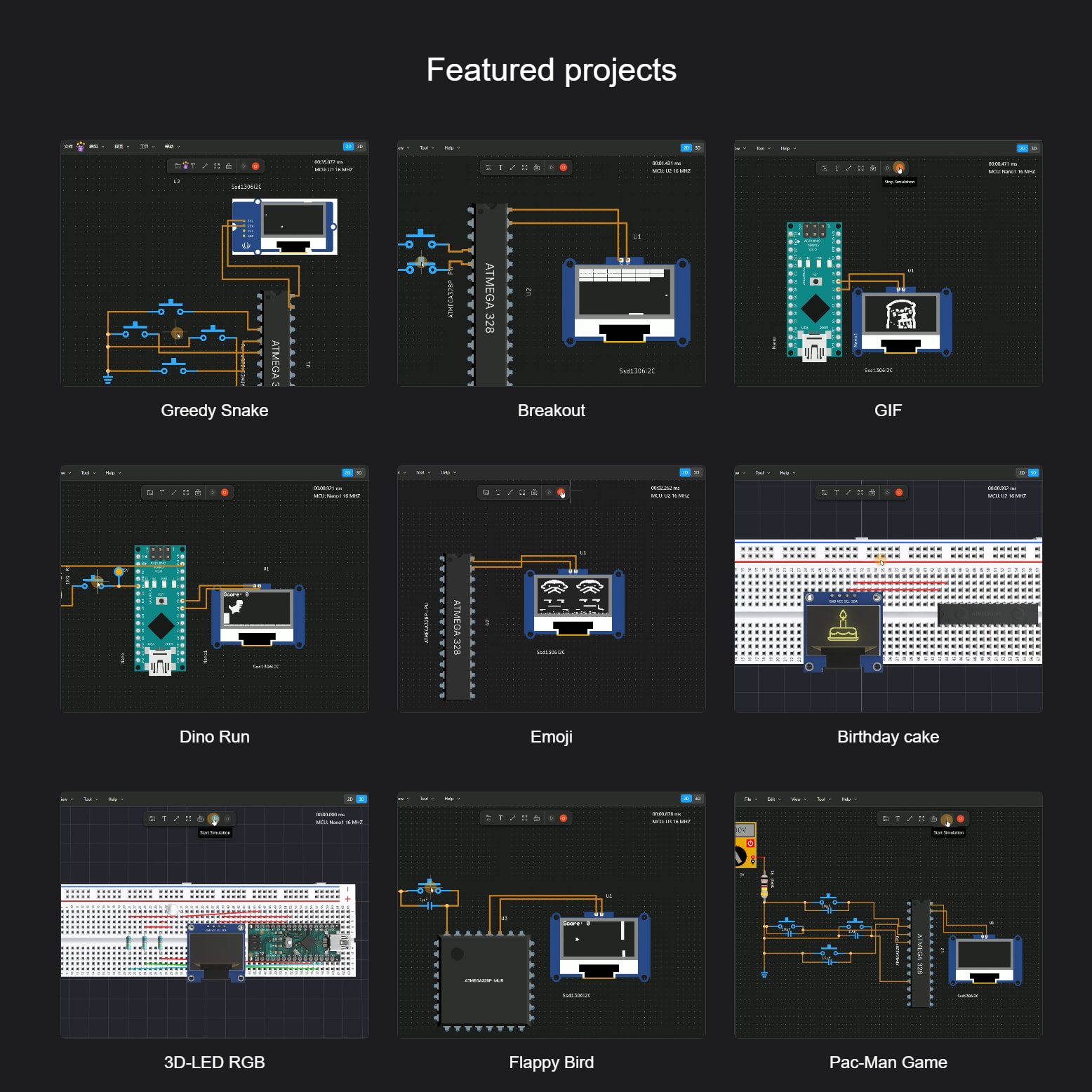
⚡ PCBX — Quick Electronics Simulator
What it is
Online emulator for basic robotics and electronics.
Why it slaps
- Fast to load
- Good for testing simple ideas
- No account needed
Who it’s for
Someone who wants a quick sandbox without the feature overload.
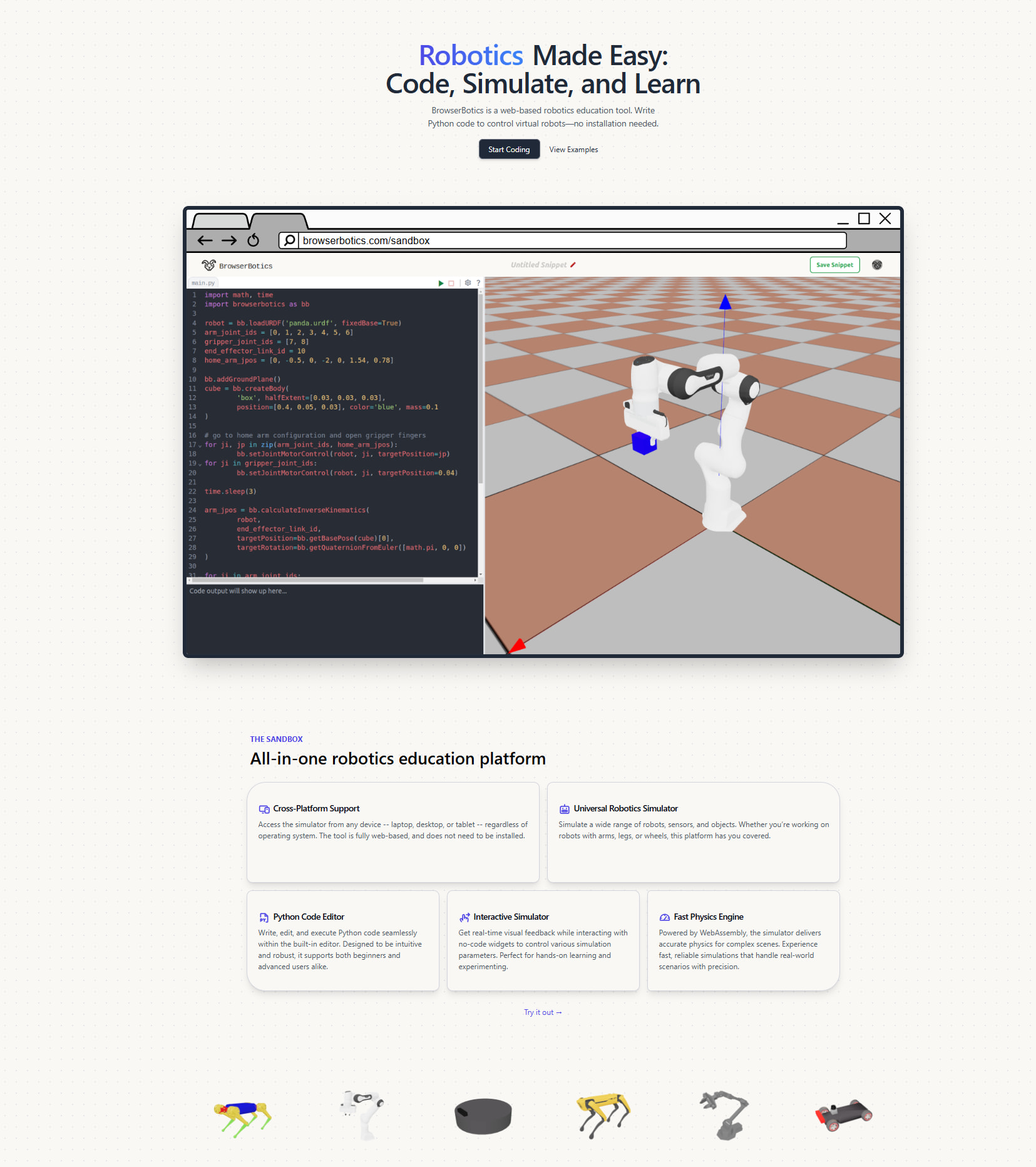
🤖 Browserbotics — Robots Already Built, Just Code
What it is
Pre-assembled robots in your browser. You just write the code.
Why it slaps
- Skip the “how do I wire this” confusion
- Focus purely on programming logic
- Instant visual feedback
- Great for learning movement algorithms
Who it’s for
Someone who wants to code robots without touching hardware setup.
🏆 Robotbenchmark — Competitive Robot Coding
What it is
Browser-based robot programming challenges with global leaderboards.
Why it slaps
- Funded by the Human Brain Project (EU research money)
- Powered by Webots (professional-grade simulator)
- Challenges from middle school easy to PhD hard
- Python only — the language everyone’s learning anyway
- Flex on friends with your ranking
- 100% free. No catch.
Who it’s for
Someone who learns better through competition and clear goals.
📚 CMU Virtual Robot Curriculum — Structured Learning Path
What it is
Carnegie Mellon’s official virtual robotics curriculum.
Why it slaps
- No physical robot needed
- Virtual LEGO robots (SPIKE Prime, EV3)
- Step-by-step lessons with embedded simulations
- Progress tracking built in
- Made by one of the top robotics universities
Who it’s for
Someone who wants a structured course, not random tutorials.
 https://www.cmu.edu/roboticsacademy/roboticscurriculum/virtual_curriculum/
🍓 Raspberry Pi Foundation — Free Electronics Courses
What it is
Official free courses from the Raspberry Pi people.
Why it slaps
- Learn to control physical world with code
- Project-based (not boring theory)
- Leads naturally into real Pi projects later
Who it’s for
Someone interested in the Raspberry Pi ecosystem.
https://www.raspberrypi.org/courses/electronics-and-robotics
 TIER 2: GETTING SERIOUS
Free accounts required. More features. Still $0.
🌐 The Construct — Full ROS in Your Browser
What it is
Complete ROS (Robot Operating System) development environment. In a browser tab.
Why this is a big deal
ROS is what actual robotics companies use. Boston Dynamics. NASA. Farming robots. Warehouse bots. All ROS.
Learning ROS normally means:
- Installing Linux
- Fighting with terminal commands
- Crying over dependency errors
The Construct skips all that. You get ROS + Gazebo simulation + real robot models instantly.
The catch
Free tier has limited hours per month. But enough to learn the basics.
Who it’s for
Someone who wants industry-relevant skills without Linux headaches.
Bonus: Their public simulation repo (free Gazebo worlds):
https://bitbucket.org/theconstructcore/
🏭 Universal Robots Academy — Industrial Robot Training
What it is
Official training for UR robot arms — the ones in actual factories.
Why it slaps
- Completely free for individuals
- Same content companies pay thousands for
- Interactive modules with simulated robots
- Industry-recognized certificates
- Covers programming, safety, applications
Who it’s for
Someone who wants “robotics technician” on their resume.
🎓 MIT Robotic Manipulation — Full University Course (Free)
What it is
Professor Russ Tedrake’s complete manipulation course. The real MIT class.
What you learn
- How robots see (perception)
- How robots plan movements
- How robots grab things without crushing them
- The math that makes it work (explained well)
Why it slaps
- Video lectures on YouTube
- Interactive notebooks you can run in browser (Deepnote)
- Uses Drake (MIT’s own robotics software)
- Actually current — updated regularly
Who it’s for
Someone ready for university-level content without university-level debt.
🚁 MIT Underactuated Robotics — Walking, Flying, Swimming
What it is
Another Russ Tedrake course. Covers robots that move with limited control.
What you learn
- How walking robots balance
- How drones stabilize
- How robot fish swim
- Control theory that actually makes sense
Why it slaps
- Most real robots are “underactuated” (not enough motors for full control)
- This course teaches you to work with that constraint
- YouTube lectures + runnable Python code
Who it’s for
Someone interested in locomotion, not just arms.
🎥 Robot Academy — Peter Corke's Video Series
What it is
Free video lessons from QUT professor and textbook author Peter Corke.
What you learn
- Robot kinematics (how joints move)
- Dynamics (forces and motion)
- Computer vision for robots
- MATLAB robotics toolbox
Why it slaps
- Professor literally wrote the textbook
- Short focused videos, not 3-hour lectures
- Covers fundamentals that never go out of date
Who it’s for
Someone who likes learning from video and wants solid foundations.
🇨🇭 ETH Zurich — ROS & Real World Robotics Courses
What it is
Free courses from one of Europe’s top robotics universities.
Courses available
- Programming for Robotics - ROS (the classic)
- Real World Robotics
- SLAM playlist from Freiburg (Cyrill Stachniss)
Why it slaps
- Industrial-grade teaching
- Used by actual ETH students
- Available on YouTube
Who it’s for
Someone who wants European engineering rigor.
Search “ETH Zurich ROS course” on YouTube
https://github.com/mithi/robotics-coursework (has all links)
🇮🇳 eYRC — Remote Hardware Access Competition
What it is
Indian robotics competition with free remote access to real robots.
Why it slaps
- Train on simulator (Gazebo)
- Top performers get remote access to actual hardware
- UR5 arms, mobile rovers, real sensors
- Published research paper on the platform
The catch
Competition-based. You compete to earn hardware time.
Who it’s for
Someone who wants to touch real robots without buying them.
Search “e-Yantra Robotics Competition” (IIT Bombay)
 TIER 3: RESEARCH GRADE
Still free. Needs good computer or GPU. Where the pros play.
⚡ ManiSkill3 — 30,000 FPS Robot Simulation
What it is
GPU-accelerated robotics simulator. Stupidly fast.
The numbers
- 30,000+ frames per second (with RGBD + segmentation)
- On a single RTX 4090
- That’s not a typo
Why it matters
Training robot AI normally takes hours or days. This does it in minutes.
What’s included
- Humanoids, mobile robots, single arms
- Pre-tuned RL baselines (PPO, SAC, TD-MPC2)
- Imitation learning support (Diffusion Policy)
- Vision-language models (Octo, RT-X)
Who it’s for
Someone doing AI/ML for robotics who’s tired of slow simulations.
https://github.com/haosulab/ManiSkill
https://maniskill.readthedocs.io
🎮 O3DE — AAA Game Engine with Native ROS 2
What it is
Open 3D Engine. Made by Linux Foundation + AWS. Free and open source.
Why this is wild
It’s a game engine (like Unreal/Unity) but with built-in ROS 2 support.
No bridges. No hacky workarounds. Your simulation IS a ROS node.
What you can do
- Photorealistic warehouse simulations
- Multi-robot fleet coordination (24+ robots demonstrated)
- MoveIt2 integration for arms
- LiDAR, cameras, all the sensors
Who it’s for
Someone who wants game-quality graphics with real robotics.
https://o3de.org
https://docs.o3de.org/docs/user-guide/interactivity/robotics/
🧮 Drake — MIT's Secret Weapon
What it is
C++/Python toolbox for robot dynamics and control. Used internally at MIT and Toyota Research Institute.
Why it’s special
Most simulators are black boxes. Commands in, sensor data out.
Drake exposes the math underneath — gradients, sparsity, constraints. This lets you do optimization-based control that other tools can’t.
Who it’s for
Someone ready for the deep end of robot control theory.
🦾 MuJoCo — The Industry Standard (Now Free)
What it is
Multi-Joint dynamics with Contact. The physics engine used in most robotics research papers.
Why it slaps
- DeepMind bought it and made it free
- Extremely fast and accurate
- Gym/Gymnasium compatible
- What OpenAI uses for their robot research
Who it’s for
Anyone doing reinforcement learning for robotics.
https://mujoco.org
https://github.com/google-deepmind/mujoco
🔬 More Research Simulators (All Free)
| Simulator | What Makes It Special |
|---|---|
| RLBench | 100+ manipulation tasks, Gym compatible |
| CoppeliaSim | Professional simulator, free edu license |
| PyBullet | Physics engine, easy Python API |
| Gazebo | ROS ecosystem standard |
| Webots | Complete dev environment, many robot models |
| Isaac Lab | NVIDIA’s solution (needs RTX GPU) |
| Genesis | Generative AI for robotics |
| Pinocchio | Blazing fast rigid body dynamics |
| SAPIEN | Articulated object manipulation |
| PyRep | V-REP/CoppeliaSim Python wrapper |
| cuRobo | CUDA-accelerated motion planning |
| Jiminy | Fast C++/Python with Gym interface |
📊 SimBenchmark — Which Simulator Should You Use?
What it is
ETH Zurich’s comparison of physics engines for robotics.
Engines tested
RaiSim, Bullet, ODE, MuJoCo, DART
Why it helps
Instead of guessing which simulator fits your needs, see actual benchmark data on speed, accuracy, and stability.
📦 Free Research Datasets
Need data to train your robot AI? Don’t collect it yourself:
| Dataset | What It Has |
|---|---|
| Open X-Embodiment | 1M+ robot episodes, foundation model training |
| RH20T | 110K episodes, 140 tasks, human demos included |
| D4RL | Offline RL benchmark environments |
| CALVIN | Language-conditioned manipulation |
| RoboCasa | Kitchen/home environments |
All free. All used in published research.
 THE MEGA-LISTS
Other people already collected hundreds of resources. Use their work.
🗂️ Curated GitHub Lists (Bookmark These)
| Repository | What It Collects |
|---|---|
| mithi/robotics-coursework | 200+ free courses, organized by topic |
| mjyc/awesome-robotics-projects | Open-source, affordable, hidden gems |
| knmcguire/best-of-robot-simulators | Auto-updated weekly with GitHub stats |
| jslee02/awesome-robotics-libraries | Technical libraries with comparison tables |
| kiloreux/awesome-robotics | General robotics resources |
| ahundt/awesome-robotics | Deep RL and ML focus |
| RayYoh/Awesome-Robot-Learning | ML for manipulation specifically |
| ps-micro/awesome-ros | ROS-specific tools and packages |
| Phylliade/awesome-machine-learning-robotics | ML + robotics intersection |
| Tinker-Twins/Robotics-Resources | Libraries organized by function |
Each of these links to hundreds more tools. Rabbit hole warning.
WHICH ONE DO I USE?
Decision tree for the overwhelmed
“I’ve literally never done this before”
→ Wokwi (circuits) or Tinkercad (3D + circuits)
→ Then Browserbotics or robotbenchmark.net
“I want to learn what jobs actually want”
→ Universal Robots Academy (certificates)
→ The Construct (ROS skills)
→ MIT manipulation course (deep knowledge)
“I just want to code robots right now”
→ robotbenchmark.net (instant, competitive)
→ Browserbotics (instant, chill)
“I’m learning ROS and hate installing things”
→ The Construct free tier
“I have a GPU and want to do AI/ML”
→ ManiSkill3 (fastest)
→ MuJoCo (most used in papers)
→ Isaac Lab (if NVIDIA fan)
“I want game-quality graphics”
→ O3DE + ROS 2 Gem
“I want structured courses, not random tools”
→ CMU Virtual Robot Curriculum (beginner)
→ MIT courses (intermediate+)
→ ETH Zurich courses (intermediate+)
“I want to touch real hardware without buying it”
→ eYRC competition (earn remote access)
→ University remote labs (check your local uni)
 THE BOTTOM LINE
You’re looking at:
- 40+ free platforms
- $0 spent
- Skills that get jobs
- Same tools researchers use
The only thing between you and robotics mastery is clicking a link.
The robot revolution isn’t waiting. Why are you? 
expanded with 40+ research-verified resources, curated lists, and a decision tree so you stop asking “which one do i use” — @SRZ 
Your browser is the new robotics lab. The excuse era is over.
 !
!