used gpay getting “This card can not be used for this purchase”. country india
but on screesnhot it shows google pay
yes ,i meant in google pay , i used visa cc , it was showing some error when i was directly putting my details.
Sure @lapprenti500 bro why not 'Sharing is a caring".
Try US Server may be it works .
Make sure you all guys Disable recurring billing to not have any Karma in the near future. 
you make google pay usa right ?
vcc or real card can you share
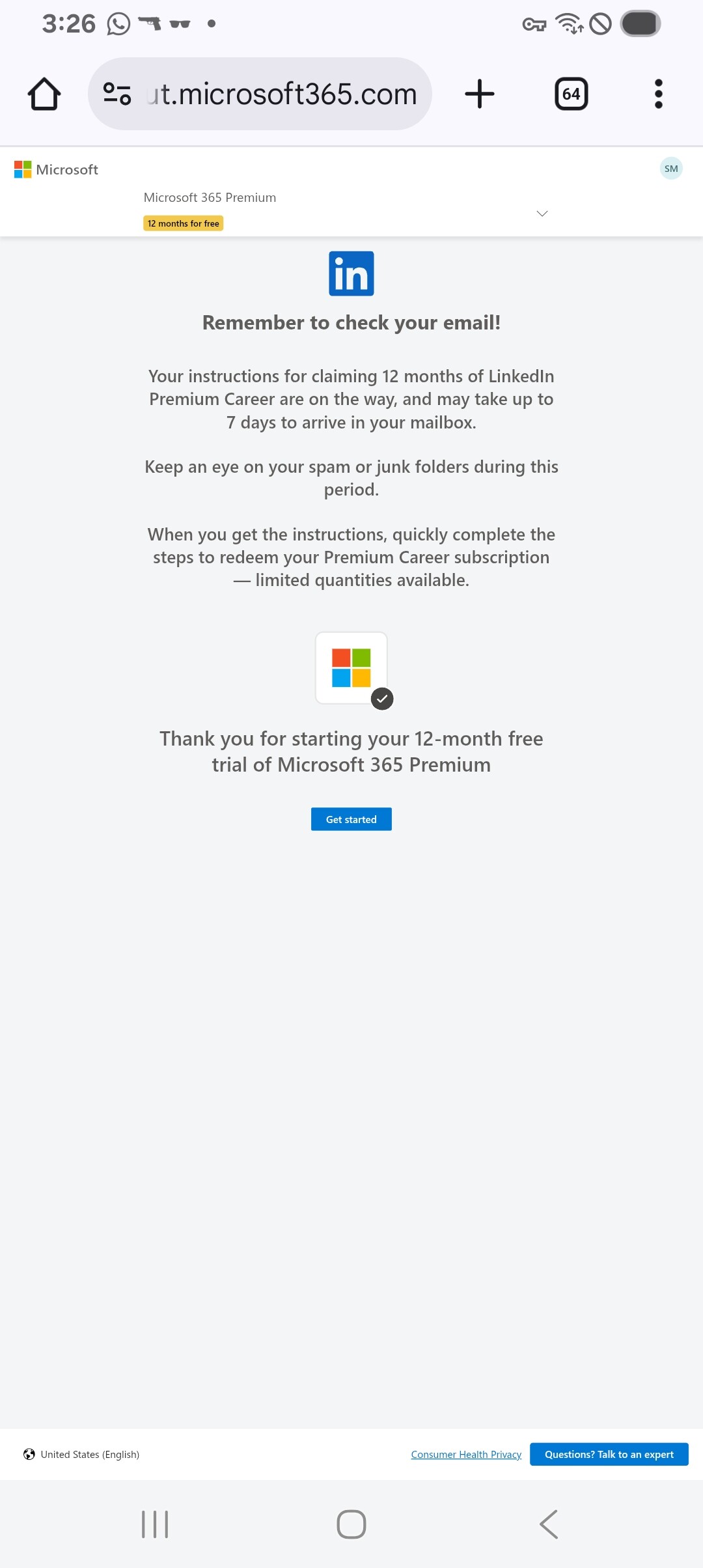
Thank You! Got Instant access to Microsoft 365, waiting for LinkedIn Premium.
Getting this error. please help with any alternative payment working options for india
Change your region or add another way to pay.
First Add Payment Method in Your google account then connect to USA VPN open that chrome profile goto to microsoft link in method payment choose Google Pay then click on pay new popup window will be open confirm and done.
Important
in student email u can add Maricopa Edu mail
Google pay only in USA so make sure u connect to USA VPN
For Non Student’s
All - there is a potential workaround that allows someone to obtain a free .edu email address and take advantage of this promotion.
The process takes approximately 15 minutes, and I have personally just tested it successfully.
You can sign up as a “student” at Maricopa Community College at no cost, with no verification required, and you will be issued a .edu email address that can be accessed through Gmail. Good idea to take advantage before it is plugged.
Steps:
- Go to the registration page:
admissions.maricopa.edu/Wizard/WizardStep1.aspx - When asked “Do you have a Maricopa:” , select No .
- Enter random personal information:
- Use your real email address.
- Find a random Arizona phone number and remove the dashes.
- Enter a birth date prior to 2007.
- Social Security Number is optional.
- Select “No middle name” if applicable and choose No for the marketing option.
- Complete the CAPTCHA and click CREATE USERNAME .
- Scroll down, create a password, select a security question, and click NEXT .
- Enter a random U.S. address. You can use this tool:
bestrandoms.com/random-arizona-address - Check the Affidavit of Information box and click NEXT .
- In the Previous Education section:
- For the first question, select “No high school diploma or GED”.
- Fill in the remaining fields with random information.
- Click NEXT.
- Under Primary College of Interest , select any college.
- Choose “Take a Class (not pursuing degree/certificate)” and enter any plan.
- Select any option for Expected Start , then click ADD TO MY APPLICATION .
- Click NEXT .
- Check the first checkbox, select Yes in the FERPA section, and enter any random 4-digit number.
- In the Vehicle Emissions Agreement , select “I do not park on campus” .
- Click NEXT .
- After a few seconds, you’ll be prompted to set a new password. Click SET PASSWORD .
- Your student email address will be displayed. Save this along with your password.
- Wait approx. 15–20 minutes, then go to:
google.maricopa.edu - Log in using your student email and password.
- Set up Duo Security :
- Use your UK mobile number for SMS verification.
- Approve the sign-in.
- Once completed, you’ll be redirected to Gmail.
Note:
If you encounter an error when attempting to log in to your student email (such as “Google Workspace – Invalid Email”), this usually means the account hasn’t fully propagated yet. Waiting a bit longer and trying again typically resolves the issue.
Once the email is accessible, you can use the .edu address to verify your “student” status for this Microsoft promotion.


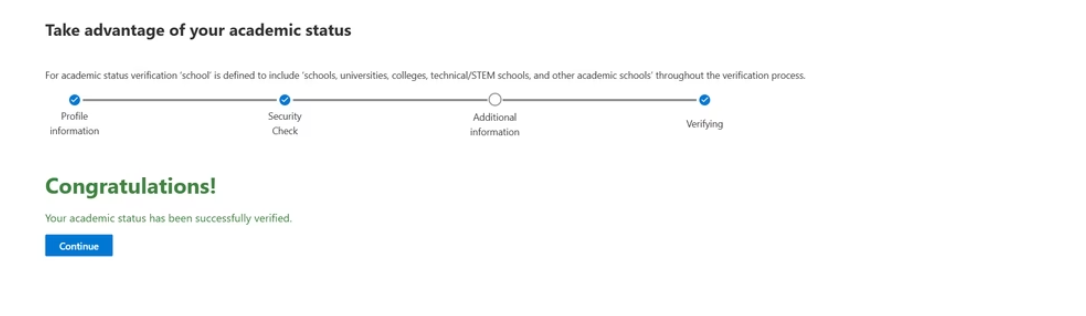
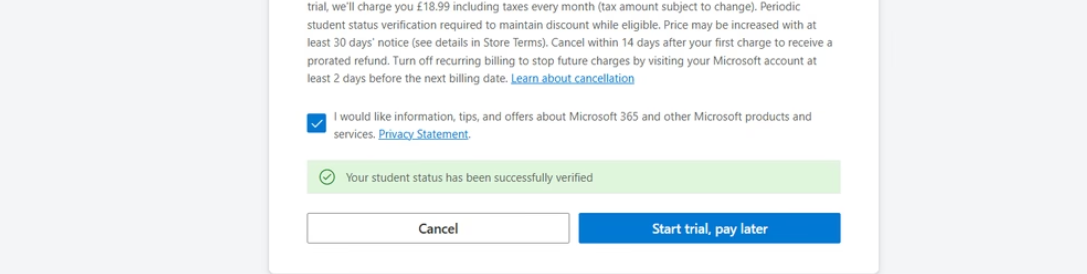
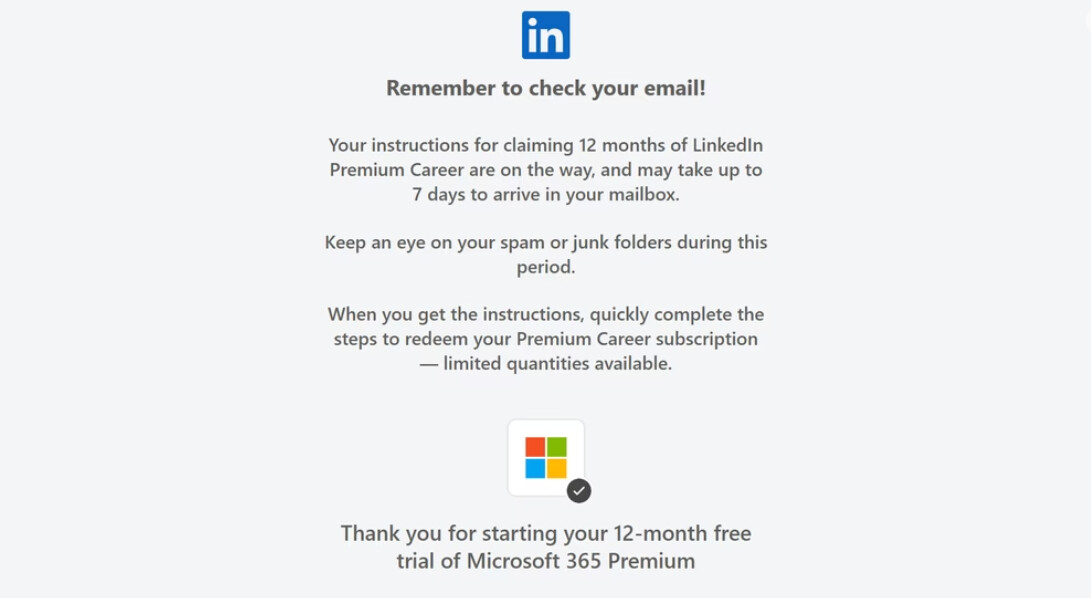
None of Indian card is working! getting same error @whosahmed7
thank you bro!!!
Use Virtual Card Redot Pay or any
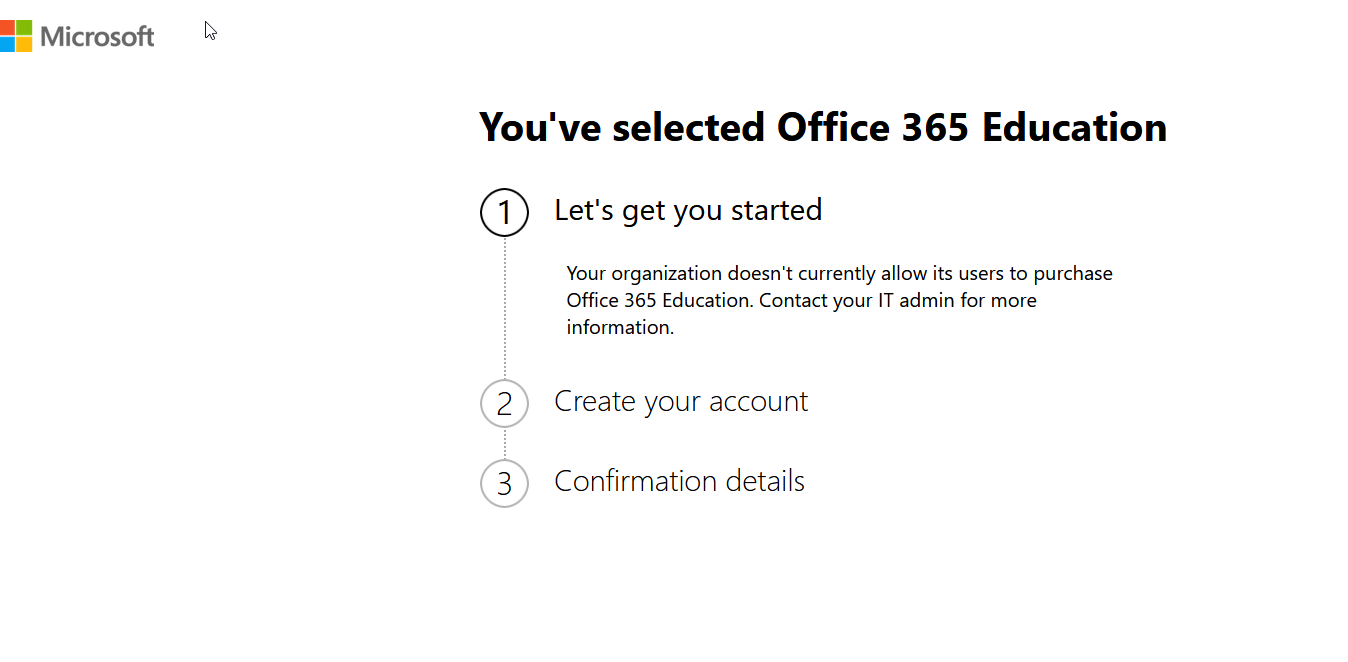
Create a personal outlook account and through it verify your student status using maricopa.edu ID.
Which country address you set on your Google pay?
Which country on Google pay usa?
 !
!