 Netflix for Manga Exists — You Just Have to Install It Yourself (8 Free Options)
Netflix for Manga Exists — You Just Have to Install It Yourself (8 Free Options)Self-hosted. Open-source. Your books, your server, nobody else’s rules.
You know how Netflix lets you stream movies from any device? Now picture that — but for your manga, comics, and ebooks. Your own private library, running on your own computer, accessible from your phone, tablet, or browser. No subscriptions. No ads. No company deciding what you can read or when they’ll remove it.
Think of it like building your own personal bookshelf that lives on the internet — except only you (and whoever you invite) can see it. Every tool below is free, open-source, and yours to control.
🔰 Wait — What Does 'Self-Hosted' Mean?
If you’ve never heard this term before — here’s the shortest possible explanation:
Self-hosted means the app runs on YOUR computer (or a small home server), not on someone else’s cloud. You install it, you control it, you own it.
Why would you want this?
| Question | Answer |
|---|---|
| Do I need to pay? | No — all 8 tools below are completely free |
| Do I need a powerful computer? | No — most run on a Raspberry Pi with 1GB RAM |
| How do I install them? | Most use Docker — a tool that installs apps in one command. If you can copy-paste, you can do this |
| Can I read on my phone? | Yes — all of them have web interfaces that work on any device with a browser |
| What file types work? | EPUB, PDF, CBZ, CBR, CBT — basically every comic and ebook format that exists |
Trick: If you’ve never used Docker, don’t panic. Search “install Docker on [your OS]” — it takes 5 minutes. After that, every app below is literally one command to start.
⚡ Which One Should I Pick? — The Cheat Sheet
Not reading 8 descriptions? Here’s the fastest way to decide:
| Your Situation | Use This |
|---|---|
 Most mature, most features, largest community Most mature, most features, largest community |
Komga or Kavita |
 Fastest, built with Rust, prettiest UI Fastest, built with Rust, prettiest UI |
Stump (still in development) |
 Only read comics, want dead-simple setup Only read comics, want dead-simple setup |
Issued or Gopherbook |
 Manga + social features (ratings, comments) Manga + social features (ratings, comments) |
Inkshelf |
 Massive library, need powerful search/filtering Massive library, need powerful search/filtering |
Codex |
 Want manga + future video/anime support Want manga + future video/anime support |
Voltis (early development) |
📗 Stump — The Fast, Beautiful Newcomer (Rust + React)
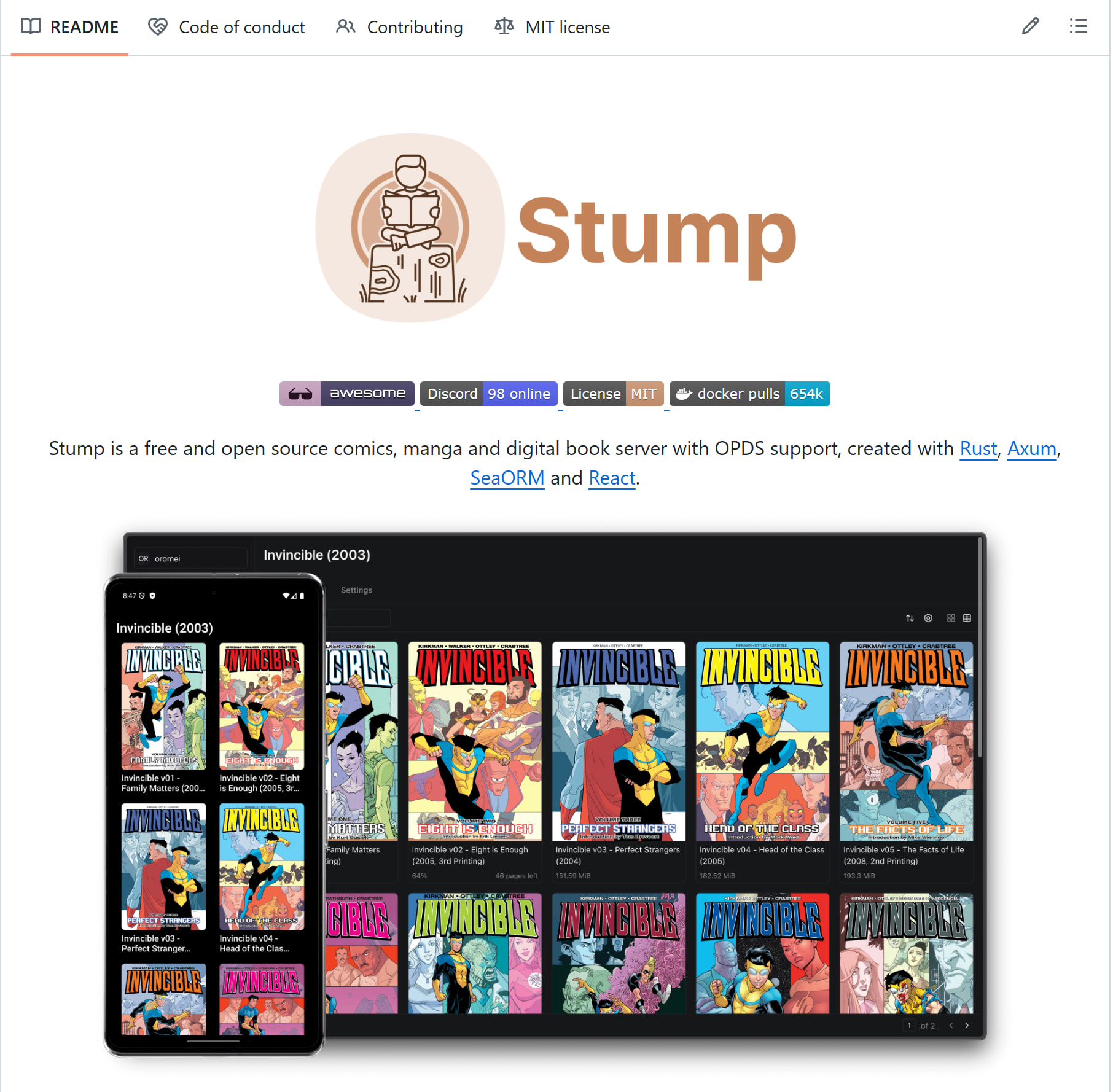
Think of Stump as the new kid who showed up and immediately looked better than everyone. Built with Rust (one of the fastest programming languages alive) and React, it’s designed to be quick, light, and gorgeous.
| Detail | Info |
|---|---|
| Formats | EPUB, PDF, CBZ, CBR |
| Built with | Rust + React |
| Deploy | Docker or build from source |
| OPDS support |  Yes — works with e-readers and mobile apps Yes — works with e-readers and mobile apps |
| Multi-user | Yes — separate accounts with permissions |
| Mobile app | Yes — with offline reading + progress sync |
| Status |  Active development — not fully stable yet Active development — not fully stable yet |
| RAM needed | ~1GB — runs on a Raspberry Pi |
 GitHub: stumpapp/stump
📘 Komga — The Reliable Workhorse (Most Established)
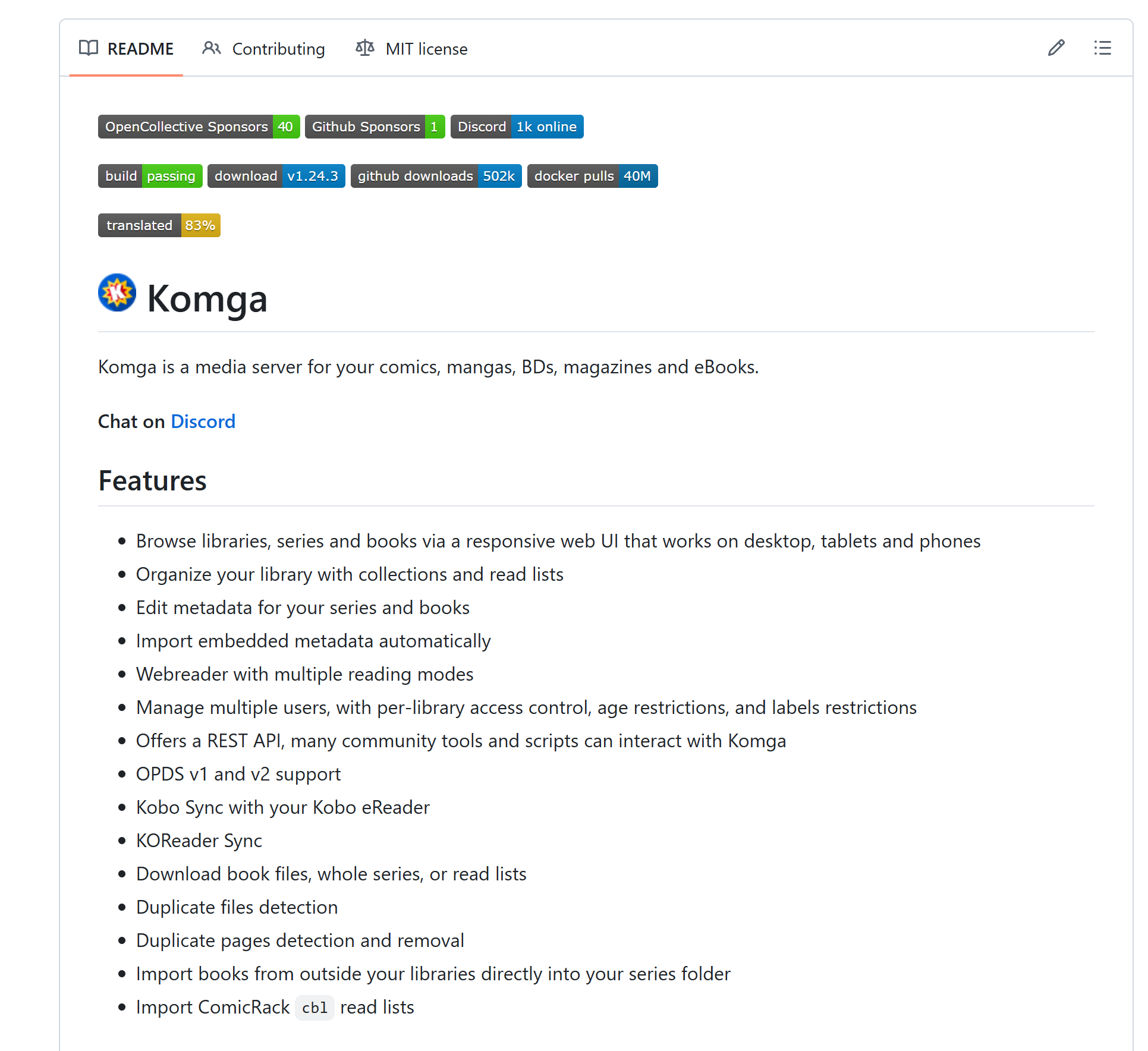
Komga is the tool most self-hosting veterans already use. It’s been around the longest, has the largest community, and just works. If Stump is the promising rookie, Komga is the proven veteran.
| Detail | Info |
|---|---|
| Formats | CBZ, CBR, PDF, EPUB |
| Built with | Java (Kotlin/Spring Boot) |
| Deploy | Docker or standalone JAR |
| OPDS support | Yes |
| Multi-user | Yes — with access restrictions per library |
| Kobo sync | Yes — syncs directly with Kobo e-readers |
| KOReader sync | Yes |
| REST API | Full API for automation and third-party tools |
| Duplicate detection | Finds duplicate files and pages |
| Status | Stable and actively maintained |
GitHub: gotson/komga
📙 Kavita — The Feature King (Books + Comics + Manga in One)
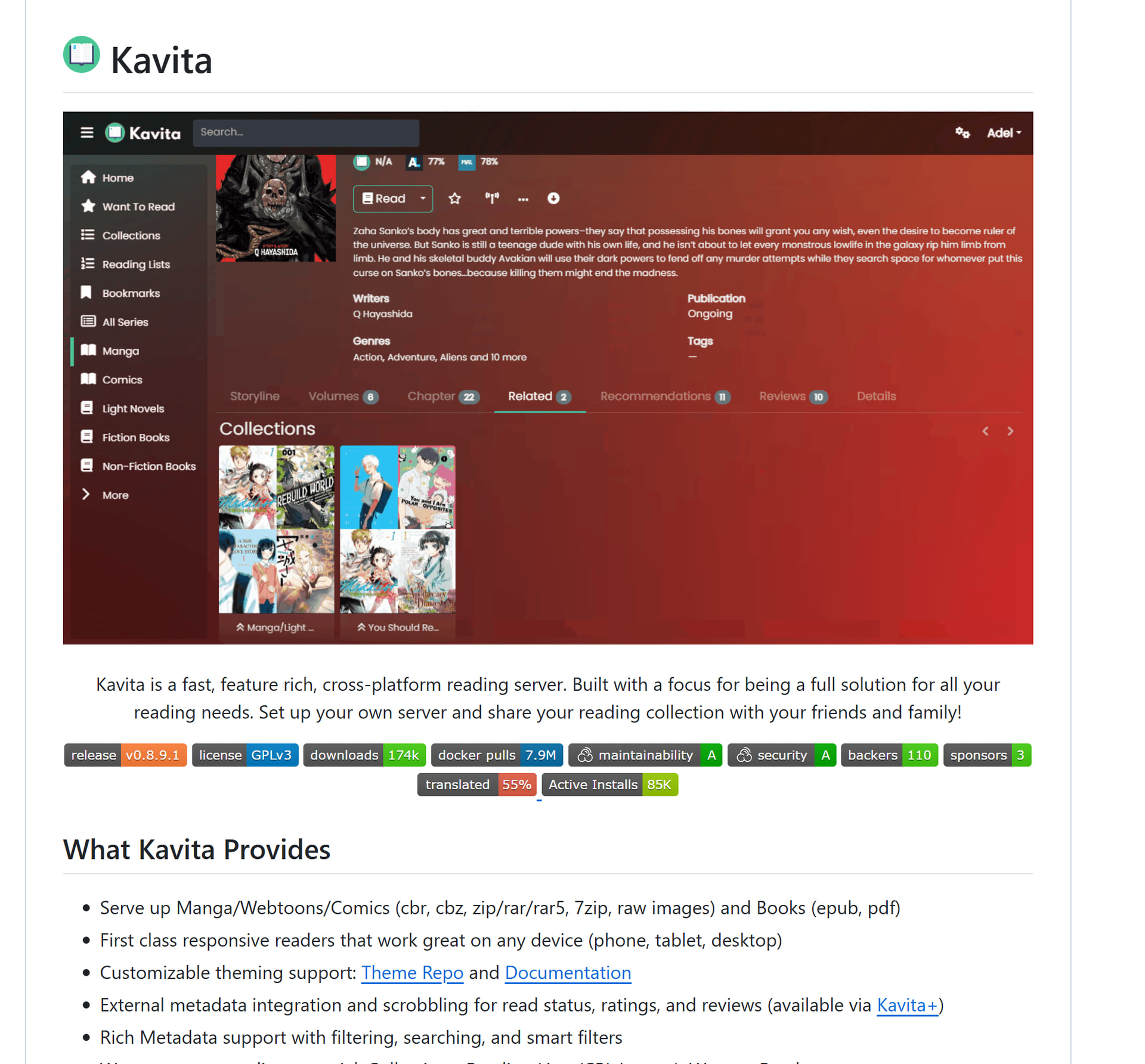
Kavita tries to be everything in one app — and honestly gets pretty close. It handles traditional ebooks, comics, manga, and even webtoons with continuous scrolling. If you read multiple types of content and hate switching apps, Kavita is the answer.
| Detail | Info |
|---|---|
| Formats | EPUB, PDF, CBZ, CBR, images, and more |
| Built with | .NET (C#) |
| Deploy | Docker or standalone |
| OPDS support | Yes |
| Built-in readers | Different readers for books vs comics vs webtoons |
| Webtoon mode | Continuous vertical scrolling — perfect for manhwa |
| Annotations | Highlight and annotate while reading |
| User roles | Admin, user, and custom permissions |
| Metadata | Rich search, filtering, and tag system |
| Status | Stable, actively developed, large community |
GitHub: Kareadita/Kavita
📕 Issued — The Minimalist (Comics Only, Zero Friction)
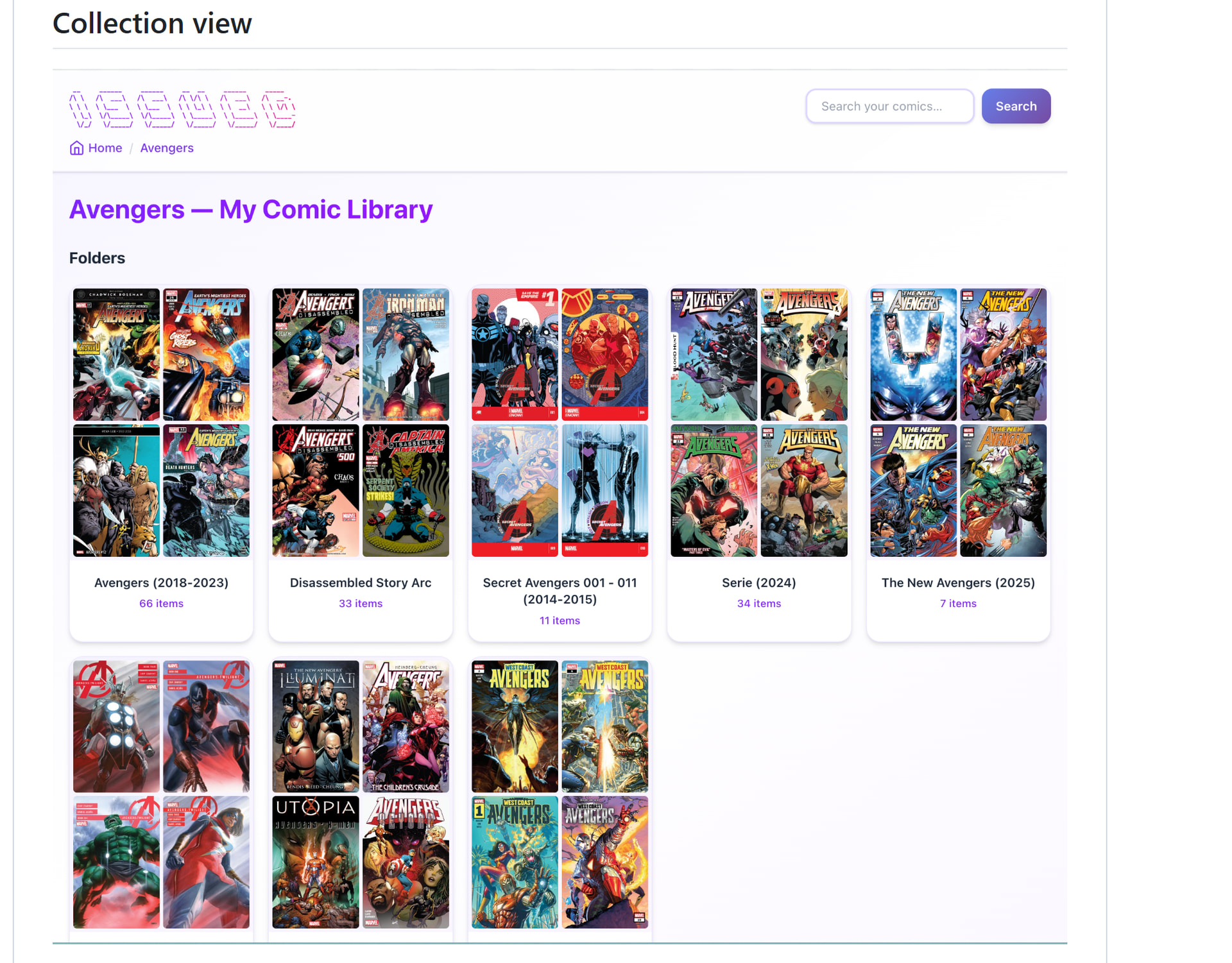
Issued does one thing and does it well: serve your comic collection. No ebook support. No manga-specific features. Just point it at your comics folder and it works — instantly, without manually scanning.
| Detail | Info |
|---|---|
| Formats | CBZ, CBR |
| Deploy | Docker or standalone executable |
| Auto-detection | Detects new files automatically — no manual rescan |
| Folder structure | Preserves your original organization |
| ComicInfo.xml | Reads metadata for series, authors, issue details |
| OPDS support | Yes |
| Web reader | Built-in, works on any device |
| Status | Lightweight and functional |
GitHub: metalogico/issued
📓 Inkshelf — The Social One (Ratings, Comments, Lists)
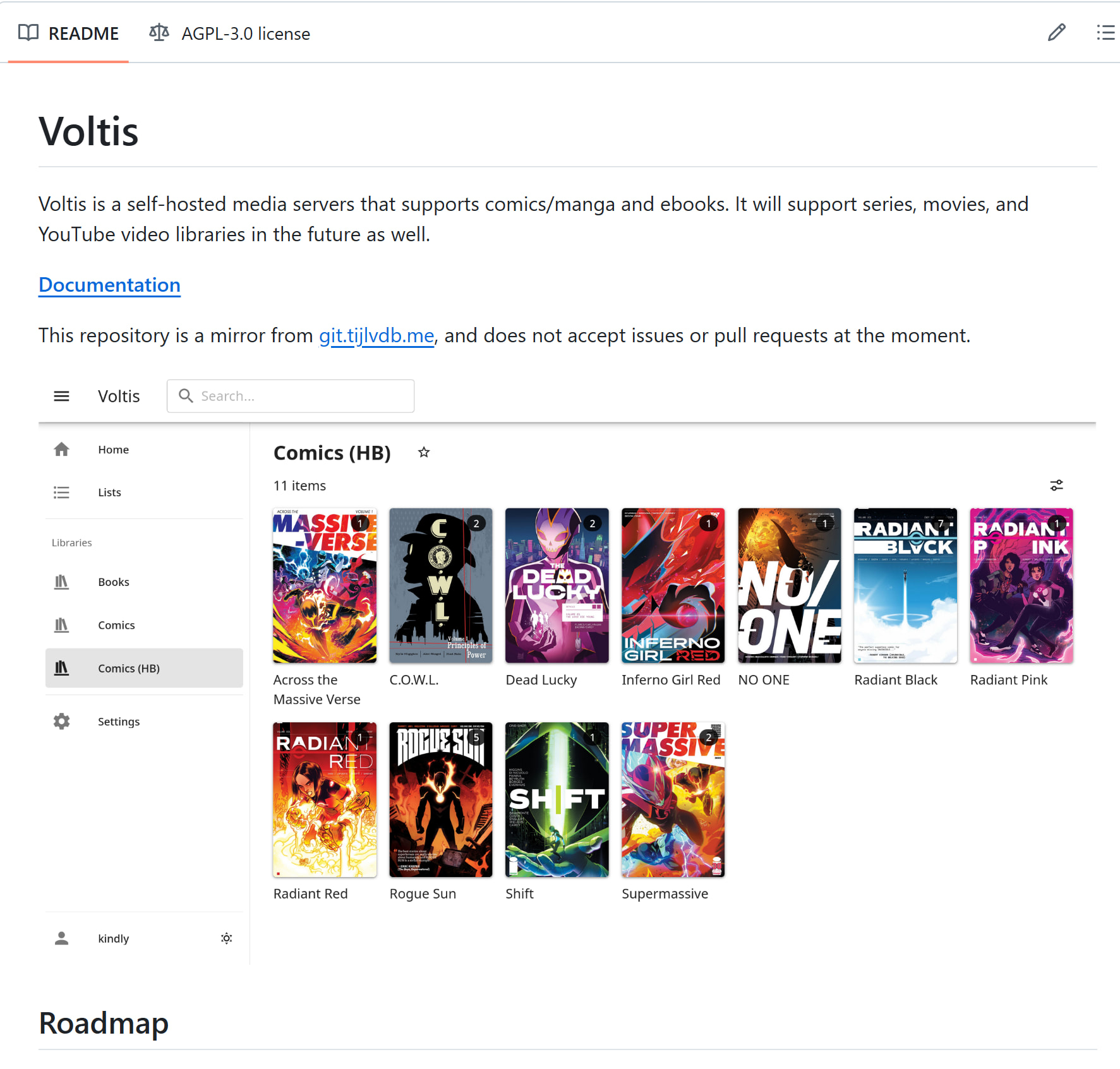
Inkshelf adds something the others don’t: social features. Users can rate content, leave comments, and create custom lists — turning your private library into something closer to a mini-community platform.
| Detail | Info |
|---|---|
| Formats | Manga, manhwa, manhua, comics |
| Built with | Modern stack (Node.js-based) |
| Deploy | Docker |
| Page-level progress | Tracks exactly which page you’re on |
| Multilingual | Supports libraries in multiple languages |
| Social features | Comments, ratings, custom user lists |
| Storage | Local files or S3-compatible cloud storage |
| Caching | Redis — fast performance even with large libraries |
| Auth | Token-based secure authentication |
| Status | Newer project, actively developed |
GitHub: sammwyy/inkshelf
📒 Codex — The Power User's Choice (Search + Filter Everything)
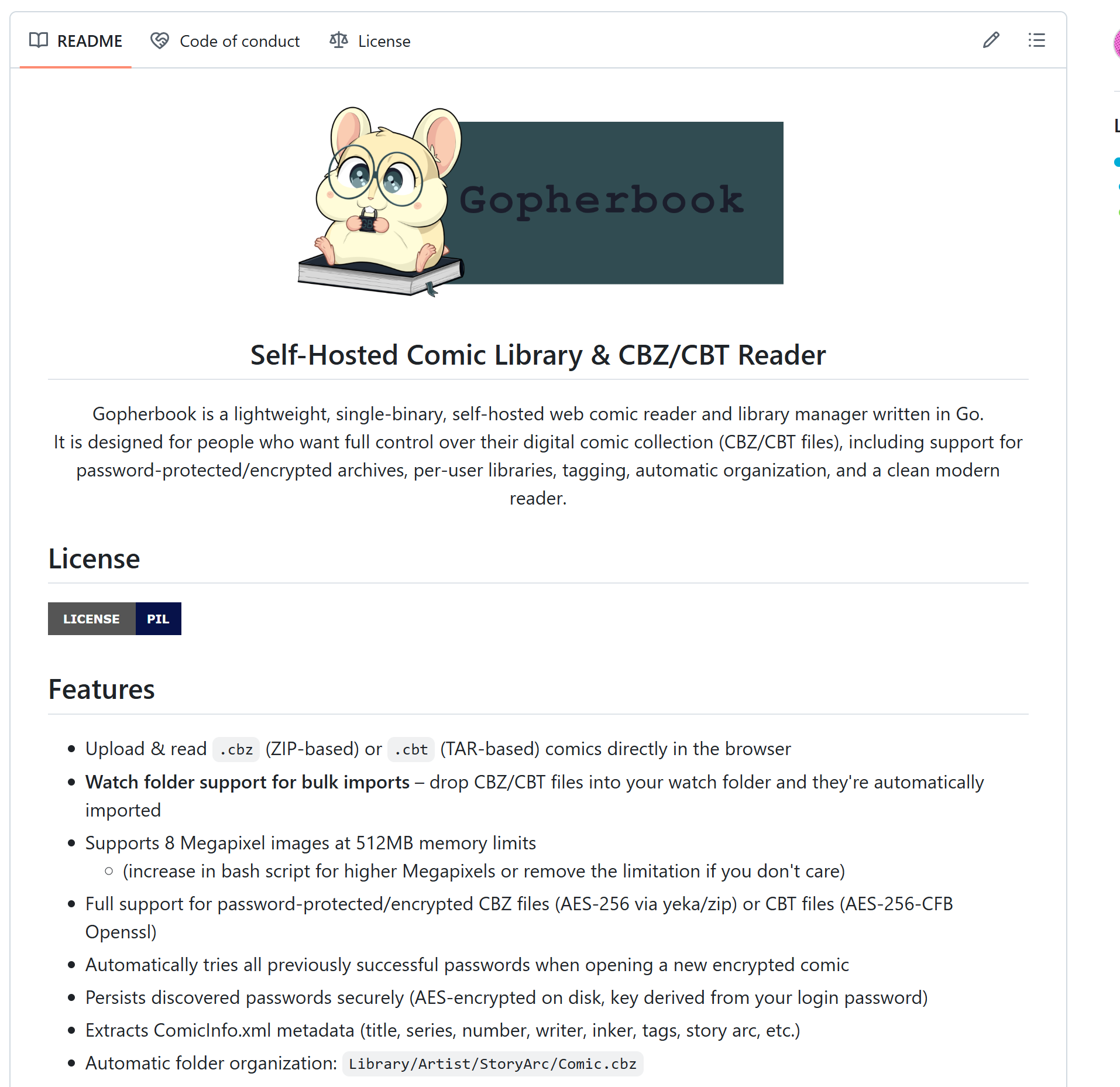
If you have thousands of comics and need to find things fast, Codex is built for you. Full-text search across metadata and bookmarks, filtering by characters, story arcs, unread status — it treats your comic library like a searchable database.
| Detail | Info |
|---|---|
| Formats | CBZ, CBR, CBT, PDF |
| Deploy | Docker |
| Full-text search | Search across metadata AND bookmarks |
| Advanced filtering | By characters, story arcs, unread status, and more |
| Browse modes | Publishers, imprints, series, volumes, or custom folders |
| Per-user tracking | Individual progress and bookmarks |
| Anonymous access | Optional — guests can browse without accounts |
| OPDS support | Yes |
| SSO | HTTP header-based single sign-on |
| RAM needed | ~1GB |
| Status | Stable and actively maintained |
GitHub: ajslater/codex
📔 Gopherbook — The Single-File Server (One Binary, No Dependencies)
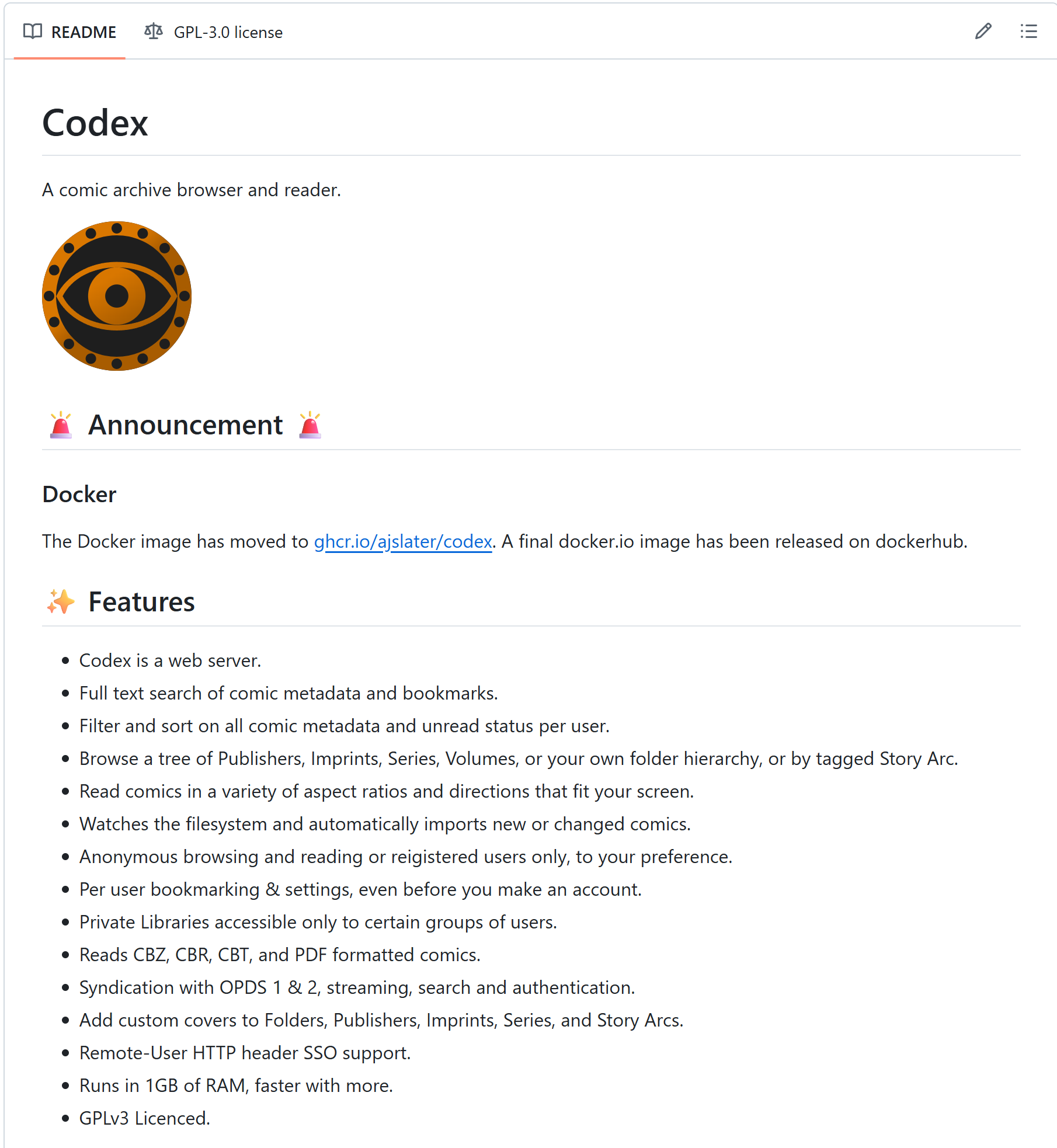
Gopherbook is the definition of simple. Written in Go, it ships as a single file — download it, run it, done. No Docker. No Java. No runtime. Just one file that turns your computer into a comic server.
| Detail | Info |
|---|---|
| Formats | CBZ, CBT (including password-protected archives) |
| Built with | Go — single standalone binary |
| Dependencies | None. Zero. Just the one file |
| Deploy | Download and run, or Docker |
| Watch folder | Drop comics in a folder → they appear instantly |
| ComicInfo.xml | Extracts metadata automatically |
| Web reader | Page preloading, zoom, navigation |
| Multi-user | Separate libraries and progress per user |
| Privacy | Runs 100% locally — no external services |
| Status | Lightweight and functional |
GitHub: riomoo/gopherbook
📖 Voltis — The Ambitious One (Manga Now, Anime Later)
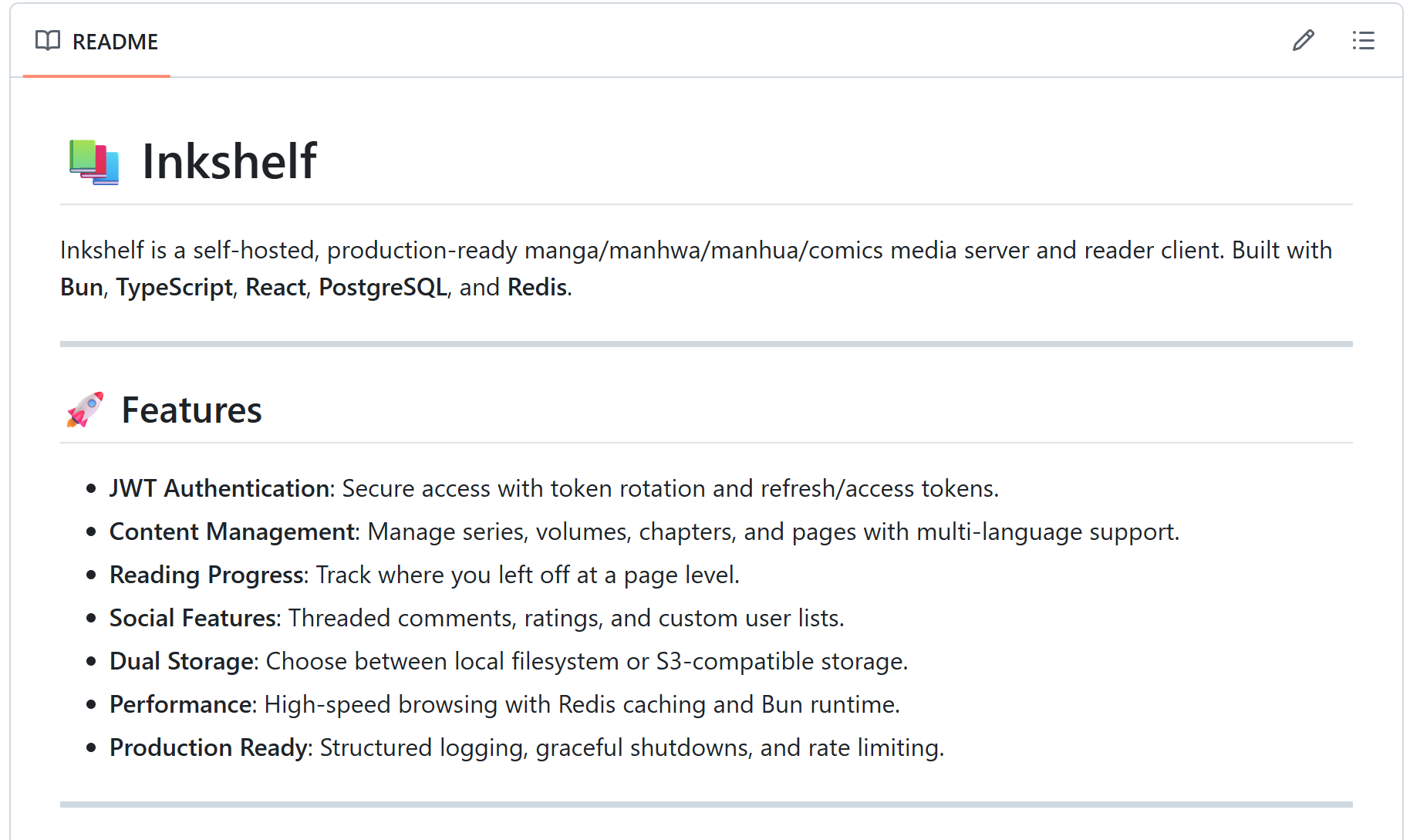
Voltis is thinking bigger than just books. Right now it’s a manga/comic server, but the roadmap includes series, movies, and even YouTube library management. If it delivers on those plans, it could become a single platform for all your media.
| Detail | Info |
|---|---|
| Formats | Manga, comics, webtoons, eBooks |
| Built with | Go + Vue + TypeScript |
| Deploy | Docker |
| Metadata | Tags, genres, contributors |
| Multiple progress states | Track different reading states for the same content |
| Future plans | Series, movies, YouTube libraries |
| Scan optimization | Building incremental scanning (not full rescan every time) |
| Status | Early development — exciting roadmap, not production-ready |
GitHub: kindlyfire/voltis
 Quick Hits
| Want This | Use This |
|---|---|
| Most stable, biggest community |
→ Komga or Kavita |
| Fastest + prettiest (Rust-powered) |
→ Stump |
 Comics only, zero setup Comics only, zero setup |
→ Issued |
 No Docker, no dependencies, one file No Docker, no dependencies, one file |
→ Gopherbook |
| Huge library, power search |
→ Codex |
 Social features (ratings, comments) Social features (ratings, comments) |
→ Inkshelf |
| Future all-in-one media server |
→ Voltis |
I hope that this collection will be useful to you, and if so, there will be a series of topics related to anime, comics, manga, and books.
Your books. Your server. Your rules. No subscription will ever cancel your library.
 !
!