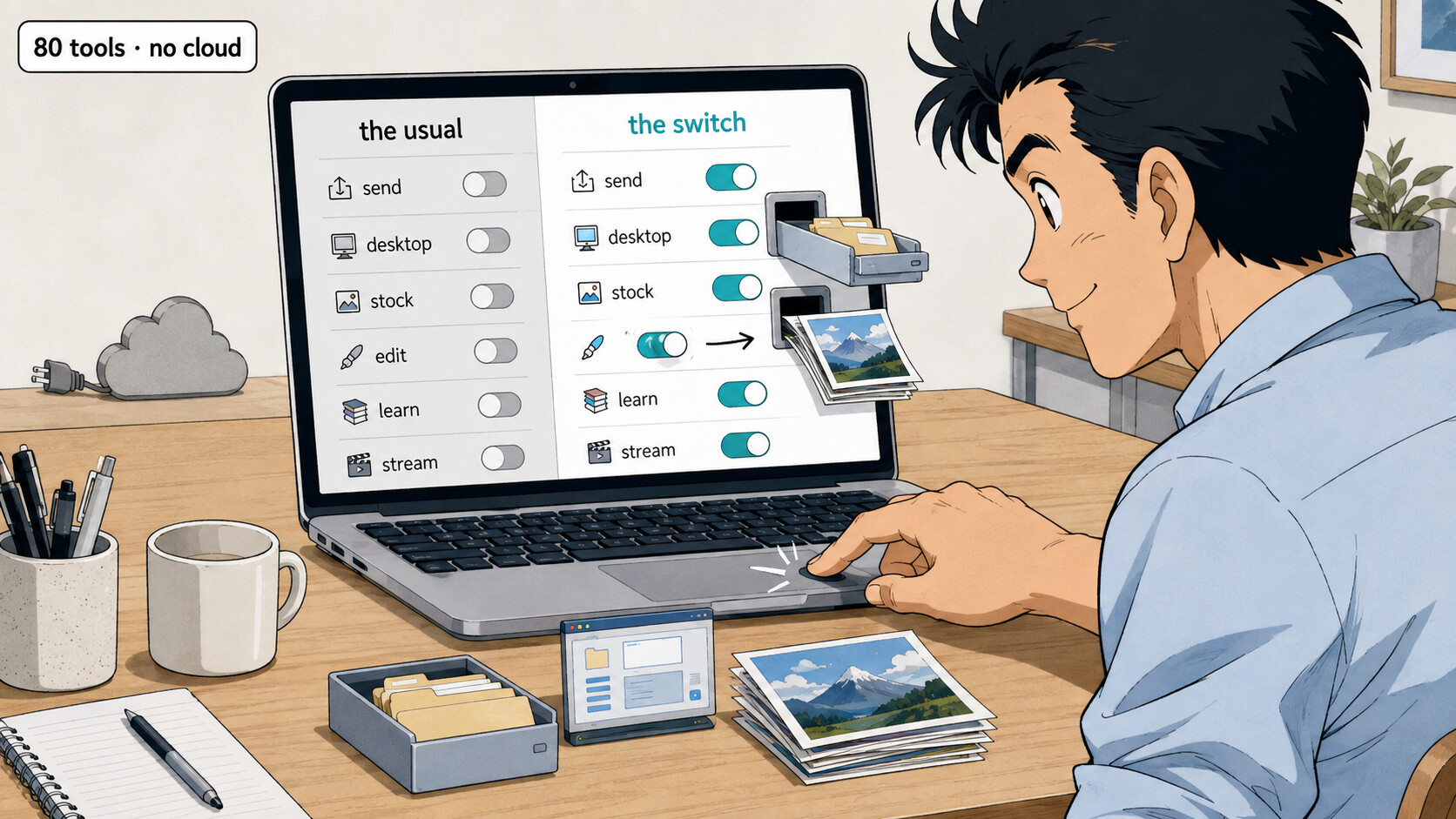
 Browser-to-browser file drops, desktops in a tab, local editing — most open-source and self-hostable
Browser-to-browser file drops, desktops in a tab, local editing — most open-source and self-hostablethe usual default ▸ the quiet switch
Every everyday job online has a default — the cloud you upload to, the one stock gallery everyone scrapes, the Udemy-coupon swamp, the app you’re told to install. Nearly every one has a quieter twin that does the same job direct, private, self-hosted, or human-picked. Here’s the quiet one for each job — and yes, the kit to build an AI agent is in here too, just one shelf among many.
Eighty of them. Here’s the map — what you probably reach for, and what to switch to:
| The job | You probably use… | The quiet switch |
|---|---|---|
 Send a big file Send a big file |
WeTransfer, the cloud | Pairchute · AnySend |
 A desktop in a browser A desktop in a browser |
installing every app | Kasm · zero-desktop |
 Stock photos & audio Stock photos & audio |
one CC0 gallery | Openverse · OpenLens |
 Edit a photo Edit a photo |
Photoshop, cloud editors | PhotoFOSS · PhotoQuill |
 Learn a skill Learn a skill |
Udemy coupons | Dantes · OERu |
 Where to stream it Where to stream it |
guessing, Reelgood | FindMyStreams · WatchAny.Stream |
 Trivia that sticks Trivia that sticks |
throwaway quiz feeds | Sumurite · Damn Interesting |
 Gift ideas Gift ideas |
the shop catalog | Giftspan · TreasureMint |
 Run an AI agent Run an AI agent |
the raw chatbot | skillet · reins |
The full shelf for each is below — open the one job you keep doing the hard way.
📤 Send a big file — instead of WeTransfer & the cloud
- Pairchute — disk-to-disk over encrypted WebRTC; no account, no size ceiling.
- CheezyPizza — browser-to-browser, resumable, with SHA-256 integrity checks.
- AnySend — encrypted P2P pipe, no signup, no artificial size limit.
- Likz Drop — cross-device via direct P2P or encrypted relay, resumable.
- FileTransferNow — no-cloud transfer; can even do a manual handshake, near-zero platform.
🖥️ A whole Linux desktop in a browser tab — instead of installing everything
- Kasm Workspaces — disposable containerized desktops and apps in a tab.
- abcdesktop.io — containerized Linux apps streamed via HTML5 on Kubernetes.
- Hoody Workspaces — a shareable “URL computer” with real-time collaboration.
- zero-desktop — a one-container Linux desktop for disposable labs and demos.
- Switchboard — a browser OS that runs legacy Windows apps through Wine.
🖼️ Stock media — instead of the one gallery everyone scrapes
- Openverse — open-licensed and public-domain images and audio.
- OpenLens — hunts several open catalogs at once.
- Stock Finder — meta-search across many stock libraries from one box.
- Largephotos — screened CC0 photos and video, commercial use, no attribution.
- OKSLOP — AI images with permanent URLs, positioned for commercial and agent use.
🖌️ Edit a photo — files stay in your tab, not Photoshop's cloud
- PhotoQuill — WebGPU-accelerated local AI photo editing.
- GenPsd — AI splits a flat image into an editable layered PSD.
- PhotoFOSS — open-source, non-destructive, Photoshop-class web editing.
- Filesmith — local multi-tab editor with AI background removal.
- Visuali — an infinite-canvas AI image studio to generate and arrange.
📚 Learn a skill — instead of the Udemy-coupon swamp
- Dantes — human-curated paths, no algorithmic ranking or paid placement.
- TutorialSearch — compares tutorials across providers by rating and price.
- Dash Courses — builds a tight 8-week plan instead of a marketplace dump.
- Libre Academy — offline-first coding with active recall, not passive bingeing.
- OERu — free open-education pathways toward real academic credit.
🎬 Find where anything actually streams
- FindMyStreams — availability compared across countries, region by region.
- WatchAny.Stream — a global availability scanner across many countries.
- Where I Can Stream — checks your watchlist daily and alerts on new drops.
- Vidchuck — import an IMDb list by CSV and reverse-match it to services.
- MatchWatch — swipe-match a pick across a couple, family or roommates.
🧠 Trivia & facts that actually stick
- Damn Interesting — deep, weird, verified science and history stories.
- Sumurite — spaced repetition + story so the facts stay put.
- NerdSip — pits your reasoning against ChatGPT-style failure modes.
- History Brain — trivia that branches into deeper history articles.
- TriviaMochi — multiplayer, offline, spaced-repetition drills.
🎁 Gift ideas — instead of the same shop catalog
- Giftspan — AI profiles the recipient to surface non-obvious ideas.
- imparted — quietly gathers preference clues through private questionnaires.
- TreasureMint — turns many people’s voice messages into one audio keepsake.
- Unfold — turns the gift into a puzzle game with staged, clue-based reveals.
- Cudliy — model and preview a custom 3D object before it’s made physical.
🤖 Build an AI agent, part 1 — find tools, add skills, give it a browser
An AI agent is a chatbot you let act — it clicks, runs commands and finishes tasks. Here’s how to equip one.
- Positronick · AgenticSkills · Agent Plugins · Agent Skills Finder — where to find & compare installable skills/add-ons.
- skills-mcp · skillet — install and manage those abilities in one place; loadouts travel.
- RepoRadar · AI/TLDR Repos · AI/TLDR Tools · Open-Source AI Radar — spot fresh tools first.
- Artifacts Hub · BotAI · WireTensors · BenchLM — judge what’s actually good, not just hyped.
- reins · gsd-browser · Lucarne · Canopy · agent-eyes · Page2AI · Tardigrade — let it use real websites.
🤖 Build an AI agent, part 2 — box it in, leash it, run a swarm
- CubeSandbox · boxxkite · ctx7 — a sealed room so it can’t touch your real machine.
- OmniRoute · pilotfish · Orca · herdr · Elyra — run many agents and models at once.
- AgentSentry · AgentGuard · destructive_command_guard — a leash before it does something it can’t undo.
- Ora Directory · Not Human Search — check whether agents can even read your site.
- Gloss · instagui · OpenCut · Qualified.at — make normal apps agent-friendly.
- Awesome Deep Research · awesome-agent-loop-papers — the research behind the loops.
You don’t need all eighty. Pick the one job you keep doing the default way, open its drawer, and switch — most of it is free, and most of it never sends your stuff to someone else’s server.
 The topic above is now a sharper version, improved by the Core-Community AI.
 !
!