 A $5 gadget opened BitLocker — the key crosses an open wire
A $5 gadget opened BitLocker — the key crosses an open wire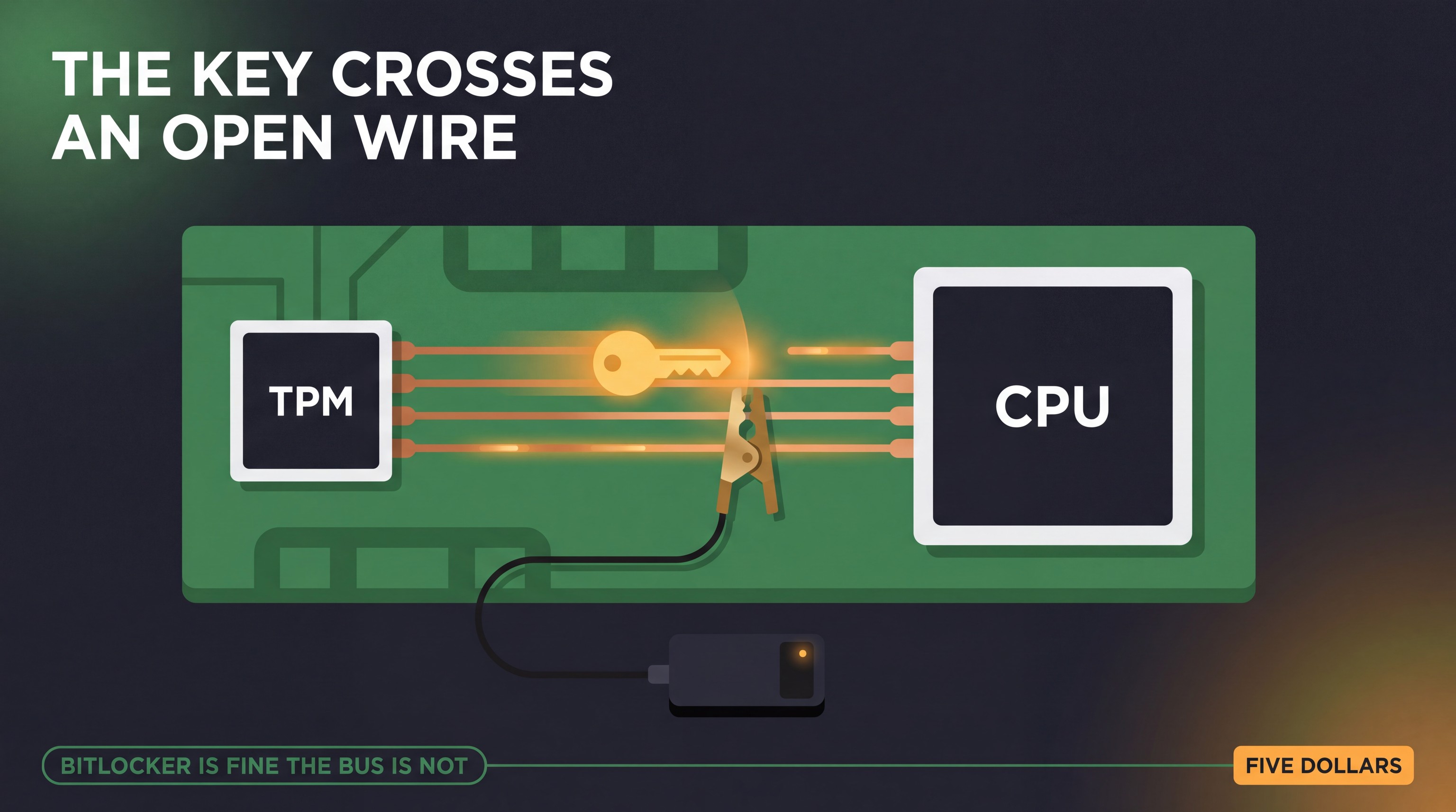
Your disk is locked by the strongest thing Windows has. Two researchers opened one with a conference badge.
The encryption is not broken — BitLocker’s maths is fine. The flaw is the wire the key crosses on its way out of the chip, and no Windows update can fix a wire.
 Why it matters: on a machine with a separate TPM chip, the key that unlocks your disk travels in the clear between two components, and a cheap probe can read it during boot.
 What makes it unique: most BitLocker stories are about a password or a software bug. This one is about the hardware layout underneath the operating system.
 Why you should care: it changes what you do with a laptop that leaves the house.
 The trick in one picture
      power on
         |
    [ TPM chip ] --------> CPU
         |      key crosses
         |      in the clear
    [ your disk ]
The Volume Master Key — the key that unlocks your drive — leaves the TPM and heads for the CPU so the machine can start. On a discrete TPM, a separate chip soldered to the board, that trip happens over an SPI bus that is unencrypted, and slow enough to read.
Clip a logic analyser to those traces, power the machine on, capture the boot. The key is in your hand, and the drive opens.
 None of this is brand new — it keeps getting cheaper
- 2019 · Pulse Security — sniffable in the default configuration, from TPM 1.2 or 2.0, with a dirt-cheap FPGA. Their advice still stands: add pre-boot authentication.
- 2020 · Reversec Labs — a full write-up plus a released Saleae Logic 2 toolkit that decodes TPM traffic and pulls the key out.
- 2024 · Post-Cyber Labs — pulled it off with BitLocker PIN enabled; their test machine was an HP EliteBook 840 G6.
- 2024 · Dell’s own advisory — confirms interception on the CPU-to-discrete-TPM bus on certain models, and notes Dell commercial PCs use a discrete TPM.
 Which machines are exposed
- Discrete TPM — a separate chip on the board: the exposed design. Common in business laptops and desktops.
- Firmware TPM — built into the CPU: a different case, where the attack needed fault injection rather than a probe on a wire.
- Physical access is required. This is a stolen-laptop attack, not a remote one.
 What to do about it
1 · Turn on the pre-boot PIN. The oldest advice, still the first line of defence — the machine waits for you before it boots.
2 · Know the caveat. The 2024 work read the PIN from the same bus. A PIN raises the bar; physical security carries the rest.
3 · Treat a lost laptop as lost. Encryption protects data at rest, not a determined person holding the machine.
 Go deeper
- The talk — Allen & Dale Cook at CypherCon 9.0
- The session page — the abstract in the speakers’ own words
- Reversec’s SPI toolkit — the VMK extractor for the SPI bus
- Sniff, there leaks my BitLocker key — the 2020 research
- Pulse Security — the 2019 original and its mitigation section
- SCRT: TPM sniffing with a PIN enabled — the 2024 escalation
- Dell’s response — the vendor’s own advisory
 The takeaway: hardware choices protect you as much as software ones. BitLocker is only as strong as the wire it trusts.
 !
!