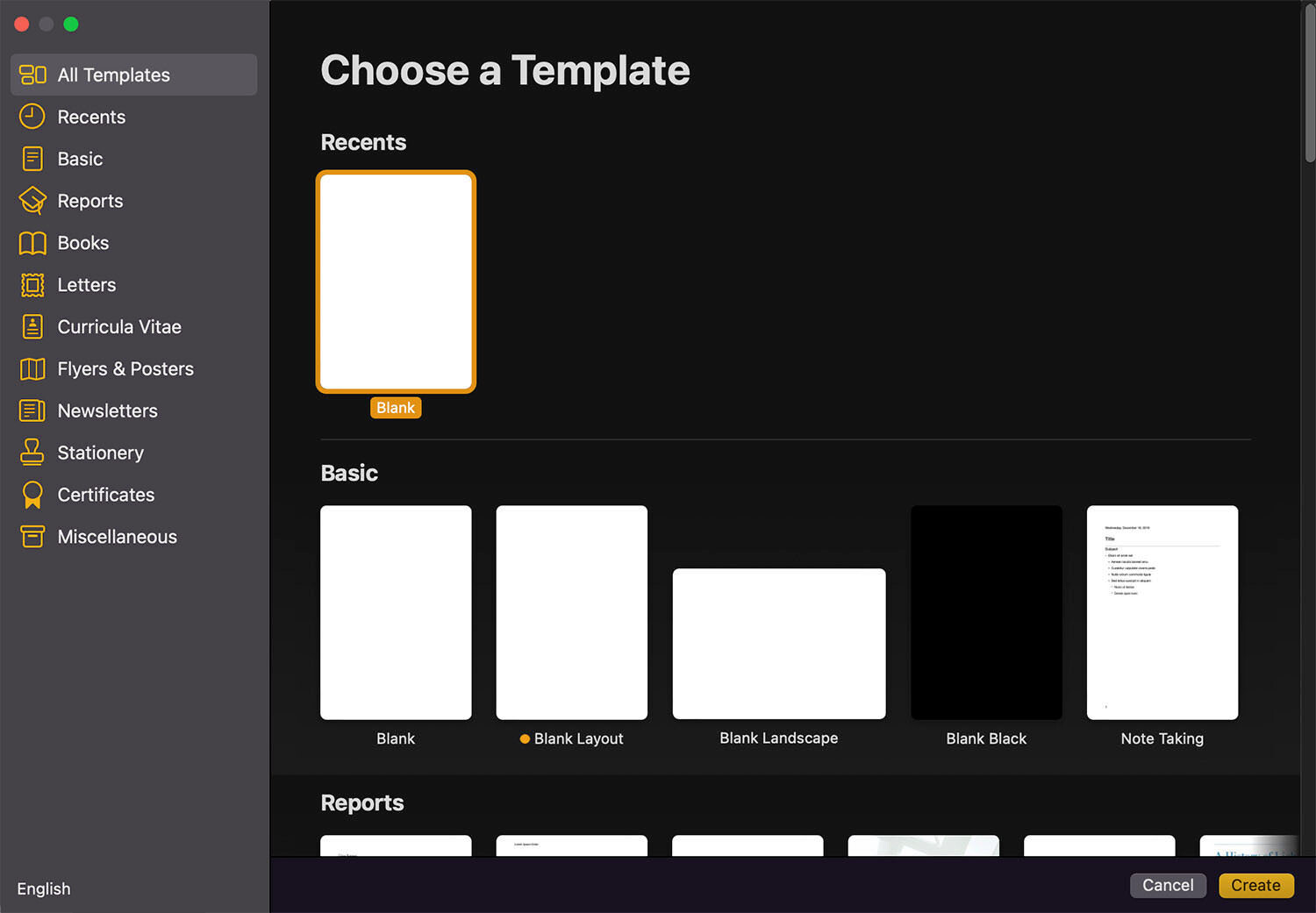
Apple Pages Keyboard Shortcuts
Document Navigation
| Scroll up one page. | Fn + ↑ |
|---|---|
| Scroll down one page. | Fn + ↓ |
| Scroll to the beginning of document. | Fn + ← |
| Scroll to the end of document. | Fn + → |
Content Editing
Move to the beginning of the line or paragraph. Control + A
Move to the end of the line or paragraph. Control + E
Centralize cursor on the page or visible area. Control + L
Insert new line after insertion point. Control + O
Swap character behind (right) insertion point with character in front (left) of insertion point. Control + T
Left indent current line. Command + {
Right indent current line. Command + }
Center align line. Command + Shift +
Delete word on the left of the insertion point. Option + Delete
Delete text between insertion point to the end of the line. Control + K
Copy content with format settings. Command + Option + C
Paste content with format settings. Command + Option + V
Paste content matching style of surrounding content. Command + Option + Shift + V
Increase size of highlighted item. Command + Shift + +
Decrease size of highlighted item. Command + Shift + –
Controlling Insertion Point
| Move insertion point to the beginning of document. | Command + ↑ |
|---|---|
| Move insertion point to the end of document. | Command + ↓ |
| Move insertion point to the beginning of current line. | Command + ← |
| Move insertion point to the end of current line. | Command + → |
| Move insertion point to beginning of previous word. | Option + ← |
| Move insertion point to end of next word. | Option + → |
Text selecting / highlighting
| Highlight text between insertion point to the beginning of document. | Command + Shift + ↑ |
|---|---|
| Highlight text between insertion point to the end of document. | Command + Shift + ↓ |
| Highlight text between insertion point to beginning of current line. | Command + Shift + ← |
| Highlight text between insertion point to end of current line. | Command + Shift + → |
| Highlight text selection to the nearest character on the line above. | Shift + ↑ |
| Highlight text selection to the nearest character on the line below. | Shift + ↓ |
| Highlight one character to the left. | Shift + ← |
| Highlight one character to the right. | Shift + → |
| Highlight text to the beginning of current paragraph. | Shift + Option + ↑ |
| Highlight text to the end of current paragraph. | Shift + Option + ↓ |
| Highlight text to the beginning of current word. | Shift + Option + ← |
| Highlight text to the end of current word. | Shift + Option + → |
Miscellaneous
| Add web link to highlighted text. | Command + K |
|---|---|
| Open Fonts Windows. | Command + T |
| Go to search field. | Command + Option + F |
| Toggle toolbar on/off. | Command + Option + T |
| Toggle inspector window on/off. | Command + Option + I |
| See current document settings. | Command + Shift + P |
| Duplicate current document. | Command + Shift + S |
| Open Help menu. | Command + Shift + ? |
| Open Spelling and Grammar window. | Command + : |
| Find misspelled words. | Command + ; |
Happy learning!
 !
!