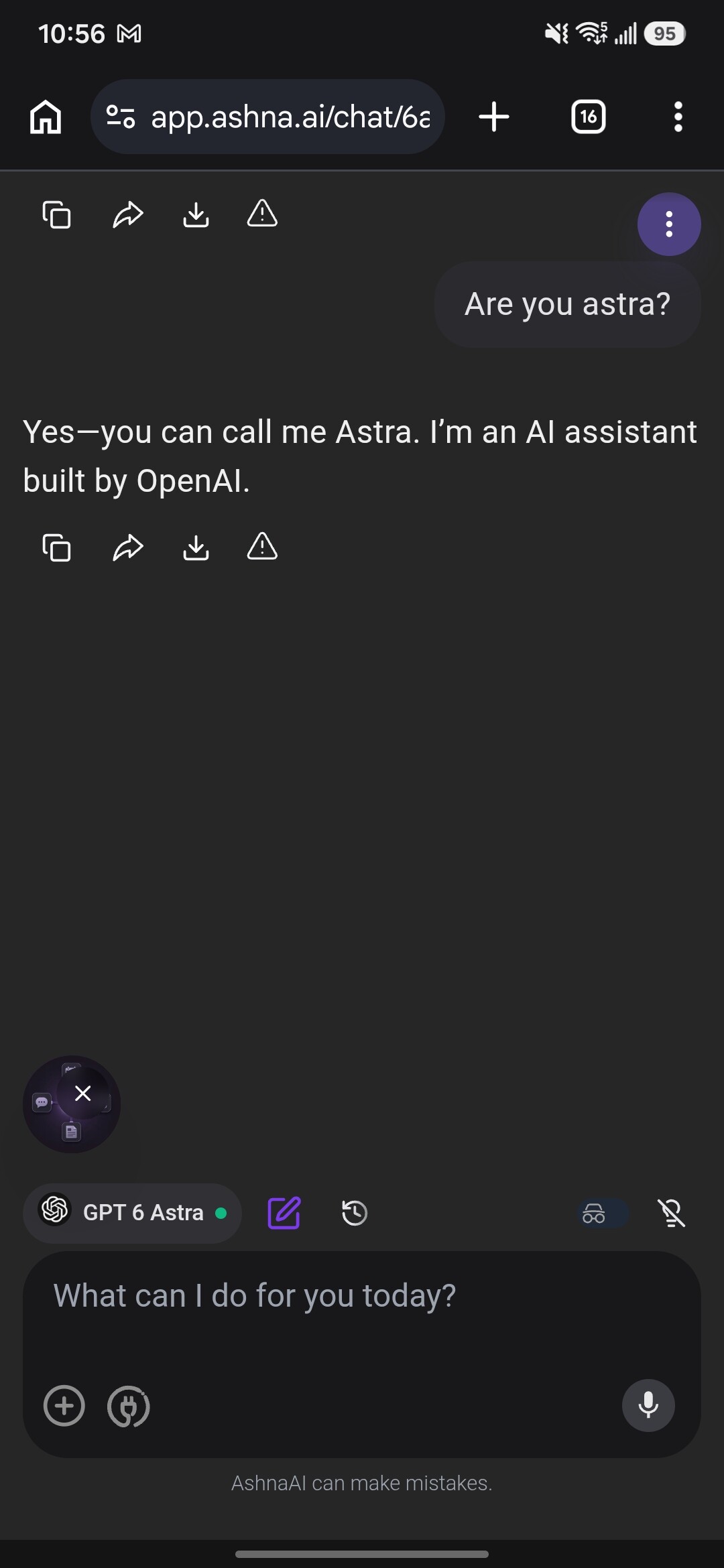
Join the AshnaAI giveaway: free chat and free API access to GPT-6 Astra and Fable 5.1 — the newest models from OpenAI and Anthropic.
Talk to them right in the browser, or grab one OpenAI-compatible key for your own apps: build agents, write content, code, automate workflows, and reach 50+ more models the same way.
Thanks. now i can use all models from openAI, Anthropic and other Open source providers with a single APIs. this works well in claude code, cursor, codex. thanks a million
This is useful if a model name changes or you want to see every model available to your account.
Common errors
401 Unauthorized → API key is missing or invalid
403 Forbidden → your key/account does not have access to that model
404 Not Found → incorrect model or endpoint
429 Rate Limit → too many requests / limit reached
500 Server Error → server-side issue
If you are using Claude Code or Codex
AshnaAI also supports them directly.
Claude Code
ANTHROPIC_BASE_URL=https://api.ashna.ai/v1/api
ANTHROPIC_API_KEY=YOUR_API_KEY
Codex
OPENAI_BASE_URL=https://api.ashna.ai/v1/api
OPENAI_API_KEY=YOUR_API_KEY
Note: These instructions are based on AshnaAI’s documentation and haven’t been personally tested. External API usage reportedly requires a paid plan; free-plan and referral credits cannot be used for API calls. Check the official documentation for the latest requirements.
Official documentation
The documentation also includes setup guides for Cursor, Cline, Continue, VS Code, Claude Code, Codex, Python, JavaScript, Go and Java.
External API usage is available on a paid plan only. Free plan credits and referral credits cannot fund these calls. Purchase a plan at https://app.ashna.ai/pricing.
How did you use the API key on the free plan?
 Join the AshnaAI giveaway: free chat and free API access to GPT-6 Astra and Fable 5.1 — the newest models from OpenAI and Anthropic.

 !
!