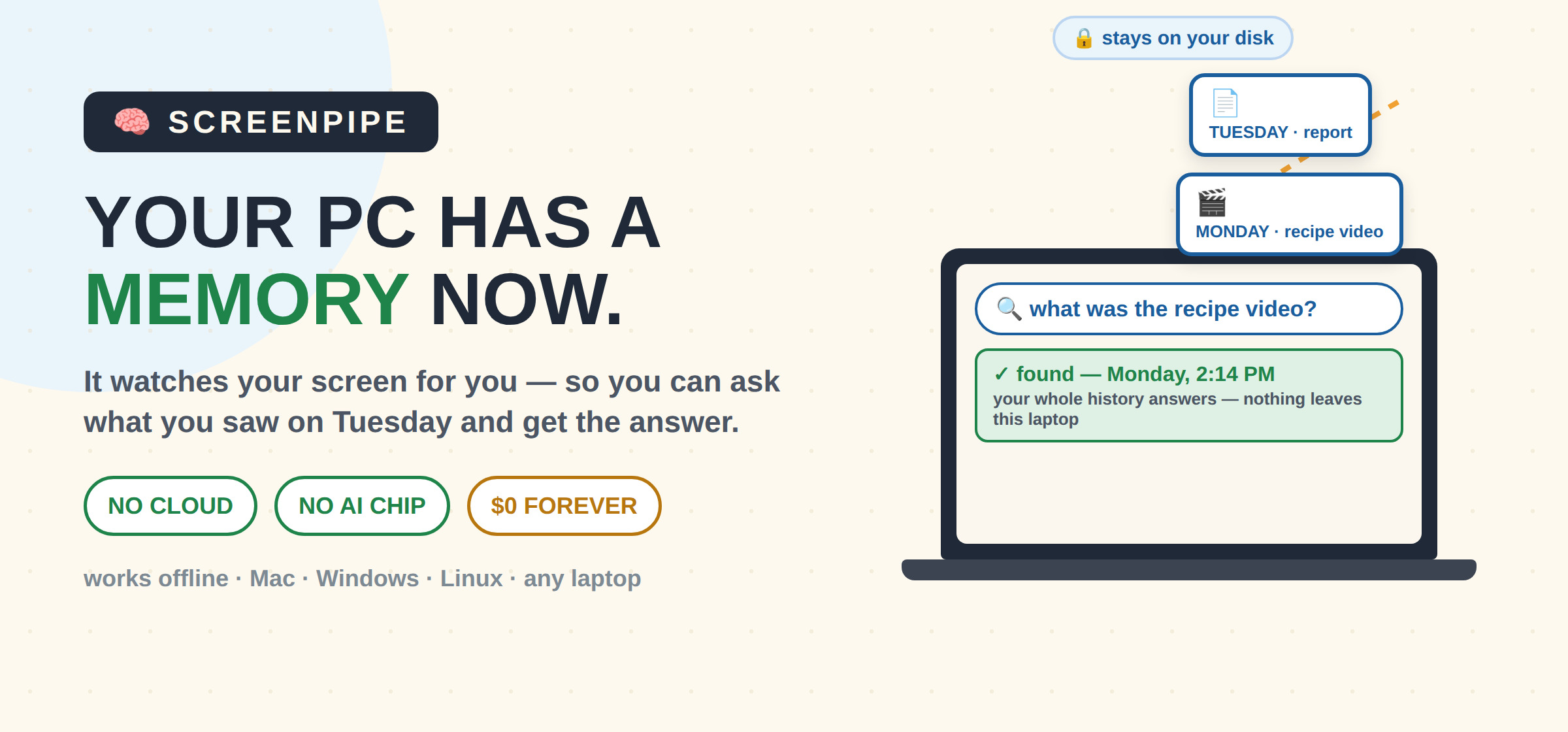
 Microsoft’s version needs a $1000 AI chip — this runs on any laptop you already own
. . . . . . . . . . . . . . . . . . . .
 Where was that page I read on Tuesday?
Ask your own computer — it quietly remembers everything on your screen

 Your PC records screen + sound → into a private memory bank on YOUR disk
 Then you search it like Google — “that chart from Monday’s call”, “the recipe video”, “where I left off”
 Nothing leaves your machine — works offline after setup, no phone recorded, no account needed to start (docs)
. . . . . . . . . . . . . . . . . . . .
 Pick your memory door
 Door 1 — $0 forever · receipt
↳ records everything · asks the last 24h · add Ollama → asking unlimited (recipe)
 Door 2 — the time capsule · v2.3.27
↳ the last MIT build (April 2026) · frozen features · unlimited asking · zero strings
 Door 3 — $21/mo · pricing
↳ full history search + built-in AI — when memory becomes your work tool
. . . . . . . . . . . . . . . . . . . .
 Four moves to a working memory
1 Download for Mac / Windows / Linux — or one command: npx screenpipe record
2 Keep it light: low FPS, one monitor, mic off — a normal laptop hums instead of cooking (tuning)
3 Add Ollama (one command), pick it in settings — now ask your past, unlimited, offline
4 Open Scheduled tasks → Discover → GET “Digital Clone” — zero-code automation from your own history (library)
. . . . . . . . . . . . . . . . . . . .
 The honest walls — each one has a free fix
| the wall | the free fix |
|---|---|
 free search shows only the last 24h (receipt) |
recording never stops — read your own disk (see  drawer) |
 heat + battery fear |
 built-in backoff pauses at 20%/10% (code) + the tuning page |
 eats ~30GB/month |
 14-day auto-delete is ON by default (code) |
| history sits unencrypted on disk (truth) |
 switch on FileVault / BitLocker — free, already inside your OS |
 recording people has laws (map in drawer) |
 mic off + banking apps excluded (docs) |
 work laptop |
 machine you own only — company policy beats any setting |
. . . . . . . . . . . . . . . . . . . .
📦 Level it up — the parts nobody tells you
 Nightly harvest trick: two scheduled jobs copy each day’s history out before the 24h window closes — full memory at $0, a real user’s working setup (build)
- Chat with everything you ever saw: the hidden llama-index connector (68 downloads/month — you’d never find it) turns your whole history into a searchable brain
 Automations = one markdown file: pipe.md — write a schedule + a prompt in Notepad, the app runs it daily (42 paste-ready prompts)
 The phone half: desktop recorders can’t see your phone — ScreenMemo 屏忆 does the same trick on Android, open source
 Right-now memory: eSearch snips + reads any screen text offline · ScreenFind = Ctrl+F for your physical screen (Windows) · CopyQ remembers everything you ever copied
 The rivals, checked live: Microsoft Recall needs a Copilot+ AI chip your laptop doesn’t have · Rewind/Limitless — bought by Meta, shut down · Windrecorder = free unlimited Windows alternative · OpenRecall = free, crashes on Windows today
 Read your whole memory yourself: your history = one database file — open a COPY in DB Browser for SQLite, spreadsheet-style, free
 Mic-law map before enabling sound: world recording laws — screen-only mode sidesteps the question
 Money angle: freelancers rebuild billable hours into draft reports (official playbooks) — same-day on free
 It’s real medicine: an amnesic patient reviewing auto-captured images measurably regained memory — brain-scan confirmed (study)
 Set it up on a quiet Tuesday — memory only pays off if it was recording first
One licence note, honestly: MIT died June 2026 — personal use stays free forever, companies pay.
Old articles lie — this is the state as of today (the founder’s own words)
 !