 What It Does
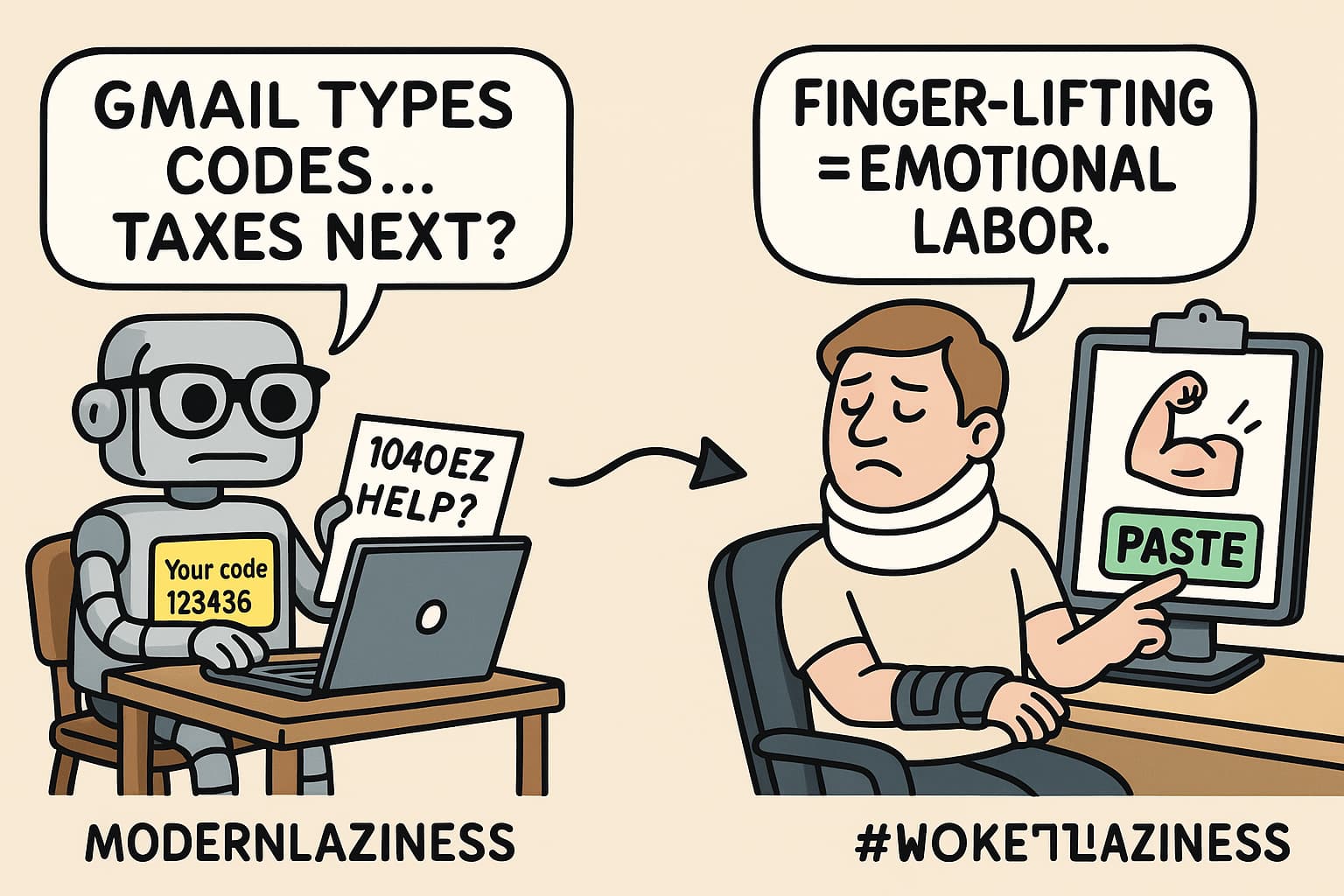
Watches your Gmail. Sees a 6-digit code. Grabs it.
Then politely drops it in your clipboard before you even blink.
Basically: Apple-style SMS autofill… but for emails… on desktop… with attitude.
Quick Steps:
Install ➜ Connect Gmail + AI brain ➜ Boom, code’s in clipboard
 Setup Guide (Even Your Sleep-Deprived Brain Can Follow)
-
Install Python 3.9 or newer
(Old Python? It sulks and refuses to work.) -
Run these in terminal
pip install uvgit clone https://github.com/yahorbarkouski/auto-mfa.gitcd auto-mfauv venv && source venv/bin/activateuv pip install -e .
-
Start the wizard:
automfa init- It’ll ask you to connect Gmail + pick between local or cloud AI
- Don’t worry. It holds your hand like a clingy ex.
-
Optional Bonus Round:
- Set a hotkey:
- Mac = Automator
- Windows = AutoHotkey
- Linux = xdotool
- Now it works like black magic. Email arrives → Code in clipboard.
- Set a hotkey:
What’s Really Going On
Behind the scenes, it stores your Gmail keys and settings in:
~/.automfa/(basically a digital sock drawer full of secrets)- Includes your tokens, config, accounts, and LLM choice
- If you’re fancy, you can edit things with a
.envfile—no need to restart setup
 What Makes It Cool
- Works with local or online AI (Ollama or OpenAI)
- Handles many Gmail accounts
- Works on Mac, Windows, and Linux
- Keeps your Gmail clean and only sniffs for MFA emails
- Gives you one global command:
automfa - You press a button, and it does the smart thing™
 Warnings (Because Life Isn’t Perfect)
- Gmail API limits: Poll too often and Google gives you the silent treatment
- Your settings are encrypted… but anyone with your laptop can still get them. So don’t lose it.
- No support. No help desk. No guarantee. If it breaks, go cry in the terminal.
 Reality Check
- It’s new. Not many stars. No updates yet. No one holding your hand.
- Gmail is slowly ditching email-based MFA for passkeys and push prompts. This trick might become vintage soon.
- It’s a tool for today. Use it before Google bans fun.
 Download It Here (But Don’t Tell Anyone)
- Code + Instructions:
https://github.com/yahorbarkouski/auto-mfa
 Final Thought
Don’t waste 15 seconds staring at an email and typing 6 digits like a caveman.
Use this. Let your keyboard pretend you’re smart.
OTP? Already in clipboard. Stay slow, peasant.
 !
!