Maybe around 18 hours.
Well guys. Seems I ain’t just lucky with this edu email stuff. Tried about 5 to 6 different registration using all the recommended states on my vpn, but alas, I still didn’t get my email confirmation.
All processes of application went flawlessly. To every rule, there is usually an exception. 
not to worry bro…trick is still working … run it again with new legit email-id
use same VPN (ExpressVPN, NordVPN, seed4me) state on both process
sign up
&
sign in
this time you will definitely get success
some one please help me whenever I try to login to gdrive it redirects to occ login page and when i enter my MyOCC Username and passord it says
“Invalid username or password - Please be aware your password may have changed, please use the Forgot Password link below to obtain your new password”
Please help me I tried with and without vpn but nothing works.
Hey, inside the bot folder you will find a text file named: accountinfo.txt
notice that birth day is 03/24/1997
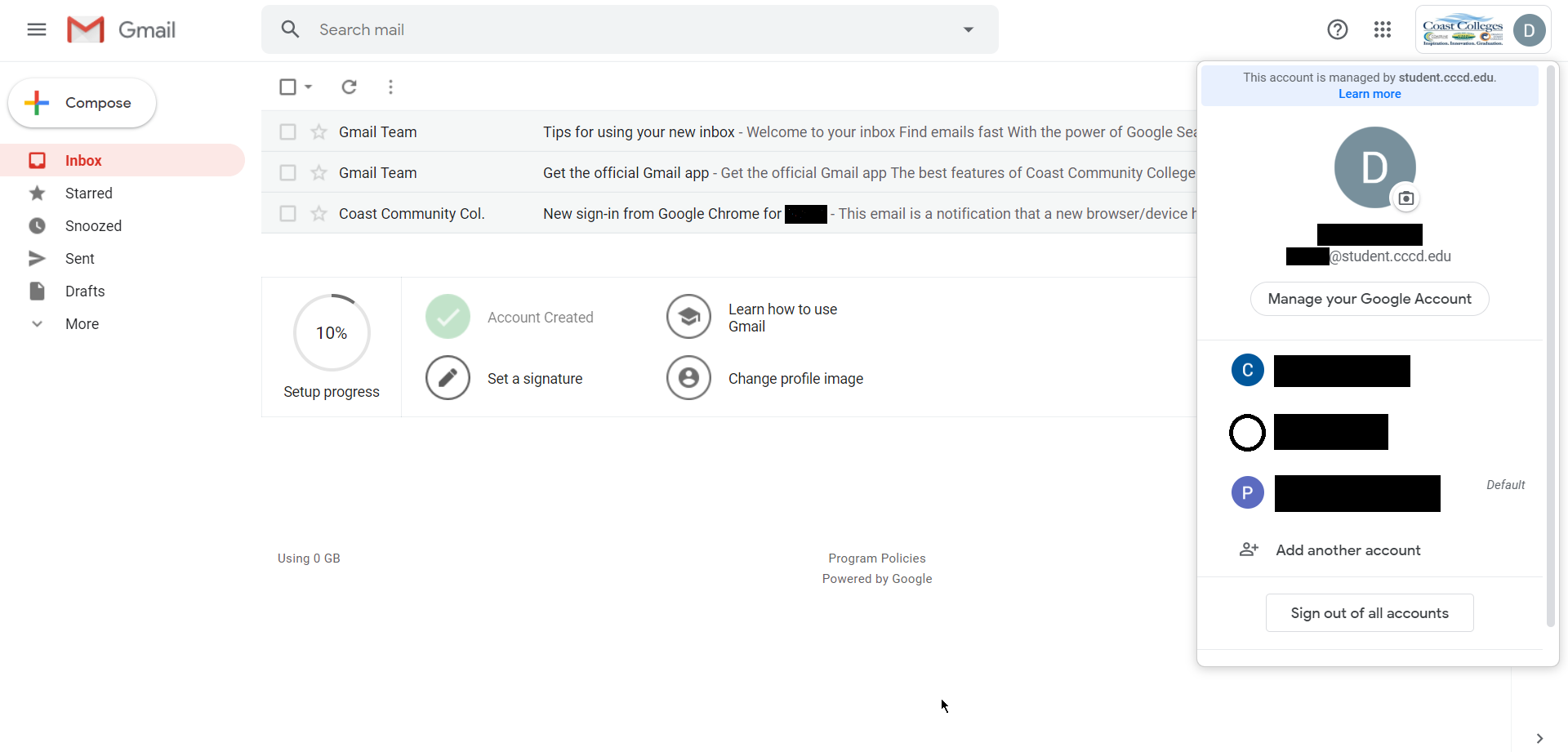
Finally gotten. I applied using 3 accounts and got 3 .edu mail😍
Use vpn location Los Vegas
password: __032497CCCD
A heartful thank you @dydx❤️
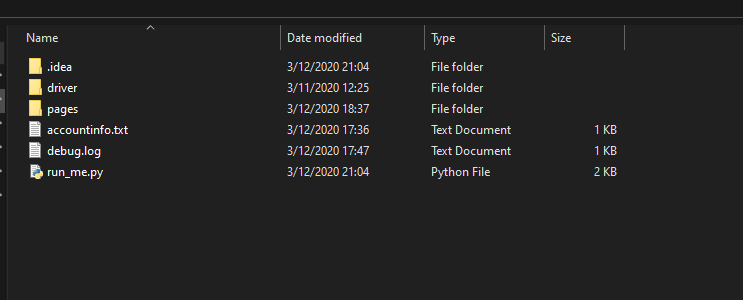
Ok, so I tried 2 times, first with my proton email and proton vpn but didn’t get the confirmation email. Second time I used my gmail Id and got the confirmation email in 3 days (I applied on 14th March and received the confirmation mail today).
Signed In without any problem the first time. Here are the things that I did:
- Used the same VPN I used to apply when I logged in.
- Used this format for password: _ _ 032497CCCD (Fill the first blank with the upper case first letter of your first name and second blank with lower case first letter of your last name)
After that I got an OTP on my gmail Id and after that I logged in without any problem.
Thanks @dydx for your work.
Thank you man.It really worked. Thanks a ton
since you guys said not working …i thought why not i should check it myself..
and found it’s indeed working … this time confirmation mail was little late took almost (3-days)
Here us the proof of new EDU ID
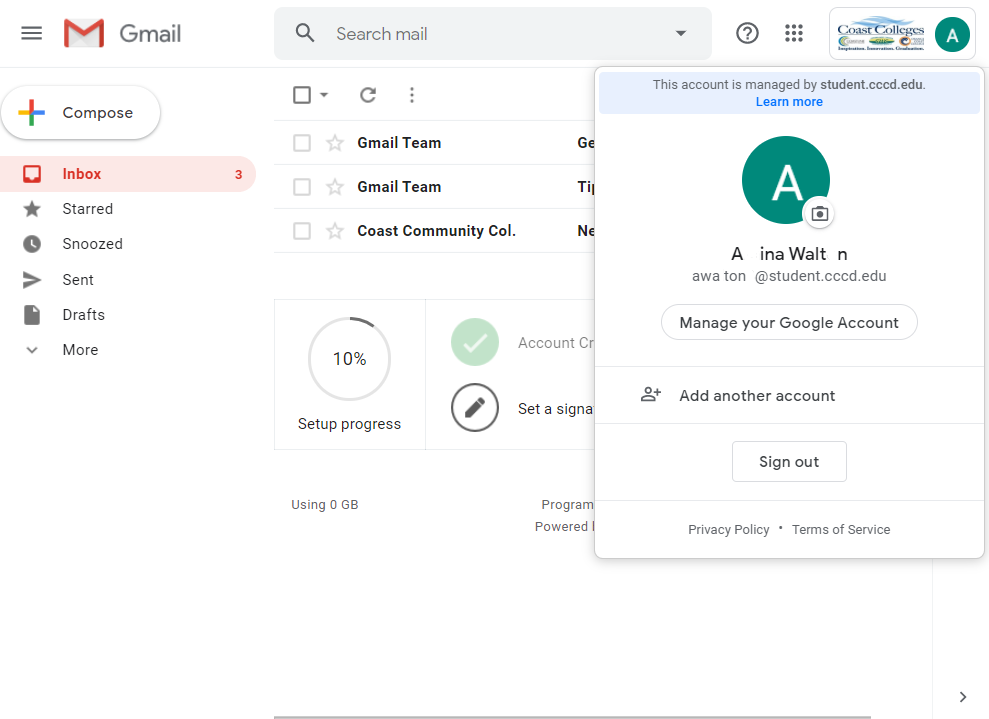
i wanted to check if this hypothesis true or not
“different VPN “State” in signing up and signing in process won’t let me LOG IN and causes (invalid username and password error)”
so for signing up i chose USA Dallas
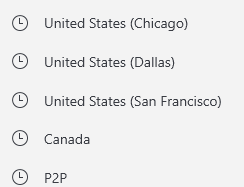
and when i got confirmation mails i tried login from all the states in USA except Dallas
but no Success … only Dallas worked for me.(because initially i chose Dallas)
so long story short
Remember the location you used …that will be used for first time LOGIN process
many of you keep asking password
and to know the password just run horses of your brain 
Update!!!
Finally got my edu email confirmation. Guess what guys.
I got two edu emails approved at about thesame time!!!
I was able to seamlessly activate one. Gonna do same for the other.
You want to know what I did? All you need to know has been explained on here.
- Apply using @dydx bot
- Patiently wait for your edu email confirmation (mine took 2 days-- remember there is an outbreak of corona virus).
- Login and verify your account using same vpn location you used to open the account (with the bot).
- Username is usually sent to your email address together with the mail you received the edu confirmation. It’s quite easy to spot because it’s bolded.
- You will be sent OTP to use. Note this when verifying the edu email account.
By the way, I used Dallas and Newyork (I think).
I guess it’s true that the patient dog eats the fattest bone afterall.


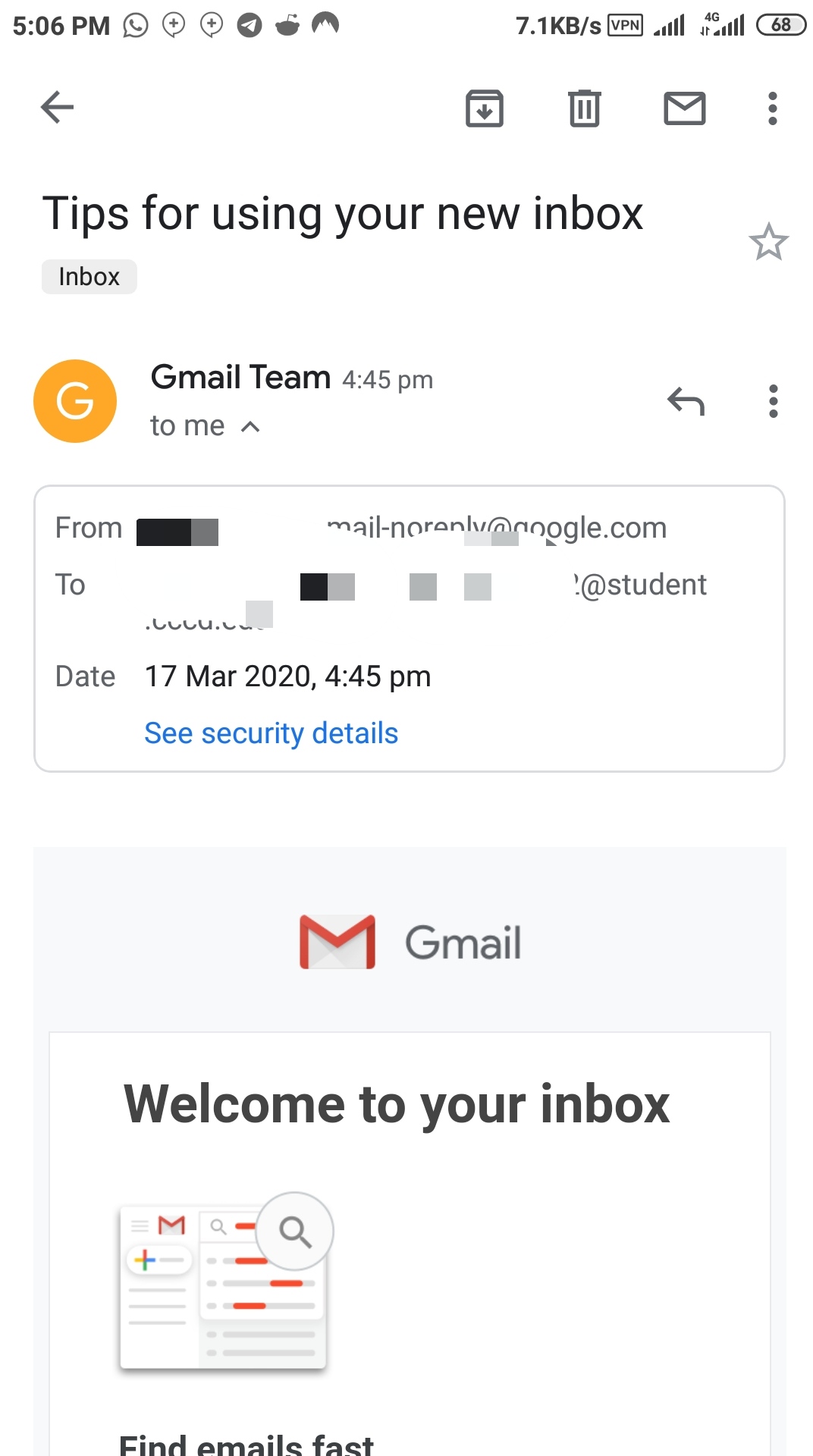
Same here today 4 hours ago, I got two edu mails
which vpn are u using please tell me because i m using seed4 vpn but it is not working i have used 2 mail one got refused from coasta rica collage and another one is in queue lets see wht will happen
VPN Unlimited is the one am using.
I used Avira phantom vpn, Los Vegas location
hahahah  now we have one more lucky person in the club
This is amazing received the acceptance email today 17-03-2020

Yeah yeah yeah,you can say that again bro 
You are the man of the moment!!! 
 !
!