Hi, thank you for sharing this tool. This is still working, I got my edu email without problems.
First, I used nordvpn Los Angeles
Then Run the script
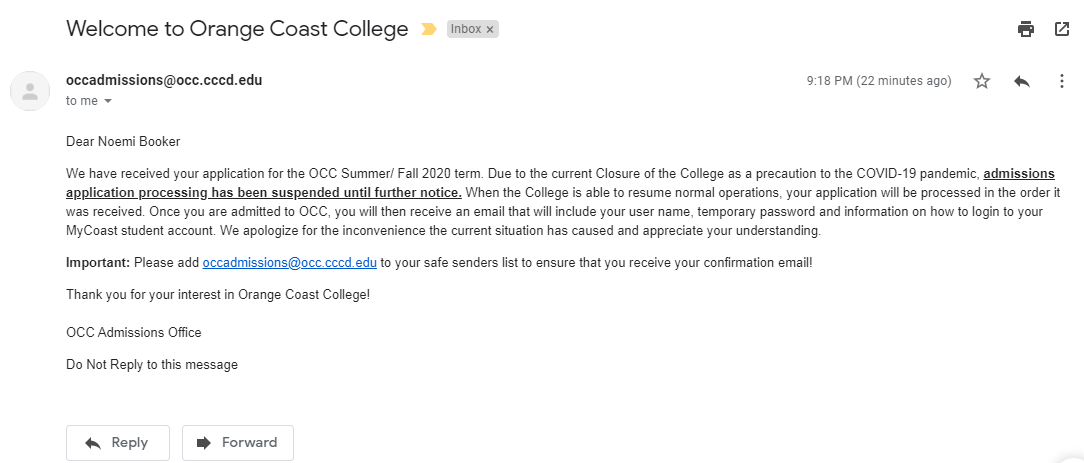
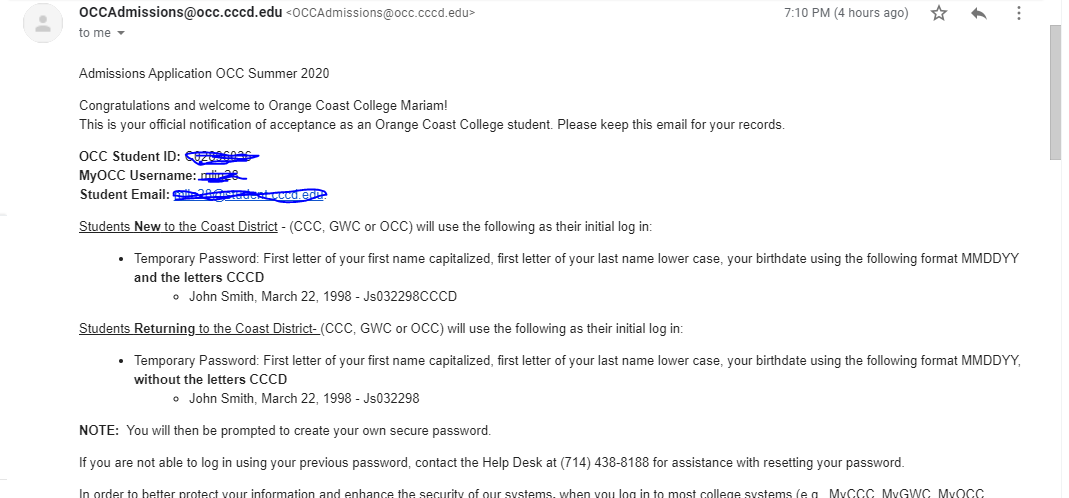
After 1 day, I received the acceptance email and my new account details.
Tried again to login with the same vpn I used to run the script, it didn’t work. Tried a lot
of different vpns, same problem, incorrect password.
Then I changed the year from 1997 to 97 and it worked, even using a different vpn.
The only problem I have is that every time i try to login to my account, the system sends me a numeric one time password to the email i used when i ran the script. Even with a new password, i still have to enter that one time pass to access my account. Is it possible to deactivate that or it’s just their security system?
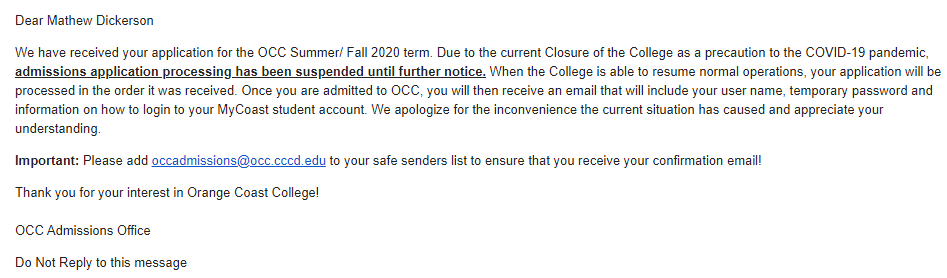
Something is terribly wrong now… The school just shutdown due to corona virus… I would not be getting my temporary password and username anytime soon bro… Painful
If someone is getting trouble while first time login. Check server status of school, if server seems down, your login will failed saying incorrect username or password.
@Syed_karim_shah go to this url https://pgsso.cccd.edu/_layouts/PG/login.aspx
username : MyOCC Username
password : First letter of your first name in caps and first letter of your second name in small followed by 032497CCCD.
Example: If my Name is John Ibrahim then the password is Ji032497CCCD
Thats all. Login and change password and go to student email. Voila.
Is this the generic date of birth of the script? I was not able to take note of the date of birth from the fake generator because the scipt was a bit fast when it was running. How can I know the date of birth for my temporary password? Thanks
Thanks so much bro! The script works for me like a charm. Just waiting for the student email. Apparently they are close due to the COVID-19 virus. Hopefully, I’ll get it once it opens before this method gets busted.
Whoever has used the bot has the date of birth 03/24/97. Everyone here has the same date of birth. Your Password would be _ _032497CCCD where the first blank is the first letter of your first name in uppercase and the second blank is the first letter of your surname in lower case (Here your name is the fake one which has been applied in the college by the bot). So if my name is Virat Kohli. Then the password would be Vk032497CCCD. Remember to use a proper VPN for first login.
but bro i m using vpn of Seed4.Me and now also i m doing whatever u said bro i think that my vpn is not doing write thing that y nd i need to change my vpn like nordvpn
I m also checking my mail everyday but confirmation is not comming …
 …only you seems to have not got any EDU mail account yet …
 , but kudos to onehack team maan gaye aap sab ko.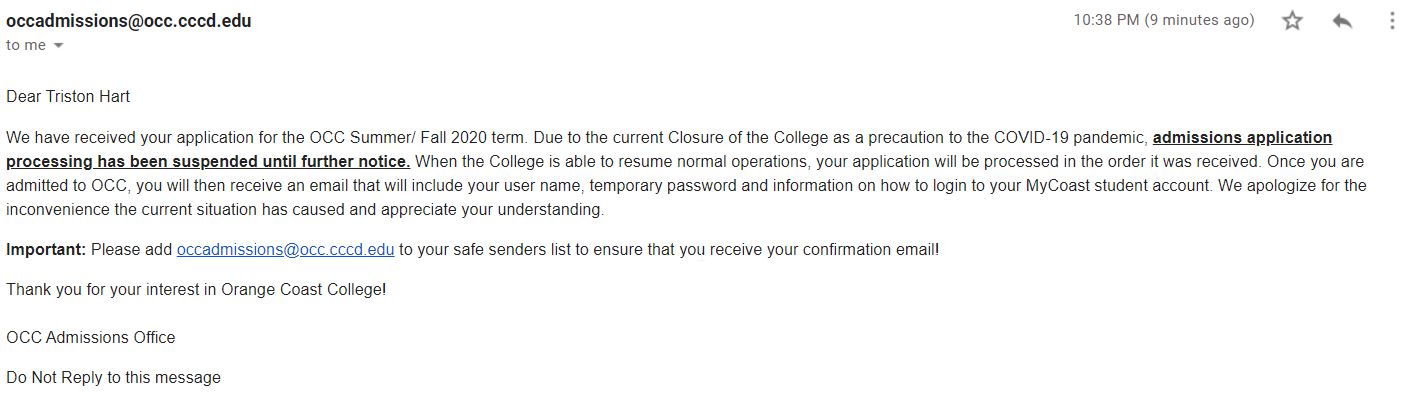
 !
!