How I said, I have a PDF file that I want to view but I don’t have the password. And I honestly don’t have the time or the know-how to unlock it. If there’s a way to do it and someone can help me… There are two files. Nothing extraordinary, nor any sensitive or personal information.
2 Likes
try https://www.ilovepdf.com/unlock_pdf hope it will remove your passwords
1 Like
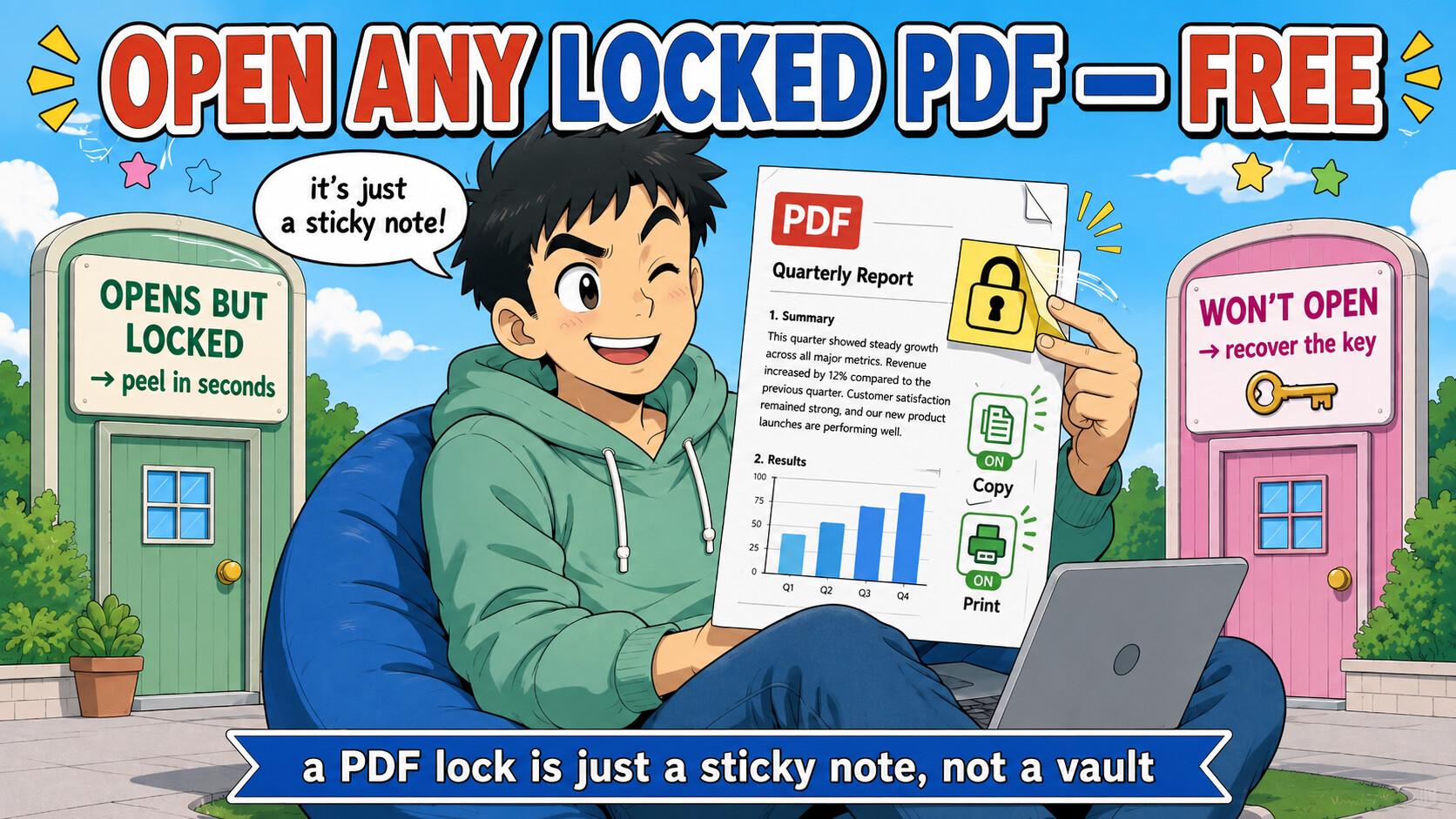
Here’s the part nobody tells you: most “locked” PDFs aren’t actually locked to you. 
The password to open is usually blank — only a copy/print flag is set — so the right tool pops it open with an empty password in one second, zero cracking. And even the ones that do ask for a password usually have a shortcut faster than brute-force.
So first find out which kind you’ve got 
🕵️ 30-second test — which lock is it? (do this first, it decides everything)
Double-click the file:
→ It opens and you can read it, copy/print just greyed out → permissions lock → the “Opens-but-restricted” box (10-second fix).
→ It demands a password before showing anything → open-password → the “Won’t-open” box (still usually easy).
⚡ Opens-but-restricted → strip it in one second (blank-password trick)
The user-password is empty; only the restriction flag exists. Any of these blows it away instantly — no password needed:
 In your browser, nothing uploaded (best for you): drag the file in →
→ https://github.com/dsiganos/unlockpdf (runs 100% client-side)
 One command, offline:
├─ cpdf -decrypt in.pdf -o out.pdf → https://github.com/coherentgraphics/cpdf-binaries
├─ hexapdf decrypt in.pdf out.pdf → https://github.com/gettalong/hexapdf
└─ pdfcpu decrypt in.pdf → https://github.com/pdfcpu/pdfcpu
 Click-a-button apps: PDFPatcher (12.5k
 toolbox) → https://github.com/wmjordan/PDFPatcher · PDFDeSecure (re-renders, drops all flags) → https://github.com/abatsakidis/PDFDeSecure
 No-tool fallback: open → Print (Ctrl/Cmd+P) → “Save as PDF.” The reprint has no restrictions. Works on a phone via Google Drive → Print → Save as PDF.
🔑 Won't-open-at-all → try these 3 shortcuts BEFORE brute-forcing
Cracking is the last resort. Check these first — one of them usually is the answer:
 Is it a bank / card / tax statement? The password is a fixed formula, not a secret — usually your name+DOB or PAN/DOB or phone last-4. Look it up and type it once:
→ India bank formulas → https://mybankstatementanalysis.com/blog/indian-bank-statement-pdf-passwords
→ Tax docs (PAN+DOB) → https://taxguru.in/income-tax/password-formats-income-tax-tds-related-documents.html
→ auto-guess corpus: Indian-Wordlist https://github.com/darkrider88/Indian-Wordlist · phone gen https://github.com/toxydose/pnwgen
 Is it an old PDF (made in old Acrobat)? Its 40-bit RC4 crypto is broken — the key cracks in minutes regardless of how strong the password is:
→ https://github.com/kholia/RC4-40-brute-pdf
 Is it an ebook / academic paper (CNKI, IEEE, an Adobe-DRM book)? That’s DRM, not a password — a totally different tool:
→ Adobe ADEPT PDFs → https://github.com/apprenticeharper/DeDRM_tools
→ Chinese CNKI CAJ → PDF → https://github.com/caj2pdf/caj2pdf
 None of those? Then brute it (weak/short = seconds):
 pdf_pycrack (multi-core) → https://github.com/hornikmatej/pdf_pycrack · or the classic pdfcrack -f file.pdf. GPU speed → hashcat -m 10500 (-m 10700 for newer AES PDFs).
🎯 Where this actually lands
├─ Paid ebook/course PDF you can’t copy notes from → blank-decrypt → highlight freely
├─  Bank statement that opens only with a password you forgot → it’s your DOB+name, look up the format, done
├─ A form that refuses to print → Print → Save as PDF → print away
├─  A journal paper locked behind FileOpen/Adobe DRM → DeDRM, not a cracker
└─  Locked attachment on your phone → Google Drive → Print → Save as PDF
A PDF password is mostly a “please don’t,” not a vault — and half the time the door was never even locked.
2 Likes
Thanks mate. But it’s asking for my password and I don’t have it 
Thank you so much for your reply. That’s a lot of information! I’ll try it, although I’m not very good at this stuff. I might need to ask for help. If it works, I’ll let you know. Thanks!
 Tysm
Tysm
 !
!