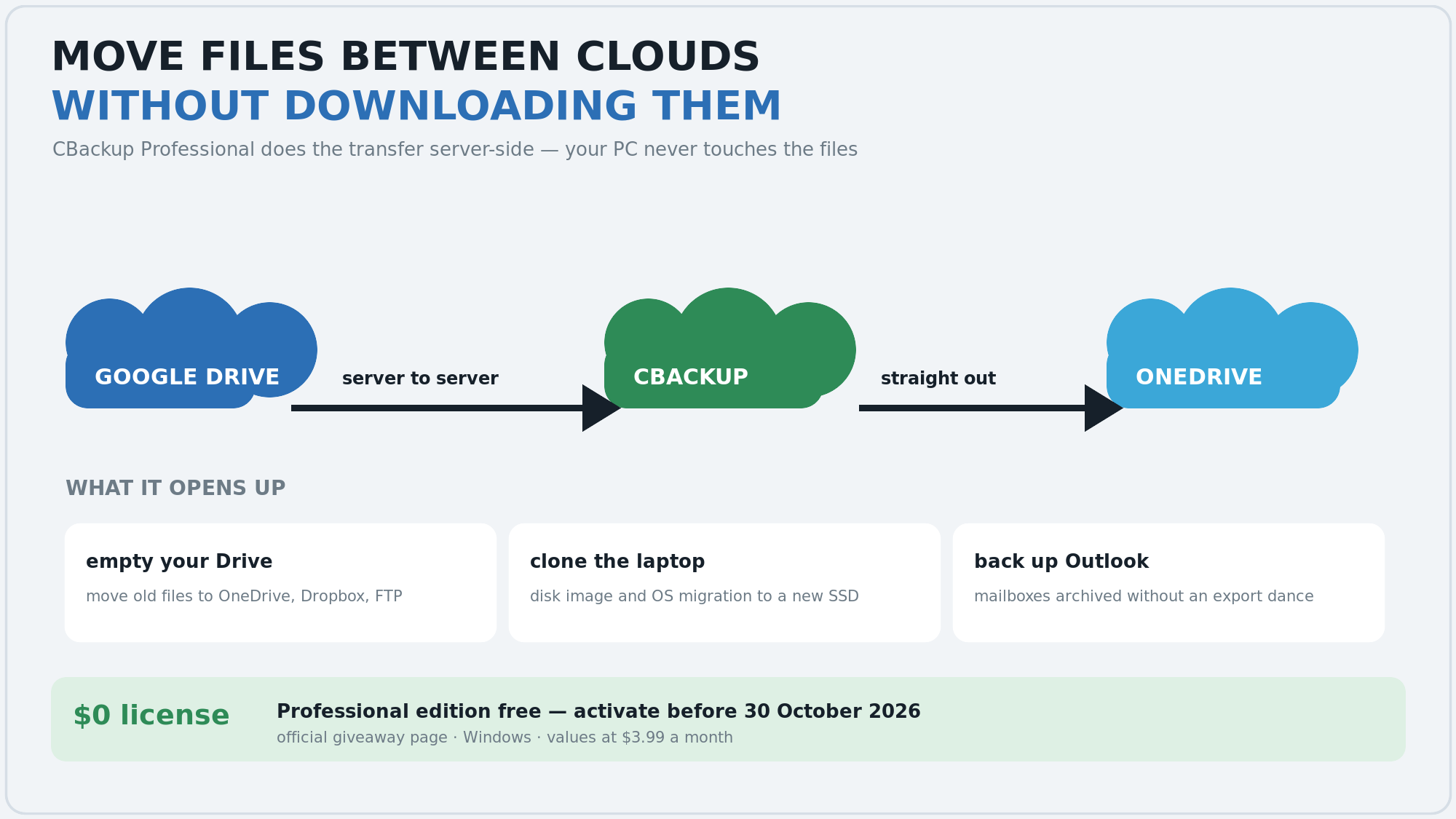
The giveaway — CBackup Professional, free through the official page until 30 October 2026. It bills at $3.99 a month normally. 
What makes it more than a backup tool: it moves files cloud to cloud, server side — Google Drive to OneDrive, Dropbox, FTP or WebDAV — and your PC never touches the bytes. No download, no re-upload, no bandwidth eaten.
Three jobs people normally pay for
 empty a full Drive — push old files to another cloud and keep the space
 clone the laptop — disk image and OS migration when the SSD gets replaced
 archive Outlook — mailboxes stored without the export dance
Also inside — scheduled backups of files, disks and the whole system · sync with filters · one-click restore · how cloud-to-cloud works
Grab it → the official giveaway page · Windows · activate before 30 October 
 !
!