 $20/Month ChatGPT Plus — Yours for $0 via Korean Gateway
$20/Month ChatGPT Plus — Yours for $0 via Korean Gateway$20/month. $0 right now. South Korea gateway, Mastercard BIN, full GPT-5.4 access.
tested-2026 · beginner-friendly · step-by-step
Two BINs. One address. The Korean gateway doesn’t ask questions.
ChatGPT Plus — $20/month — unlocked for free. These South Korea–routed Mastercards slide through OpenAI’s checkout without CVV verification. You get GPT-5.4, image generation, Deep Research, Advanced Voice, Custom GPTs, and Codex access. The full Plus experience, zero charge.
💳 BIN & Billing Details (Atomic — Use Exactly As-Is)
BINs (generate from both, try each):
| BIN | Date | CVV |
|---|---|---|
| 625814263047xxxx | 06/2030 | RND |
| 62581426304xxxxx | 06/2030 | RND |
Region: South Korea
VPN Required: Yes — South Korea IP mandatory
Billing Address (Gyeongju-si):
| Field | Value |
|---|---|
| Street | 83-10, Chunghyo-dong |
| City | Gyeongju-si |
| State | Gyeongsangbuk-do |
| ZIP | 38001 |
| Country | South Korea (KOR) |
These values passed checkout — don’t “improve” them. Copy exactly.
🔧 Steps — From Zero to Plus in 5 Minutes
Step 1 — Connect VPN to a South Korea server. Do this before opening anything. The Korean IP triggers the regional gateway.
Step 2 — Go to chatgpt.com and create a fresh account. Use a new email — old accounts with payment history won’t work the same way.
Step 3 — Navigate to Settings → Upgrade to Plus. Select the $20/month plan.
Step 4 — Generate a card from either BIN using any Mastercard generator. Enter the card details at checkout.
Step 5 — Use the Gyeongju-si billing address from the table above. Every field matters — copy it exactly.
Step 6 — Confirm. If the first card declines, generate from the other BIN. Try 3–5 cards per BIN before switching.
Trick: The South Korea gateway routes through local payment processors that don’t perform full 3D Secure verification on these BIN ranges — that’s why the region matters, not just the address.
✅ Do's and Don'ts
| Do | Don’t |
|---|---|
| Use a fresh email — new account only | Don’t reuse accounts that had payment issues |
| Generate 3–5 cards per BIN — first try rarely works | Don’t stop at one declined card |
| Connect VPN before opening the site | Don’t switch VPN servers mid-checkout |
| Cancel before the trial/cycle ends | Don’t forget — you WILL be charged if the card has funds |
| Use both BINs — one may work while the other doesn’t | Don’t modify the billing address |
| Check your IP at ipinfo.io — confirm it shows South Korea | Don’t use datacenter IPs (OVH, DigitalOcean = instant decline) |
⚡ What You Actually Get
| Feature | Status |
|---|---|
| GPT-5.4 (Thinking + Instant modes) |  Full access Full access |
| Image generation (built-in, not a separate tool) | Enhanced limits |
| Deep Research | Multi-source web analysis |
| Advanced Voice | Real-time conversation mode |
| Custom GPTs | Build + use community GPTs |
| Codex | Agentic coding agent |
| Canvas editor | Inline doc/code editing |
| Scheduled Tasks | Automation workflows |
| Ad-free | (Free/Go tiers now show ads) |
Quick Hits
| Want | Do |
|---|---|
| GPT-5.4 access for free |
→ Use either BIN + Korean VPN + fresh account |
 Card keeps declining Card keeps declining |
→ Generate 3–5 per BIN, check IP at ipinfo.io, confirm residential exit |
 Avoid charges later Avoid charges later |
→ Cancel before cycle renews — set a reminder |
 One BIN dead One BIN dead |
→ Try the other — they route through different ranges |
New to BINs? The whole concept — what they are, how to generate cards, what makes one work and another fail — is broken down in the
$20/month is what they charge. $0 is what you pay. Korean routing doesn’t miss.
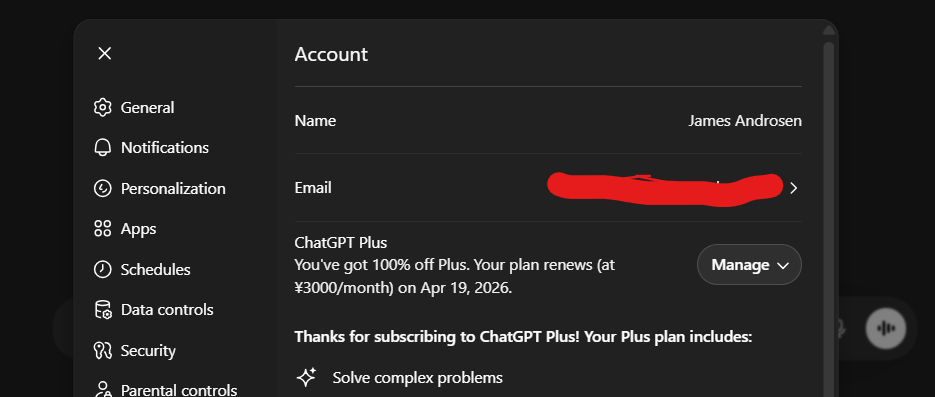
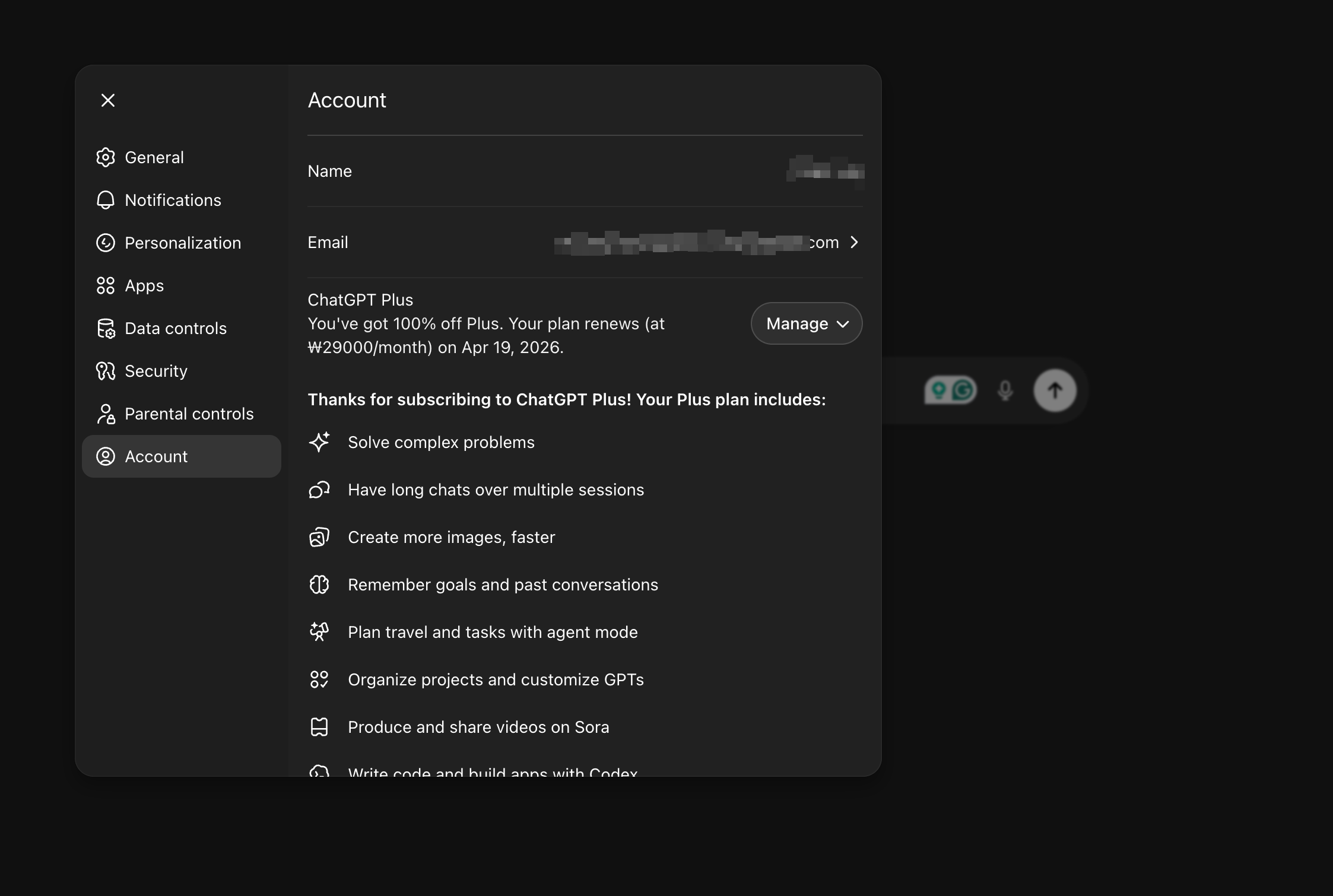


 !
!