I’ve been running my Ollama models through the default web UI for months and it always felt barebones, so a member-built alternative with branching and Markdown export is exactly what I was looking for. The temp chats feature is a nice touch too — half my sessions are one-off questions I don’t want cluttering my history. Going to give this a run with my local 8B model this weekend and report back on how the Deep Think streaming feels.
Okay but i made this for models with no vision support but give it a try buddy (:
I am happy to hear from what you experienced after running 8b model Have a good day (
Gave it a spin with two 8b models last night — llama3.1 8b and qwen2.5 7b. Honestly for docs summarization and coding questions the 8b tier feels totally usable in this UI, and the conversation branching is handy when I wander down the wrong path. No crashes on my end either.
Vision would be nice down the road for screenshot debugging, but text-only covers like 90% of what I actually do day to day. Thanks for building this, really nice work (:
[quote=“ai_daily_tools, post:6, topic:325992”]
would be nice down the road for screenshot debugging, but text-only covers like 90% of what I actually do day to day. Thanks for building this
[/quote]Thanks for giving feed back (:
Anytime! Honestly it’s rare to find a local-only chat UI that feels this polished with zero setup hassle. I’ll keep running my daily stuff through it and let you know if I hit anything weird.
Quick question though — is switching between models on the roadmap? Being able to flip between two models on the same prompt would be a killer comparison workflow. Either way, really appreciate you sharing the source too (:
you can switch between any of your installed Ollama models at any time using the model selector dropdown in the top header sorry for the late reply i am a bit busy in my clg assignments
Finally got around to trying the model selector – that did the trick, thanks! Flipping between my two 8b models without restarting is way smoother than I expected. Appreciate you answering, and the tool keeps getting better.
The local-only angle is what sells this for me, because a chat UI that never sends my documents anywhere removes the usual hesitation about pasting work notes into a model. Branching from any message is the feature I would use most, since a wrong turn in a long reasoning thread usually means restarting the whole conversation elsewhere. Temporary chats are a close second, as half my prompts are one-off questions that do not deserve a permanent place in history. The no-build setup also matters more than it sounds, because a tool that opens on localhost after one double-click is far more likely to become a daily habit than one that needs an install afternoon. Thanks for shipping the source in readable form too, since being able to read the code first is what makes a local tool like this easy to trust.
Thank you so much for the detailed feedback, You hit the exact points I was aiming for—especially with keeping it zero-build and privacy-first. Really glad to hear that thread branching and temporary chats are hitting the mark for your workflow
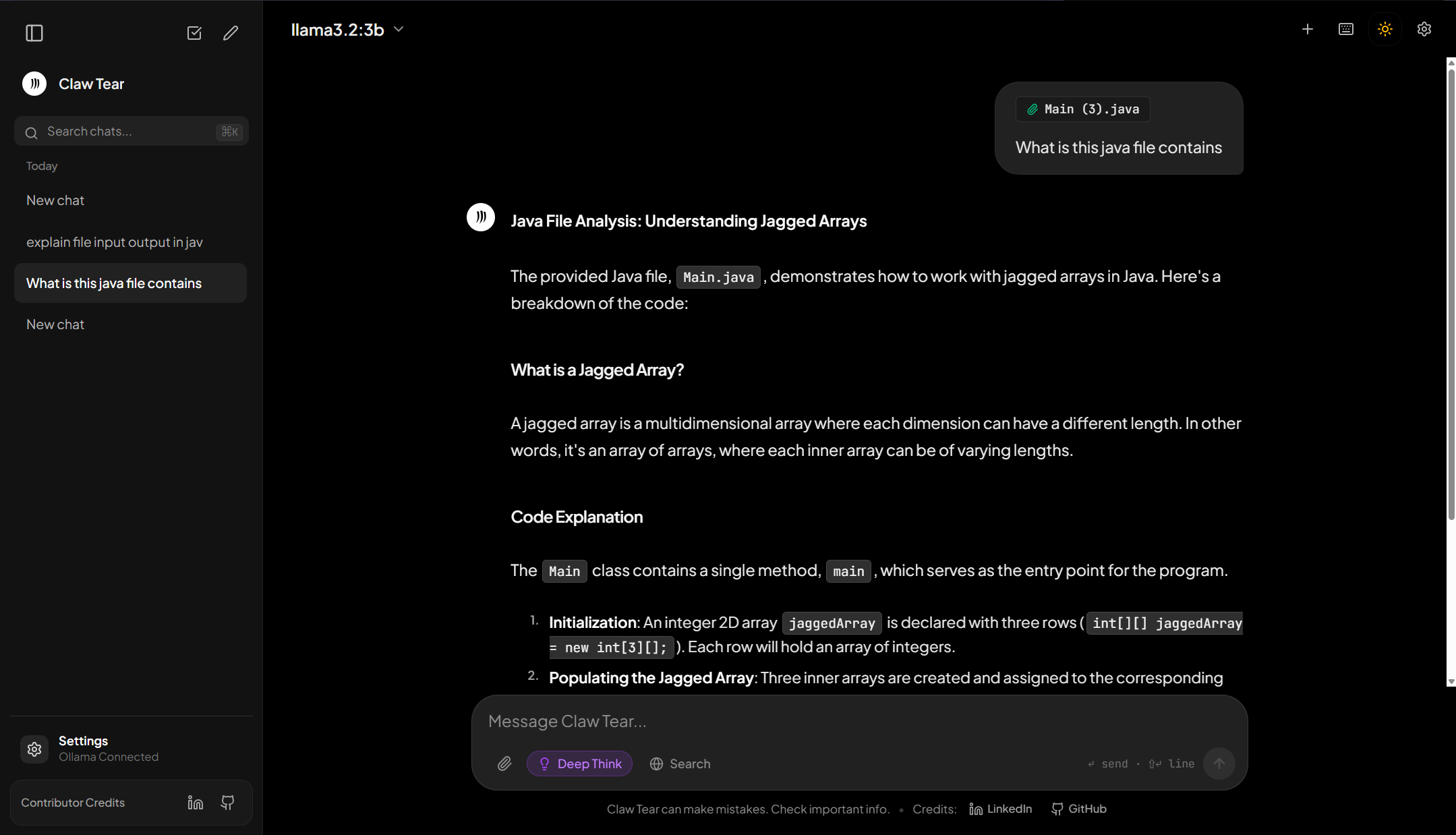
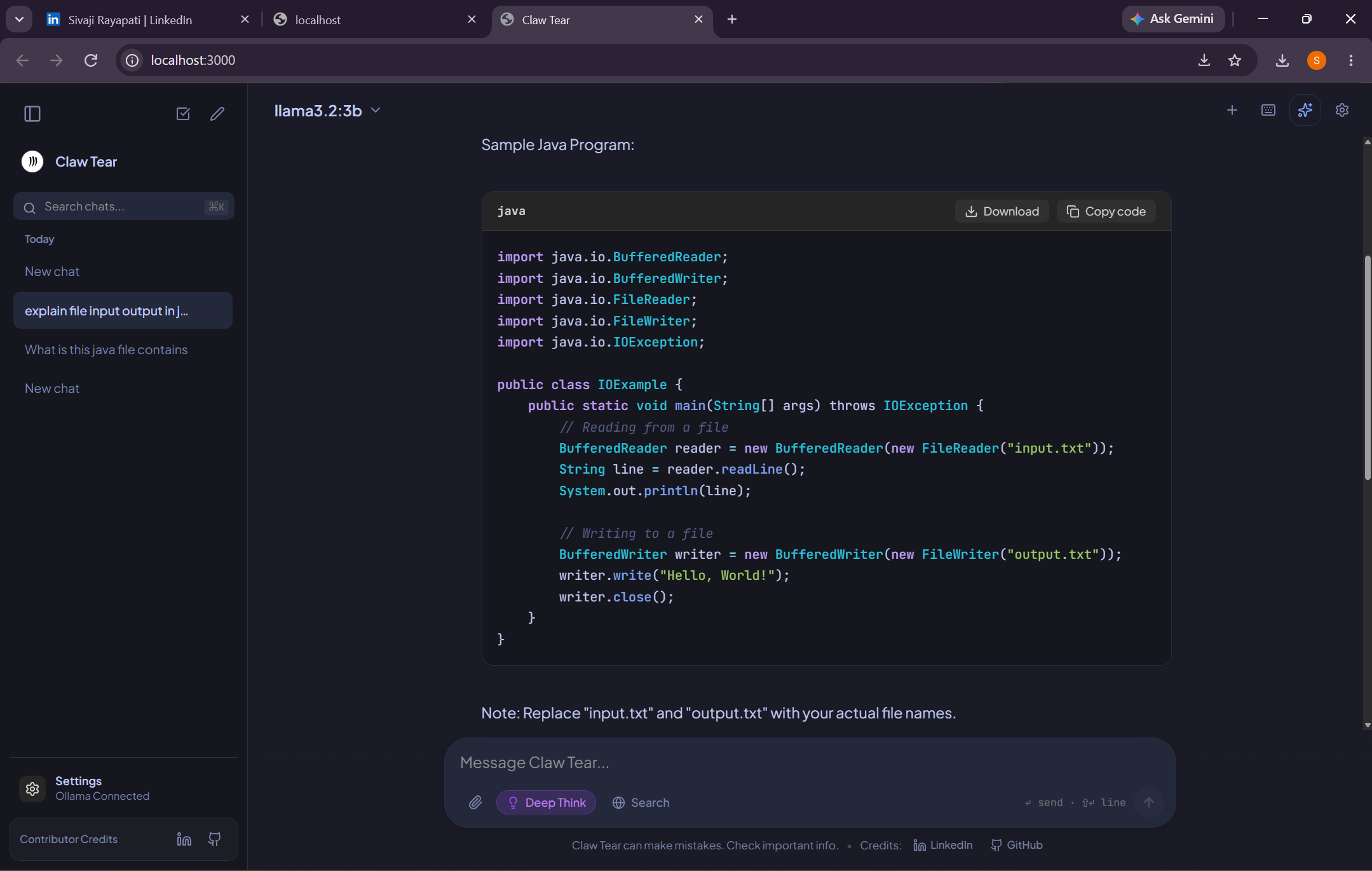
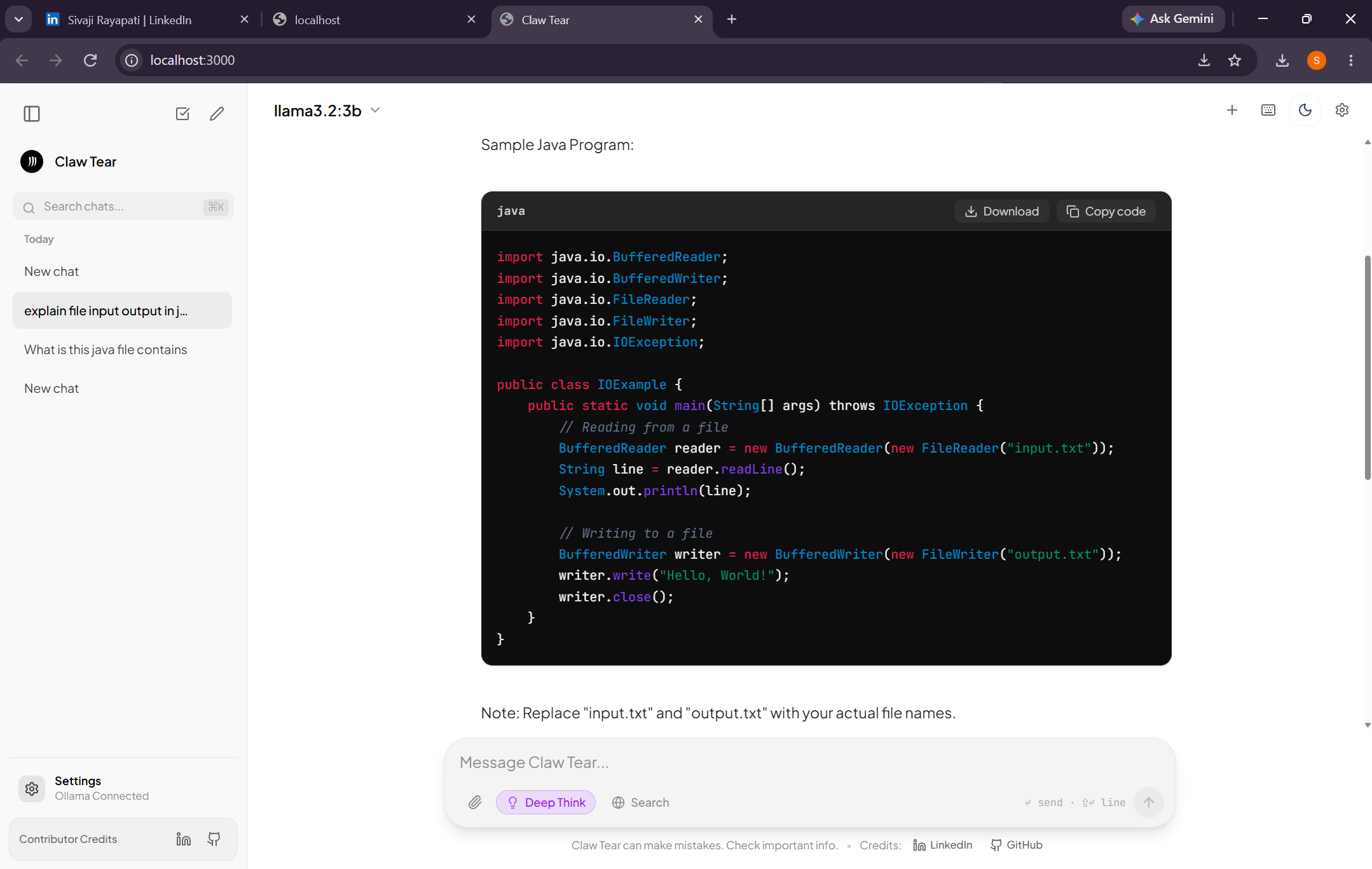
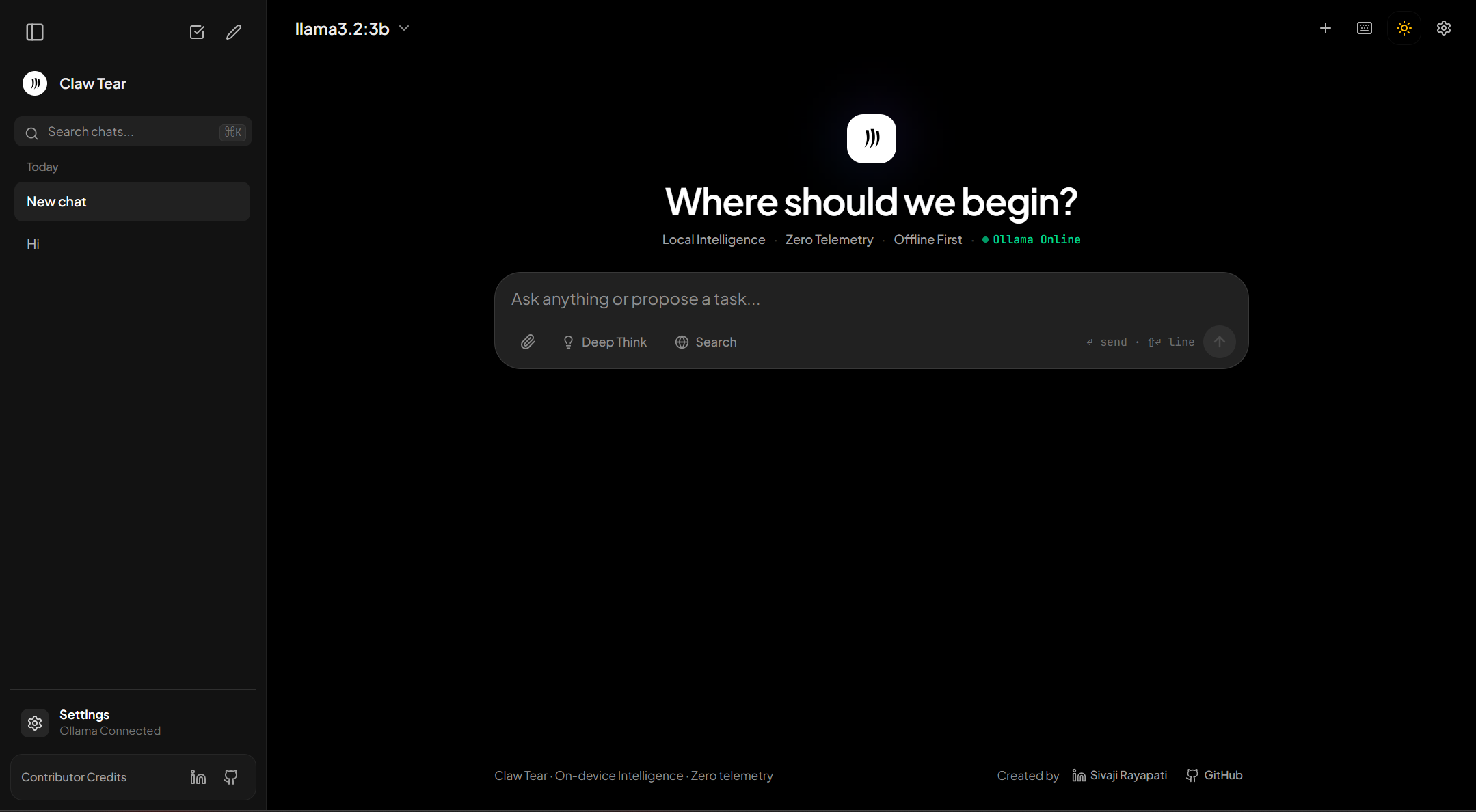


 !
!