Does anyone know how to get more iCloud storage on iPhones? 2026
Here are some options.
Instead of paying Apple:
Use other cloud storage alongside iCloud:
- Google Drive (15 GB free)
- Microsoft OneDrive (5 GB free)
- Dropbox (2 GB free)
Spreading files across services can eliminate the need for a paid iCloud plan.
I mean iCloud+ is only $0.99 a month for 50gb and you get private relay. How much storage do you need?
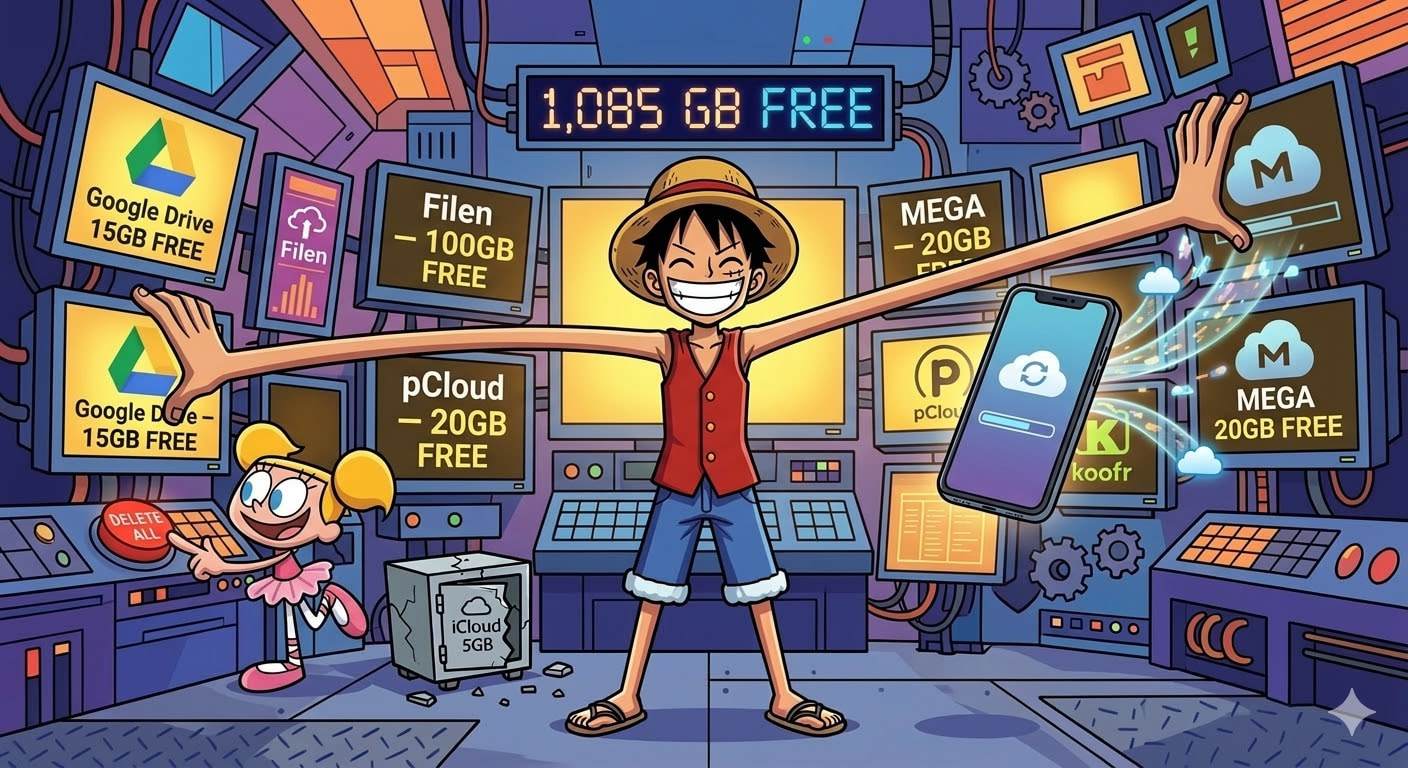
Short answer: you can’t increase the free 5GB Apple gives you. But you can get over 1TB of cloud storage for $0 by stacking free services that work perfectly with your iPhone. Here’s every method that actually works in 2026, from easiest to most advanced.
⚡ Level 1 — Squeeze More From the 5GB You Already Have (5 Minutes)
Before chasing more storage, check what’s eating your current 5GB. Most people waste 3-4GB on stuff they don’t even need backed up.
Go to: Settings → [Your Name] → iCloud → Manage Account Storage
The biggest space-eaters are almost always:
- Old device backups — Had a previous iPhone? Its backup is still sitting in iCloud. Delete backups from devices you no longer own.
- iCloud Photos — Turn this OFF. Use Google Photos instead (15GB free vs iCloud’s 5GB). Your photos stay on your phone — they just back up to Google instead of Apple.
- Messages — Years of iMessage attachments pile up silently. Settings → Messages → Keep Messages → set to 1 Year instead of Forever.
- Recently Deleted album — Photos → Albums → Recently Deleted → Delete All. These sit in your trash for 30 days, still eating iCloud space.
- App data you forgot about — Many apps quietly back up to iCloud. Turn off the ones you don’t care about.
Trick: Back up your iPhone to your computer via cable (Finder on Mac, iTunes on Windows), then turn off iCloud Backup entirely. Use the free 5GB only for Contacts, Calendars, Notes, and Keychain. These are tiny and are the only things that truly need iCloud sync.
☁️ Level 2 — Stack Free Cloud Services (15 Minutes Setup, 1TB+ Free)
This is where the real magic happens. Instead of begging Apple for more iCloud, use multiple free services together. All of these have iPhone apps and work through the iOS Files app.
The Recommended Stack:
| Service | Free Storage | Best For | iPhone App | Privacy |
|---|---|---|---|---|
| Google Drive | 15GB | Everyday files, Google Docs |  Files app integration Files app integration |
Medium — Google reads your data |
| MEGA | 20GB | Private/sensitive files | Auto photo backup |
High — end-to-end encrypted |
| Filen | 10-50GB (with referrals) | Encrypted backup | iPhone app |
Highest — zero-knowledge, open source |
| Koofr | 10GB + hub | Managing all your clouds in one app | iPhone app |
High — EU-based, encrypted vault |
| pCloud | 10GB (after tasks) | Long-term storage | iPhone app |
High — Swiss-based |
| TeraBox | 1TB (1,024GB) | Bulk media dumps (NOT private files) | iPhone app |
Low — Chinese-operated, no encryption |
Total: ~1,100GB+ for free.
🔐 Level 3 — The Encrypted Free Storage Trick (For Privacy Nerds)
If you care about privacy, these three services combined give you up to 95GB of end-to-end encrypted storage where even the service providers can’t access your files:
| Service | Free Encrypted Storage | How to Maximize |
|---|---|---|
| MEGA | 20GB permanent | Sign up, verify email, install the app |
| Filen | 10GB base → up to 50GB | Refer 3 friends = +30GB. German-hosted, zero-knowledge encryption |
| Sync.com | 5GB base → up to 25GB | Refer 20 friends = +20GB. Canadian, zero-knowledge encryption |
Important about Filen: Accounts get deleted after 3 months of inactivity. Just open the app once every couple months, or set up a free automated keep-alive using their API if you’re technical.
📸 Level 4 — Replace iCloud Photos Entirely (Best Free Method)
The #1 reason people run out of iCloud is photos. Here’s how to move your photo backup off iCloud completely:
Option A — Google Photos (Easiest)
- Download Google Photos from App Store
- Sign in with your Google account
- Settings → Back up → turn ON
- Choose “Storage saver” quality (slightly compressed but saves space)
- Go to iPhone Settings → [Your Name] → iCloud → Photos → turn OFF
Your 15GB of Google Drive now handles photo backup. For most people, 15GB lasts 2-3 years of photos.
Option B — MEGA (Most Private)
- Download MEGA
- Create account, save your Recovery Key somewhere safe
- Settings → Camera Uploads → enable for photos + videos
- Enable Background App Refresh for MEGA in iPhone Settings
- Open MEGA once daily while charging (iOS pauses background uploads otherwise)
20GB of end-to-end encrypted photo backup. Nobody — not even MEGA — can see your photos.
Option C — Self-Hosted with Immich (Nuclear Option)
If you have a Raspberry Pi or old computer lying around, Immich is an open-source clone of Google Photos that runs on your own hardware. Face recognition, map view, memories, timeline — everything iCloud Photos does, but on your own server. Connect via Tailscale (free) for access from anywhere. Storage limited only by your hard drive size.
🧠 Level 5 — Power User: Unified Cloud Aggregation (Advanced)
This is the move that changes everything. Instead of switching between 6 different cloud apps, you combine them all into one access point on your iPhone.
The Setup: A Raspberry Pi (or any always-on computer) running rclone as a WebDAV server, connected to all your free cloud accounts, accessible through your iPhone’s Files app via Tailscale.
What this looks like on your iPhone:
- Open Files app → tap your rclone server
- See one unified folder structure:
Google Drive 1/,Google Drive 2/,MEGA/,Dropbox/,Filen/,pCloud/ - Browse, move, copy files across all clouds from one place
- Everything encrypted in transit through Tailscale’s WireGuard tunnel
What you need:
- Any computer that stays on (Raspberry Pi ~$60, or an old laptop)
- Free accounts on Google Drive (×2-3), MEGA, Dropbox, pCloud, Filen
- Tailscale (free) on both the server and your iPhone
- A $6 iOS app called FileBrowser Professional (because iOS Files doesn’t support WebDAV natively)
What you get: 80-100GB+ of unified, encrypted-in-transit cloud storage accessible from one place on your iPhone. No connection limits, no monthly fees.
crypt. You can encrypt everything before it touches any cloud provider — so even Google, MEGA, and Dropbox see only encrypted blobs. This turns even untrusted free services into private encrypted storage.
💀 Dead Ends We Already Tested (Save Your Time)
These methods get recommended constantly online but don’t actually work:
| Method | Why It Fails |
|---|---|
| Switch Apple ID region for more free storage | Free tier is 5GB in ALL 175 countries. Region only changes paid plan prices |
| Apple School Manager 200GB for students | Only works with school-issued Managed Apple IDs. Personal .edu emails don’t qualify. Managed accounts can’t even download App Store apps |
| Unlimited .edu Google Drive | Google capped it at 100TB per institution in 2022. Alumni accounts being shut down everywhere (UCLA, Cornell, Northeastern all confirmed) |
| Apple’s 21-day unlimited iCloud transfer | Creates a temporary backup only — gets permanently deleted after 21 days. Photos aren’t even included if iCloud Photos is on |
| Cryptomator on TeraBox for encrypted 1TB | TeraBox doesn’t appear in iOS Files app, has no API, and its 500-file limit breaks Cryptomator’s architecture. Triple dead end |
| MEGA 40GB permanent via achievements | Achievements are one-time only and expire after 1 year. Can’t be re-earned. Real permanent limit = 20GB |
🎮 Fun Use Cases Once You Set This Up
Beyond just “more storage for backups,” here’s what stacking free clouds actually unlocks:
- Travel photo vault — MEGA auto-uploads your vacation photos encrypted. Phone gets stolen? Photos are safe. 20GB = ~5,000 high-res photos.
- Free movie/music archive — TeraBox’s 1TB is perfect for dumping media collections you don’t want on your phone but don’t want to lose. Just don’t store anything private there.
- Cross-device clipboard — Google Drive’s 15GB syncs files between your iPhone, iPad, and any computer instantly. Drop a file in the Google Drive folder on your laptop → it’s on your iPhone in seconds.
- Private document vault — Filen’s 10-50GB with zero-knowledge encryption is perfect for storing scanned IDs, tax docs, medical records. Even Filen’s employees can’t read your files.
- iPhone backup without iCloud — Back up to your computer, then sync that backup to Google Drive or MEGA. Free, encrypted, and Apple doesn’t touch it.
Your situation → What to do:
| If you… | Do this | Time needed |
|---|---|---|
| Just want to stop the “iCloud Full” notification | Clean up old backups + use Google Photos instead of iCloud Photos (Level 1) | 5 min |
| Want lots of free storage, don’t care about privacy | Sign up for TeraBox (1TB) + Google Drive (15GB) | 10 min |
| Want free storage AND privacy | MEGA (20GB encrypted) + Filen (10-50GB encrypted) | 15 min |
| Want to replace iCloud Photos completely | Set up Google Photos or MEGA Camera Uploads (Level 4) | 15 min |
| Want to manage all your clouds from one app | Set up rclone + Tailscale on any always-on computer (Level 5) | 1-2 hours |
| Have a Raspberry Pi or old computer | Run Immich for photos + Nextcloud for files = unlimited personal cloud | Half a day |
The bottom line: Apple’s 5GB is locked. No hack changes it. But by stacking Google (15GB) + MEGA (20GB) + Filen (10-50GB) + TeraBox (1TB), you get over 1TB of free storage with zero monthly payments. Pick the level that matches how much effort you want to put in, and you’ll never see “iCloud Storage Full” again.
I wanted to have 100 GB or more of iCloud storage without paying.
 !
!