tali
January 19, 2026, 2:18am
1
Brainstorm or post a tutorial topic, thanks
Method broken here.
Open Tinder in Chrome (PC).
Click on the “Likes” menu.
(For best results, zoom out to 50%).
Either ‘Inspect’ the page or press F12.
Click on “Console” at the top of the inspected element and paste this code:
async function unblur() { try { const teasers = await fetch(“https://api.gotinder.com/v2/fast-match/teasers” , { headers: { “X-Auth-Token”: localStorage.getItem(“TinderWeb/APIToken”), platform: “android”, }, }) .then((res) => res.json()) .then((res) => res.data.results); const teaserEls = document.querySelectorAll( “.Expand.enterAnimationContainer > div:nth-child(1)” ); teasers.forEach((teaser, index) => { const teaserEl = teaserEls[index]; if (!teaserEl) return; const teaserImage = teaser.user && teaser.user.photos?.[0]?.id ? https://preview.gotinder.com/${teaser.user.\_id}/original\_${teaser.user.photos\[0\].id}.jpeg\ : “”; if (teaserImage) { teaserEl.style.backgroundImage = url(${teaserImage} } }); } catch (error) { console.error(“Error fetching teasers:”, error); } } unblur();
Press “Enter” and enjoy seeing all the people who liked you and those you didn’t like
It stopped working because Tinder:
Moved “Likes You” from client-side blur → server-side access control
tali
January 23, 2026, 8:28pm
3
Good comment, it’s a shame it changed.
NoBody
June 16, 2026, 8:20pm
6
That console code = dead since August wipe a blur — and a photo + free reverse-search now does more , for $0.
LIKES-YOU TRICK ───✂─── R.I.P. Aug 2025
free path still wide open ▶ photo + a browser tab
💀 Why it died (10-sec)
Blur moved to Tinder’s servers + photos now on self-destruct links → nothing left to wipe.
The autopsy tinder-deblur — archived, author gone. Don’t grind it.
🤡 The $18 'cheater scanner' scam
“Find anyone on Tinder” sites = reverse image search + weekly rebill trap. That’s the whole engine.
🔎 See who's on Tinder — free, just a photo
Drop a face in → find it everywhere:
Google Lens — free, no signupTinEye — fast, freePimEyes — scary-good face engine
🕵️ Got their @username? Hit every app at once
WhatsMyName — 700+ sites in one click, Tinder included Naminter — backup; sneaks past blocks when WMN lies “not found”SpyScrap — Tinder OSINT + face-match in one
👻 The leak Tinder forgot to seal
Even blurred, the image URL still carries their Tinder ID → preview.gotinder.com/THEIR-ID/...
🛠️ Tinkerer tier — pull your OWN feed
Alive, no Facebook needed:
Simple-pimple: the blur was never a wall — just a sticker on an unlocked window. Tinder peeled the sticker. The window’s still open.
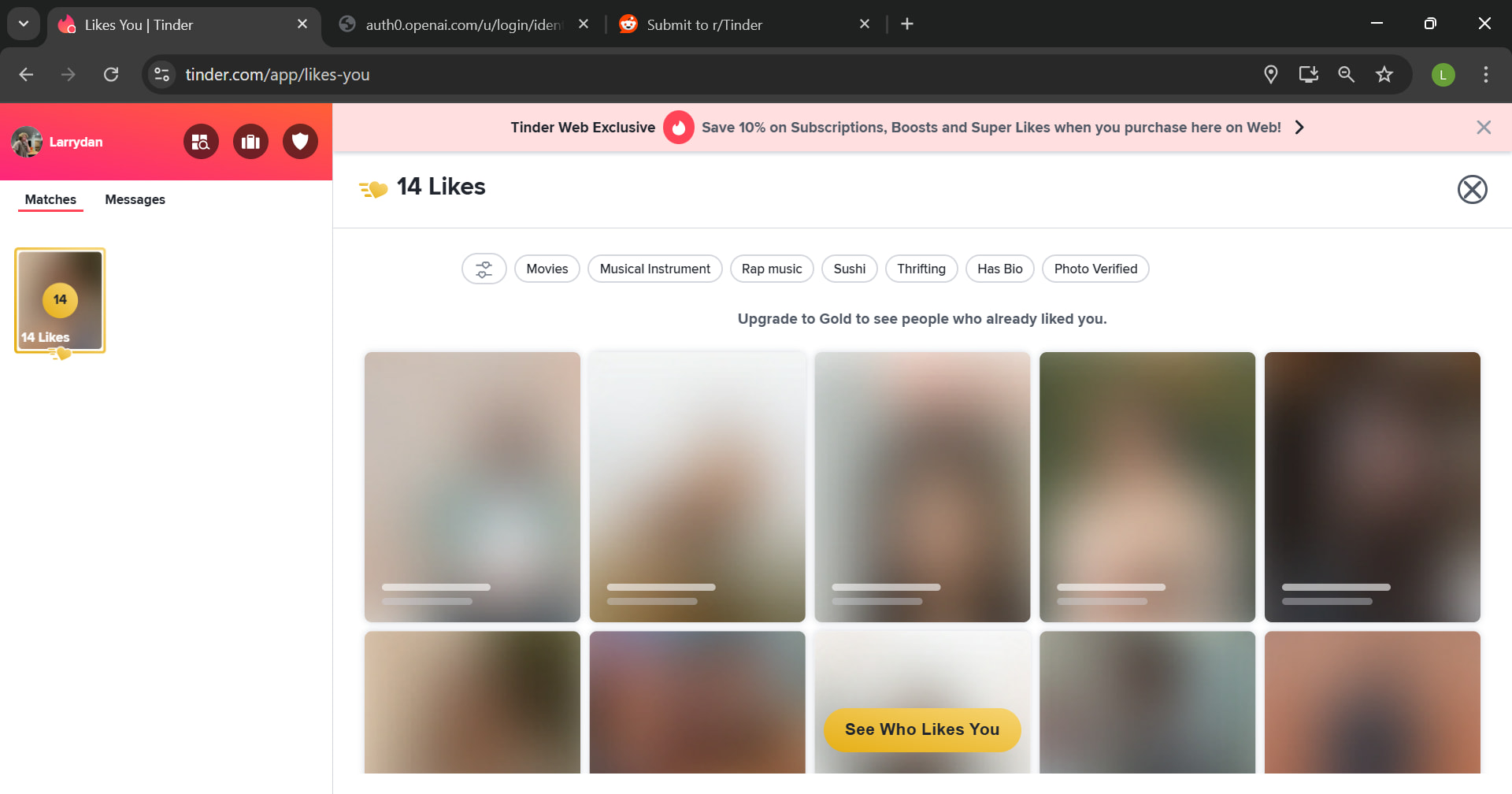

 (Tinder moved the blur server-side). No “updated version” coming. But all it ever did was wipe a blur — and a photo + free reverse-search now does more, for $0.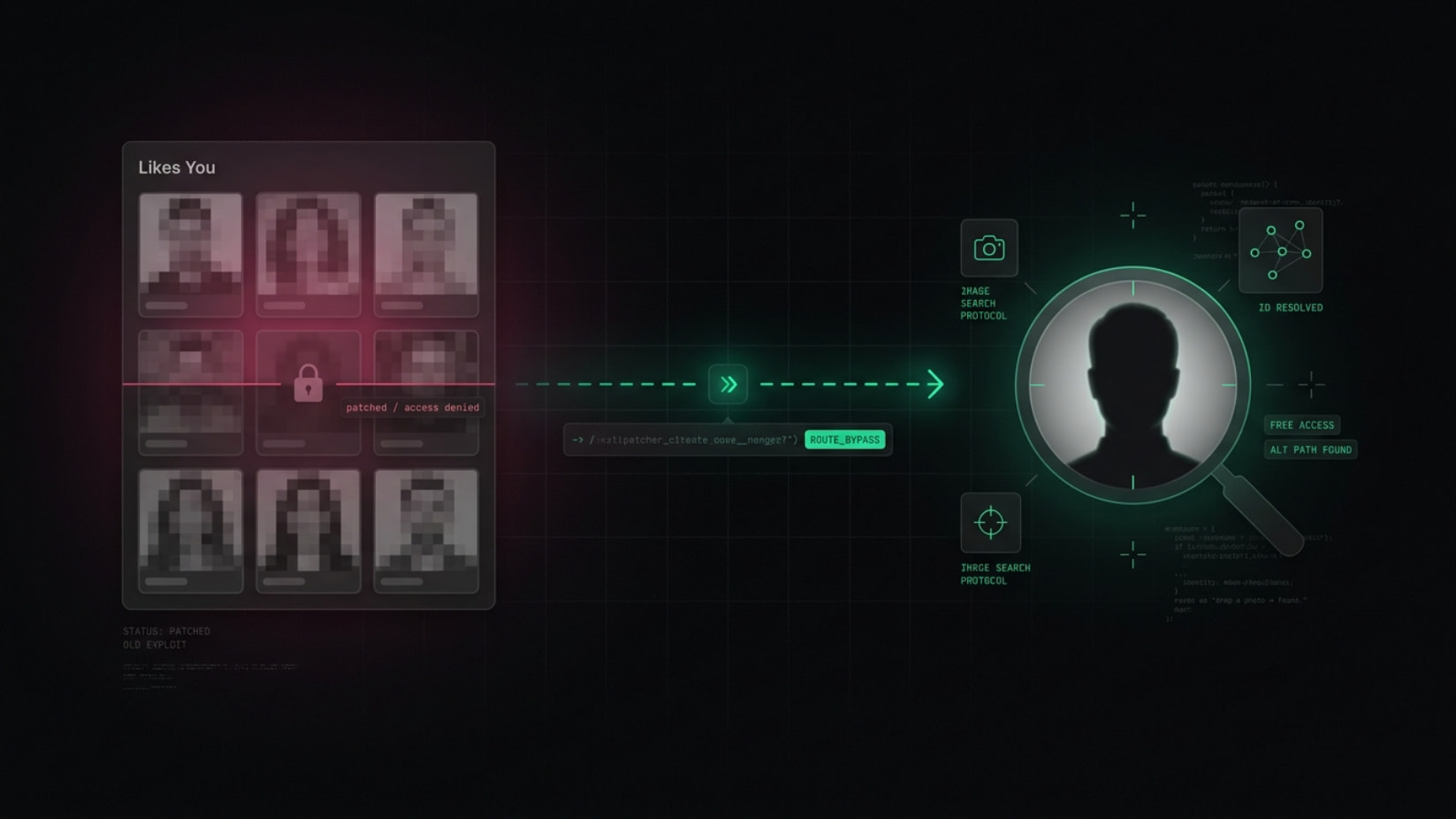
 No code, no app. Right-click a photo = you’re in.


 Whiffed “no profiles found” on live accounts in tests. Skip. DIY below.


 empty result? photo’s too zoomed — feed a wider shot, rerun.


 !
!
![https://preview.gotinder.com/${teaser.user.\_id}/original\_${teaser.user.photos\[0\].id}.jpeg\](https://preview.gotinder.com/$%7Bteaser.user.%5C_id%7D/original%5C_$%7Bteaser.user.photos%5C%5B0%5C%5D.id%7D.jpeg%5C)