Download 10 Gb File in 5 Mins Exclusive Method First Time

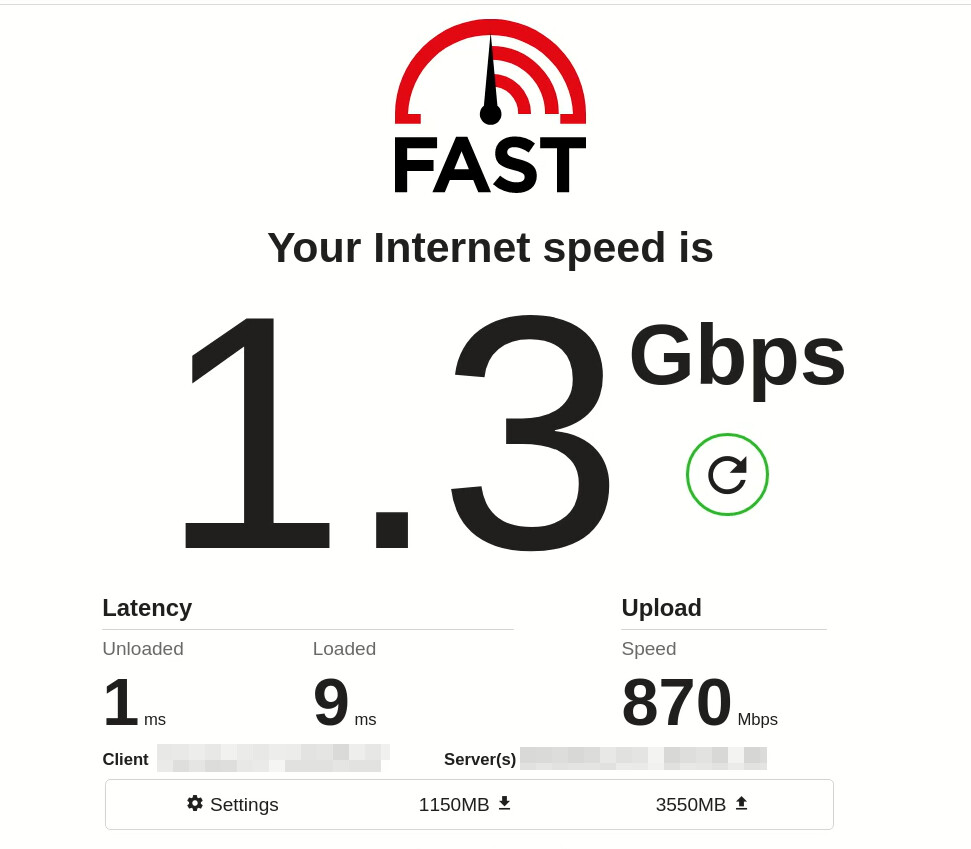
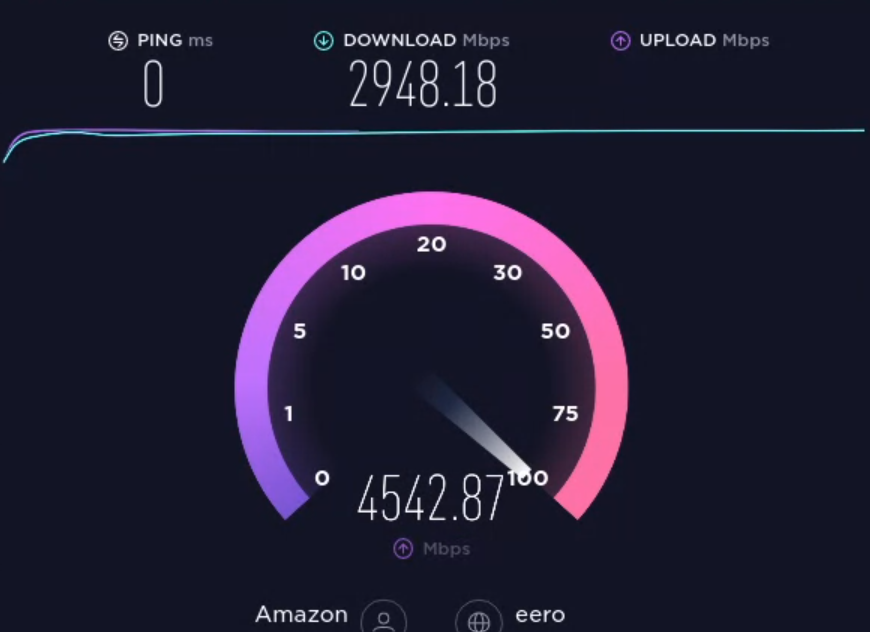
Hai Here is The Guide To Download Any File @1Gb/5sec

Things you can do
Without Installation you can use VPN & RDP(Basic)

  1. Get Free VPN
  2. Download Any File with Hight Speed Internet #3GBPS
  3. Download Mega / Google drive Files from Onehack (Recourses)and upload to your Backup Account
  4. No Time limit so you can enjoy it as RDP
    Enjoy plz Comment if you feel it helps

I have tried Mega Unlimited Transfer , Downloaded & Uploaded 1Tb file in few Mins

Step 1 : https://neverinstall.com/en-IN

Step 2 : Create Account

step 3: Install Chrome

Step 4 Access It Enjoy
(Use this In Sperate Chrome User)

like the name of the site is literally never install. :joy: :joy: :joy:

Currently, neverinstall doesn’t work on Edge. That or you must disable Playready because it is a stream of the RDP. Works flawlessly on Chrome. Lag was expected but that’s my crap internet.

NOTE : FROM THE LOOKS OF IT IS LINUX-BASED.

PLEASE. HUMBLE REQUEST. DO NOT USE THIS FREE SERVICE FOR NEFARIOUS/ILLEGAL PURPOSES. I DO NOT WANT THIS TO BECOME PRICE TAGGED.

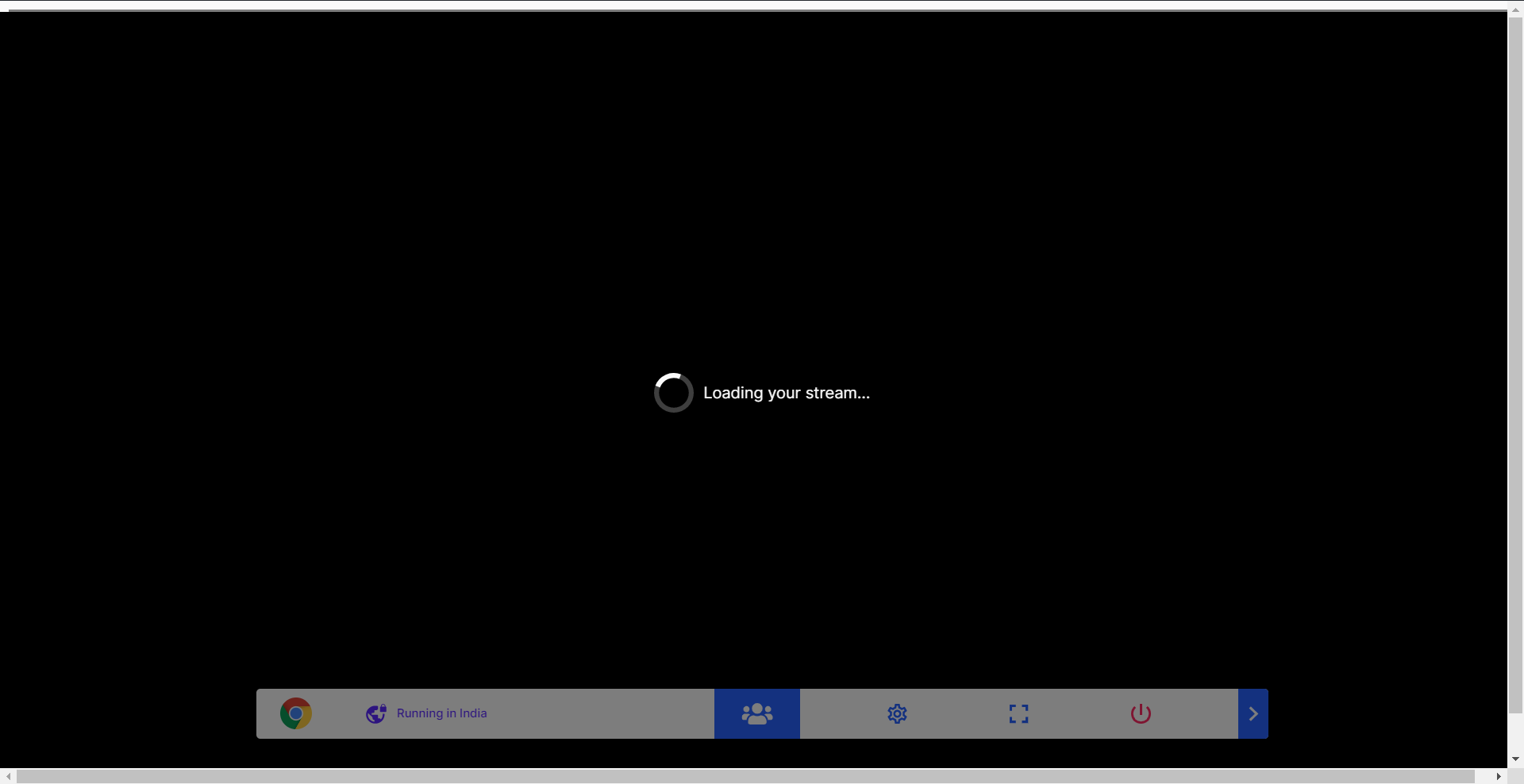
it just keep loading without an end :face_with_head_bandage:

try in another pc / browser working fine in chrome

I don’t get it - speedtest shows 1-2Gb/sec., yet whenever I try to download files in Chrome it never goes above 10Mb/s, no matter from what website I try to download. Do they limit Chrome’s actual download speed?!

Also, how does one access the downloaded files? I can see them virtually there, but how can I actually transfer them to my computer?

just create two instances of the browser and drag and drop in your teamdrive are google drive

Thank you very Much Sahin Lala :pray: Keep it up 1Hackians…you guys are great…

depends on source server also ex media fire have very slow download even you have high speed internet

so just check speed test and then try different sites so you will get understand

How to use Mega Unlimited Transfer

Needs a Mega Pro account.

Try uploading a 1gb file to your google drive and download from neverinstall. You’ll see what I mean. Don’t go for Mega, you will get throttled.

How do you delete a file downloaded in it.

I downloaded a 1 gb file in it now am not able to delete the file?

You delete the session. Everything gets deleted in it.

I tried it, but will try again.
Thanks.

One small tip : Try deleting the entire application and making another one. Works every time.

Nah bro it isn’t working for me.
I delete the entire app but the when I launch the new app it shows the depleted storage.
Anyway thanks.
Its not useful for downloading files, coz eventually the memory will be full and I think I won’t be able to download file after some time.

Cofounder of neverinstall here, As we mentioned in faqs - File upload and download feature is coming soon to the platform. It is the most requested feature and we are working on it. Currently in dev tools you can use the terminal to integrate with Github or Google Drive to transfer files. Feedback and suggestions are always welcome. We will keep you posted about new features. Thanks!