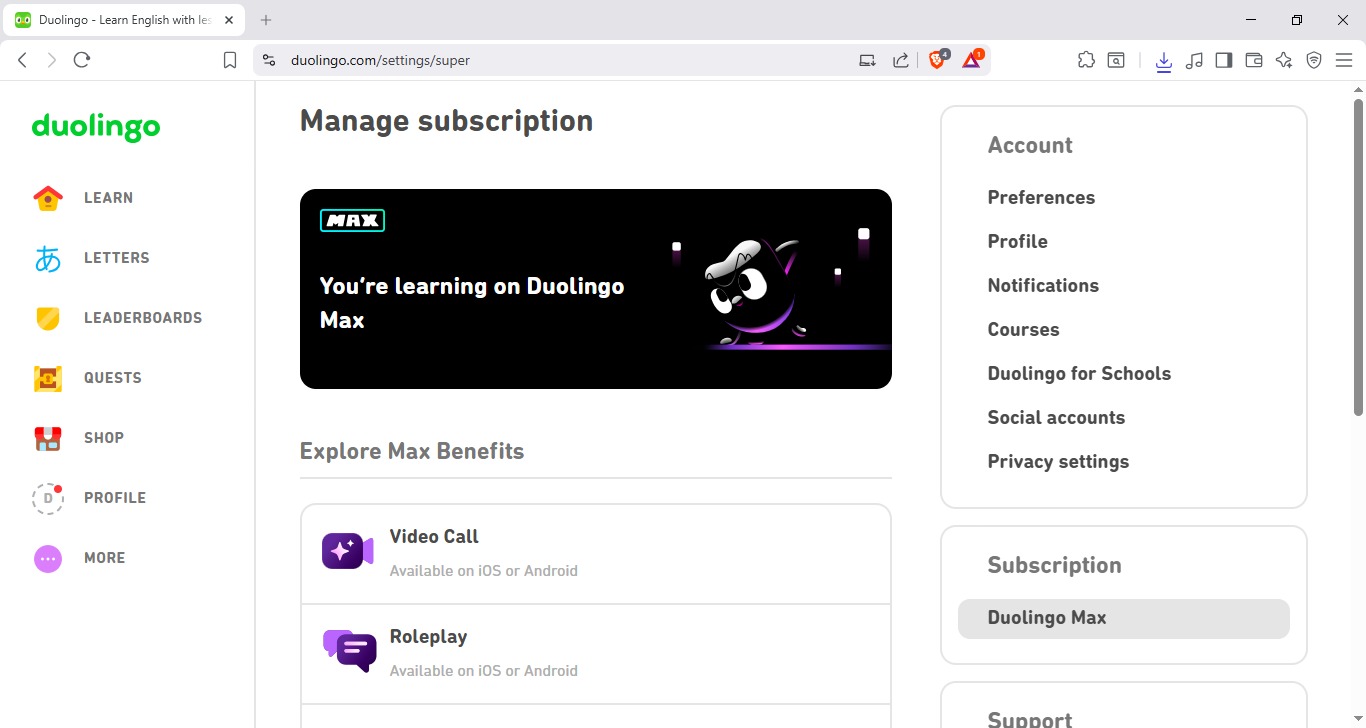
 Duolingo Max + Unlimited Hearts For Free (Latest Method 2026)
Steps To Unlock Duolingo For Free!

Step 1: Download The Extension  Grab the file from this link:
Step 2: Open Your Browser  Launch your favorite browser (Chrome, Edge, or Brave).
Step 3: Go To Extensions  Go to Manage Extensions and toggle Developer Mode to ON in the top right corner!
Step 4: Load Unpacked On the top left side, click Load Unpacked.
(Important: Do NOT select the .rar file. First, Extract it and select the folder!) 

Step 5: Boom! Done!  Your extension is now loaded and activated!
Now go to the official site: Duolingo.com
Congratulations!  Enjoy Lifetime Max Features for FREE!

 !
!