I have to make 10 pages in facebook business, like 10 state pages directory. I need a verify-able email address, long term, not temp mail. i saw this link which offer 10 email address i can make and plug in to my fb. question: will fb allow it for verification? funny thing is, i asked this question to meta.ai (twice) … it replied a long answer, yes it allowed. then one sec after complete, the answer vanished from chat and one line answer: “sorry, I cant answer that, is there something else i can help with?” So some internal check kick in that nuke answer. can someone guide pls?
link https://mail.nevtan.com/
AI-generated summary
 What you get: Free, permanent custom-domain email addresses for verifying multiple Meta business pages.
 Start here:
- Custom domain — get your own domain instead of risky disposable email services.
- Cloudflare Email Routing — routes unlimited custom addresses to your primary inbox for free.
- Meta Domain Verification — add one DNS TXT record in Business Manager to verify the entire domain.
 Also useful:
- Zoho Mail — free custom inboxes and aliases.
- ImprovMX — simple email forwarding alternative.
 Watch out: Meta blocks temporary mail services and can flag multiple pages tied to a personal profile as spam.
2 Likes
I don’t know about meta, but if you just need 10 business emails with inbound service active, you can use cloudflare email routing.
It’s free. For example; if you have an business domain named xyz .com, you can literally put ANYTHING as mail, like desk@xyz .com, admin@xyz .com, and it will send codes/verification mails/any mail to your connected gmail address.
The website you linked looks ai generated, so I wouldn’t try that on my domain’s business account for obvious safety reasons. Feel free to try though!
4 Likes
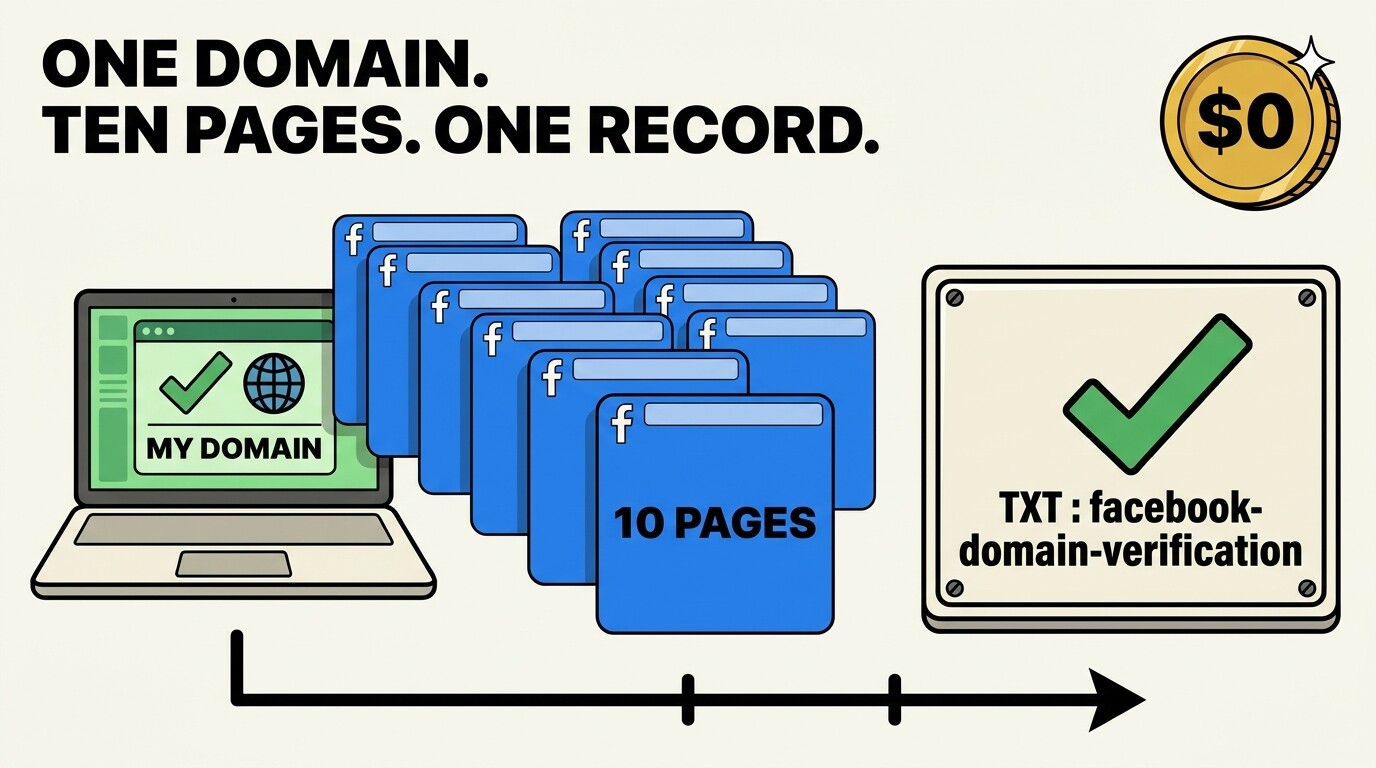
Ten pages, ten addresses, and a bill of zero — that part is easy once the order is right. Facebook does accept an address on your own domain; what it refuses is temp mail and rent-a-domain sites, so leave that one you found where it is. 
How I would build it:
 grab a domain — the .TECH topic here hands out the first year free
 point Cloudflare Email Routing at it — unlimited addresses, all landing in the Gmail you already read, no mailbox to babysit
 if you want a real inbox on the domain, Zoho’s free plan gives five users at 5 GB each, and aliases cover the other five
 or stay forwarding-only with ImprovMX or Forward Email
Then the bit that saves an entire evening. Meta Business Manager → Brand safety → Domains → add your domain, and Meta prints one line:
facebook-domain-verification=<code>
Drop that into your DNS as a TXT record, press verify, and every page under that domain is covered by it. One record, ten pages, no ten rounds of email ping-pong. 
Keep them inside a Business Manager too, each page with its own address — ten pages hanging off one personal profile is what starts looking like a farm.
Register the domain and set the TXT in the same sitting tonight; each page after that is ten minutes. 
2 Likes
This is a really clear breakdown, and i think the one-domain approach is the cleanest part. Keeping a separate address for each page makes it much easier to tell which page a message belongs to later. I would also save the DNS record somewhere safe, since re-checking it is annoying when a page asks for verification again.
Use one domain you control for all ten pages, and give each page its own clear address so incoming mail stays easy to sort. Keep the forwarding setup simple at first, and test it by sending a verification message to each address before you attach it to a page. Save a copy of every DNS and verification record you add, because you will need the same details again if Meta asks you to reverify a page. Check each inbox or forwarded mailbox regularly during the first week, so a missed verification message does not quietly block a page. Finally, keep the domain renewal and the main mailbox active for the long term, since losing either one can break verification for all ten pages at once.
 !
!