You want the newest Android on the phone in your pocket, with your photos, apps and SIM untouched.
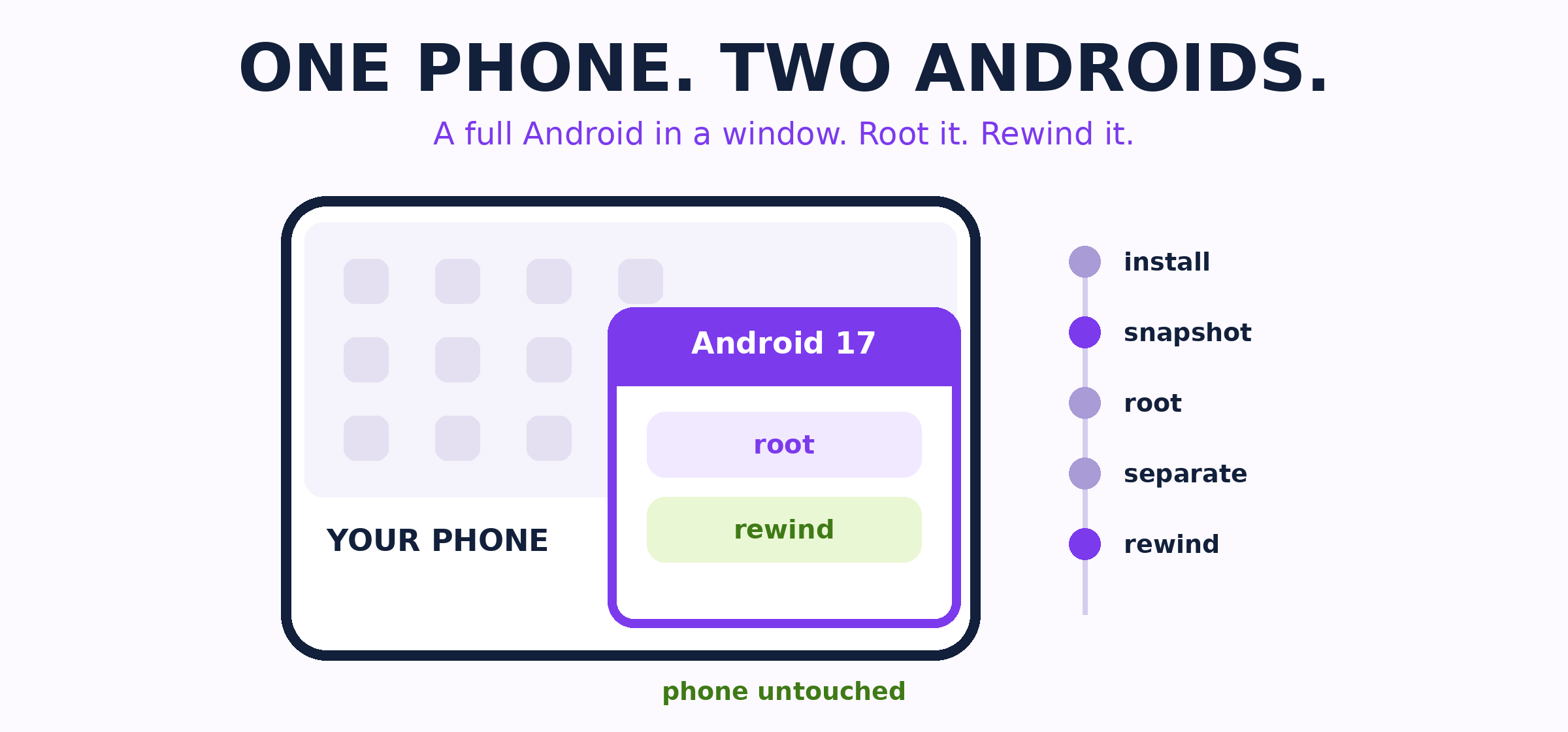
Here is one session with a second Android. Read the strip from top to bottom.
START · AndVM installs as an app. Pick a free Android 17 GSI — plain AOSP or with Google apps — and one tap boots a second Android.
SNAPSHOT · Save this moment before you change anything. A snapshot keeps the running state, not just the files.
ROOT · Flash Magisk in the window, add LSPosed, read traffic with HTTPCanary. The phone outside stays clean.
SEPARATE · Nine dials — camera, mic, GPS, Wi-Fi, Bluetooth, sensors — real, invented or off. Each machine gets its own device ID and accounts; ADB runs four versions side by side (AndVM EN).
↺ REWIND · Load the snapshot and you are back at the moment you saved it.
 Firmware slip: some MediaTek chips (Dimensity 700 / 720 / 800U / 810 / 1100 / 1200) boot the kernel with its hypervisor privileges still on — a real virtualization layer inside a stock phone. Walkthrough.
Every link from this session
- AndVM · English page
- Google GSI releases — Android 10 through 17, AOSP and Google-apps builds
- TrebleDroid GSI catalogue — community builds: LineageOS 24, RestlessOS
- ADB guide
- Magisk · LSPosed · HTTPCanary lab
- 光速虚拟机 / VPhoneGaga · how it works — a mature no-root route
- MediaTek EL2 · Snapdragon Gunyah · Limbo Tensor · DroidVM
- Android DSU · DSU Sideloader — native GSI boot
- Check the file yourself before installing an app from a website
Needs roughly 4 GB RAM and 8 GB free space per machine. Scan the APK before installing. 
 !