tried the verification using fake driver’s licenses from online, modifying them with ai, sample ones but none worked 
So how did you pass the test?
good, Gemini helped me managed to not kill the tester this time and other passersby
1 Like


Go to the website: https://identikey.colorado.edu
Select the “Forgot My IdentiKey / Username” option.
You’ll be asked to enter the same personal information u used on the activation screen:
Fill out the form and it should display your username.
Once you get your username change ur password.
They will send you the details via email
how did you do that ???
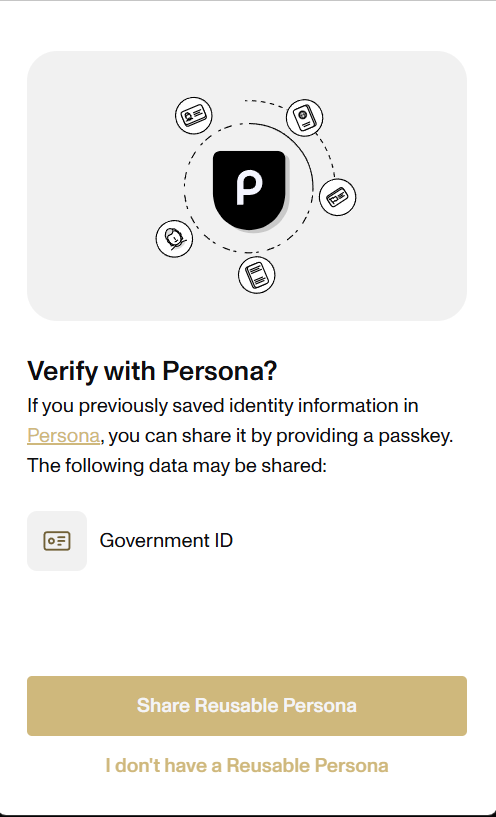
You get identity Key but no Password.
Hey Bro,
How id you verify identity please share with us
You will be asked to activate identikey and set password when you login to boulder for the first time
have u tested this edu mail with cursor ai ??
bro How to verify identity
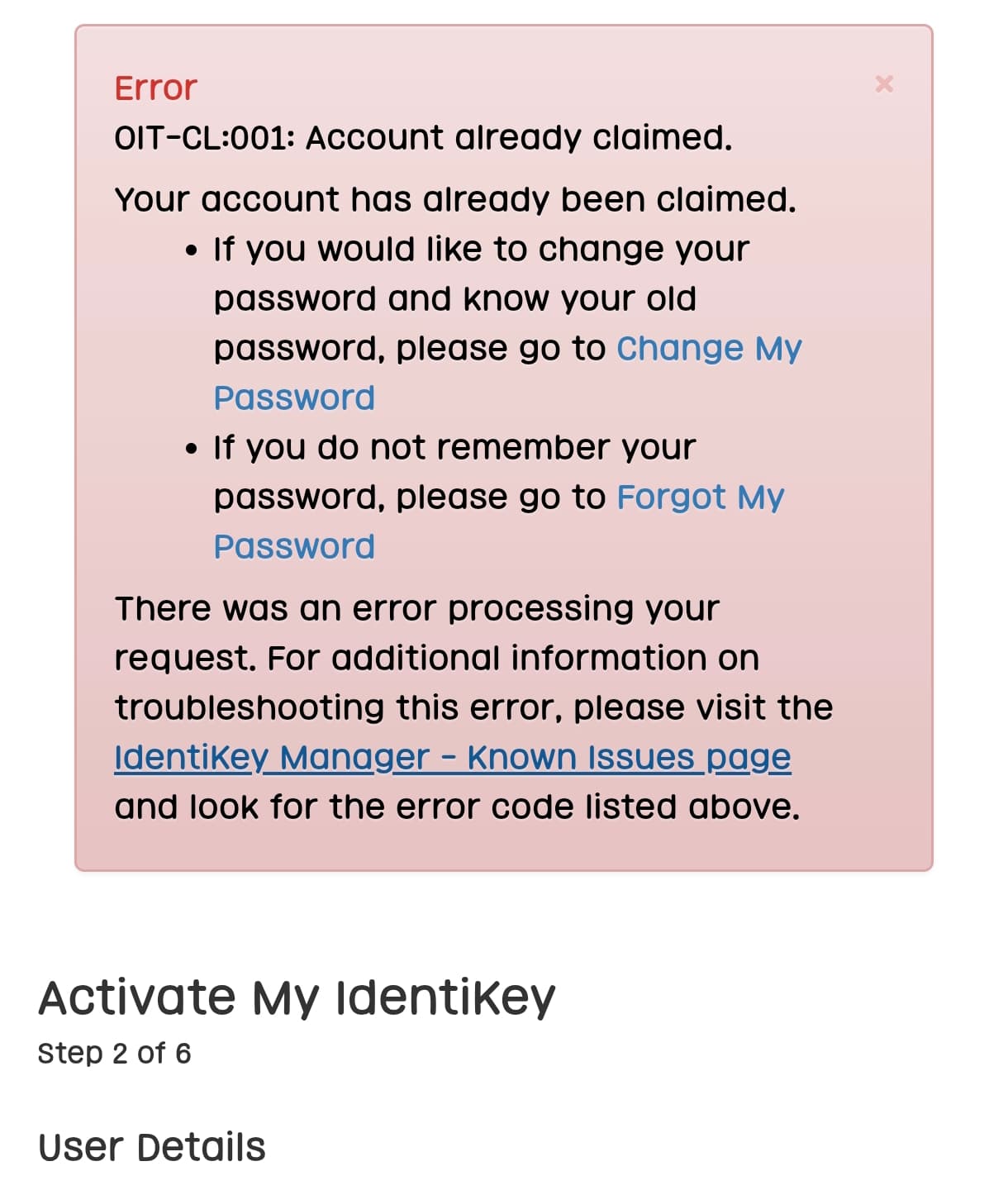
I can’t activate, it’s say already claim
Can you make a video tutorials for us? @DHYANAM_SHAH
Ok, will try
Got the username..But no password
im leaving my review for the sake of other people after thorough test there is no way to obtain password i deem this method as “not working” might save someone else time.
3 Likes
I created an account. But when I went to activate the account, it said “already claimed”. Then I reset the Identikey, but could not get the password. So, I didn’t get an account.
1 Like
 !
!