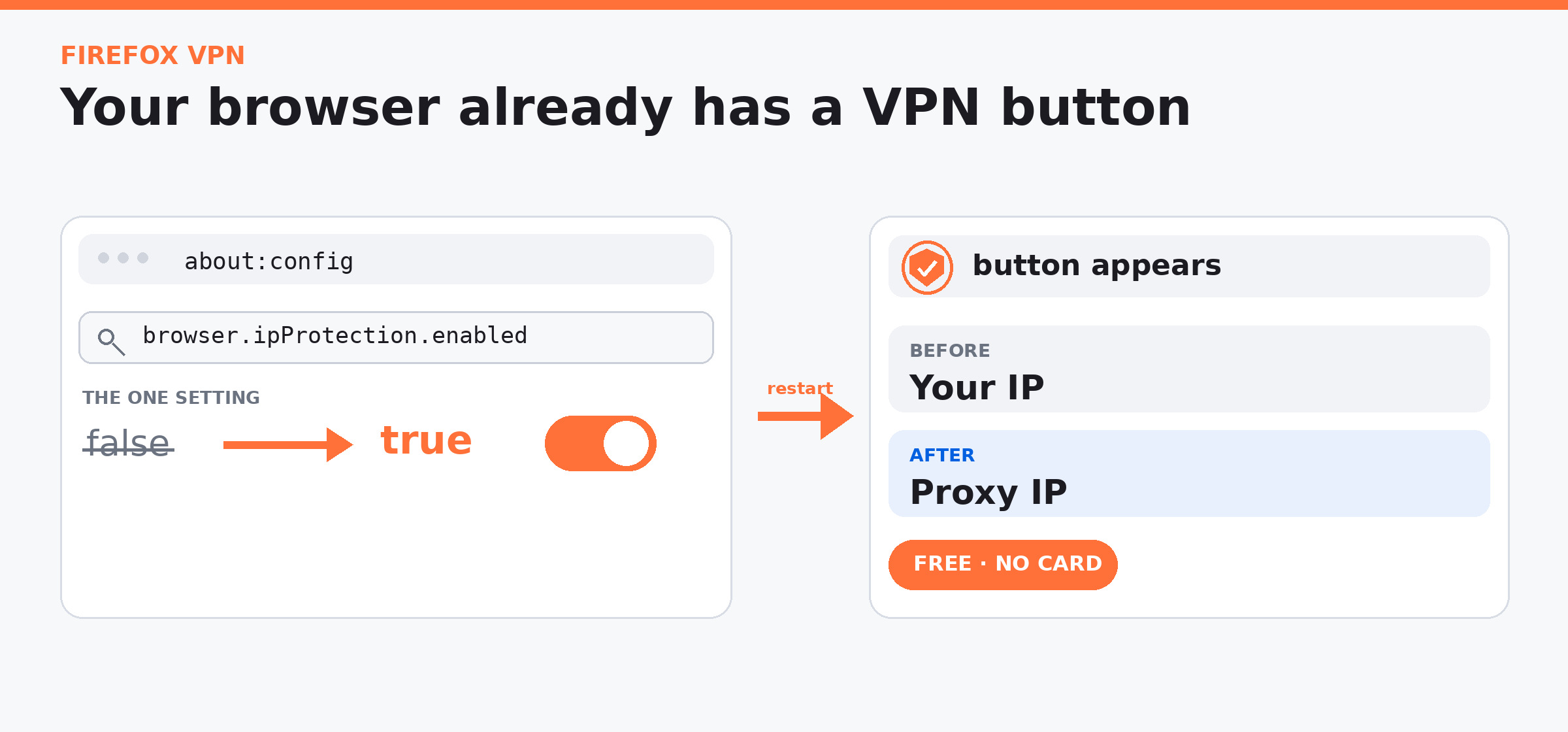
 A free VPN with nothing to install — no app, no card, no extension.
browser.ipProtection.enabled · false → true
Four moves
- Type about:config in the address bar → accept the warning.
- Search that name → double-click to true → restart Firefox.
- Click the new
 in your toolbar → Get started.
- Sign in with a free Mozilla account → Turn on VPN. Pick an exit country if you like.
 The button turns up anywhere. Mozilla still decides which countries can connect — that check happens when you turn it on.
See the change
- ipleak.net — IP and ISP before → after
- browserleaks.com/webrtc — the WebRTC address
- whatileak.com — one tap, full report card
- exposy.net — both states side by side
While it’s on, Firefox sends DNS and WebRTC through the proxy itself. Nothing else to set.
⚙️ The deeper switches (for later)
- Mozilla’s own settings list names the hidden controls:
mode(0all traffic,1private browsing,2trackers only,3chosen sites) andegressLocationfor the exit country. - Winaero found it in March 2026; AskVG confirmed the free-account step. Our earlier 1Hack topic covers the basics.
- A small script types that one line into every Firefox profile at once, with an undo flag — read it before running.
- Fastly’s explainer shows what the free proxy is.
- Firefox covers browsing; Cloudflare WARP covers your other apps. Relay masks email, Containers separate cookies, Tor Browser is the three-relay option.
- For the same proxy in every app, people use ffvpn or a multi-country pool with their own Mozilla login — check your own terms first.
- Mozilla’s help page has the official steps; dnsleaktest.com adds a DNS check.
Unlimited free data until 31 January 2027 — turn it on, then watch the change at ipleak.net.
 !