 [TRICK] IMDbPlay — Free Streaming Hidden Inside IMDb’s Own Pages, Zero Setup Hassle
[TRICK] IMDbPlay — Free Streaming Hidden Inside IMDb’s Own Pages, Zero Setup HassleBrowser extension. Adds a Play button to every IMDb page. No signups, no redirects, no tracking.
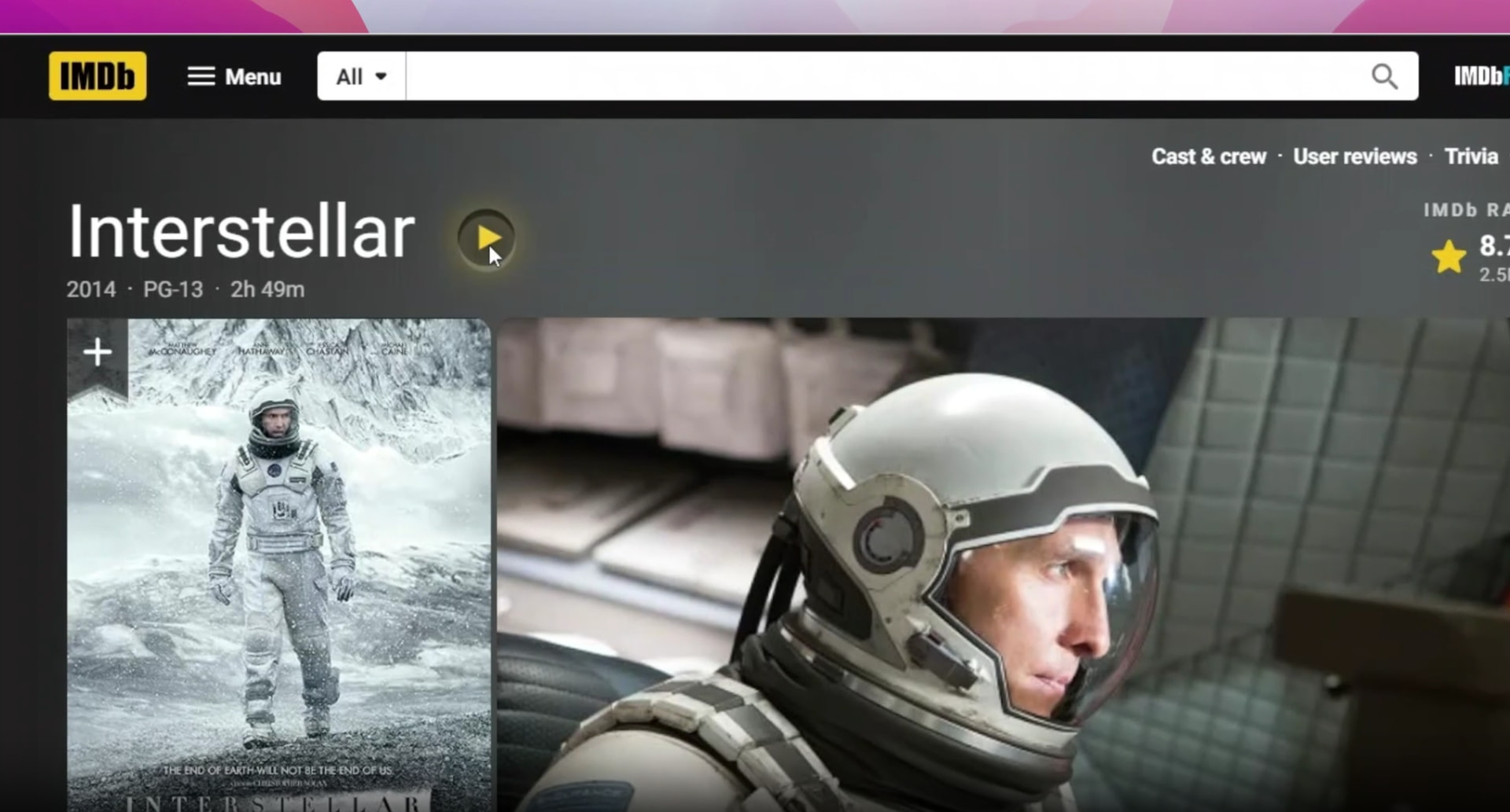
 Open IMDb → click Play → movie streams in a clean overlay. That’s the whole flow.
🧠 Why this hits different
You usually open IMDb, check the rating, then juggle 5 sketchy tabs hunting for a working stream. IMDbPlay collapses that into one click on IMDb itself. No leaving the page. No fake “Play HD” buttons trying to install malware.
Userscript / extension = a tiny piece of code your browser runs on a specific site to add features. Like a kitchen drawer organizer — IMDb’s still IMDb, just with one extra useful drawer.
🍿 What you get
| Feature | Plain English |
|---|---|
 Movies Movies |
Yellow play button on IMDb page → fullscreen overlay → done |
 Web series Web series |
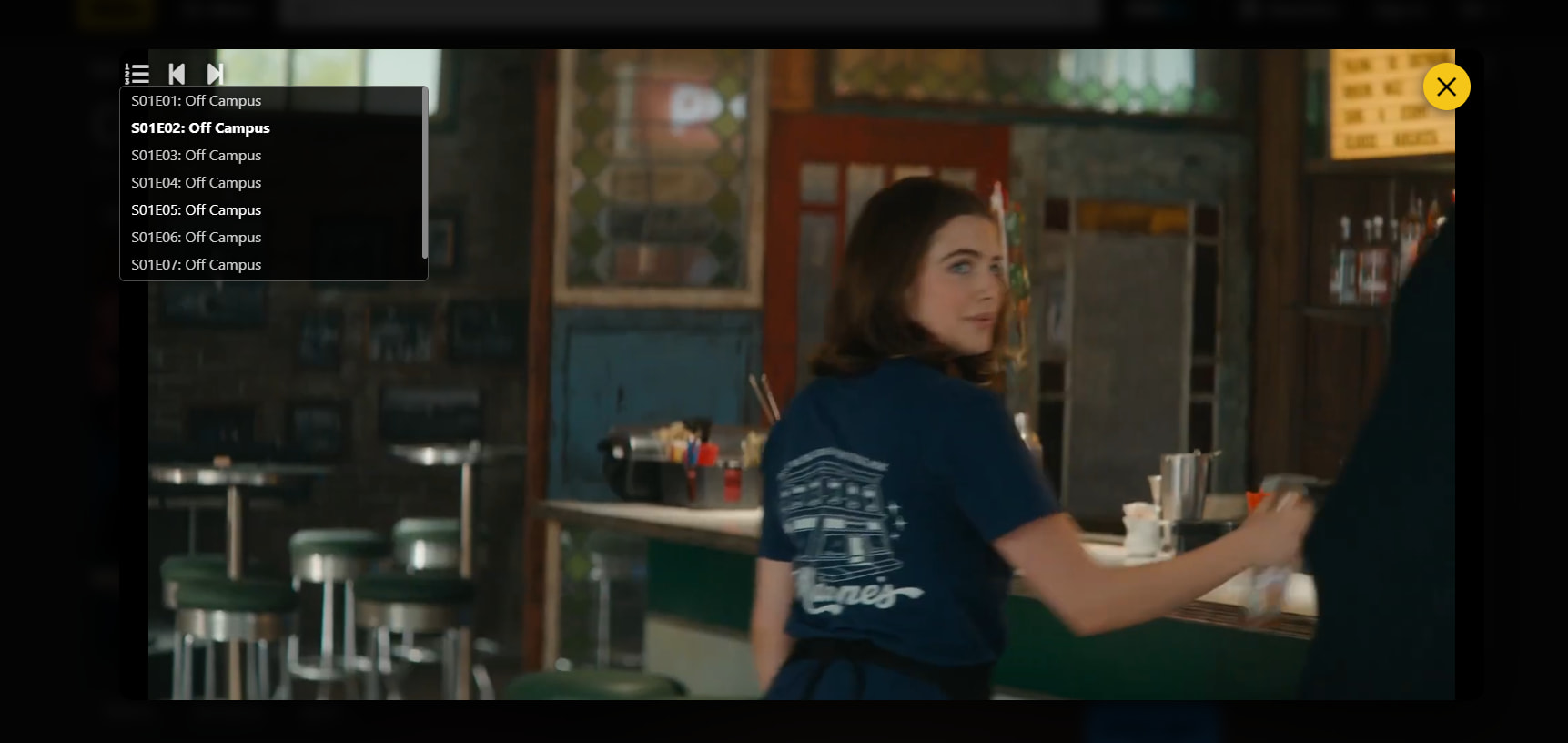
Click play → episode list in top-left corner |
 Subtitles Subtitles |
Multi-language, baked into the player |
 Keyboard shortcuts Keyboard shortcuts |
ESC to close · Ctrl/Cmd + Click opens in new tab |
 Quality controls Quality controls |
Pick resolution inside the player |
 Zero tracking Zero tracking |
No login, no telemetry, no accounts |
 Lightweight Lightweight |
2.8 MiB extension, MIT licensed |

📥 Install — pick your browser
 Microsoft Edge (one-click, official):
 Get it from Edge Add-ons
 Chrome / Brave / Opera (30 seconds, manual):
Google booted it from the Web Store for piracy concerns — install manually:
- Grab ZIP → IMDbPlay GitHub Releases
- Extract the ZIP
- Open
chrome://extensions - Turn on Developer mode (top-right toggle)
- Click Load unpacked → pick the extracted folder
- Done. Open any IMDb page.
 Tampermonkey lovers (lightest install):
Install Tampermonkey → Install IMDbPlay Userscript → no extension folder needed.
🎮 How to use — 10 seconds
- Go to any IMDb movie/show page
- Hit the yellow
 Play button (it added itself)
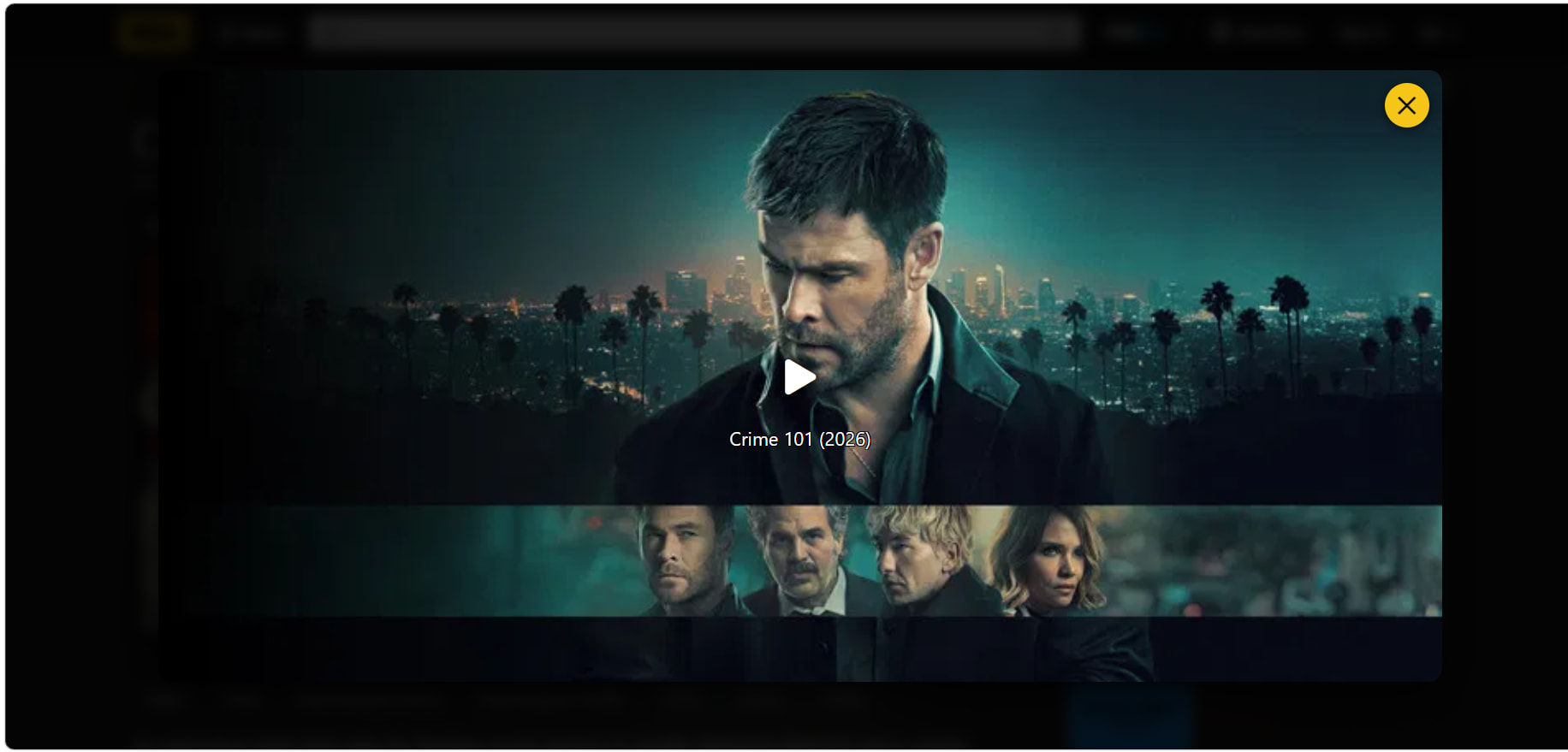
 - Movie opens in a fullscreen overlay
- For shows → episode picker is top-left
ESCto close ·Ctrl + Clickto pop into a new tab
🛡️ Catch check
| Q | A |
|---|---|
| Safe? | MIT license, open source on GitHub, no tracking declared by Edge store |
| Why not on Chrome Store? | Google flagged it for piracy concerns — Edge approved it though |
| Legal? | Grey zone like every aggregator. Pair with a VPN from OneHack if you live somewhere strict. |
| Tracks me? | No personal data collected (Microsoft verified) |
| Random popups? | Occasional — comes from the video host, not the extension. uBlock fixes it. |
 Simple-pimple: install once → open IMDb → click yellow Play button → movie streams. Pair with uBlock Origin for zero-popup experience. No signups, ever.
IMDb is now also Netflix. Don’t tell Google.
 !
!