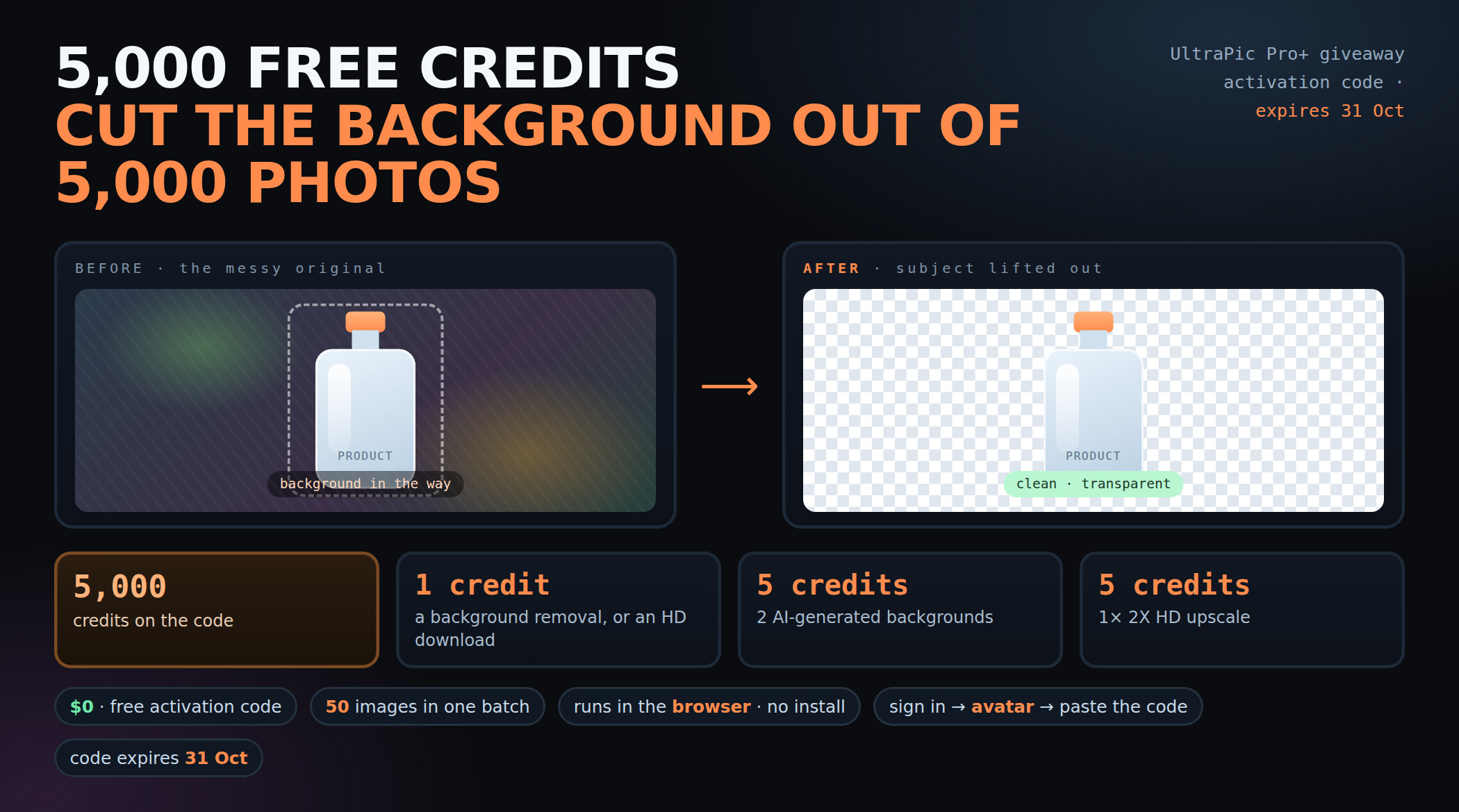
🖼️ Free UltraPic Pro+ — 5,000 credits, AI background removal

AI-generated summary

:bullseye: What you get: A promotional code offering 5,000 free credits for UltraPic Pro+, an in-browser AI photo editing suite.

:white_check_mark: Start here:

  • UltraPic giveaway page — sign in, click your avatar, and redeem the code.
  • AI background removal — costs 1 credit per image with HD export.
  • Batch processing — handles up to 50 photos simultaneously in your browser.

:toolbox: Also useful:

  • AI background generation — costs 5 credits for two generated scenes.
  • Image upscaling — costs 5 credits for a 2X HD resolution boost.

:warning: Watch out:

  • The promotional code expires on October 31.

:scissors: the subject lifts out of the photo, and everything behind it goes

5,000 credits on a free code · about 5,000 background removals · the code expires 31 Oct

  • AI background removal and replacement — the subject out, the background gone.
  • AI-generated backgrounds and scene creation, plus photo retouching.
  • 50 images in one batch, HD downloads, and it runs in the browser — no install.

What a credit buys · 1 a background removal or an HD download · 5 two AI-generated backgrounds · 5 one 2X HD upscale

Claim → the UltraPic giveaway page → sign in → the avatar top-right → paste the code.

free code · 5,000 credits · expires 31 Oct

6 Likes

Thanks for sharing this in such detail, especially the breakdown of what each credit buys. I would test an AI background tool on a small real task first, such as one tricky photo with hair or a busy background, before judging it on a whole batch. Keeping short notes on what worked, what needed a manual touch-up, and how long each edit took makes the next comparison much easier. The batch and HD options also seem worth testing separately, since speed and quality do not always improve together. What kind of photos are you planning to clean up first, and are edge details or batch speed more important for that use case?