 Free US Phone Number That Works Outside America Too
Free US Phone Number That Works Outside America TooLook, everyone’s tired of those sketchy VoIP numbers that get rejected faster than a fake ID at a nightclub. But what if I told you there’s a way to get a real, actual US phone number — the kind that works for WhatsApp, TikTok, literally anything — and it costs you absolutely nothing?
Yeah, I’m serious. And no, it’s not some scam where they harvest your organs later.
Why You Actually Need This
Think about it: every app, every service, every damn thing these days wants a US number for verification. Living outside the US? Good luck with that. Even if you ARE in the US, who wants to burn their real number on random apps?
This method gives you a legitimate US eSIM with a real phone number that platforms actually trust. Not some janky TextNow garbage that stops working when you need it most.
What makes this different? It’s not VoIP trash — it’s a proper carrier number that’ll pass any verification check you throw at it.
🚀 The Actual Setup (Stupidly Simple)
Phase 1: Get Your Sh*t Ready
- Grab the app → Search “Helium Mobile” in your app store (Android/iOS both work)
- Not in the US? Fire up a VPN and connect to a US server first (OVPN Spider works great, but any decent VPN does the job)
Phase 2: Picking the Free Ride
- Open Helium Mobile → tap “Get Started” → “Tell me more”
- You’ll see three plans. Pick “Zero” — that’s the free one. Ignore the others unless you like paying for things.
Phase 3: Fake It Till You Make It (Legally)
- Sign up with Google or whatever
- Name → use your real legal name (yeah, they actually check)
- Address → Not in the US? Generate a random US address online and paste that sh*t in. The app auto-fills the rest like magic.
Phase 4: Prove You’re Human
- Birthday → enter your actual DOB
- Upload ID → Passport works best if you’re international. Driver’s license or national ID might work, might not.
- Selfie time → Just follow the prompts, don’t overthink it
Phase 5: Actually Getting the Number
- Choose eSIM (make sure your phone supports it)
- Select “I want a brand new number”
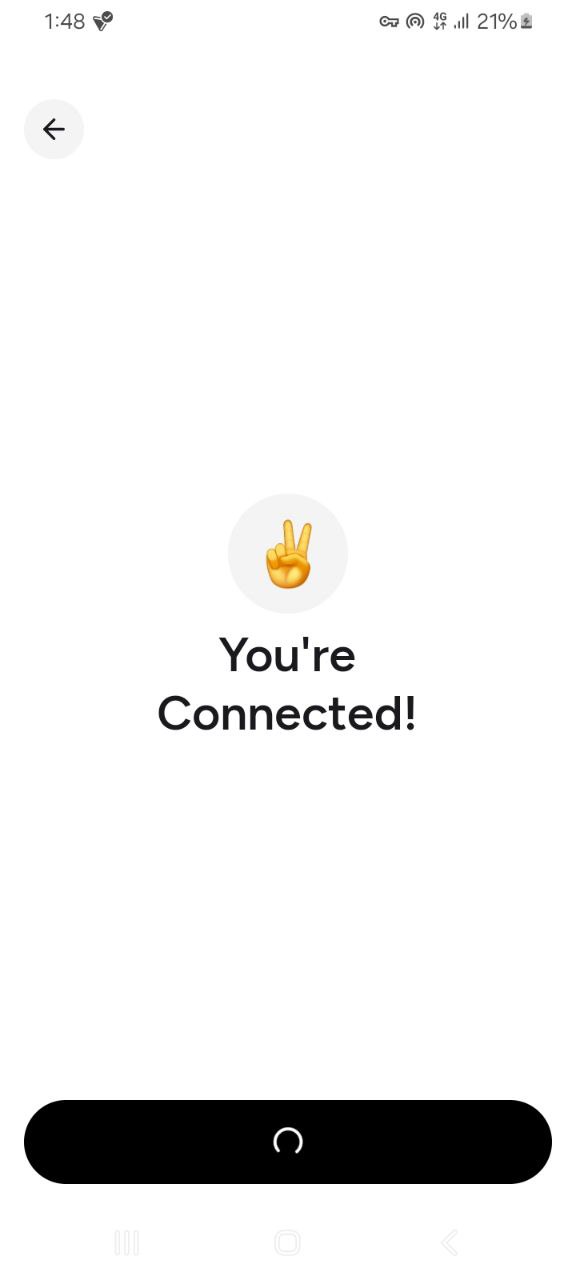
- Auto install: If you’re on the same device, let it do its thing automatically
- Manual install: Different device? Get the server address + activation code, then go to Settings → Cellular → Add eSIM → enter the details manually
Phase 6: The Secret Sauce (Don’t Skip This)
TURN ON WI-FI CALLING — This is what makes everything work outside the US. Go to your phone’s cellular settings for the new eSIM and enable Wi-Fi calling. Now you can receive calls, texts, verifications — everything — from anywhere on the planet.
Want to see your shiny new number? Open Helium Mobile → tap profile → toggle the button to reveal it.
The Bottom Line
You now have a real US phone number that costs you nothing, works forever (as long as you use it occasionally), and doesn’t give a damn where you actually live. Use it for app verifications, secondary accounts, whatever you want.
Welcome to the club. 
Cleaned up by @SRZ so even your tech-illiterate cousin can follow along 



 !
!