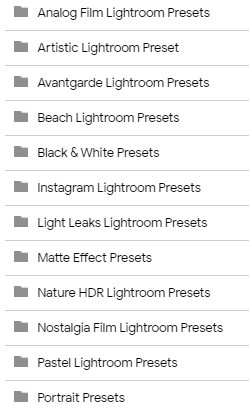
Folders List:
Go To Base64 & Decode:
aHR0cHM6Ly9tZWdhLm56L2ZvbGRlci9US1JVRUNqUiNDWjhkelpsd0oxd1VFZDk3djlxTUlR
ENJOY & HAPPY LEARNING! 
Credit To Playboy83 for the leak!
Folders List:
Go To Base64 & Decode:
aHR0cHM6Ly9tZWdhLm56L2ZvbGRlci9US1JVRUNqUiNDWjhkelpsd0oxd1VFZDk3djlxTUlR
Credit To Playboy83 for the leak!
Thank You for this awesome bundle. Will help me making awsome pictures.
As always great content  Thanks a lot for sharing bro
What exactly are these? I have no idea but I do have some interest in photography and image creation!!!
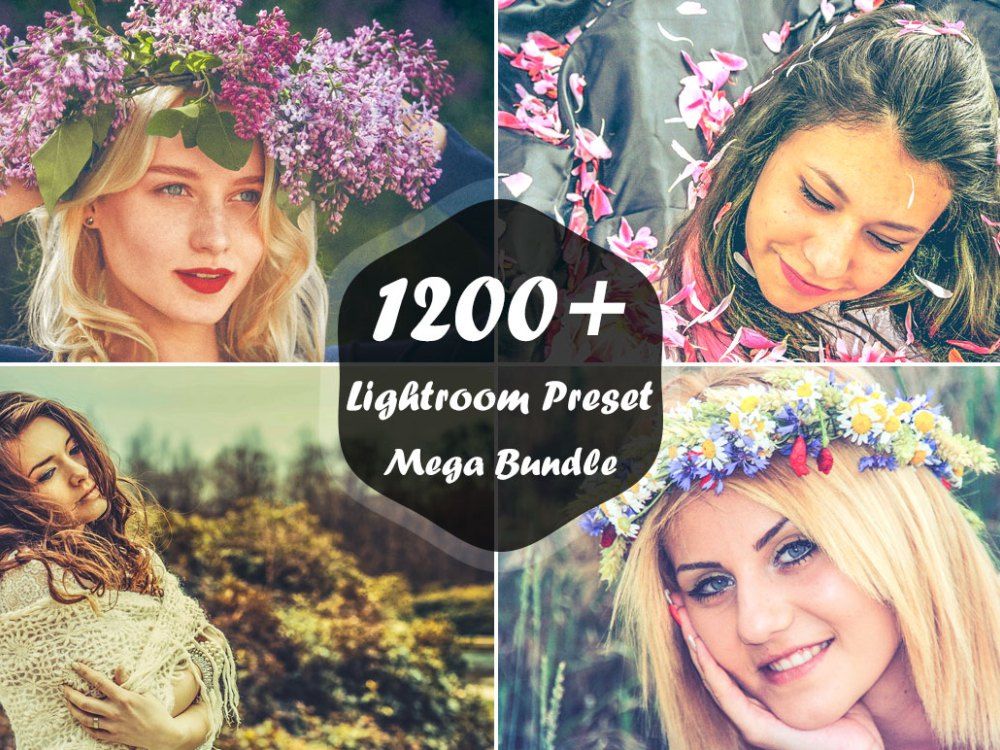
We can call it as effect or filter in normal terms to understand the word “PRESET”. I hope you’re familiar with software LIGHTROOM. If not then go to this link.
For more precise understanding of PRESET:
A Lightroom preset is a configuration of settings, designed to achieve a certain look or style of your photo. You install the presets into your lightroom and then when you click on a particular preset while in the develop module, the pre-determined (pre-set) settings will apply to that photo. With just one click on a preset, your photo can be altered in hundreds of different pre-set alterations to colors, hues, shadows, contrast, grain and more. The beauty of using presets is the consistency of style, time-management, and simplicity they bring to your editing sessions. If you find presets that work for your style, you can speed up your workflow dramatically and you can achieve the colors and look you want without needing to edit each photo individually. Once you click on the preset and it applies to your photo, you can then make manual adjustments because it is likely the preset won’t be perfect on every photo. Lightroom presets are a good foundation but often you can still need to make several adjustments to each photo to make sure they are perfect.
Source: journeyera.com
If you still have trouble understanding this. PM me.
Thanks a lot mate!!!
You’re welcome. Keep surfing OneHack.
 !
!