How to Get Educative Premium Account Cookies Unlocking Educative Premium Courses For Free
Step-by-Step Guide to Using Educative Premium Cookies
Step 1: Copying the Educative Premium Cookies
Cookies Paste: https://controlc.com/8c86d1573
Password: muhammadsuheer
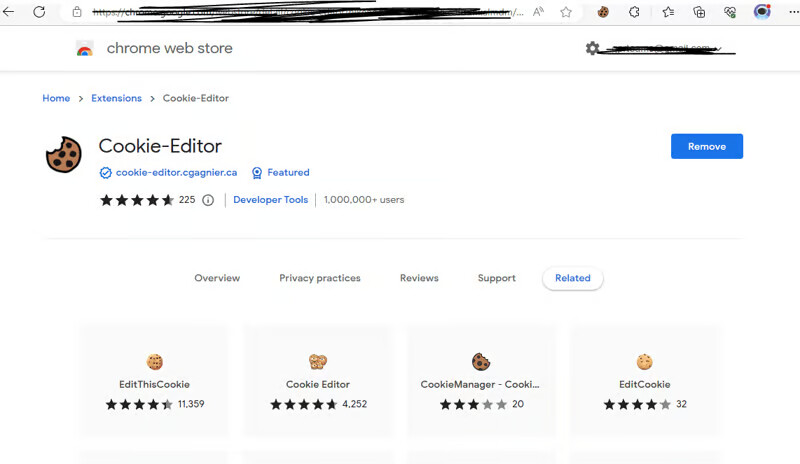
Step 2: Install the Cookie-Editor Extension
- Open your web browser (e.g., Google Chrome, Mozilla Firefox).
- Search for a Cookie Editor extension.
- Click the “Add to Chrome” or “Add to Firefox” button to install the extension.
Step 3: Pin the Cookie Editor Extension
Once the extension is installed, its symbol will appear in your browser’s toolbar (often in the top-right corner). Pin the extension and open Educative.io.
Step 4: Delete Default Educative Cookies
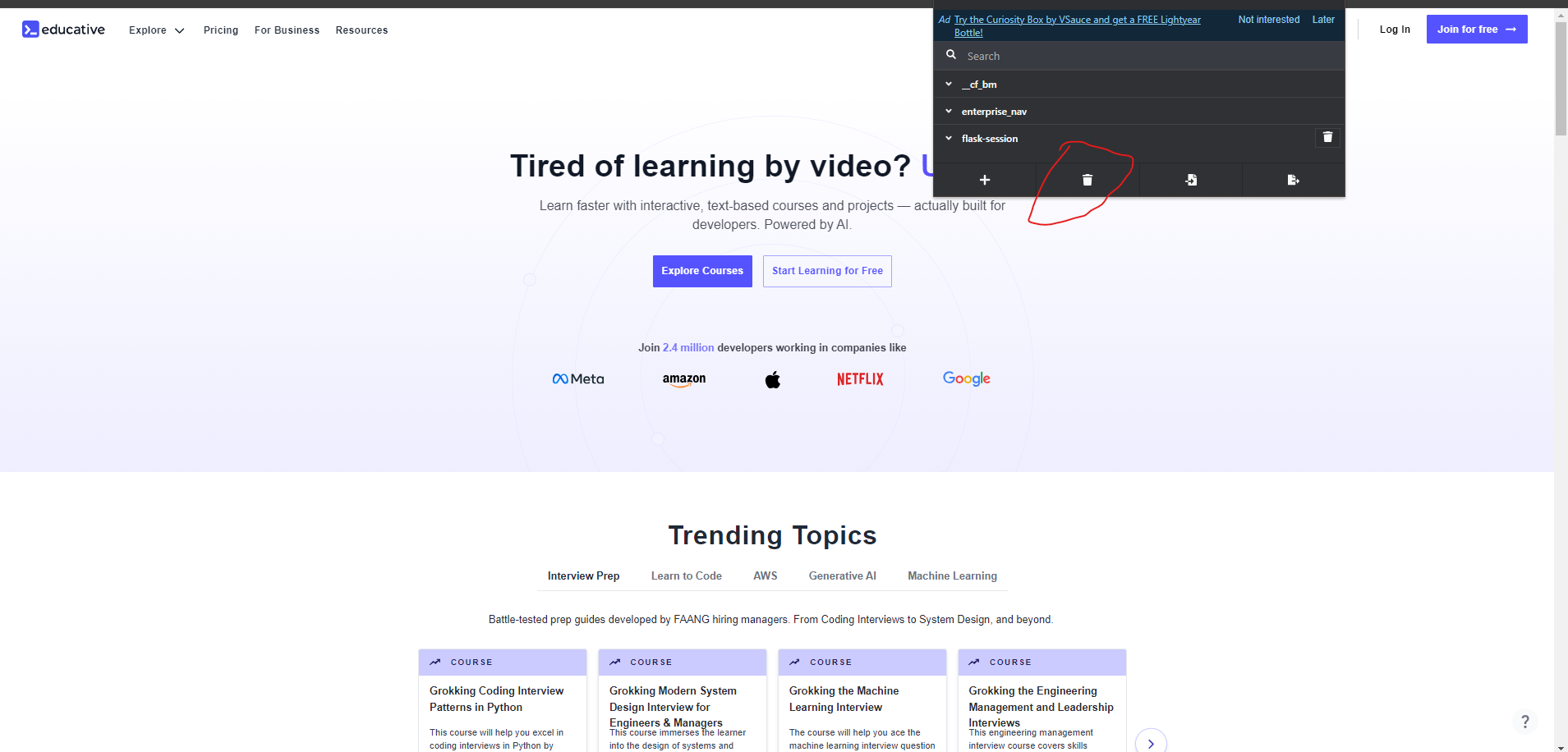
A cookie can be deleted by selecting it from the list and then looking for an “All Delete” or trash can icon. The specified cookie will be deleted when you click on it.
Step 5: Add New Cookies
- Look for an option like the “Import Cookie” button in the Cookie Editor window to add a new cookie.
- Paste the cookie you copied from the trusted source mentioned earlier and click the import icon.
- Refresh the page (Press
CTRL + R).
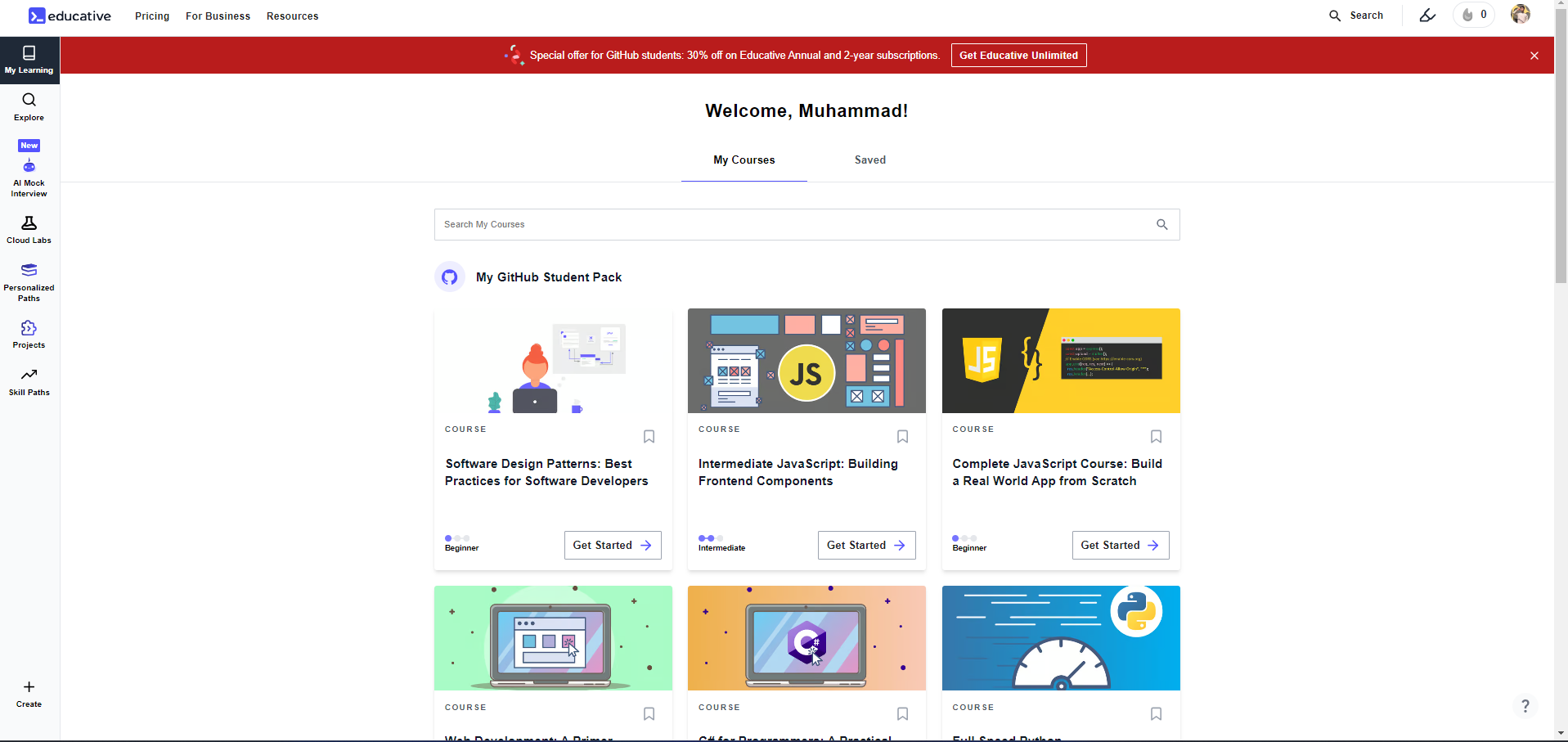
You Will be logged into the Educative Premium Account.

 !
!