Everything is working as promised. Kindly follow the correct paths, once you have made the edu and started sign-up, on the Plans selection page, scroll down, and you will see the ‘‘Full Student/Educator’’ link-text. Click it and proceed. You can change it from Basic sign-up as well, click plans to upgrade it, and scroll down. That s it, you will see it.
Not sure, but you can try with 2nd sign-up, I guess normal Gmail/personal email may not let you use Educator plans, it may revert it Basic, but as I said, create another account and try, if it gets succeed, do let me know, i will do it too. lolzz
“Why do you want to join Figma Education?”
Get a random response from ChatGPT (you can ask something like “Give me a reason to join Figma’s Education program”).
Institution Name:
Ask ChatGPT to generate a random school/institution name if you need one.
5. Get Verified
Wait for Figma to review and approve your application.
Once verified, you will have access to the Figma Education Pro features.
6. Switch Back to Your Main Email (Optional)
After getting verified, go to your Figma account settings.
Change your email back to your personal/original email.
Thanks for sharing the guidance. I have thoroughly followed this guidance, except that I never received the confirmation email in the @nullsto.edu.pl. Are there other alternatives beside this nullsto, please?
Go to https://nullsto.edu.pl/
Select nullsto.edu.pl from the dropdown.
Type any random word as the username and click the green button. OR click the Shuffle button to get a random username.
After clicking the green or shuffle button, you’ll be taken to the mailbox page.
Use the generated email shown there for signing up or verification.
Once you’ve used the email, click the Refresh button to check for new messages.
The inbox doesn’t update automatically, so use refresh to see incoming emails.
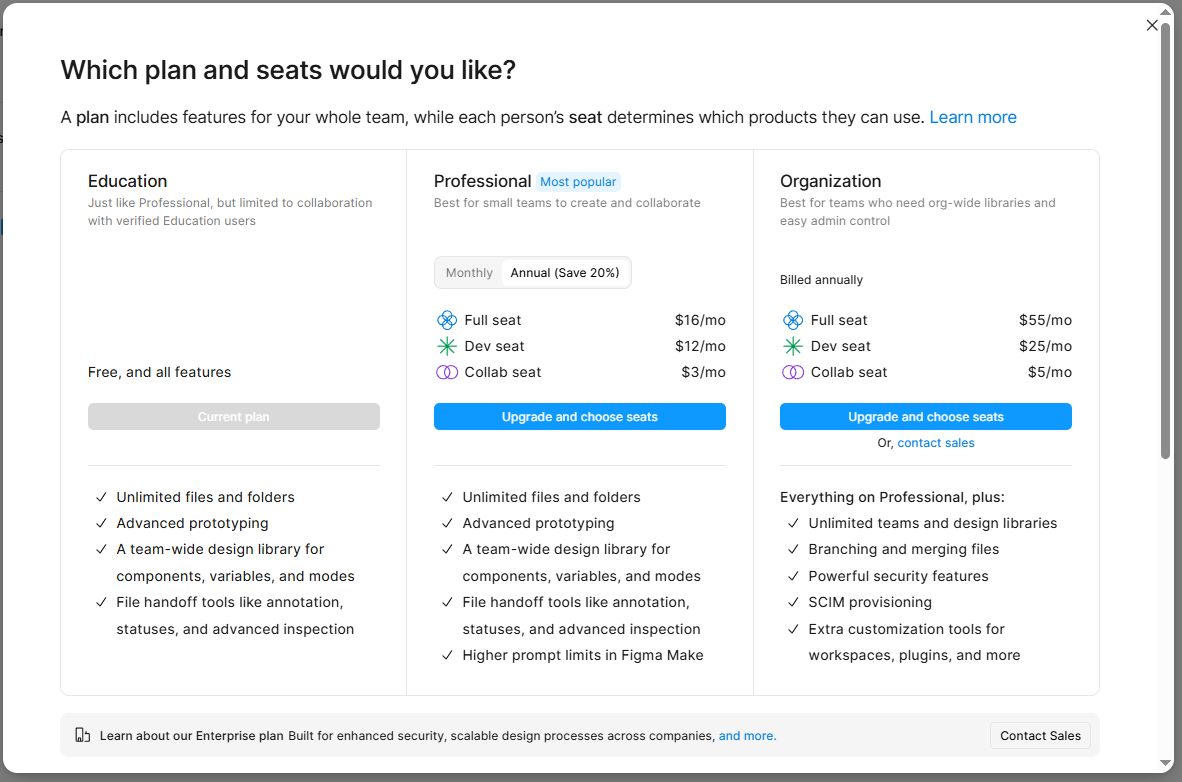


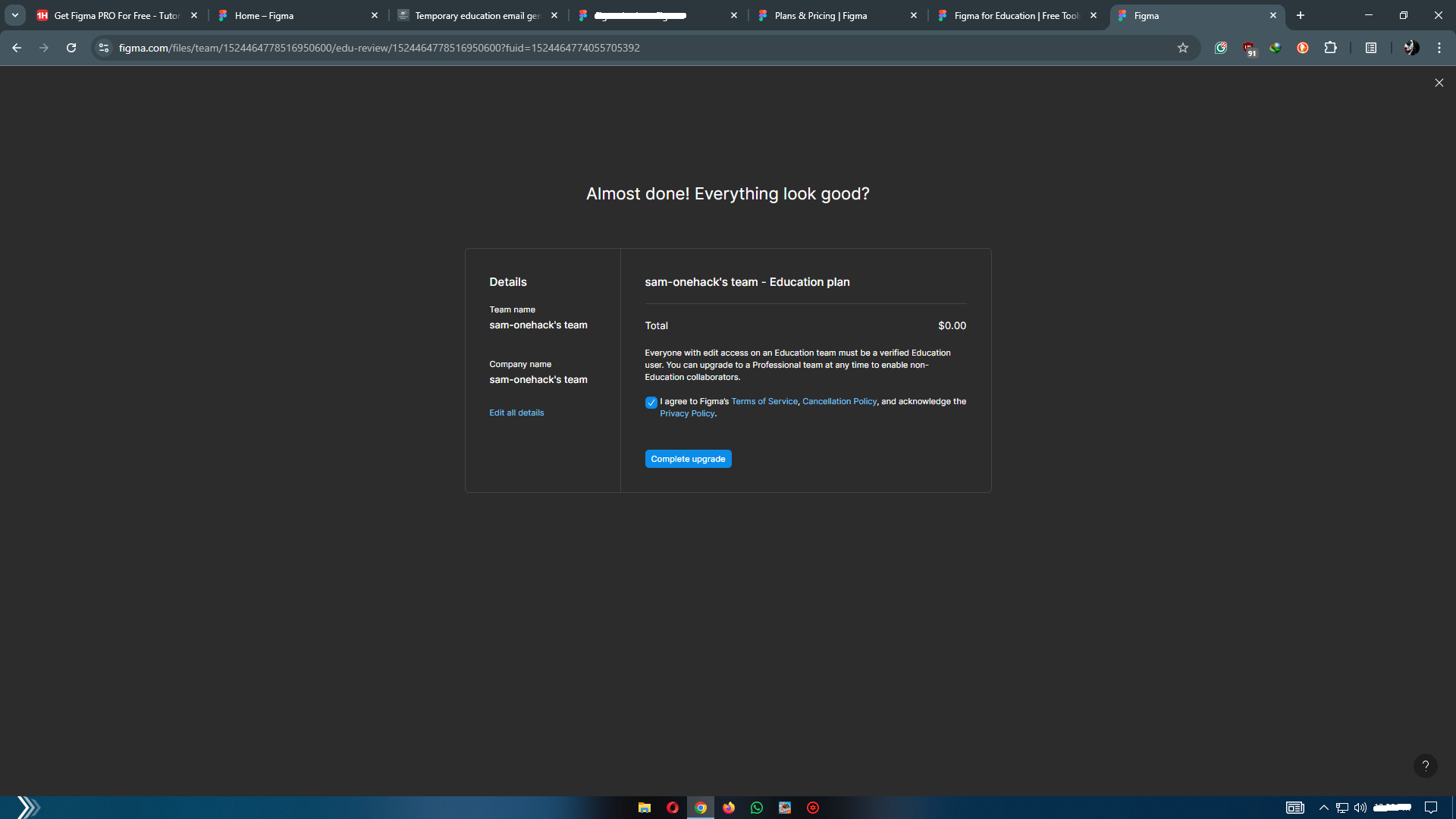
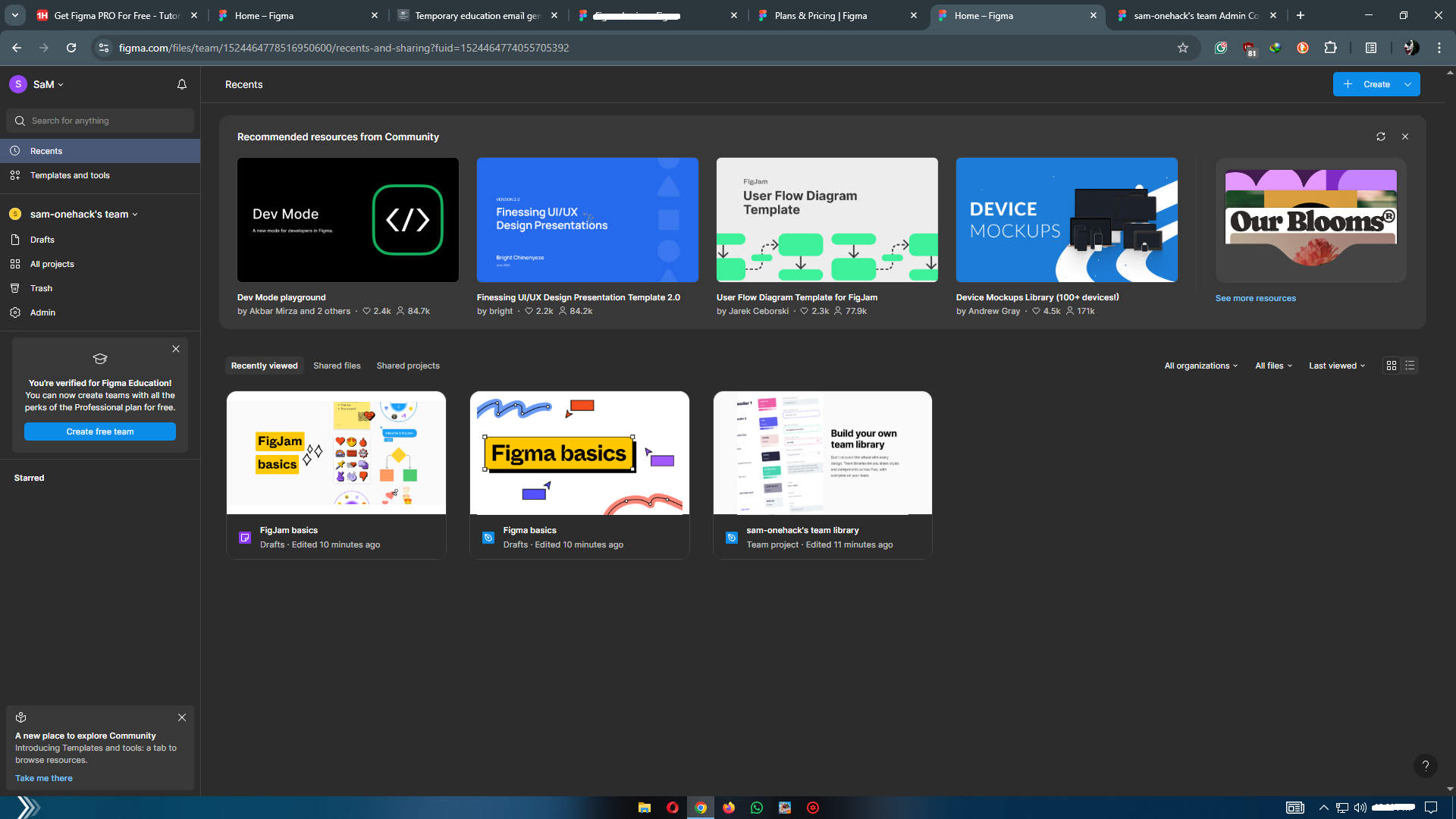
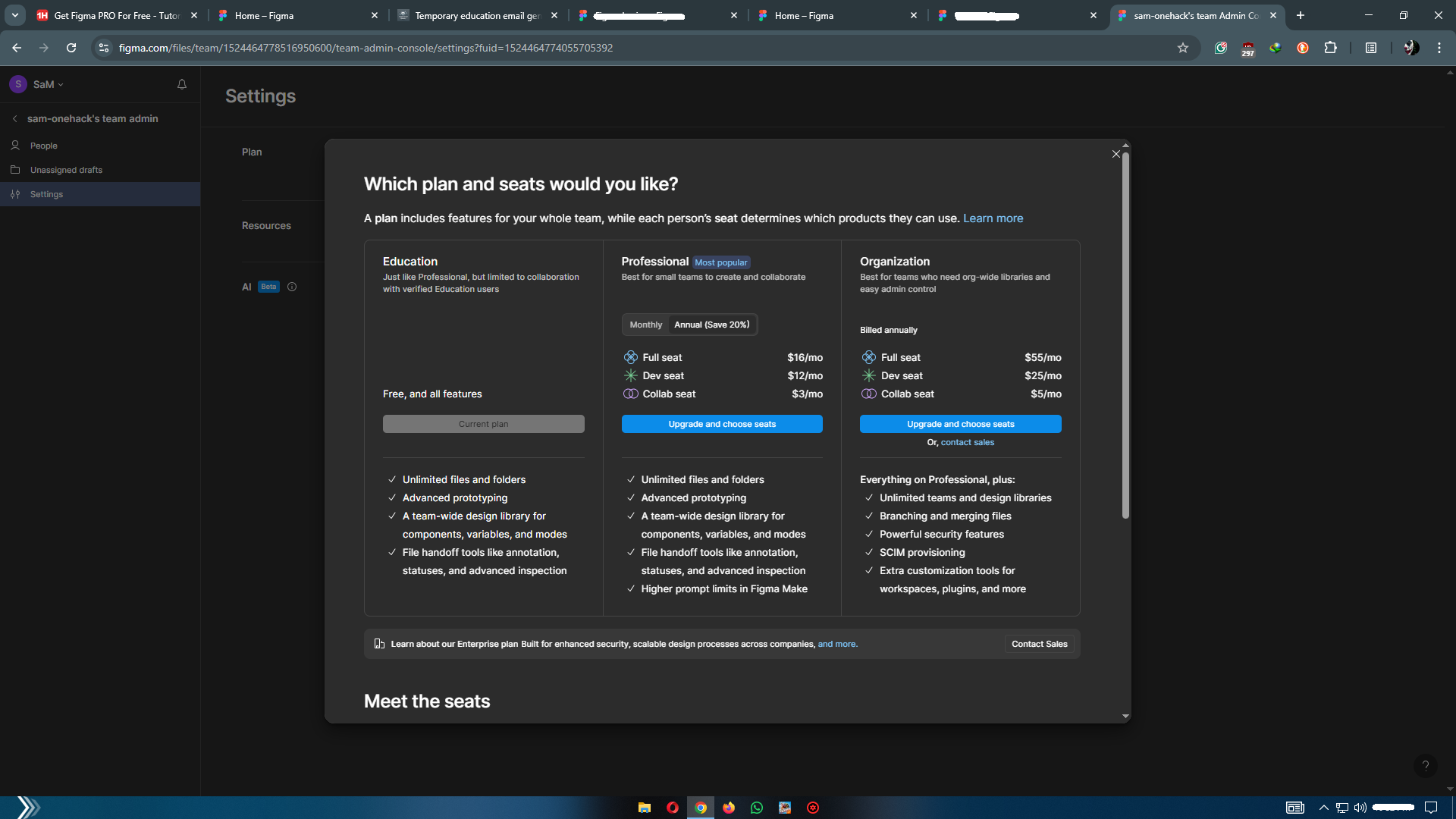

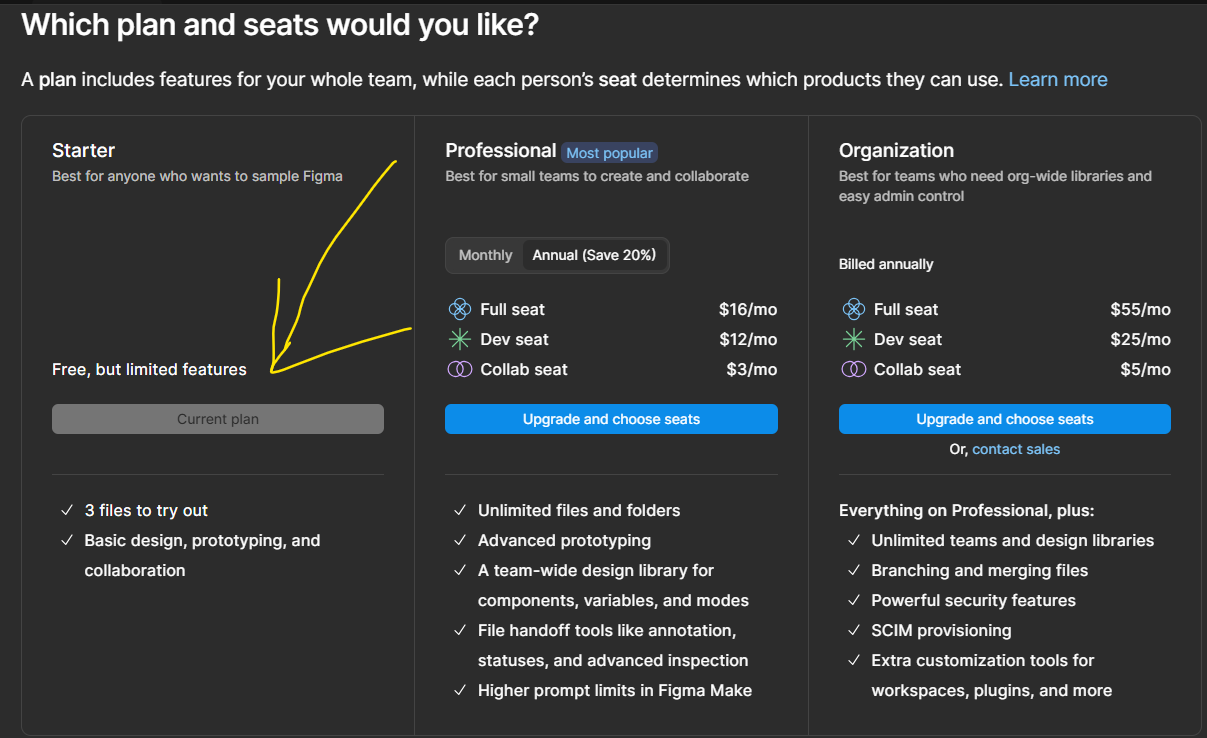
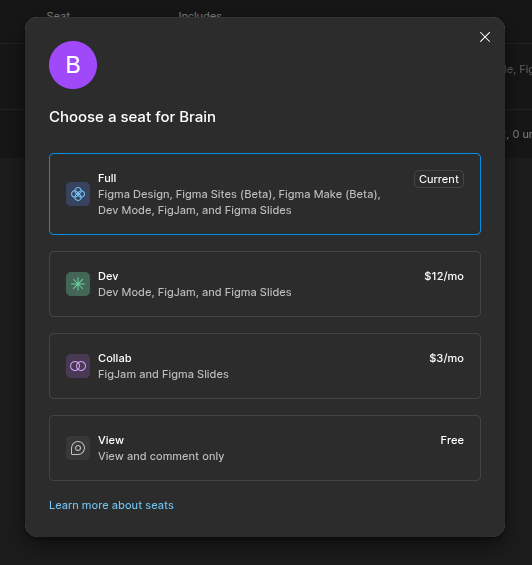
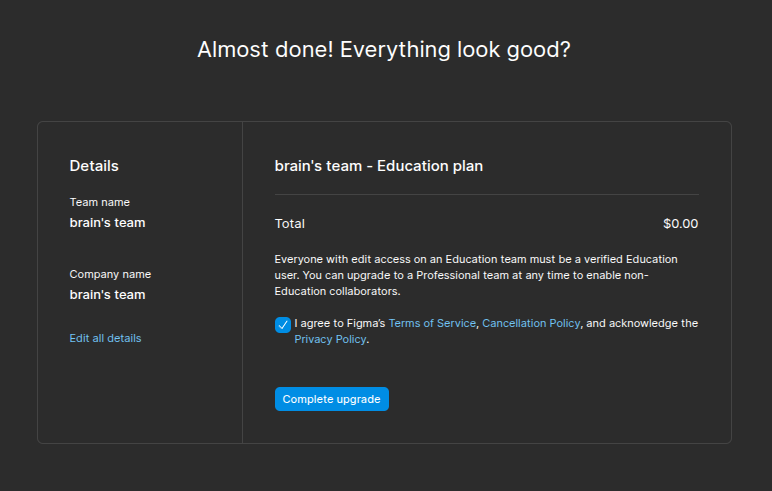

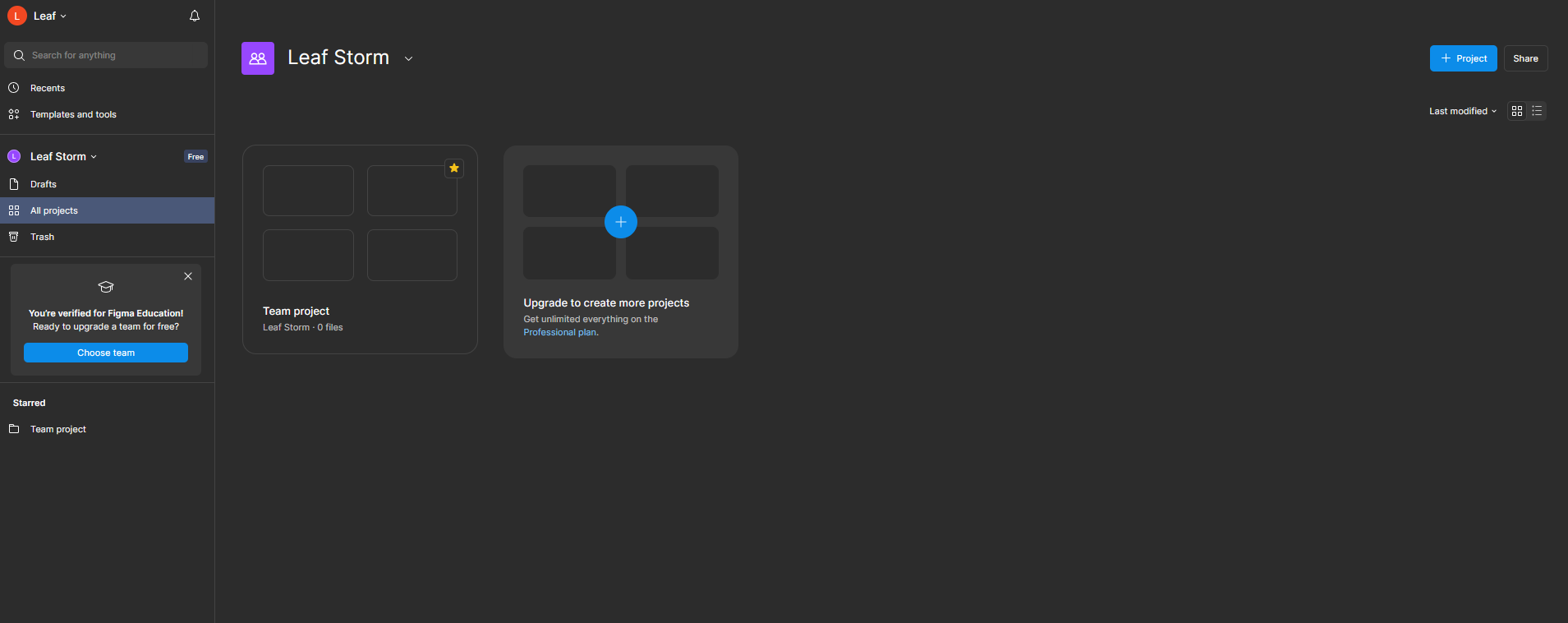
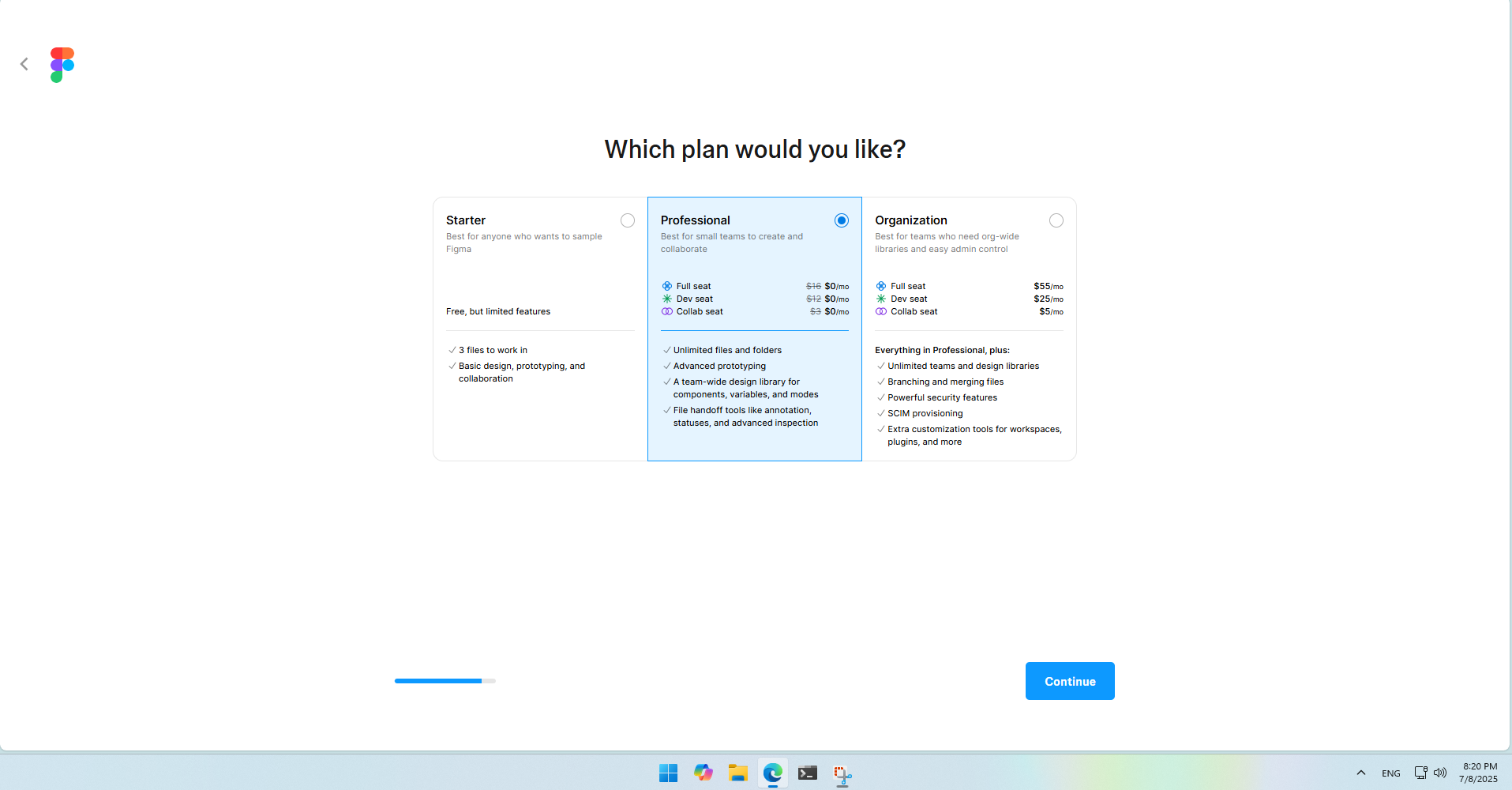
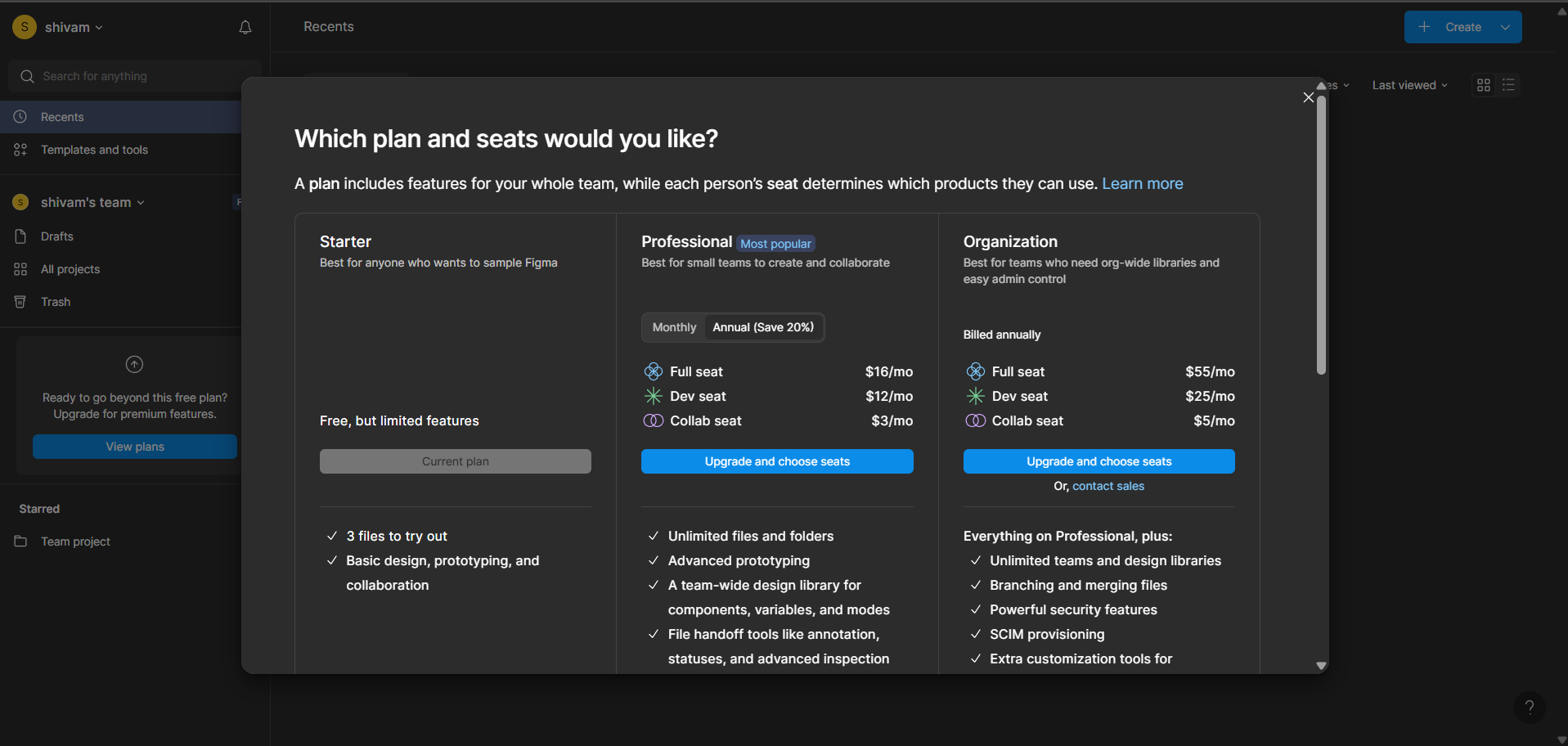
 Upgrade Your Figma Account to Pro (Education Plan)
 Step-by-Step Guide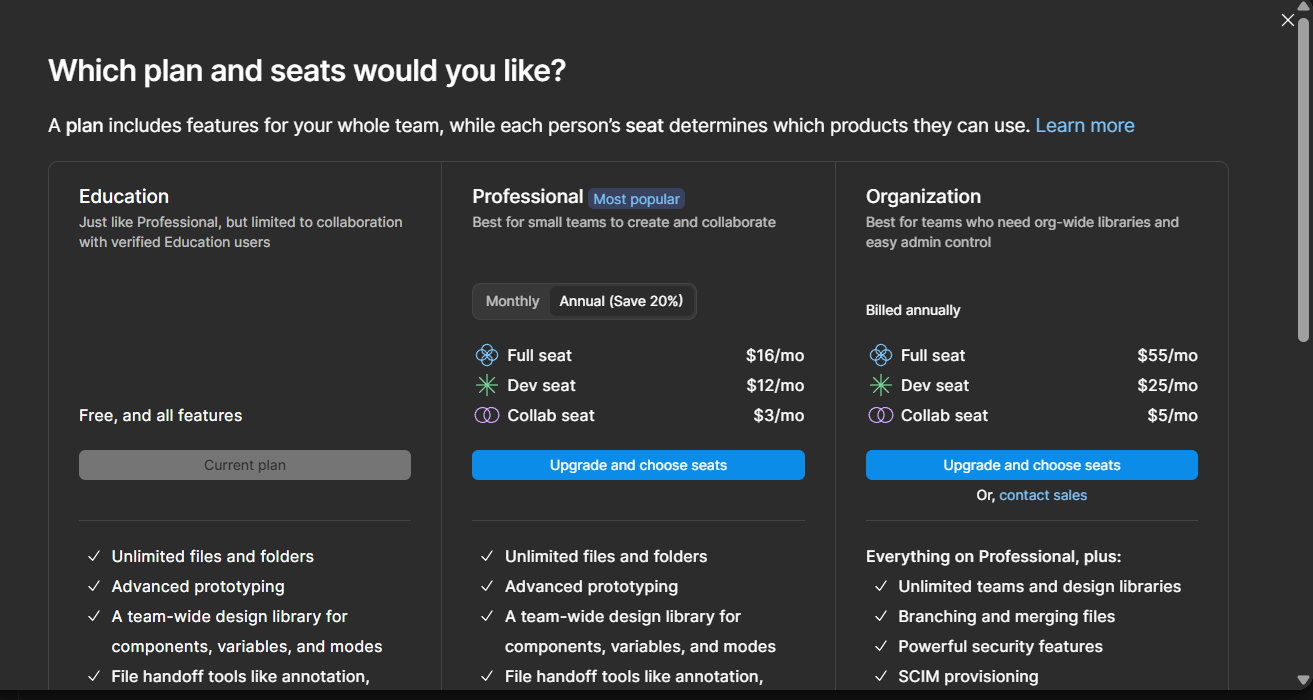
 Done!
Done! !
!