
 Speed: Unlimited
Traffic: Unlimited
Windows, Android, iOS, Mac OS, and Linux.
Site: Fine VPN
Hi guys,
you can set up and use FineVPN on your Windows device. This is also available for Android, iOS, Mac OS, and Linux. It is a completely free VPN with good internet speed and no bandwidth limitation.
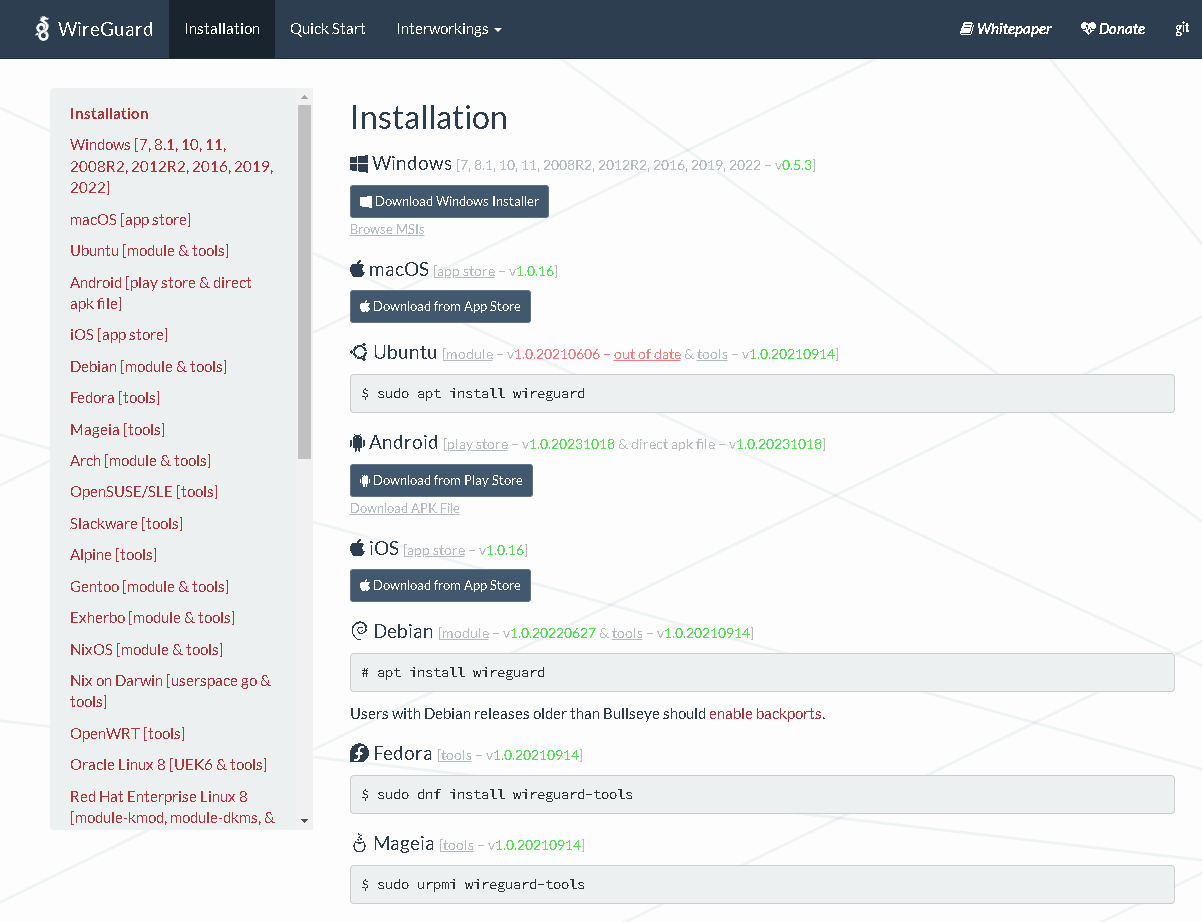
Visit official website of Wireguard. Then click on installation. From this official page, download WireGuard installer file. Once downloaded, run it to install Wireguard service on your system.
After completing the installation, what you have to open your Telegram app and then search for Fine VPN Bot. Click on Start to start the bot. Then select your language English.
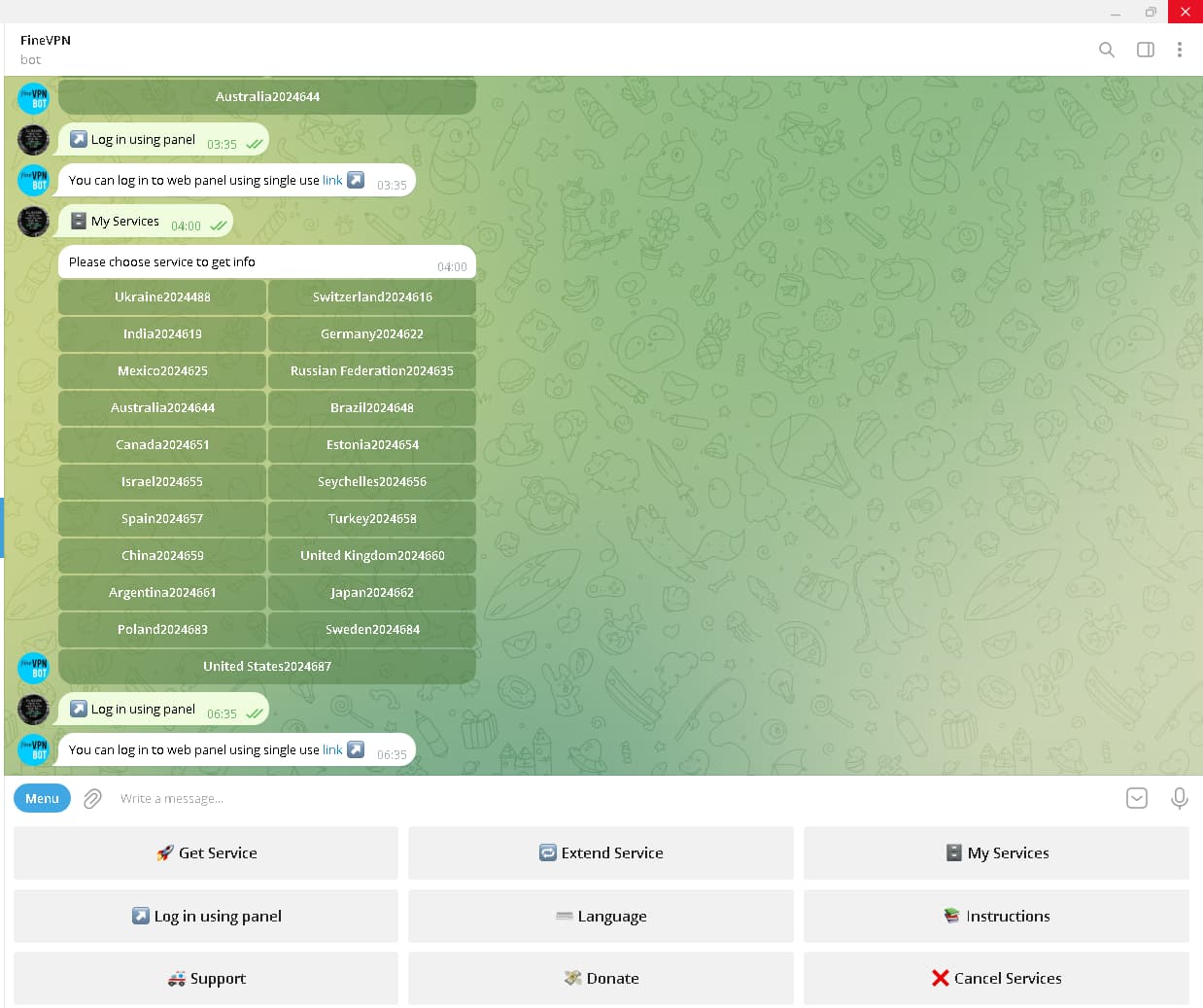
Then click on Get service. Now choose your desired VPN country,Now wait for a few seconds, You will see a configuration file with random number, so download this file from telegram into your local drive.
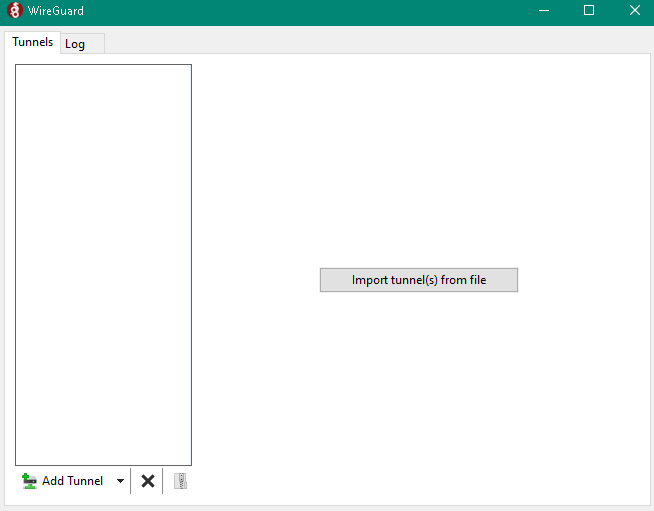
Locate the file in your hard drive, Okay now come back to the WireGuard app and then click on import tunnel from file and then select the files you have just downloaded.
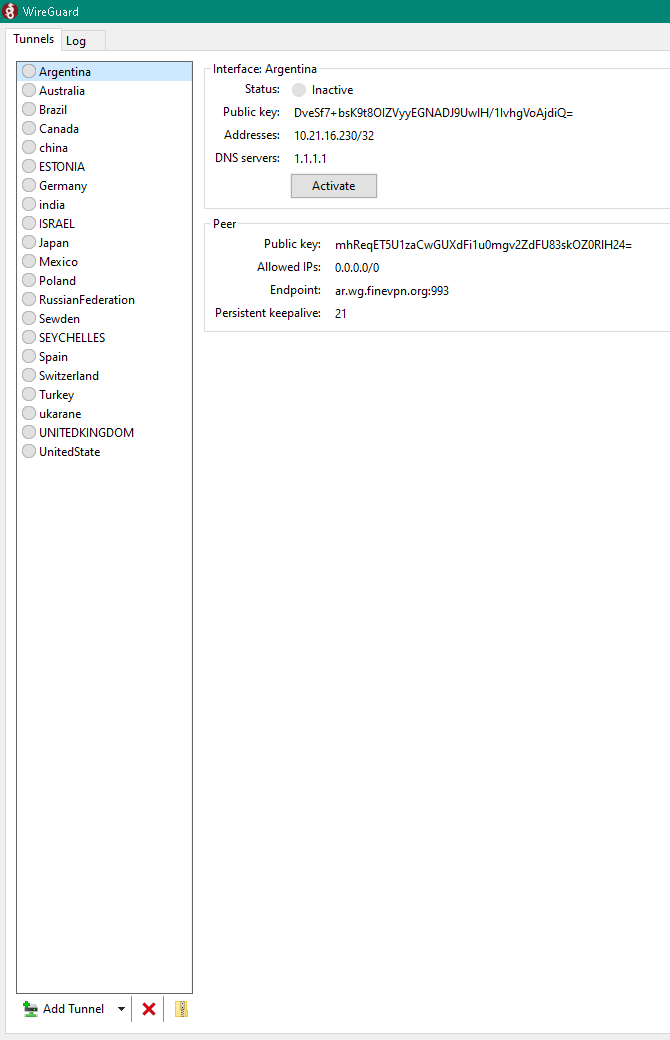
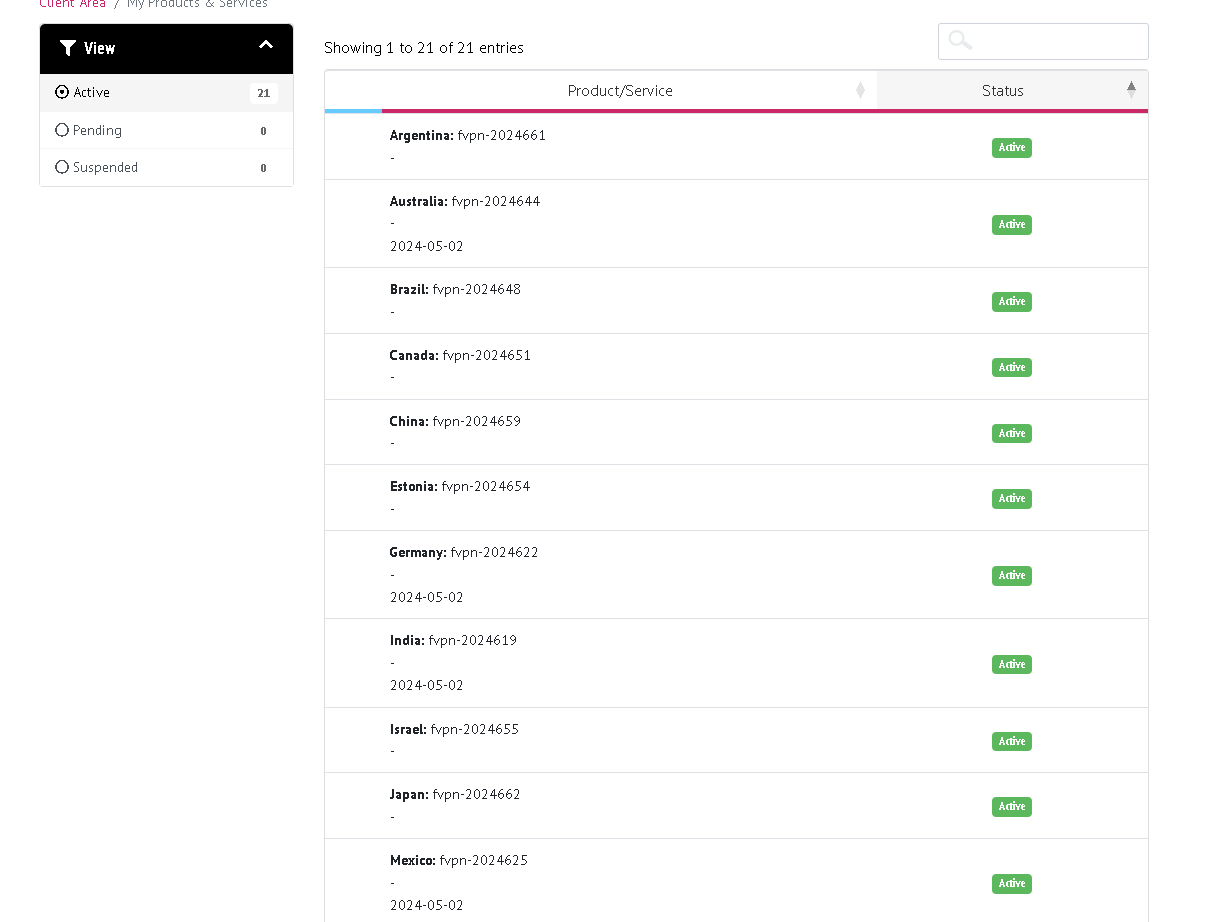
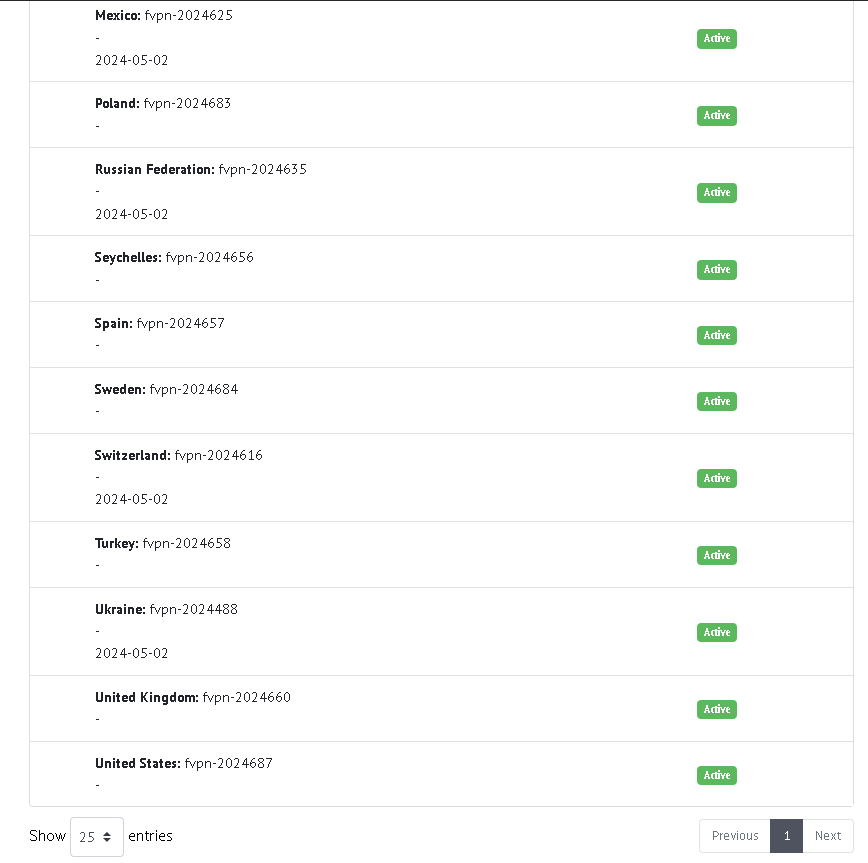
Enjoy Hit like

 !
!