Moving a big folder from Google Drive to OneDrive? MultCloud can transfer it between the cloud services without downloading it to your PC first. Its official giveaway page offers free Premium access. 
 What the official offer includes
 Premium Premium |
3 months |
 Traffic Traffic |
200GB for cloud transfers, sync, and backup |
 Price Price |
Free |
 Card Card |
No credit card needed to sign up |
 Works with Works with |
30+ cloud services, including Google Drive, OneDrive, Dropbox, and MEGA |
The key detail: 200GB is transfer traffic, not 200GB of new cloud storage. A large move uses part of that allowance; your files still live in the cloud accounts you connect.
 How to claim it
- Sign in or create a MultCloud account.
- Open the official giveaway page.
- In your MultCloud dashboard, use Enter License Code in the top-right corner.
 Claims to ignore
 “You get 200GB of free storage” — it’s transfer traffic.
- “Everyone gets one year” — the linked official page says three months.
- “No account access is involved” — you must authorize MultCloud to connect to the cloud accounts you use.
 Privacy tip: MultCloud says it connects through OAuth. Review the permissions when connecting an account; after a one-time migration, you can remove MultCloud’s access from that cloud provider’s connected-app settings.
Summary  Claim the official giveaway, enter the code, and check the duration and traffic shown in your account before planning a large migration.
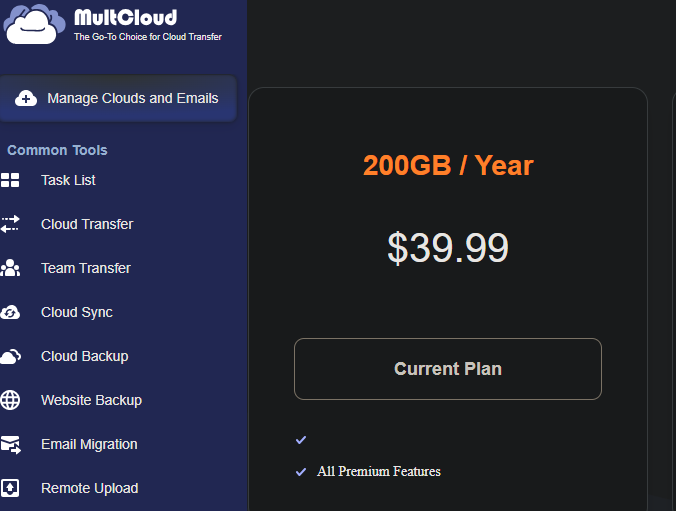
 UPDATE — 1 YEAR OPTION NOW AVAILABLE
 !
!