[GET] Office365 A1 5TB account and Team Drive

For Office365 : [Expired]

  1. Go to https://ms.404edublog.cf/#/
  2. Enter “404edu” in invitation code
  3. Fill Details
  4. Enjoy

For Team Drive: [Working]
1 ) https://gd.404edu.workers.dev/
2) Enter a name for your team Drive in the first box
3) Enter the email address where the team drive to appear.
4) Once Done, Check your gdrive > Shared drives folder

32 лайка

Permission denied

For me, both are working,
– Make sure all adblockers are off.
– Clear out your entire history of the browser before using that website for entering the info
3 лайка

Just created one. Thanks

Turn off your ad-blockers and try again.

1 лайк

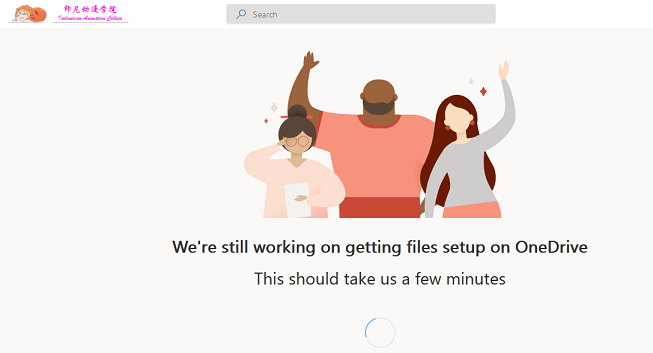
being stuck in file setup on onedrive. Me alone?

After 1 hour or so it will work.
I also get this issue, automatically resolved after 1 hour.

Gdrive is work like charm

Office 365 still.not work not sure the problem

First have the SAME warning message…
switch to INCOGNITE session ..and work it

How long is the license to office 365 and onedrive valid?

thanks! working fine

Thank you bro, it’s working (Office365)

2 лайка

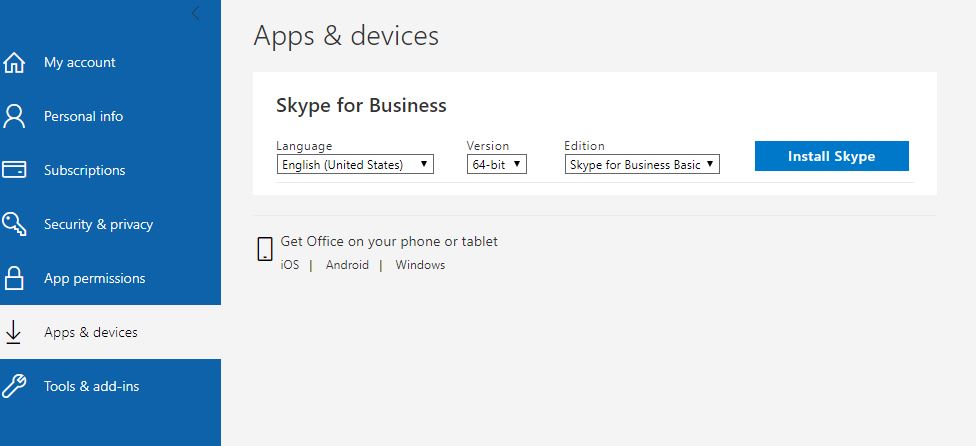
missing office?

It gives 1TB of space. I have been allocated 1TB.

1 лайк

Thank you it is working

2 лайка

same here, have you any solution?

please share screenshot of office download page, i have only skype download option.

Working great thank you sharing

Same problem facing…
But now i open direct onedrive. Com its automatically working fine with 5TB.

Working fine for me. Created with no vpn no clear history no incognito. Just created normal by me. Enter invite code correctly.