AnyMP4 Screen Recorder helps you to record any kind of screen on computer like online videos, games, GoToMeeting, Skype calls, Podcast, online conference, webcam videos, webinars, lectures and more.
With its intuitive and terse interface, you can master it quickly. It is a powerful software for video recording, and can record all video files and sound that are played on the computer screen. Whether you want to record a streaming video or a Blu-ray movie as a video file, record Skype calls or webinars, this software can help you. After recording, it saves the video files in WMV or MP4 format.
Giveaway details
Terms of the offer
License key for 1 year
Home user only
Not for resale
thanks, @TheJoker awesome share
Thank you, for sharing this usefull software.
Aina
14.Июнь.2021 16:58:16
7
Visit the Link
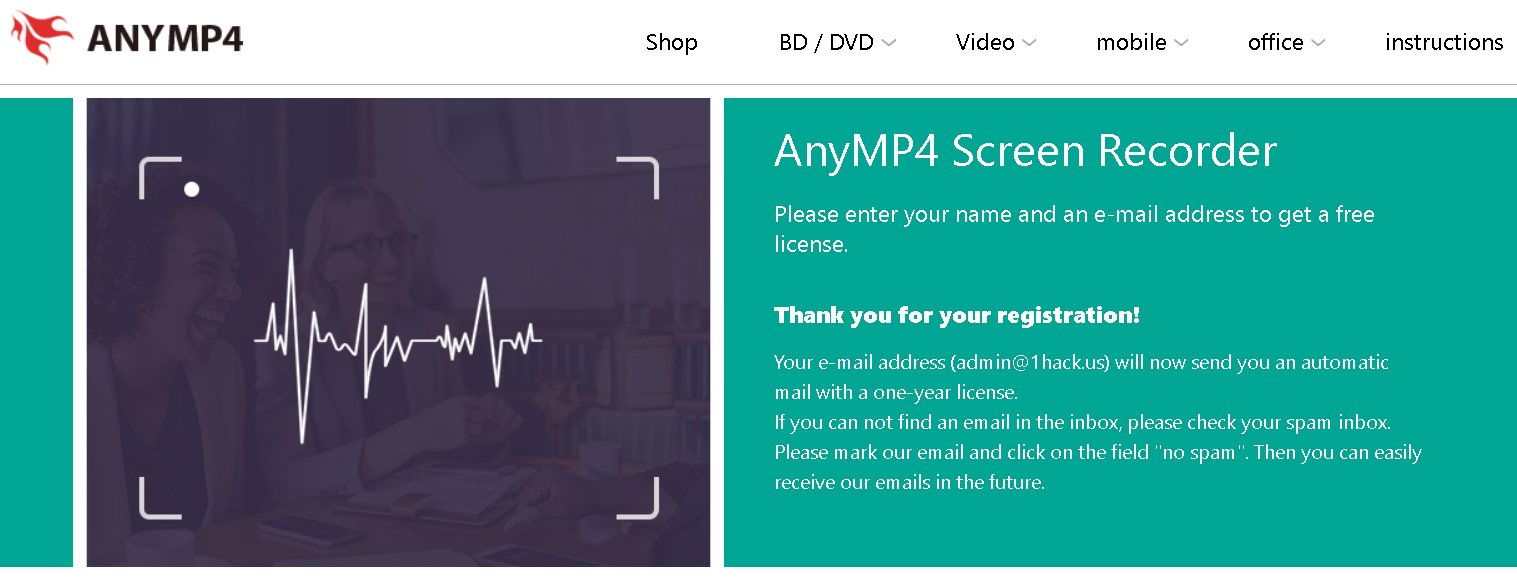
Enter your name and email address. Click on “Senden”. You will receive an email containing the license key.
Software:-
Note:- As it is a giveaway software activate ASAP before it ends.
Enjoy!
Aina
07.Ноябрь.2021 09:55:47
8
Visit the AnyMP4 Screen Recorder giveaway page
Enter your name and email address. Click on “Senden”. You will receive an email containing the license key.
Software:-
Note:- As it is a giveaway software activate ASAP before it ends.
Aina
23.Июль.2022 20:43:03
9
Step 1. Go to the GIVEAWAY PAGE
Enter your name and email address then click on the “Senden” button
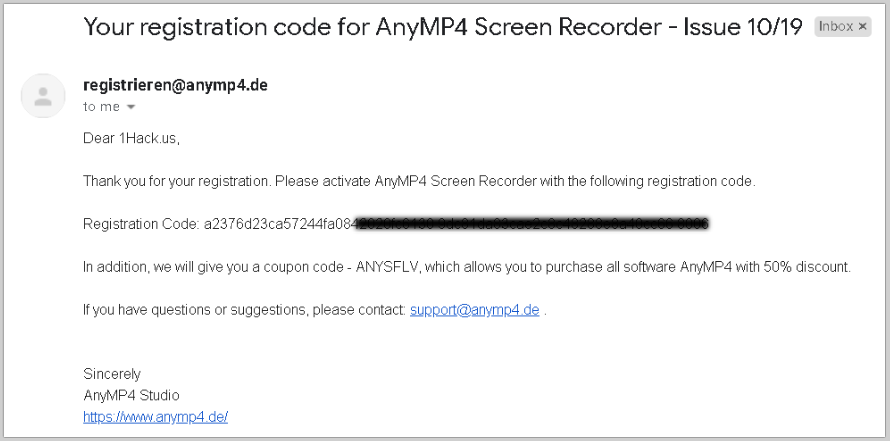
Step 2. Check your inbox for an annual license.
Step 3. Download the installer: screen-recorder.exe
This is a 1-year license code for the home user
No free update or tech support
Thanks for Sharing this @TheJoker
Aina
12.Апрель.2023 23:02:32
12
Step 1. Go to the GIVEAWAY PAGE
Enter your name and email address then click on the “Senden” button
Step 2. Check your inbox for an annual license.
Step 3. Download the installer: screen-recorder.exe
This is a 1-year license code for the home user
No free updates or tech support
Aina
28.Апрель.2023 23:57:41
13
Step 1. Go to the GIVEAWAY PAGE
Enter your name and email address then click on the “Senden” button
Step 2. Check your inbox for an annual license.
Step 3. Download the installer: screen-recorder.exe
This is a 1-year license code for the home user
No free updates or tech support
Aina
24.Июль.2023 20:43:51
14
Step 1. Go to the GIVEAWAY PAGE
Enter your name and email address then click on the “Senden” button
Step 2. Check your inbox for an annual license.
Step 3. Download the installer: screen-recorder.exe
This is a 1-year license code for the home user
No free updates or tech support
Aina
21.Октябрь.2023 23:51:12
15
Step 1. Go to the GIVEAWAY PAGE
Enter your name and email address then click on the “Senden” button
Step 2. Check your inbox for an annual license.
Step 3. Download the installer: screen-recorder.exe
This is a 1-year license code for the home user
No free updates or tech support
Aina
10.Март.2024 23:39:57
16
Step 1. Go to the GIVEAWAY PAGE
Enter your name and email address then click on the “Senden” button
Step 2. Check your inbox for an annual license.
Step 3. Download the installer: screen-recorder.exe
This is a 1-year license code for the home user
No free updates or tech support
Aina
11.Май.2024 20:05:00
17
Step 1. Go to the AnyMP4 Screen Recorder giveaway page
Enter your name and email address, then click on the “Send” button
Step 2. Check your inbox for an annual license. If you can not find an email in the inbox, please check your spam inbox.
Step 3. Download the installer: screen-recorder.exe
This is a 1-year license code for the home user
No free updates or tech support

 !
!