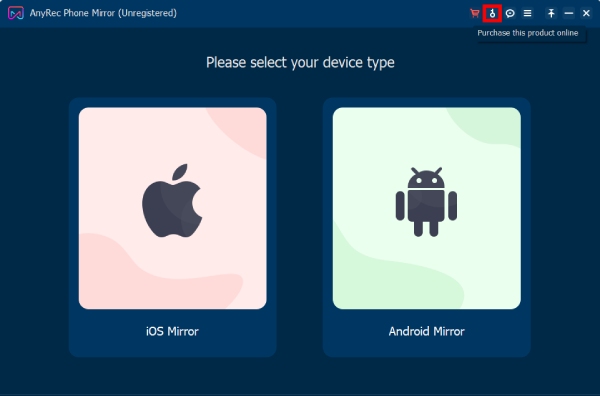
Just like its name, AnyRec Phone Mirror is a powerful phone mirror application that is designed to mirror your phone. To be more specific, this screen mirroring tool is able to cast multiple iPhone and Android screen video and audio to a PC. This tool will connect your smartphone with computers via USB connection, Wi-Fi, or QR code to allow you to control your devices smoothly and stably. This software focuses on iOS and Android screen mirroring to Windows, including the latest Android 14 and the latest iOS 17.
This advanced yet user-friendly tool offers numerous advantages and features to help you easily enjoy your favorite games, films, TV shows, images, and presentations on a larger screen. With the help of the AnyRec Phone Mirror, you also can take screenshots or record the screen while mirroring your Android/iPhone to the PC. Moreover, the program provides the “Brush” button to highlight a specific region of your content. You are allowed to select between multiple shapes to draw on your screen as well as use functions like “Airbrush”, “Text”, “Callout” or “Images” to decorate your screen.
- Product name: AnyRec Phone Mirror
- Website: https://www.anyrec.io/video-converter/
- License type: 1-Year
- Platform: Windows
- Download: phone-mirror.exe
- Giveaway link: click here
How to get the license key?
Instructions
AnyRec provides free 1-year license keys of Phone Mirror (Windows version only) to all users. On the AnyRec Phone Mirror giveaway, please type your name, and email address to grab 1-year free license code.
Click on the above download link to download and install the software on your computer. When the installation is done, launch it. On the main window software, click on the key icon then copy and paste the above license code to activate the software with full functions.
- This is a 1-year license
- No free updates
- No free technical support

 !
!