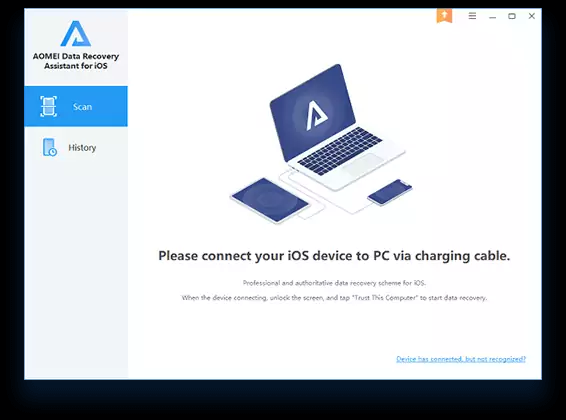
Complete and easy iPhone recovery solutions from an industry leader to restore lost photos, contacts, notes, videos, reminders, app and other stuff on iPhone.
Features:-
Scan and preview phone data
Scan the iOS devices for deleted data and preview what data are important for you and needs to be recovered before final phone data recovery.
Restore data selectively
Select only necessary photos, videos, or other items to recover from the iOS device, rather than recovering all phone data to PC.
Export data to computer
Export and save recovered phone contents such as chats, images, audios, videos or other types of files to computer so as to make a backup or data transfer.
Support different iOS device
AOMEI Data Recovery Assistant for iOS allows you to recover messages and other data from all models of iPhone, iPad Air, iPad mini, iPad Pro, iPod touch, and iPad, including the latest iOS 14.4/14, and the newest iPhone 12 mini/12/12 Pro(Max).
Giveaway:-
Step 1. Download the installer for AOMEI Data Recovery Assistant for iOS version 2.0.0 –> click here
Step 2. Install the software on your computer then open it.
Step 3. Please input or paste the license key exactly as shown below to register the AOMEI Data Recovery Assistant for iOS software for free
AWRP-BW36I-V2P3N-7QSYC
- This is a 1-year license for AOMEI Data Recovery Assistant for iOS version 2.0.0
- You will get free updates for 1 year
- No free technical support
- It can be installed or reinstalled at any time.
Enjoy!

 !
!